
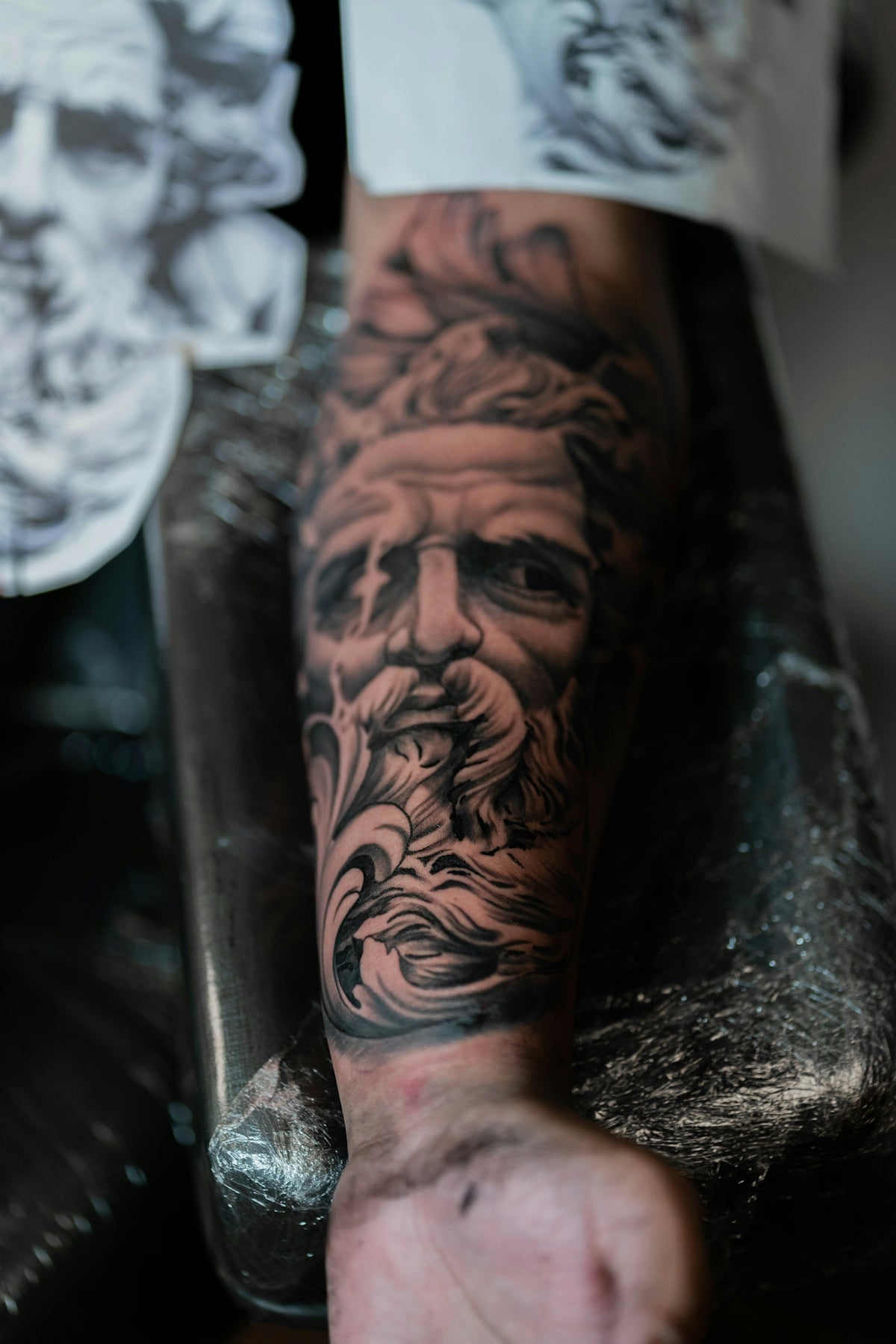
Are you eager to elevate your digital tattoo design game but unsure where to begin? Whether you're a budding artist or a seasoned professional, mastering the art of realistic shading with Procreate tattoo brushes can significantly upgrade your work. Discover how the robust capabilities of the 'PRO TATTOO KIT' available at tattoobrushes.com can transform your artistic abilities and bring your digital designs to life. Explore Procreate tools that make you feel like a pro.
Introduction to Procreate Tattoo Brushes
Procreate has emerged as a transformative tool for tattoo artists, offering a versatile platform for both conceptualizing and refining designs before the ink meets the skin. With an array of brushes designed explicitly for tattoo art, Procreate provides the capability to create intricate and stunning designs.
In this post, we will delve into how you can harness the power of Procreate tattoo brushes to achieve realistic shading—essential for creating life-like tattoo designs. Whether you're transitioning from traditional methods or looking to enhance your digital setup, this guide will provide step-by-step instructions tailored to artists of all levels.
Understanding the Importance of Shading
Shading in tattoo art is pivotal to adding depth, dimension, and realism to your designs. It's the component that transforms a flat image into something dynamic and vivid. When done correctly, shading can breathe life into a design, highlighting intricate details and setting the mood of the piece.
For those transitioning to digital platforms, adapting traditional shading techniques to digital tools like Procreate can seem daunting. However, with the right understanding and tools, the transition can be seamless.
Why Use Procreate for Tattoo Shading?
Procreate provides unique advantages when it comes to digital tattoo design. It allows artists to experiment with different techniques without the fear of ruining the original design. Additionally, it provides a non-destructive environment for testing shading techniques and getting immediate feedback on the overall effect.
Selecting the Best Procreate Tattoo Brushes
The choice of brushes is crucial for achieving the best results in digital tattoo design. Fortunately, the Best Procreate Tattoo Brushes for Digital Tattoo Design Success guide offers exceptional insights into selecting the appropriate brushes.
Top Brush Selection Tips:
- Purpose-Driven Selection: Choose brushes tailored specifically for the aspect of tattoo design you are focusing on—be it outlines, shading, or fills.
- Quality Matters: High-quality brushes deliver better results and are often more versatile, making them ideal for complex designs.
- Experimentation is Key: Test different brushes to find the ones that best fit your style and artistic needs.
Realistic Tattoo Shading: Step-by-Step Guide
Achieving realistic shading with Procreate involves understanding layer management, brush settings, and applying various shading techniques.
Step 1: Set Up Your Workspace
Begin by creating a clean workspace in Procreate:
- Use Layers: Organize your layers by separating structure from details, with separate layers for outlines, shading, and color.
- Brush Settings: Customize brush settings according to size, opacity, and pressure sensitivity to match your natural hand movements.
Step 2: Begin with Light Shading
Start by establishing a light base shadow using broader strokes. This provides the foundational tone on which to build depth.
- Use Soft Brushes: Softening the initial shadow allows for easier adjustments and blends more naturally.
Step 3: Employ Gradual Shading Techniques
Here, patience is vital. Incorporate gradual layering:
- Build Gradually: Slowly increase the darkness of your shading, focusing on the natural contours of the subject.
- Cross-Hatching: Use cross-hatching techniques for areas requiring more texture.
Step 4: Focus on Blending
Blending is essential for achieving smooth transitions:
- Smudge Tool: Utilize the smudge tool thoughtfully to soften harsh edges and create seamless transitions.
Step 5: Finishing Touches
Refine your shading with highlights, using lighter brush strokes to add points of interest and dimensionality.
Tools for Perfection: The PRO TATTOO KIT
For those serious about elevating their work, the 'PRO TATTOO KIT' from tattoobrushes.com offers a compendium of advanced tools designed for digital artists. From intricate linework to sophisticated shading solutions, it ensures professional quality output every time. Learn more about how it can transform your shading skills.
Mastering Tattoo Stencils in Procreate
Creating effective stencils is as crucial as mastering shading:
- Leverage Templates: Utilizing templates can improve your workflow, ensuring consistency and precision across your designs.
- Adjust Opacity: Play with stencil opacity to suit different stages of your design process.
To further your understanding, visit Best Tattoo Stencils Procreate for an expert guide.
Conclusion
By embracing Procreate tattoo brushes, you are no longer bound by physical limitations, thereby opening up endless possibilities in digital artistry. With careful practice and the right tools—like those from tattoobrushes.com—you can achieve immaculate shading that elevates your digital tattoos from simple designs to masterpieces.
Embrace this opportunity to refine your skills and start designing tattoos the right way. Invest in your artistic journey today and watch your tattoo designs come to life with unparalleled detail and realism.

Leave a comment
This site is protected by hCaptcha and the hCaptcha Privacy Policy and Terms of Service apply.