
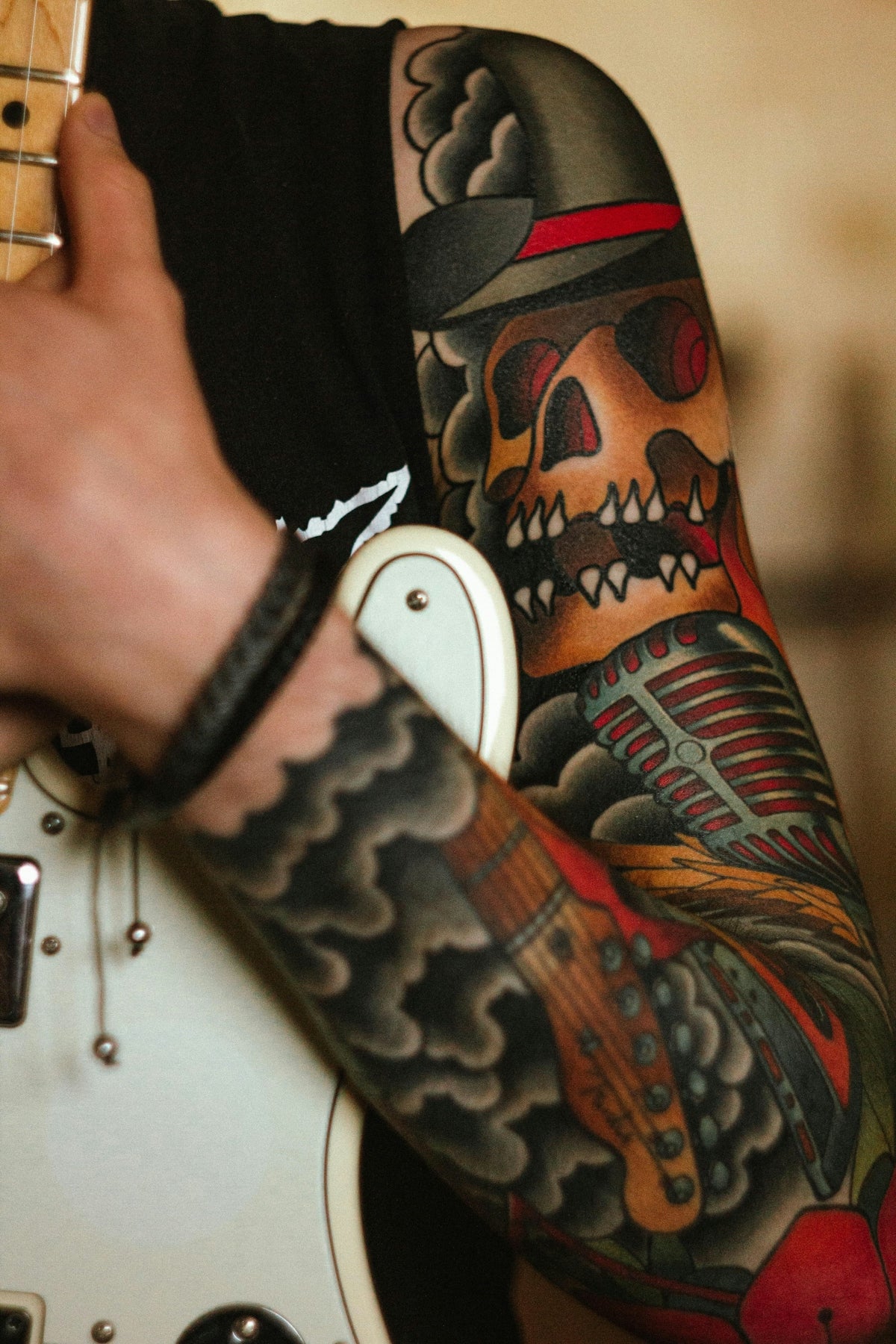
If you've ever felt that your digital tattoo designs could be taken to the next level, you're in the right place. Whether you're an aspiring artist diving into the world of digital tattoo design or a seasoned professional looking to refine your skills, mastering the use of Procreate tattoo brushes will be a game-changer. Leverage the power of high-quality tools like TattooBrushes.com's PRO TATTOO KIT for that unmistakable professional finish. Explore Procreate tools that make you feel like a pro.
Why Use Procreate for Tattoo Design?
Procreate has become a staple for artists aiming to translate their creativity into digital formats seamlessly. The app is revered for its intuitive interface, robust features, and high-resolution outcomes. When it comes to tattoo art, Procreate helps artists sketch, refine, and perfect their designs before inking them on the skin. The app’s extensive library of brushes—especially those tailored for tattoo work—is particularly advantageous for crafting intricate linework and realistic shading.
Getting Started with Procreate Tattoo Brushes
To maximize your experience and results from Procreate, it’s essential to familiarize yourself with specialized tattoo brushes. Here's a step-by-step guide to get you started:
- Install Procreate: Ensure you have the latest version of Procreate installed on your iPad for optimal performance and access to the latest features.
- Acquiring Brushes: Access high-quality, professionally crafted Procreate tattoo brushes, such as those found in the PRO TATTOO KIT from TattooBrushes.com.
- Importing Brushes: After downloading your brushes, open Procreate and import them into your brush library for easy access.
- Organizing Your Toolkit: Arrange your brushes into groups—such as lining, shading, and texturing—to streamline your workflow.
Mastering Linework with Procreate
Linework is the cornerstone of any tattoo design. Crisp, clean lines elevate your artistic precision:
- Brush Selection: Choose a brush that's appropriate for different line weights. In the PRO TATTOO KIT, you’ll find a range designed explicitly for line variants.
- Stabilization and Streamlining: Utilize Procreate’s stabilization features to help create smoother lines, especially if you’re working with intricate designs.
- Pressure Sensitivity: Use an Apple Pencil to take advantage of pressure sensitivity, allowing variation in line thickness naturally.
- Iterative Process: Save iterations of your work regularly. This practice helps in reflecting upon your progress and rectifying any inconsistencies seamlessly.
Creating Depth with Realistic Tattoo Shading in Procreate
Realistic tattoo shading can transform a basic design into a lifelike replica. Here’s how you can achieve that:
- Softness and Hardness: Experiment with brushes that simulate both soft and hard gradients, essential for creating realistic depth.
- Layering: Use multiple layers to separate line work from shading. This allows for more control over each aspect of your design and easy adjustments.
- Opacity Levels: Adjust the opacity of your shading brushes for subtle changes, adding more dimensionality and realism.
- Blend Modes: Explore blend modes such as Multiply or Overlay to enhance the shading effects dynamically.
Tips for Creating the Best Tattoo Stencils in Procreate
Tattoo stencils are indispensable tools for any tattoo artist, serving as the bridge between digital artistry and skin application:
- Outline Clarity: Ensure your design outlines are sharp and precise; this allows for an accurate stencil transfer.
- Dark vs Light Backgrounds: Practice creating stencils on both dark and light backgrounds to simulate the tattoo application process.
- Guideline Layer: Use a separate layer for any guidelines that will help maintain proportions throughout the design process.
Refining Your Skills with Tattoo Artist Tools
A proficient tattoo artist toolkit is crucial for any design endeavor. TattooBrushes.com's PRO TATTOO KIT includes all you need to bring your designs to professional standards. By utilizing these expertly designed tools, you'll not only enhance your artistic capabilities but also gain confidence in the quality of your work. Start designing tattoos the right way.
Conclusion
The journey to mastering digital tattoo design on Procreate is both challenging and rewarding. By integrating the right techniques and tools, such as the professional-grade offerings from TattooBrushes.com, you can elevate your craft to new heights. Whether you’re refining your linework or shading techniques, embracing digital tools designed specifically for tattoo artists ensures that your creativity knows no bounds. Explore Procreate tools that make you feel like a pro.

Leave a comment
This site is protected by hCaptcha and the hCaptcha Privacy Policy and Terms of Service apply.