
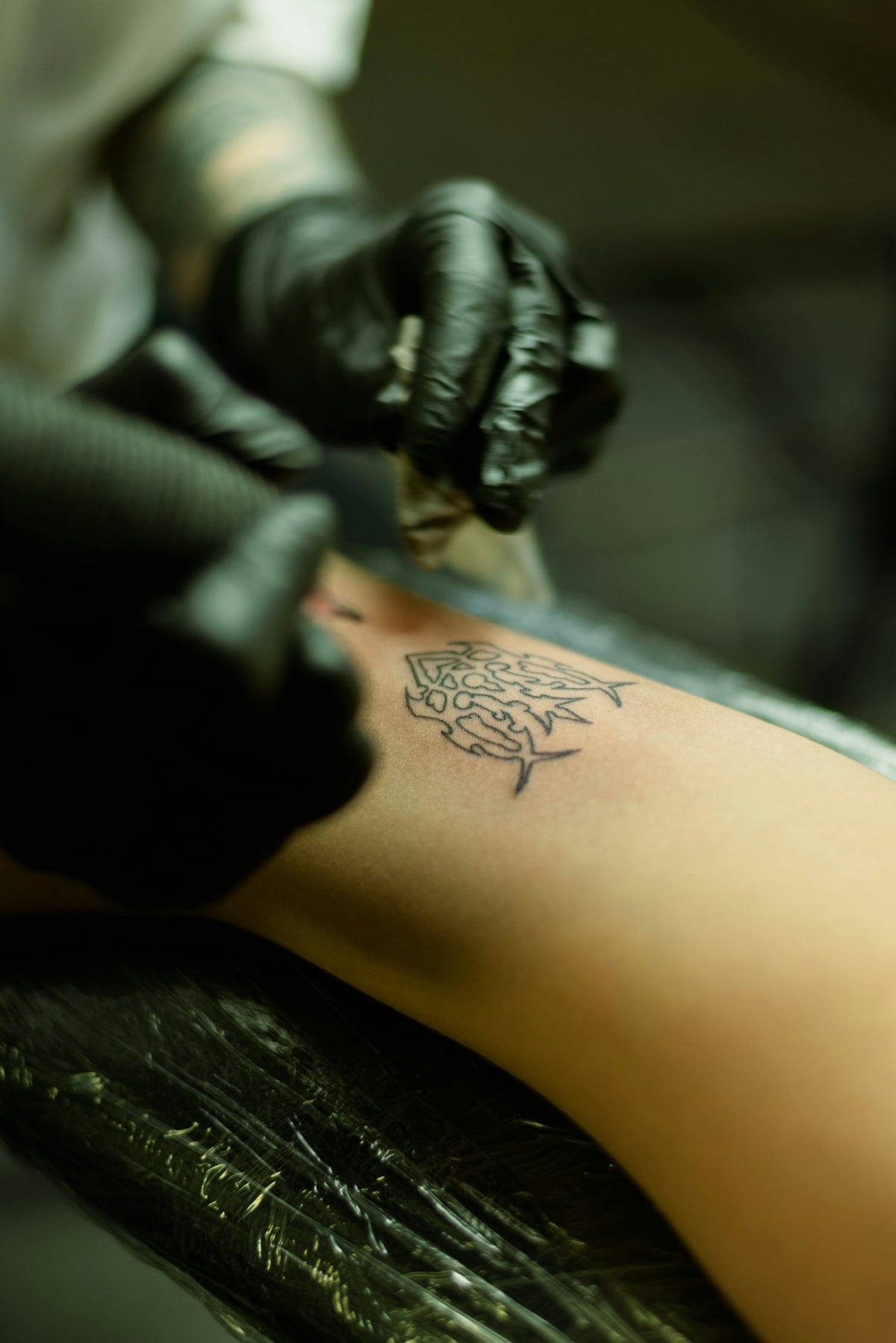
Welcome, tattoo enthusiasts and digital artists! Whether you're an experienced tattoo artist or an aspiring designer, using the right tools can redirect your journey from good to great. In today's digital age, platforms like Procreate offer incredible avenues to expand your art skills. Precision, flexibility, and creativity are at your fingertips with digital tattoo design tools. Get started with the right resources and start designing tattoos the right way.
The Importance of Tattoo Stencils in Procreate
Tattoo stencils are the backbone of any high-quality tattoo design. They provide the structure and flow crucial for bringing an artist’s vision to life. Though traditionally paper-based, stencils have evolved with technology, thus entering the digital realm via Procreate. This versatile app allows artists to craft intricate designs with unrivaled ease and precision.
When creating tattoo stencils in Procreate, it’s vital to understand the diverse types of brushes and features available. The right combination of tools can significantly impact the final outcome of your design. Let's delve deeper into how you can leverage Procreate tattoo brushes and tools to craft perfect stencil designs.
Selecting the Best Procreate Tattoo Brushes
Finding the best tattoo stencils in Procreate begins with choosing the right brushes. A diverse toolkit is essential, whether you aim for bold outlines or intricate details. The Pro Tattoo Kit from TattooBrushes.com offers a high-quality and professional standard solution tailored for all your artistic needs.
Why Use Procreate Tattoo Brushes?
- Precision in Linework: Using Procreate tattoo brushes, you’ll experience unparalleled control over lines and curves. If you want more guidance on unlocking precise digital linework, read this article.
- Versatility for Design: From sketching initial ideas to perfecting intricate designs, having brushes designed explicitly for tattoo artistry can enhance your workflow.
- Realism in Shading: A significant component of tattoo design is realistic shading. Mastering shading with digital tools can elevate your work to professional standards, worthy of any seasoned artist. Discover the best techniques for realistic shading to see how these brushes can transform your designs.
Creating a Step-by-Step Stencil Design
Step 1: Conceptualization
Before diving into digital design, start with a clear idea of your tattoo. Sketch basic outlines on paper and consider the composition, style, and symbolism of your piece.
Step 2: Choosing the Right Tools
Once you have a concept, select the necessary Procreate tattoo brushes. For versatile designs such as floral patterns or bold tribal lines, diversify your selection to include brushes that cater to both detail and overall composition.
Step 3: Outlining in Procreate
Transfer your basic sketch to Procreate. Begin outlining your design using precise linework brushes. Maintain consistent pressure for smooth, even lines. Familiarize yourself with techniques for achieving smooth shading with Procreate tattoo brushes to enhance the quality of your outline.
Step 4: Layering and Detailing
Utilize Procreate's powerful layering function to build upon your design without altering the foundational structure. Use finer brushes for detailed portions and broader ones for bold outlines and fills.
Step 5: Shading and Texture
Implement Procreate tattoo brushes for realistic shading. Adjust brush opacity and size to create depth and texture within your design. For an in-depth understanding of shading artistry, refer to articles that focus on best practices.
Step 6: Final Touches and Exporting
Make necessary adjustments on your layers, ensuring colors and shades achieve your desired effect. Once satisfied, export your stencil design, ready for application or further refinement.
Elevating Your Craft with Tattoo Artist Tools
The application of tattoo stencils in digital form is rapidly becoming the standard in modern tattoo artistry. By utilizing high-quality tools such as those offered by TattooBrushes.com, you guarantee an upgrade in your artistic output. Explore and invest in tools that enhance creativity and facilitate your process to feel empowered and professional in every stroke.
Conclusion
Whether you're using these insights to master digital tattoo design or simply exploring the possibilities of Procreate tattoo brushes, remember that the journey of becoming an expert artist involves both experimenting with new tools and refining traditional skills. Forge ahead with confidence, and let your creativity soar with every design. Explore Procreate tools that make you feel like a pro and see the transformation in your art today.
In digital artistry, the tools you choose become your canvas, your palette, and ultimately, your voice. By mastering Procreate and the plethora of resources available, you can craft designs that tell compelling stories, evoke emotions, and leave a lasting impact. Join the digital art revolution with TattooBrushes.com and see just how far your creativity can go.


Leave a comment
This site is protected by hCaptcha and the hCaptcha Privacy Policy and Terms of Service apply.