
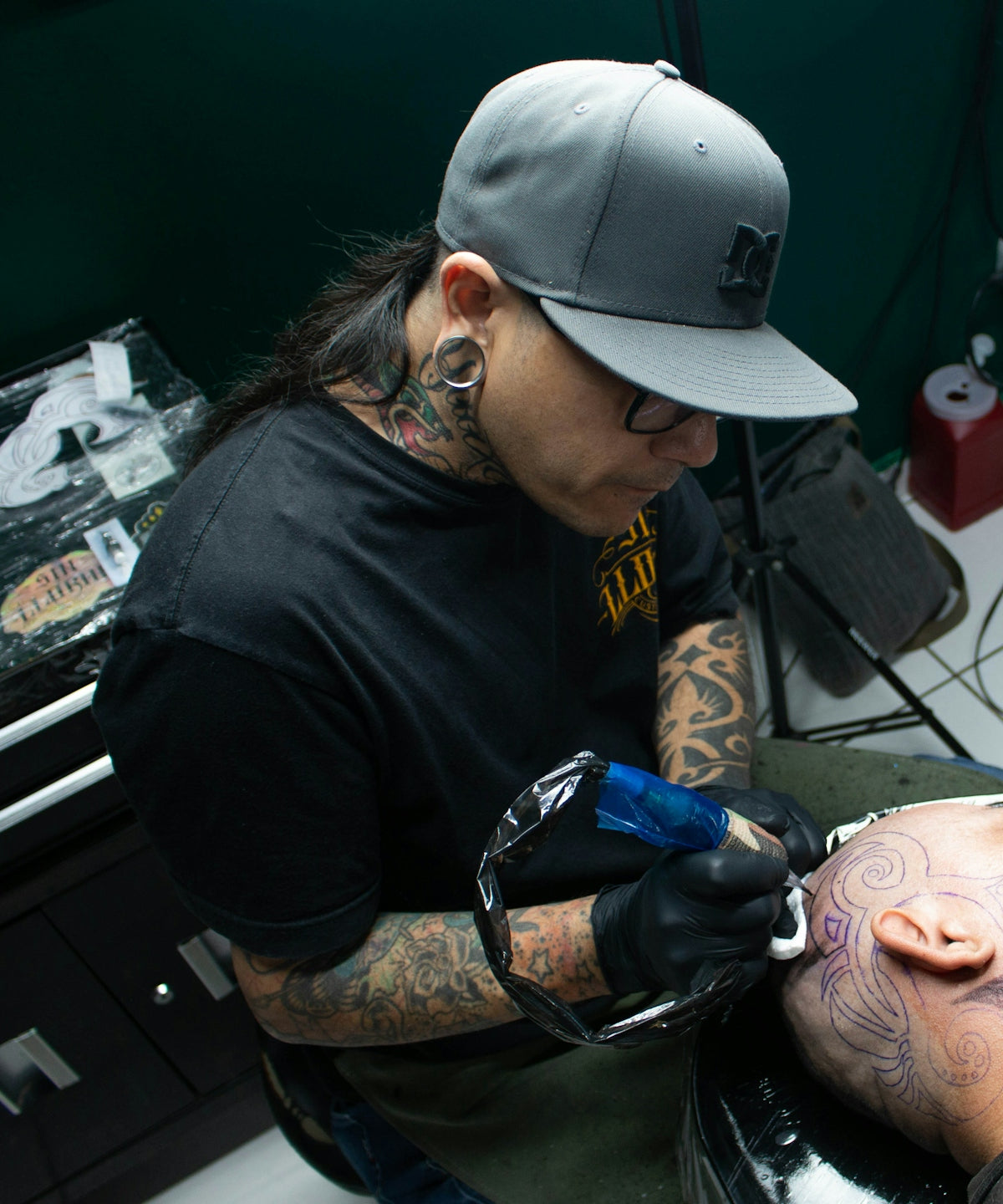
In the ever-evolving world of tattoo artistry, mastering digital tools has become an essential part of honing your craft. For both budding tattoo artists and seasoned professionals, the ability to create precise and realistic tattoo stencils is crucial. Today, we're diving into how you can master tattoo stencil creation using Procreate. With the PRO TATTOO KIT from Tattoo Brushes, you can upgrade your art with the best digital tools available. Ready to start designing tattoos the right way? Let's embark on this journey to elevate your craft.
Understanding the Basics of Procreate Tattoo Design
Procreate is a powerful digital illustration tool that artists across various domains have embraced for its versatility and user-friendly interface. When it comes to tattoo stencil creation, Procreate stands out as a top choice for its high customization options and a rich library of brushes.
Why Choose Procreate for Tattoo Stencils?
Procreate gives you control over each element of your design, from the linework to the shading. It provides an array of options to mimic traditional tattoo tools digitally, making it easier to translate your designs from screen to skin. Whether you are sketching intricate line art or developing complex shading, Procreate has the features that allow you to bring your vision to life.
Getting Started with Procreate Tattoo Brushes
Before diving into stencil creation, it’s vital to have the right brushes at your disposal. The Top Procreate Tattoo Brushes for Precise Linework offer a variety of options to ensure your stencils are both clean and detailed. This collection is meticulously crafted to suit all styles, whether you're focusing on traditional tribal patterns or modern geometric designs.
Step-by-Step Guide to Creating Stencils with Procreate
- Set Up Your Canvas: Start by choosing the right canvas size. A typical canvas size for stencil work is around 3000 x 3000 pixels for optimal detail.
- Select the Right Brushes: Utilize the best brushes from your PRO TATTOO KIT. Opt for line brushes to outline your design accurately. For detailed guidance on choosing the right brushes, read Create Stunning Artwork with Procreate Tattoo Brushes.
- Outline Your Design: Start with the outmost layers using a solid line brush, ensuring that your linework is defined and consistent.
- Incorporate Realistic Shading: Once the outline is complete, switch to shaders from the PRO TATTOO KIT to add depth. Techniques like cross-hatching can add dimension and realism to your stencils.
- Refine and Detail: Pay attention to finer details that can elevate your design. Incorporate textures and vibrating lines to enrich your stencil's final look.
Techniques for Realistic Tattoo Shading in Procreate
Achieving realism in shading is paramount in digital tattoo design. Here, we dive into the methods to enhance your work with realistic tattoo shading in Procreate.
Layering Techniques
Using multiple layers allows for controlled shading, where each aspect of shading can be adjusted individually. This separation lets you adjust opacity and blend without disrupting other elements.
Customizing Brush Attributes
Adjust the settings of your brushes for softness, size, and opacity depending on the effect you’re aiming for. High-quality brushes in the PRO TATTOO KIT are fully customizable, allowing for various shading techniques from smooth gradients to gritty textures.
Benefits of Using Procreate for Digital Tattoo Design
Using Procreate as your primary tool for digital tattoo design offers unmatched flexibility. You can quickly transition from initial sketches to completed stencils, save your projects in various formats, and easily share them with clients for feedback.
Moreover, the PRO TATTOO KIT ensures that every digital stroke mimics the authenticity of real tattoo equipment, providing a seamless shift from digital design to physical tattooing.
Essential Tools for Serious Tattoo Artists
To truly master your craft, it's not just about the basics. Access to Essential Digital Tools for Tattoo Artists Using Procreate ensures that you are equipped with everything you need for any creative challenge you might face. From advanced shading brushes to detailed linework tools, these resources empower you to innovate with each tattoo.
Towards Mastery: Refining Your Art
Continuous practice and dedication to improvement are key to mastering tattoo art through Procreate. As you hone your techniques, exploring new styles and techniques will help broaden your creative horizons.
Take advantage of feedback both from clients and peers. A constantly evolving skillset keeps your art vibrant and relevant. Remember, with the right tools from Tattoo Brushes, the possibilities are endless.
Are you ready to transform your digital tattoo design experience? Explore Procreate tools that make you feel like a pro at Tattoo Brushes. Embrace the change, and let your creativity soar to new heights.

Leave a comment
This site is protected by hCaptcha and the hCaptcha Privacy Policy and Terms of Service apply.