
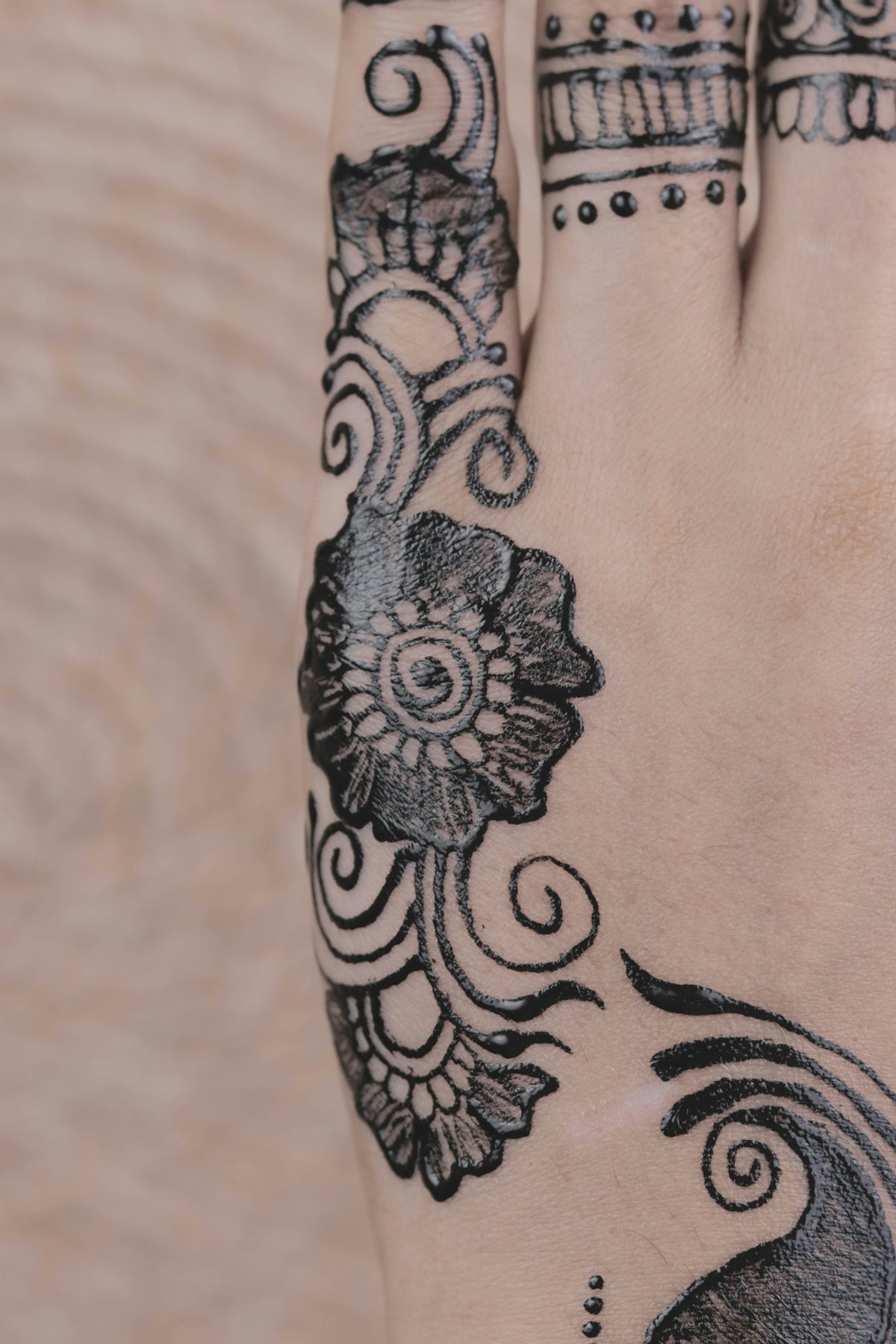
As an artist, mastering linework is essential both for creating outstanding digital tattoos and for enhancing your professional portfolio. With the rapid rise of digital art and tools like Procreate, artists now have unprecedented opportunities to refine their craft. Are you ready to take your skills to the next level? Explore Procreate tools that make you feel like a pro and witness the transformation in your artwork. In this guide, we'll delve into the intricacies of Procreate tattoo brushes with a special focus on achieving immaculate linework.
Why Digital Tattoo Art?
Digital tattoo art encompasses a world where creativity knows no bounds, offering endless opportunities for customization and precision. It's not just about transferring an idea onto skin but also about creating a visual story that captivates the audience. With tools like Procreate, tattoo artists are empowered to execute their designs with finesse and precision that translate seamlessly from a digital canvas to human skin.
Tools and Supplies for Superior Linework
Before we dive into techniques, let's talk about tools. The quality of your brushes can make or break your design. That's why the PRO TATTOO KIT from TattooBrushes.com is a game-changer. This kit, known for its professional range of customizable brushes, replicates the nuanced skills required for traditional tattoo artistry. Using an appropriately crafted digital brush is crucial for all artists striving for precision in their lineart.
Understanding Procreate Linework
1. Setting Up Your Canvas
In Procreate, the first step is to set up an optimal canvas size. A standard practice is beginning with at least a 300-dpi resolution—this ensures every detail is crisp and scalable. Create your document to suit the usual dimensions you work with in real-life tattoo applications.
2. Selecting the Right Brushes
The selection of Procreate brushes can significantly impact your line quality. For those venturing into blackwork tattoo trends, engaging the right sets of brushes—such as the custom linework brushes in the PRO TATTOO KIT—will help replicate those bold, crisp lines characteristic of the style. Learn more about essential Blackwork Tattoo Trends here.
3. Pressure Sensitivity and Stroke Stability
Procreate’s pressure sensitivity options enable you to mimic the pressure of a physical pen or tattoo machine. Adjust these settings to find the right balance. Moreover, the built-in stabilization assists in maintaining smooth and steady strokes, vital for achieving professional-grade linework.
Mastering Line Techniques
The Importance of Warm-Up
Begin with simple exercises such as straight lines, curves, and spirals. This prepares your hand and trains muscle memory, crucial for achieving consistency in your linework.
Line Weight and Dynamics
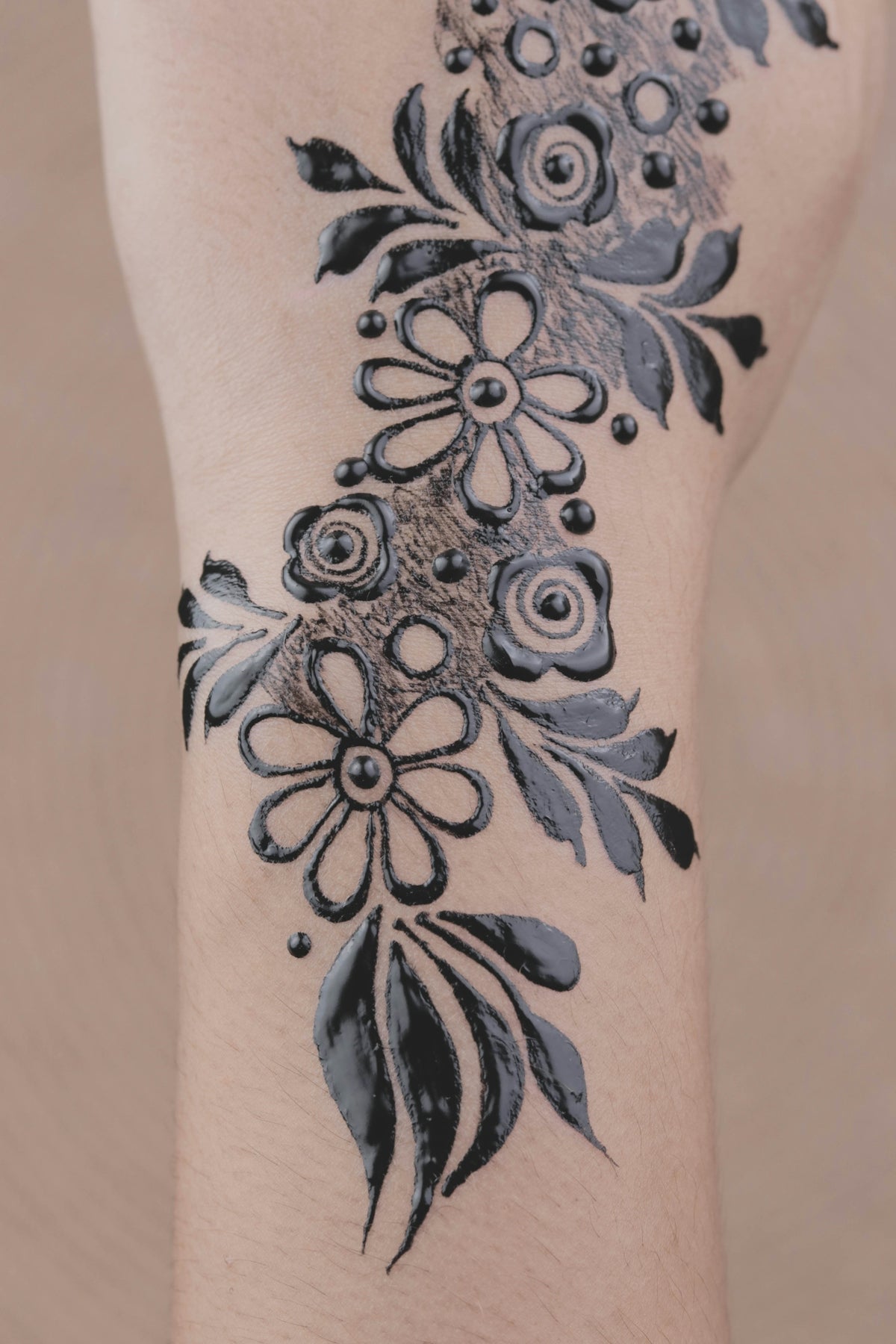
By varying the line weight, you can add depth and dynamics to your design. Play with different pressures and speeds to uncover the full potential of your brush set. In tattoo shading techniques, exploring these variations can give life to realistic textures, enhancing your art's dimensionality further.
Achieving Flow and Movement
Great linework often tells a story with movement and flow, guiding the viewer’s eye naturally across the piece. The interplay of thick and thin lines can create rhythm, drawing viewers into your art deeper.
Tattoo Shading Techniques and Realistic Textures
Shading in tattoo art is essential for conveying depth and realism. Whether you're aiming for delicate gradients or bold contrasts, mastering shading techniques is non-negotiable. Discover invaluable insider tips in our guide: Unlock Tattoo Shading Techniques with These Pro Tips.
Creating Life-like Textures
Realistic textures add an unparalleled level of authenticity to your designs, separating the extraordinary from the ordinary. Learn how to master these intricacies in our detailed Realistic Tattoo Texture Tutorial.
Digital Flash Art Ideas
Conceptualizing and executing digital flash art can be a rewarding experience. With Procreate, you can experiment with different styles and themes without the constraints of physical materials. Use this flexibility to generate fresh, original designs that build your portfolio and showcase your unique artistry.
Wrapping Up
Ready to transcend the barriers of traditional tattoo creation and ascend to new heights in digital artistry? Whether you're a budding artist seeking guidance or a seasoned professional aiming to polish your skills, remember that the right tools make a world of difference. With the PRO TATTOO KIT from TattooBrushes.com, you're armed with everything you need to craft impeccable linework and elevate your artistic journey. Now, let's get started—Start designing tattoos the right way today!

Leave a comment
This site is protected by hCaptcha and the hCaptcha Privacy Policy and Terms of Service apply.