
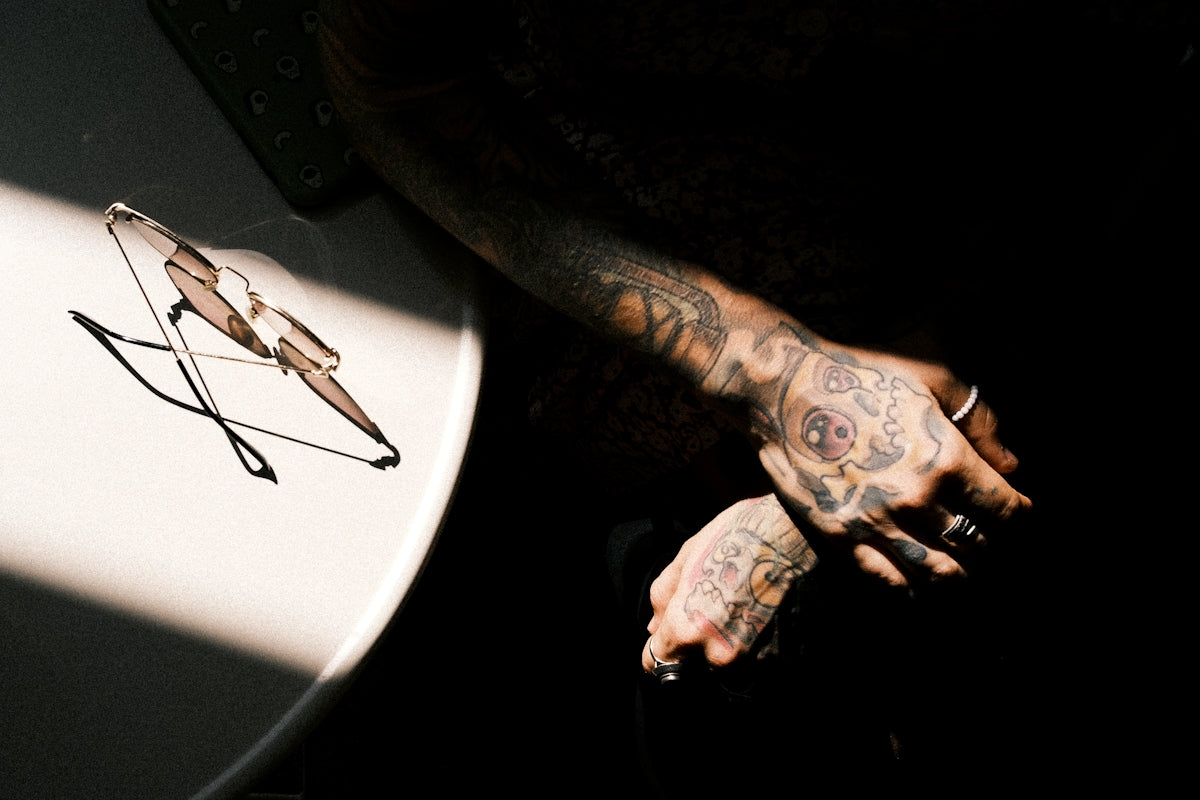
In the digital age, where art seamlessly intertwines with technology, utilizing the right tools can dramatically elevate your creative journey. Whether you're an aspiring tattoo artist or a seasoned professional, mastering Procreate tattoo brushes can revolutionize your digital tattoo designs and upgrade your art. Imagine crafting impeccable lines, perfect stencils, and realistic shades with the smooth glide of a stylus. Ready to take your art to the next level? Start designing tattoos the right way!
Understanding the Power of Procreate Tattoo Brushes
Procreate is a robust platform beloved by many for its intuitive interface and vast array of tools. When it comes to digital tattoo design, Procreate tattoo brushes stand out due to their versatility and precision. From replicating classic tattoo needlework to offering the finest tools for realistic tattoo shading in Procreate, the possibilities are limitless.
Why Choose Procreate Tattoo Brushes?
- Precision and Control: Procreate tattoo brushes like the ones in the 'PRO TATTOO KIT' provide unmatched precision, crucial for detailed work. These brushes mimic actual tattoo needles, offering artists authentic experiences without ink.
- Customization: You can easily tweak brushes' settings to match specific needs. This customization is vital for achieving unique textures and effects in your designs.
- Versatility: Whether you're working on linework, shading, or blending, there's a brush tailored for every aspect of tattooing.
For insights on enhancing your linework precision, you can explore this detailed guide.
Step-by-Step Guide to Using Procreate Tattoo Brushes
1. Getting Started with the Right Tools
To start, ensure you have a reliable tablet with a compatible stylus and install Procreate. The tools you choose can make a significant difference in your creative process, which is why investing in comprehensive kits like the 'PRO TATTOO KIT' is recommended to provide the essentials for superior performance.
2. Exploring Brush Settings
Familiarize yourself with the brush settings. Each setting can dramatically alter the behavior of your brush, so take time to explore options like:
- Stroke Path: Adjusting your stroke path can help achieve clean lines, pivotal for creating the best tattoo stencils in Procreate.
- Shape and Grain: Modifying these will recreate the ink flow on skin, crucial for realistic shading.
3. Crafting Tattoo Stencils
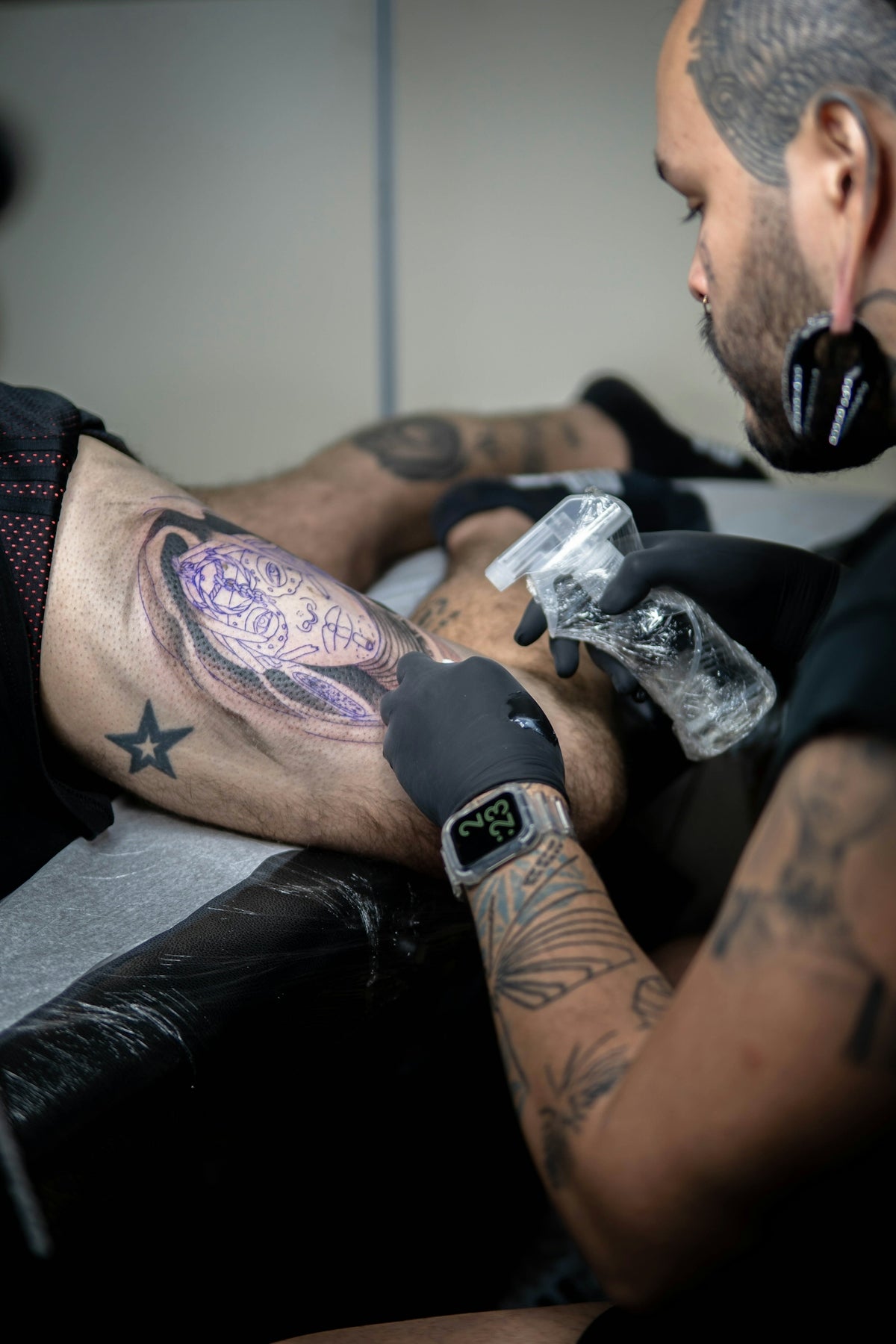
Creating accurate stencils is integral for outlining tattoos. Procreate’s flexibility allows easy manipulation and layering, resulting in precise stencil designs. For those who need a step-by-step breakdown, this article offers valuable guidance.
4. Mastering Shading Techniques
Realistic tattoo shading in Procreate requires mastering light and shade gradients. Start with a lighter shade to outline the primary areas of shadow. Layer with darker shades to build depth, using the smudge tool wisely for seamless transitions.
Techniques for Enhancing Your Digital Tattoo Design
Utilizing Layers Effectively
Layers are the backbone of any digital design. Here’s how to leverage them:
- Isolate Elements: Keep different tattoo segments on separate layers. This separation eases alterations and perfects each section without affecting the whole design.
- Adjustment Layers: These can instantly change the tonal quality and vibrancy of the design, enabling flexible experimentation.
Incorporating Realistic Textures
Textures add a lifelike quality to your designs. Consider using:
- Grain Brushes: These replicate skin texture and hint at aged tattoo effects.
- Scatter Brushes: Perfect for creating a soft, powdered effect, essential in realistic tattoo shading.
Advancing Your Skills and Tools
As you hone your skills, continually seek new techniques and tools for growth. Explore essential tattoo artist tools for Procreate projects to expand your digital toolkit. This knowledge not only keeps your artistry fresh but also aligns with current industry standards.
Troubleshooting Common Challenges
Overcoming Jagged Lines
Jagged lines often arise from incorrect brush settings or pressure discrepancies. Ensure your brushes are calibrated correctly, and maintain consistent stylus pressure at varying angles.
Avoiding Overcrowding in Designs
With so many details at your disposal, it's easy to overfill a design. Create focal points and let your design breathe by prioritizing key elements and using negative space strategically.
Conclusion: Elevate Your Creations with Procreate
Harnessing the power of Procreate tattoo brushes requires practice and precision. By taking advantage of these tools and techniques, artists can craft breathtaking digital tattoos that rival their traditional counterparts. Whether you are optimizing brush settings for linework, experimenting with textures, or mastering stencils, each step is an opportunity to upgrade your art.
Remember, the right tools can significantly influence your creative success. Are you ready to elevate your design process and refine your digital tattoo skills? Explore Procreate tools that make you feel like a pro today!
This comprehensive guide, utilizing the 'PRO TATTOO KIT' and high-quality tools from TattooBrushes.com, is tailored to help artists of all skill levels upgrade their craft in the digital realm. By incorporating these tips, your journey to becoming a master digital tattoo artist is within reach.

Leave a comment
This site is protected by hCaptcha and the hCaptcha Privacy Policy and Terms of Service apply.