
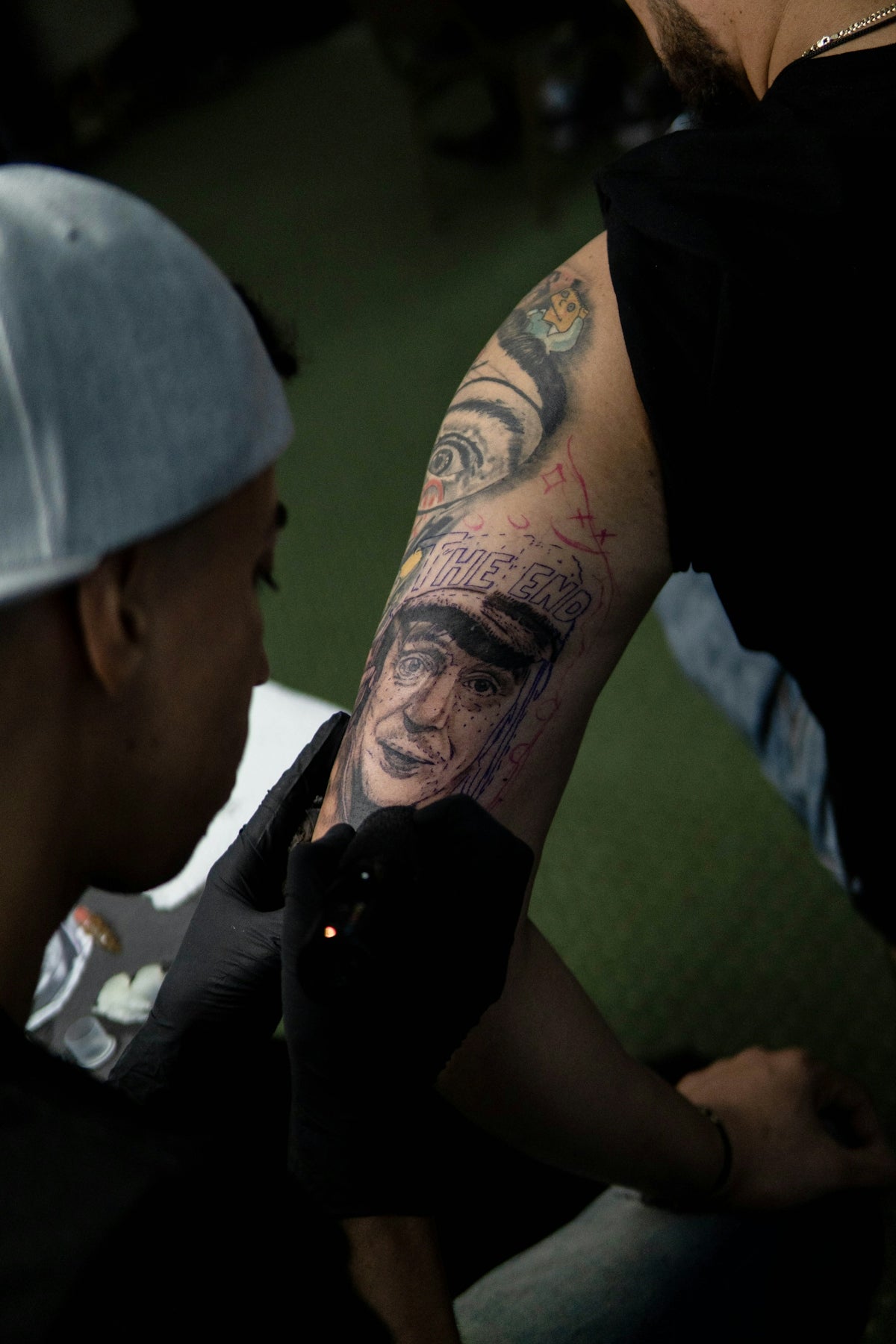
In the evolving world of digital tattoo design, mastering the art of realistic tattoo shading in Procreate sets you apart as a proficient artist. Whether you’re just starting out or you're a seasoned professional looking to refine your skills, understanding how to effectively use Procreate tattoo brushes can dramatically enhance the quality and depth of your work. If you're eager to take your art to the next level, explore Procreate tools that make you feel like a pro now over at TattooBrushes.com.
The Art of Tattoo Shading in Procreate
Tattoo shading is crucial in bringing life and realism to your designs. The depth and texture achieved through realistic shading can transform a simple outline into a vibrant and engaging piece of art. Procreate offers myriad tools that emulate the physical process of tattooing, allowing digital artists to produce professional-standard artistry. The secret lies in selecting the right tools and mastering their techniques.
Selecting the Right Tools: Procreate Tattoo Brushes
Choosing high-quality Procreate tattoo brushes is the first step toward achieving realistic shading. At TattooBrushes.com, artists can find carefully curated brush sets, including the revered 'PRO TATTOO KIT'. These brushes are designed to mimic the nuances of traditional tattoo equipment, offering you the control and precision necessary for lifelike shading.
For those new to Procreate, start by familiarizing yourself with different brush types and their effects. Read more on how to effectively utilize Procreate tattoo brushes to maximize your design capabilities.
Step-by-Step Guide to Realistic Tattoo Shading
Here's a practical guide on how to make the most out of your Procreate tattoo brushes for shading:
Step 1: Select the Right Stencil
Begin with a well-defined stencil. The stencil serves as your base design, providing the foundation for your shading work. You can maximize design detail with the best stencils in Procreate.
Step 2: Choose Your Brush
From your collection of Procreate tattoo brushes, select the right brush for shading. Smooth shader brushes work best for soft transitions, while textured brushes add grit and character. The 'PRO TATTOO KIT' offers a variety of brushes tailored for this purpose.
Step 3: Layering Technique
Create multiple layers for different elements of your shading. Starting with a low opacity layer, gradually build up darker tones to create depth. This technique allows you to manage the intensity and subtlety of your shading easily.
Step 4: Blending
Use the smudge tool to blend shades seamlessly, simulating the blending techniques used in traditional tattoo shading. Adjust the size and strength of the smudge tool to fit the area and effect you intend to achieve.
Step 5: Detail and Texture
Incorporate smaller, detailed brushes to add texture and fine details that make your design pop. Remember, it’s the small details that transform a good piece of art into a masterpiece.
Advanced Tips for Seasoned Artists
As an experienced artist, experiment with combining different brush opacities and textures to create unique effects. Realism in tattoos is not just about smooth gradients but also about the finer textures and subtle imperfections that add a sense of authenticity.
Moreover, understanding light sources and their impact on shading is fundamental. Position your light source and ensure that your shading aligns with it consistently across the design to maintain realism.
Embrace the Power of Digital Tattoo Design
Investing time in mastering Procreate and its shading tools not only elevates your skill set but also expands your creative boundaries. The digital realm offers vast possibilities that traditional methods may not, giving artists unprecedented freedom to innovate.
Conclusion
For artists committed to upgrading their art, embracing Procreate's technology is a necessary step. From beginners who wish to quickly upskill to seasoned professionals seeking to enhance their repertoire, learning to achieve realistic tattoo shading is invaluable. Start designing tattoos the right way with high-quality tools from TattooBrushes.com, and watch your designs evolve from concept to work of art. Elevate your artistry today and become a master of realistic tattoo shading in Procreate.
Upgrade your digital designs with the industry's best tools by visiting TattooBrushes.com today.


Leave a comment
This site is protected by hCaptcha and the hCaptcha Privacy Policy and Terms of Service apply.