
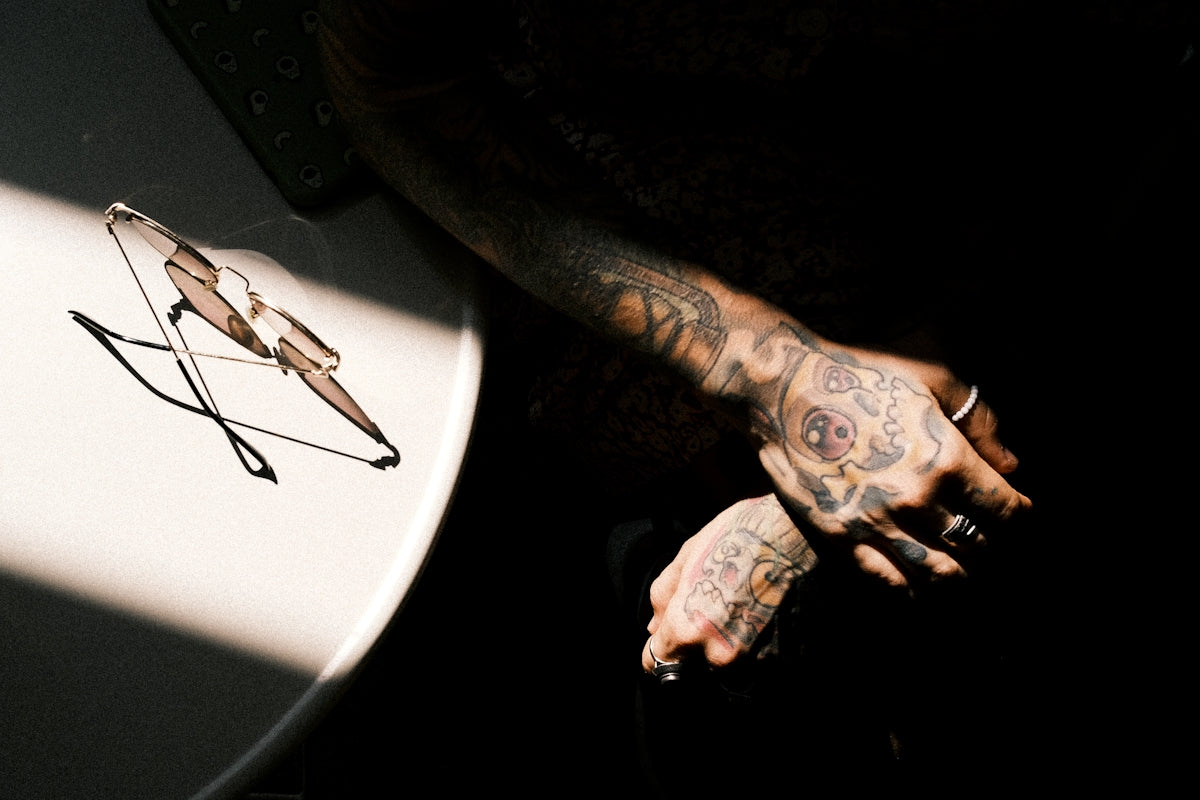
The world of tattooing has evolved remarkably with the advent of technology, particularly in the realm of digital design. For both aspiring artists and seasoned professionals, mastering advanced techniques in digital tattoo design is crucial to upgrading your artistic prowess. If you're ready to take your art to the next level, start designing tattoos the right way by mastering advanced Procreate techniques. Dive into the expert advice below and explore the Procreate tools that will make you feel like a pro.
Embrace the Power of Procreate Tattoo Brushes
Procreate has revolutionized digital art, offering tattoo artists a medium that matches the fluidity and precision of traditional techniques. The Power of Procreate Tattoo Brushes: Enhance Your Designs delves into how utilizing the right digital tools can refine your craft. By integrating Procreate tattoo brushes into your workflow, you can simulate intricate shading, create seamless line work, and explore vibrant color palettes with ease.
Essential Tools for Digital Tattoo Design
To truly excel in creating digital tattoo designs, having access to top-tier tools is non-negotiable. Our 'PRO TATTOO KIT' at TattooBrushes.com provides high-quality, professional-grade resources that are essential for every tattoo artist's digital toolkit. These tools ensure precision and enable the seamless transfer of your designs from tablet to skin.
For more insights, explore the 5 Must-Have Procreate Tattoo Brushes for Artists to discover which brushes can transform your designs.
Technique 1: Creating the Best Tattoo Stencils Procreate
Crafting perfect stencils is an art in itself. Here’s a step-by-step guide on using Procreate to create the best tattoo stencils:
- Begin With a Clean Canvas: Set up your canvas with a high resolution to ensure details are accurately captured. A 300 DPI resolution is recommended.
- Use Layering Intelligently: Separate your design into various layers. This helps in focusing on specific parts without disrupting the entire design.
- Leverage the Right Brushes: Utilize Procreate tattoo brushes specifically designed for stencil creation. These brushes replicate the effect of real stencil techniques, giving your designs a professional edge.
- Utilize Guides and Grids: Employ Procreate’s guide and grid features for precision placement and symmetry.
- Refinement and Finalization: Once your design is outlined, refine your stencil by adjusting opacity and ensuring clean lines.
Utilizing these steps will ensure that your stencils are of the highest quality, ready for application in tattooing sessions.
Technique 2: Mastering Realistic Tattoo Shading Procreate
Achieving realism in tattoo shading is vital for bringing designs to life. Follow these guidelines to master realistic shading in Procreate:
- Understand Light and Shadow: Analyze where the light source is in your design. This will affect how and where you apply shading.
- Choose the Right Shading Brushes: Our 'PRO TATTOO KIT' includes brushes that mimic the gradual shading often sought after in realistic designs.
- Layer Your Shading: Start with a base layer. Gradually build up your shading with lighter strokes, increasing opacity as you go.
- Blend for Seamless Transitions: Procreate's smudge tool can be your best friend. Use it to achieve smooth gradients and soft transitions.
- Experiment With Textures: Incorporate texture brushes to add depth to your shading, enhancing realism.
Technique 3: Using Advanced Features for Precision
Procreate is laden with advanced features that tattoo artists can harness for unparalleled precision in their work. Here's how:
- Custom Brushes and Presets: Creating custom brushes or using presets from high-quality kits can tailor your tools to specific stylistic needs.
- QuickShape and Snap Tools: These offer precision in maintaining consistent shapes and lines across your design.
- Palm Rejection and Touch Gestures: Familiarize yourself with Procreate’s touch gestures for efficiency, and utilize palm rejection for stability while drawing.
- Detailed Adjustments Using Filters: Adjust levels, curves, and use the Gaussian blur to fine-tune your design details.
Unlocking Your Full Potential with Procreate
Every tattoo artist stands to benefit from harnessing advanced Procreate techniques. Master Digital Tattoo Design with the Best Procreate Tools emphasizes the importance of continual learning and innovation in the tattoo industry.
By implementing the tips and techniques outlined above, you can push your creative boundaries and ensure that your art resonates with authenticity and precision. Always remember that having the right tools, such as our 'PRO TATTOO KIT,' can facilitate this journey of transformation.
Final Thoughts
Elevate your art today by embracing the powerful potential of Procreate and its comprehensive suite of tools tailored for tattoo artists. Whether you're perfecting stencils, mastering shading, or defining detailed work, these professional techniques will serve as your guide to creating exceptional tattoos. Explore Procreate tools that make you feel like a pro and start your artistic journey with confidence by visiting TattooBrushes.com. See how our expertly curated resources can transform your ability to bring bold and beautiful designs to life.

Leave a comment
This site is protected by hCaptcha and the hCaptcha Privacy Policy and Terms of Service apply.