
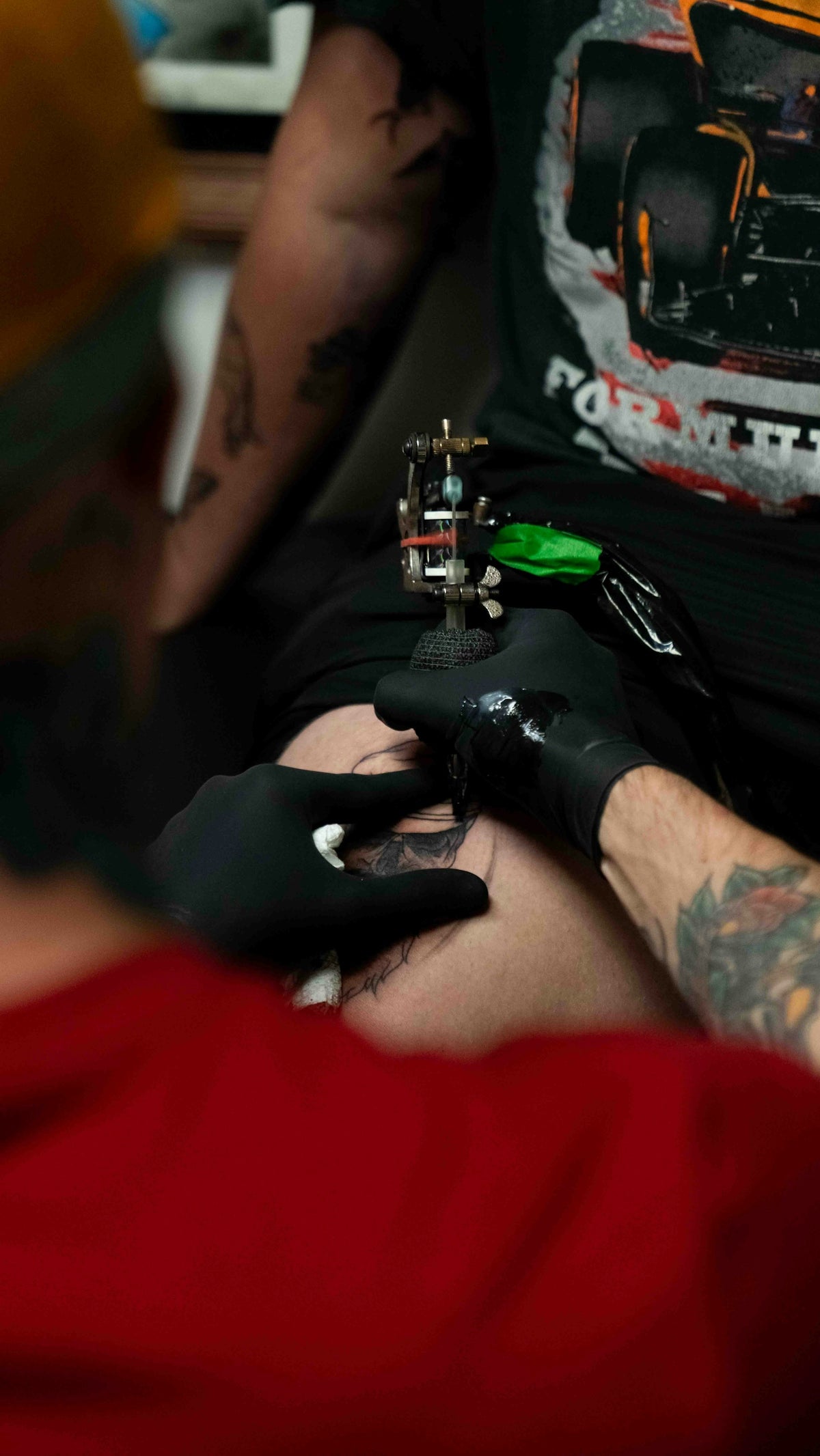
Creating realistic tattoo shading in Procreate can be a game-changer for tattoo artists at any level. Whether you're an aspiring artist eager to dive into digital tattoo design or a seasoned professional looking to refine your shading techniques, the key is utilizing the right tools and techniques. If you're ready to start designing tattoos the right way, explore the tools at TattooBrushes.com.
The Importance of Realistic Shading in Tattoo Art
Realistic shading adds depth, texture, and life to your designs, making tattoos appear more three-dimensional and visually captivating. Mastering this technique in digital form allows artists to experiment, iterate, and perfect their designs before committing ink to skin.
Essential Tools for Shading in Procreate
Procreate Tattoo Brushes
To achieve the best results, investing in high-quality Procreate tattoo brushes is essential. These brushes are designed to mimic the effects of traditional tattoo needles, offering a precision that brings your digital tattoos to life. Consider exploring our guide on must-have Procreate tattoo brushes for artists to discover essential tools that will elevate your work.
Pro Tattoo Kit
At the core of successful tattoo shading lies the PRO TATTOO KIT from TattooBrushes.com. This is not just a collection of brushes but a comprehensive set of tools crafted for professionals who demand nothing less than excellence in their designs. The Pro Tattoo Kit ensures your creations maintain consistency and quality, reflecting the high standards expected in the tattoo community.
Step-by-Step Guide to Realistic Tattoo Shading
Step 1: Setting Up Your Canvas
Before diving into shading techniques, set up your canvas correctly. Start with an appropriately sized document that mirrors the dimensions you'll use for your tattoo stencil. Using high-resolution settings ensures every detail is captured effortlessly.
Step 2: Selecting the Right Brushes
Choose brushes from your Pro Tattoo Kit that fit your design needs. For realistic shading, opt for soft round brushes with adjustable opacity settings, allowing for a gradual buildup of shading.
Step 3: Understanding Light and Shadow
Shading thrives on the understanding of light and shadow. Analyze your reference images to identify where the light source is coming from and how it interacts with surfaces. This understanding allows for more realistic rendering of depth.
Step 4: Building Layers
Layering is an effective technique for achieving realistic shading. Start with a base layer for your outline and add subsequent layers for shadows, highlights, and mid-tones. This method provides control and flexibility, enabling easy adjustments.
Step 5: Utilizing Blending Modes
Procreate offers an array of blending modes that can bring your shading to life. Experiment with "Multiply" for shadows and "Screen" for highlights, adjusting the opacity to refine the look until it achieves the desired realism.
Step 6: Refining Details
Zoom in to refine intricate details. Using finer brushes from your PRO TATTOO KIT gives control over these elements, providing a finished look that’s intricate and polished.
Step 7: Final Adjustments
Before wrapping up, review your piece. Adjust opacity levels, tweak shadows, and ensure the flow of light feels natural. This step is vital for achieving a true-to-life look.
Enhancing Designs with Advanced Techniques
For those looking to go beyond basics, combining shading with the best tattoo stencils for Procreate can make a significant difference. Refer to this insightful article on advanced tattoo stencil techniques to elevate your art.
By mastering these techniques and utilizing the right tools, such as those found in your Pro Tattoo Kit, you’ll find yourself upgrading your artistic capabilities, creating pieces that stand out both digitally and on skin.
Why Invest in Quality Tattoo Artist Tools
Choosing quality over quantity in your tattoo artist tools is an investment in your career. Tools from TattooBrushes.com not only enhance your current skill set but make your workflow more efficient. For artists eager to master digital tattoo design, the quality delivered by these tools is unsurpassed.
Final Thoughts
Achieving professional-level shading in Procreate might seem daunting at first, but with practice and the right resources at your disposal, it's entirely achievable. Whether your journey is just beginning or you're looking to refine your craft further, remember that every great artist once began where you are today. Take the next step in your artistic journey and explore Procreate tools that make you feel like a pro by visiting TattooBrushes.com.

Leave a comment
This site is protected by hCaptcha and the hCaptcha Privacy Policy and Terms of Service apply.