
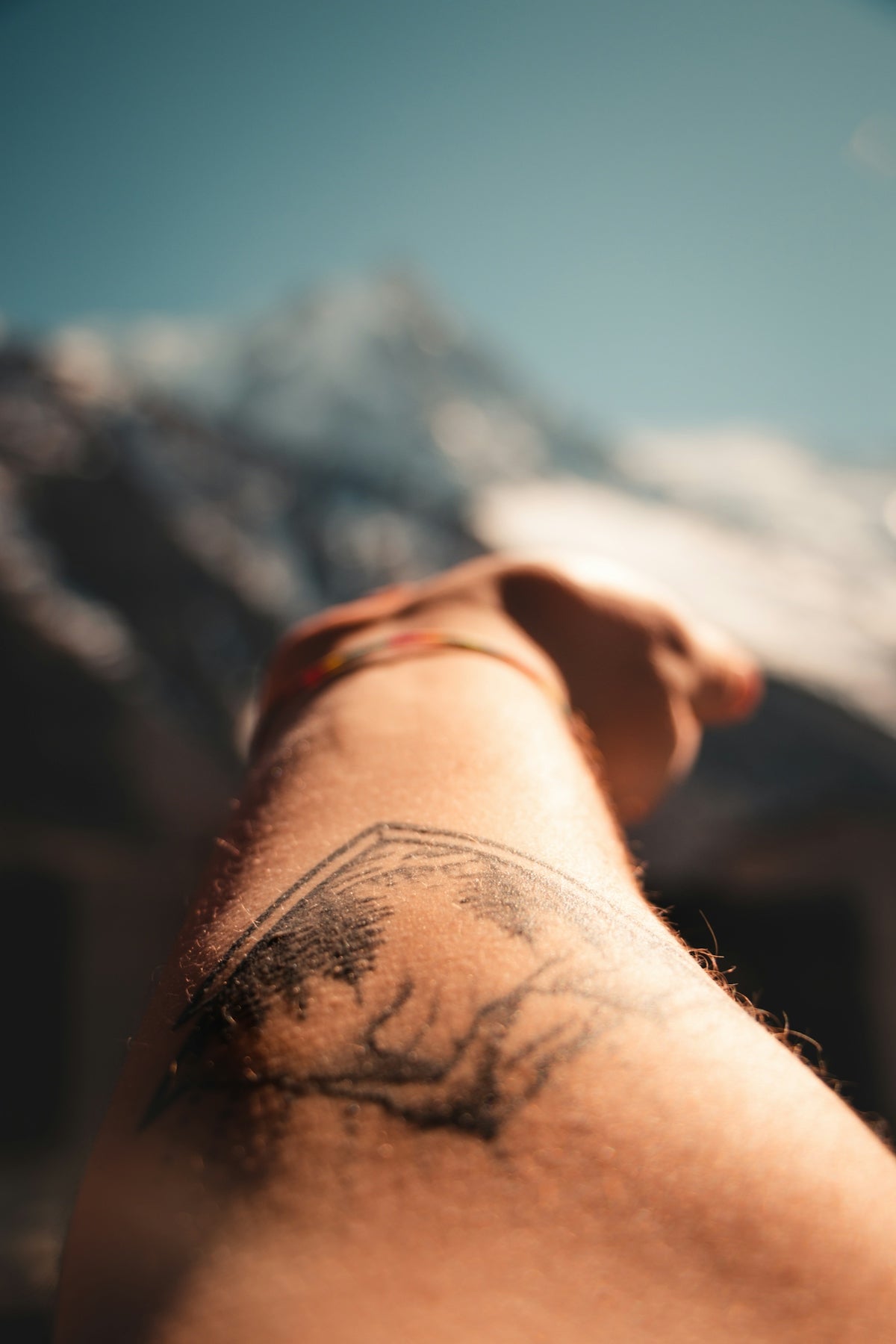
In the world of digital tattoo design, the ability to master shading can make or break your artwork. Whether you're an aspiring artist eager to elevate your craft or a seasoned professional looking to refine your technique, selecting the right Procreate tattoo brushes is crucial. With expert tools designed for authentic and nuanced shading, you can significantly upgrade your art. Discover how the PRO TATTOO KIT can transform your approach to tattoo design and give you the confidence to create with precision. Explore Procreate tools that make you feel like a pro.
Table of Contents
- Table of Contents
- The Importance of Realistic Tattoo Shading
- Choosing the Right Procreate Tattoo Brushes
- Top Tips for Best Tattoo Stencils in Procreate
- Mastering Realistic Tattoo Shading with Procreate
- Step 1: Set Up Your Canvas
- Step 2: Select Your Brushes
- Step 3: Establish a Shading Plan
- Step 4: Build Layers Incrementally
- Step 5: Fine-Tune Details
- Tools for Shading Excellence
- Upgrade Your Technique with the Pro Tattoo Kit
- Final Thoughts
- FAQs
The Importance of Realistic Tattoo Shading
Shading is an essential technique in both traditional and digital tattoo artistry, bringing depth, contrast, and realism to your designs. Procreate, a versatile digital illustration app, offers a range of brushes that mimic the textures and effects of conventional tattoo tools. Achieving realistic tattoo shading in Procreate requires not only skill but also the right set of brushes. For both aspiring and experienced artists, having a professional standard of brushes, like those found in the PRO TATTOO KIT from TattooBrushes.com, can be a game changer.
Choosing the Right Procreate Tattoo Brushes
When selecting Procreate tattoo brushes, consider the following factors to ensure you're equipped to complete your sketches with finesse:
- Texture Variety: Opt for brushes that offer a range of textures to add richness and dimension to your work. The PRO TATTOO KIT provides high-quality options that cater to multiple shading techniques.
- Pressure Sensitivity: Look for brushes that respond accurately to pressure variations. This feature is essential for creating gradients and soft transitions in your shading.
- Tool Versatility: Brushes that can handle both outline and shading tasks will streamline your workflow. By investing in versatile tools, like the ones in the PRO TATTOO KIT, you can adapt to any project demand with ease.
Top Tips for Best Tattoo Stencils in Procreate
Tattoo stencils lay the groundwork for complex designs. A good stencil can guide your shading techniques, ensuring consistency and precision across your artwork. To master stencils, technical proficiency and the right brush set are necessary. Visit Top Tips for Best Tattoo Stencils in Procreate for in-depth insights on optimizing your stencil work.
Mastering Realistic Tattoo Shading with Procreate
To achieve realistic tattoo shading using Procreate, follow these expert steps. Whether you’re seasoned or just starting out, these techniques will help you refine your craft:
Step 1: Set Up Your Canvas
Before beginning your artwork, establish the correct canvas size and resolution. A resolution of at least 300 DPI will ensure your design retains its detail and sharpness for print or portfolio display.
Step 2: Select Your Brushes
Choose brushes tailored for shading from the PRO TATTOO KIT. These brushes are specifically crafted to emulate real-world tattoo tools, offering authentic texturing and flow.
Step 3: Establish a Shading Plan
Consider the light source and how it interacts with various elements of your design. Establish areas for light, medium, and dark shading to create depth and vitality.
Step 4: Build Layers Incrementally
Start with lighter shades and gradually build up to darker tones. This process helps to create a smooth gradient and avoids overworking your canvas, giving you more control over adjustments.
Step 5: Fine-Tune Details
Once your shading is complete, go back and refine details. Add highlight touches to enhance realism, paying close attention to light reflections and skin textures.
Tools for Shading Excellence
High-quality brushes are indispensable for shading excellence. The Pro-Grade Procreate Tattoo Brushes for Shading Excellence article delves deeper into the nuances of selecting and utilizing professional brushes for a flawless finish.
Upgrade Your Technique with the Pro Tattoo Kit
The journey to mastering digital tattoo design in Procreate is one of continuous learning and upgrading your tools. Whether you're honing your skills or expanding your portfolio, investing in professional-grade tools is an essential step. The PRO TATTOO KIT from TattooBrushes.com brings together a curated selection of brushes that meet both the aesthetic and technical requirements needed for high-quality tattoo design. Start designing tattoos the right way—equip yourself with the tools that make mastery accessible.
Final Thoughts
Realistic shading requires dedication, practice, and the right tools to perfect. By understanding the essentials of Procreate tattoo brushes and applying the techniques mentioned above, you can significantly enhance your digital artistry. For novices and professionals alike, embracing advanced tools from the PRO TATTOO KIT ensures your creations look professional and sophisticated. Remember, great art starts with great tools. Explore Procreate tools that make you feel like a pro and take the next step in your artistic journey.
FAQs
What are Procreate tattoo brushes?Procreate tattoo brushes are custom-designed digital brushes used in the Procreate app to create tattoo designs. They simulate various tattooing techniques and effects to help artists achieve realistic artwork on their digital devices.
Why are realistic shading brushes important for tattoo designs?Realistic shading brushes play a crucial role because they help replicate the depth, texture, and dimension found in real tattoos. By using these brushes, artists can create lifelike effects that enhance the overall quality of their designs.
Can I use regular Procreate brushes for tattoo designs?While you can use regular Procreate brushes, they may not offer the same level of detail and texture as specialized tattoo brushes. Tattoo brushes are specifically crafted to mimic traditional shading and line work, making them more suitable for tattoo-related artwork.
How do I find the best Procreate tattoo brushes for shading?To find the best Procreate tattoo brushes for shading, consider browsing reviews and recommendations from other digital artists, exploring curated brush packs specifically designed for tattoo work, and testing different brushes to see which ones best fit your style.
Do I need an Apple Pencil to use Procreate effectively for tattoo art?While it's possible to use Procreate with just your finger, an Apple Pencil offers greater precision and control, making it the ideal tool for delicate line work and detailed shading required in tattoo art.
Are there any free resources for Procreate tattoo brushes?Yes, there are various free resources available where you can find Procreate tattoo brushes, often shared by artists on social media platforms or dedicated digital art communities. However, always ensure that the brushes meet your quality standards and suit your artistic style.
Can I create my own tattoo brushes in Procreate?Absolutely! Procreate allows users to create custom brushes, enabling you to develop brushes that cater specifically to your tattooing style and preferences. This feature lets artists further personalize their workflow.
How can I best utilize shading techniques with Procreate tattoo brushes?To utilize shading techniques effectively, start with a base layer, then gradually build up your shading using different opacity levels and brush sizes. Layering your shading can create depth and realism in your tattoo designs.
Are premium tattoo brushes worth the investment?Premium tattoo brushes often come with advanced features and unique textures that can significantly enhance your digital artwork. If you find that they improve your workflow and results, then they can be a worthwhile investment for serious tattoo artists.

Leave a comment
This site is protected by hCaptcha and the hCaptcha Privacy Policy and Terms of Service apply.