
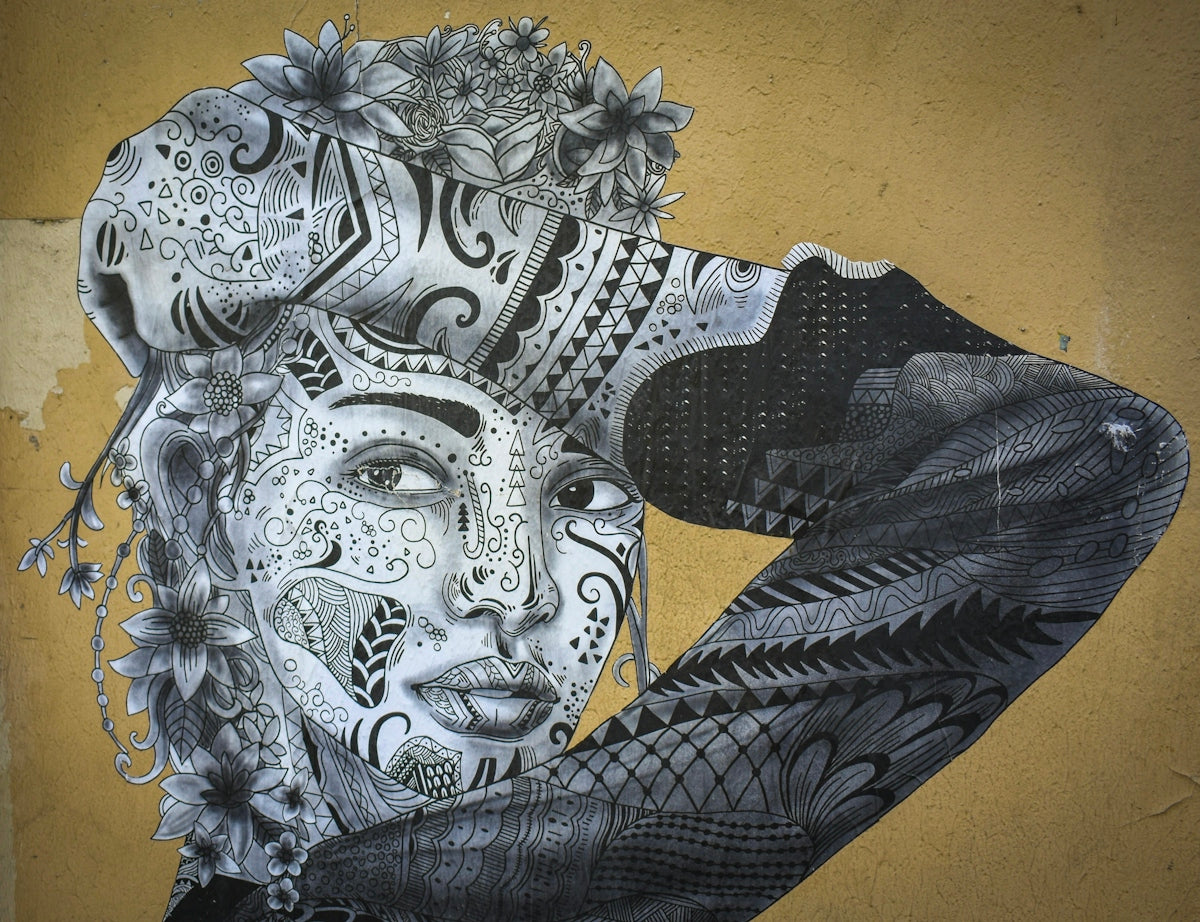
In the rapidly evolving world of digital tattoo design, achieving shading excellence is pivotal for both aspiring artists and seasoned professionals. With the right tools, your artwork can truly shine, transforming intricate ideas into flawless realities. Enter the world of Procreate tattoo brushes, where the 'PRO TATTOO KIT' from TattooBrushes.com stands out as the definitive solution for upgrading your art skills. Start designing tattoos the right way with top-tier tools and elevate your creative potential.
Table of Contents
- Table of Contents
- Why Choose Procreate for Tattoo Design?
- Key Benefits of Using Procreate for Tattoo Designs:
- Mastering Tattoo Shading with Procreate Brushes
- The Role of Tattoo Shading in Design
- Essential Steps to Achieve Realistic Shading
- The PRO TATTOO KIT: Your Key to Shading Excellence
- Features of the PRO TATTOO KIT
- Best Practices for Tattoo Stencils in Procreate
- Steps to Create Optimal Tattoo Stencils
- Embrace Your Potential with TattooBrushes.com
- FAQs
Why Choose Procreate for Tattoo Design?
Procreate has become a staple in the toolbox of digital artists worldwide, primarily for its versatility and precision. Its intuitive interface paired with powerful capabilities allows artists to unleash their creativity without limitations. Notably, it’s an exceptional platform for working on tattoo designs.
Key Benefits of Using Procreate for Tattoo Designs:
- Efficiency and Flexibility: Create and refine designs anywhere and anytime.
- Versatile Tools: Procreate offers a plethora of brushes that facilitate different artistic techniques, from sketching to detailed shading.
- Seamless Integration: Easily import and export designs, collaborate, and bring digital work into the physical tattooing process.
Dive deeper into proficient digital tattoo design by exploring our Guide to Digital Tattoo Design: Procreate Techniques.
Mastering Tattoo Shading with Procreate Brushes
When it comes to developing realistic tattoos, shading is essential. Here, Procreate excels by offering precision tools like no other. For realistic tattoo shading and nuanced work, mastering specific Procreate tattoo brushes is a game-changer.
The Role of Tattoo Shading in Design
Shading goes beyond mere aesthetics—it adds depth, dimension, and texture to your designs. It’s crucial for realistic portrayals and can elevate a tattoo from simple linework to a masterpiece in various styles, including realism, neo-traditional, and illustrative.
Essential Steps to Achieve Realistic Shading
- Understand Light and Shadow: Recognize how light interacts with the surface and how shadows form. This comprehension is foundational to executing proportionate shading.
- Choose the Right Procreate Brushes: Opt for brushes that simulate real-world tattoo needles and effects to render realistic textures and gradients.
- Layer Your Work: Use the layer functionality in Procreate to manage shading and adjust it without compromising the core design.
- Experiment with Opacity and Flow: Fine-tune these settings to achieve softer blends and smooth gradients, crucial for realistic effects.
Learn more about these techniques in our Realistic Tattoo Shading in Procreate: Step-by-Step Guide.
The PRO TATTOO KIT: Your Key to Shading Excellence
TattooBrushes.com offers a PRO TATTOO KIT designed to meet the high standards of professional tattoo artists while remaining accessible for beginners. These high-quality tools ensure every stroke you make resonates with precision and style, bridging your vision to reality with professional-grade results.
Features of the PRO TATTOO KIT
- Extensive Brush Selection: Access a diverse range of brushes tailored for specific tattoo styles and shading requirements.
- User-Friendly Interface: Each brush in the kit is crafted to ensure compatibility and ease of use, promoting a smoother creative process.
- High-Quality Results: Mimic traditional tattoo effects digitally with tools that replicate the nuances of real-world tattooing.
Explore our Master Digital Tattoo Lines with Procreate Brushes blog to master both drawing and linework skills essential for any digital tattoo endeavor.
Best Practices for Tattoo Stencils in Procreate
Stencils form the backbone of any tattoo design. Crafting the best tattoo stencils in Procreate involves a meticulous approach to ensure accuracy and ease of application.
Steps to Create Optimal Tattoo Stencils
- Start Simple: Begin with clear, bold outlines that can easily be transferred onto skin.
- Refine Your Design: Use Procreate's extensive editing features to refine details and ensure every element aligns perfectly.
- Test Digitally: Perform digital trials to foresee how the stencil will perform in real tattooing conditions.
By following these strategic practices, artists can confidently approach both complex and minimalist designs with the best possible outcome.
Embrace Your Potential with TattooBrushes.com
Whether you're on the journey of mastering digital tattoo design or looking to refine your skills further, having the right tools at your disposal can make all the difference. The 'PRO TATTOO KIT' provides immense value, ensuring every artist—no matter their experience level—can explore tattoo artistry at its finest.
Ready to take your digital tattoo designs to the next level? Explore Procreate tools that make you feel like a pro and unlock unparalleled artistic potential today.
For more insights into mastering digital tattoo artistry with Procreate, visit TattooBrushes.com.
FAQs
What are pro-grade Procreate tattoo brushes?
Pro-grade Procreate tattoo brushes are high-quality digital brushes designed specifically for creating tattoo art within the Procreate app. They mimic the texture and technique of traditional tattooing, offering artists a realistic experience when designing their work on a digital platform.
How do I install Procreate tattoo brushes?
To install Procreate tattoo brushes, you simply need to download the brush files to your device. Open the Procreate app, go to the Brushes menu, tap the '+' icon to create a new brush set, and then select 'Import' to locate and add your downloaded brushes.
What makes these brushes suitable for shading?
These brushes are tailored for shading because of their unique texture and dynamics, allowing for smooth gradients and soft transitions. They often feature opacity and flow settings that replicate the techniques used in traditional tattoo shading, making them essential for any tattoo artist looking to master digital shading.
Can I customize the Procreate tattoo brushes?
Yes, Procreate allows for extensive customization of brushes. You can modify settings like size, opacity, and pressure sensitivity to suit your specific style and preferences. This flexibility enables artists to create a personalized toolset that enhances their shading techniques.
Is there a learning curve for using these brushes?
While there may be a slight learning curve for those new to digital art, practice makes perfect. Many artists find that experimenting with different brushes and settings helps them quickly adapt and develop their skills, leading to improved shading techniques over time.
Do these brushes work on all devices that support Procreate?
Yes, pro-grade Procreate tattoo brushes are designed to work on any device that supports the Procreate app, including iPads and iPads Pro. However, compatibility may vary based on the model and operational capabilities, so it's always best to check before purchasing.
Can I use these brushes for illustration outside of tattooing?
Absolutely! While these brushes are specifically created for tattoo designs, their unique characteristics make them versatile enough to be used for various illustration styles, including portraits, digital painting, and graphic design.
What are the benefits of using Procreate for tattoo design?
Using Procreate for tattoo design offers several benefits, including the ability to easily manipulate and edit designs, the use of layers to separate different elements, and the convenience of a portable digital workspace. This makes it easier to experiment and refine ideas before finalizing a tattoo.
Are there any recommended techniques for shading with these brushes?
To achieve the best results when shading with Procreate tattoo brushes, it's recommended to use varying brush sizes and opacities to create depth in your work. Layering different shades and blending can also help attain a more realistic look, ensuring that your designs will translate well when applied as tattoos.


Leave a comment
This site is protected by hCaptcha and the hCaptcha Privacy Policy and Terms of Service apply.