
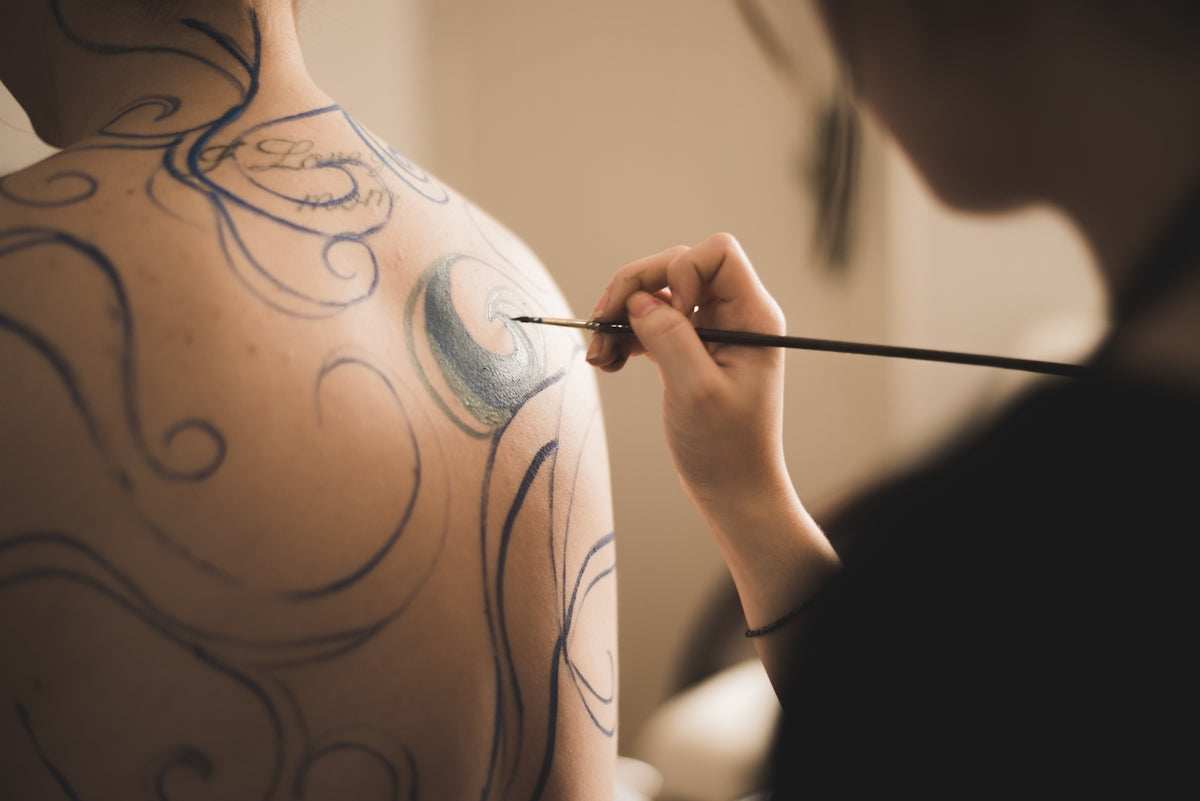
In the world of digital tattoo design, the right tools can open up new realms of creativity and precision. Whether you're an aspiring artist or a seasoned professional, understanding how to maximize your use of Procreate tattoo brushes can significantly enhance your art. For those looking to start designing tattoos the right way, the 'PRO TATTOO KIT' available at TattooBrushes.com provides a comprehensive package that can elevate your stenciling game to a new level of expertise.
Understanding the Basics of Digital Tattoo Design
Before diving deeper into stencil creation, one must appreciate the fundamental differences between traditional and digital tattoo design. Digital venues, like Procreate, offer unprecedented flexibility in terms of trial and error, enabling you to perfect your designs without any permanent mistakes. For an extensive understanding of the basic tools needed, refer to Essential Digital Tattoo Tools for the Modern Artist.
Why Procreate?
Procreate is especially favored among tattoo artists for its intuitive interface, vast array of brushes, and high-quality output. It provides a creative canvas that replicates the tactile experience of traditional sketching and shading. Its scalability and ease of customization make it a go-to for top artists creating the best tattoo stencils Procreate has to offer.
Setting Up Your Procreate Workstation
A well-organized and functional digital workstation is key to effective design:
- Choose the Right Tools: Start by downloading a high-quality brush set like the 'PRO TATTOO KIT' from TattooBrushes.com. These brushes offer realistic tattoo shading in Procreate, essential for creating authentic-looking stencils.
- Calibrate Your Canvas: Set your canvas to a size that suits the size of tattoos you typically design. High DPI settings ensure that your stencil will be crisp and clear.
- Stay Organized: Name and organize your layers effectively. Keep your line work, shading, and coloring on separate layers for better control and flexibility during the editing process.
Creating Your First Tattoo Stencil in Procreate
Step 1: Ideation and Concept Sketching
Begin with a rough sketch of your concept. Utilize the powerful sketching tools within Procreate to explore different designs quickly and see what works. Best practice dictates:
- Using Reference Images: Create a mood board of inspirations and references.
- Sketch Using Basic Brushes: Ensure simple outlines first, which can quickly be refined.
Step 2: Refining Linework
To achieve flawless linework, consider smoothing your lines in Procreate by adjusting the StreamLine feature under brush settings. For intricate detailing, check out Achieving Flawless Linework with Procreate Tattoo Brushes.
Step 3: Realistic Shading
Shading is what gives your tattoo its depth and realism. The 'PRO TATTOO KIT' provides brushes specifically designed for this purpose, allowing smooth gradients and textured shading. Refer to Shading Secrets with Procreate Tattoo Brushes for more advanced shading techniques.
Step 4: Testing Your Stencil
Before finalizing your design, it's beneficial to print your stencil and apply it temporarily on the skin to get a real-world perspective of the outcome. This can prevent potential errors once translated into the actual tattoo.
Advanced Tips to Enhance Your Procreate Tattoo Designs
Achieving mastery in digital tattoo design involves continuous learning and practice. Here are some advanced tips:
- Experiment with Layer Modes: Overlay, Multiply, and Color Burn can offer interesting visual effects.
- Use the Liquify Tool: This can subtly adjust shapes and flow, critically important for intricate tattoos.
- Incorporate Digital Textures: Textures from the 'PRO TATTOO KIT' can mimic real skin, adding authenticity to previews.
Conclusion: Upgrade Your Art with Procreate
The journey to becoming proficient in creating the best tattoo stencils in Procreate is both exciting and rewarding. By investing in high-quality, professional standard tools like the 'PRO TATTOO KIT' from TattooBrushes.com, you equip yourself to create art that is precise, realistic, and uniquely yours. Whether you're just starting or refining your skills, these resources can help you explore Procreate tools that make you feel like a pro.
Let your creativity flow and your designs speak for themselves—embrace the transformative power of digital design with Tattoo Brushes!

Leave a comment
This site is protected by hCaptcha and the hCaptcha Privacy Policy and Terms of Service apply.