
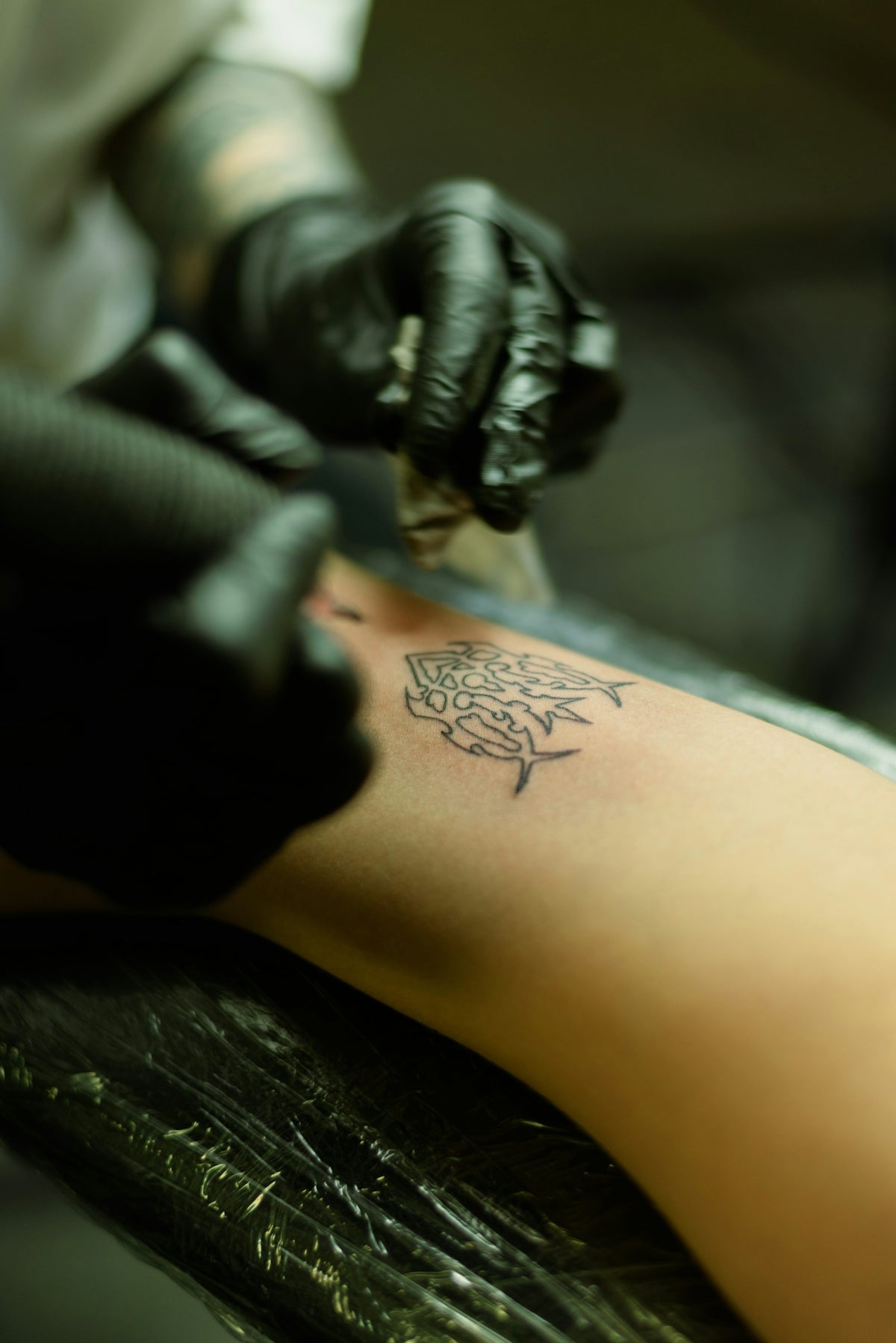
In recent years, digital tattoo design has transcended traditional boundaries, opening up a new world of possibilities for both aspiring artists and seasoned professionals. Leveraging digital platforms like Procreate is not just about keeping up with the times; it's about upgrading your art and pushing your creative boundaries. If you're ready to enhance your tattoo creations significantly, you'll need the right tools to help you. Equip yourself with the PRO TATTOO KIT from TattooBrushes.com to start designing tattoos the right way and bring your digital visions to life.
Exploring Digital Flash Art
Understanding Flash Art
Flash art is an essential part of tattoo culture, typically referring to a set of tattoo designs created for display or reference. With the digital age ushering in new methodologies, artists now create flash art using software like Procreate, which offers a plethora of features that can be beautifully integrated with top-of-the-line tattoo brushes like those from TattooBrushes.com.
Getting Started with Procreate
Before diving into the vast world of digital flash, it's crucial to understand the core functionalities of Procreate. As an intuitive, artist-friendly app, Procreate allows you to merge traditional art techniques with digital convenience. For beginners, familiarizing yourself with this app is the first step towards mastery. Start exploring Procreate by focusing on its layer system, brush capabilities, and customizable settings that adapt to your unique artistic style.
Mastering Procreate Linework
Precision linework can make or break a tattoo, which is why understanding Procreate’s linework capabilities is pivotal. We suggest utilizing high-quality tattoo brushes, specifically designed for Procreate, that provide a realistic touch to your lines.
A Procreate Linework Guide
- Select Your Brushes: Begin with Procreate's basic brushes designed for linework, and gradually incorporate Procreate Tattoo Brushes to create sharp and crisp lines.
- Practice Stroke Control: Use the pressure sensitivity feature to manage stroke width, emulating the transition from fine details to bold outlines.
- Custom Settings: Customize your brush settings to suit your hand and style. Adjust the stabilization feature to ensure smooth lines during the fast-paced nature of tattoo creation.
- Line Quality Checks: Continuously zoom in and out to evaluate your work, ensuring each line is consistent and contributes to the overall design harmony.
Incorporating Tattoo Shading Techniques
The essence of depth in tattoo art lies in effective shading. With Procreate, you have the opportunity to explore and experiment with various shading techniques without running the risk of permanently altering your design.
Step-by-Step Shading Techniques
- Understand Light and Shadow: Begin by envisioning the light source to determine where shadows fall. This fundamental step can't be overlooked.
- Layering: Use multiple layers for different shading levels, which allows for easy adjustments and variations in tone without affecting the entire design.
- Gradient Brushes: Utilize specific shading brushes from the PRO TATTOO KIT that offer smooth gradients and texture variations akin to traditional shading tools.
- Blending for Realism: The key is to blend appropriately. Refer to our How to Master Realistic Tattoo Texture in 5 Steps article to perfect texture and create life-like shades.
Blackwork Tattoo Trends and Innovations
Blackwork tattoos, known for their intense contrast and simplicity, continue to evolve. As you experiment with these tattoo styles digitally, staying updated with trends is essential. Dive into recent discussions on The Most Innovative Blackwork Tattoo Trends of 2025 to gain insights on how blackwork is adapting to modern aesthetic sensibilities.
Creating Blackwork Digitally
- Choose the Right Tools: Opt for brushes that can handle high-contrast designs. The PRO TATTOO KIT offers specialized tools for this purpose.
- Experiment with Patterns: Incorporate geometric patterns or heavy black fills, capitalizing on the stark beauty of negative space.
- Layer Density: Utilize Procreate's capability to layer and duplicate to achieve dense black areas without loss of quality.
Realistic Tattoo Texture Tutorial
Texture brings your digital design to life, transforming flat images into palpable creations. Mastering realistic textures can be the defining skill that elevates your art.
Achieving Realistic Texture
- Texture Brushes: Use Procreate's texture brushes specifically designed for tattoos to create detailed surfaces that mimic natural skin intricacies.
- Depth Replication: Implement techniques discussed in our tutorial, How to Master Realistic Tattoo Texture in 5 Steps, to replicate skin texture authentically.
- Highlight and Contour: Efficiently use highlights and lowlights to emphasize the texture and create a three-dimensional effect.
- Blending Techniques: Seamlessly blend various textures using smudge tools to ensure a cohesive look across the entire design.
Transform Your Art with TattooBrushes.com
To thrive in the ever-evolving landscape of tattoo art, staying ahead with cutting-edge tools and techniques is non-negotiable. The digital era means embracing the efficient, versatile tools offered at TattooBrushes.com is key to transforming your artistic potential. Whether you're embarking on your artist journey or seeking to refine your professional reputation, these tools can help you achieve greatness.
Why wait? Explore Procreate tools that make you feel like a pro and step into a future filled with limitless artistic possibilities. Upgrade your art today!

Leave a comment
This site is protected by hCaptcha and the hCaptcha Privacy Policy and Terms of Service apply.