
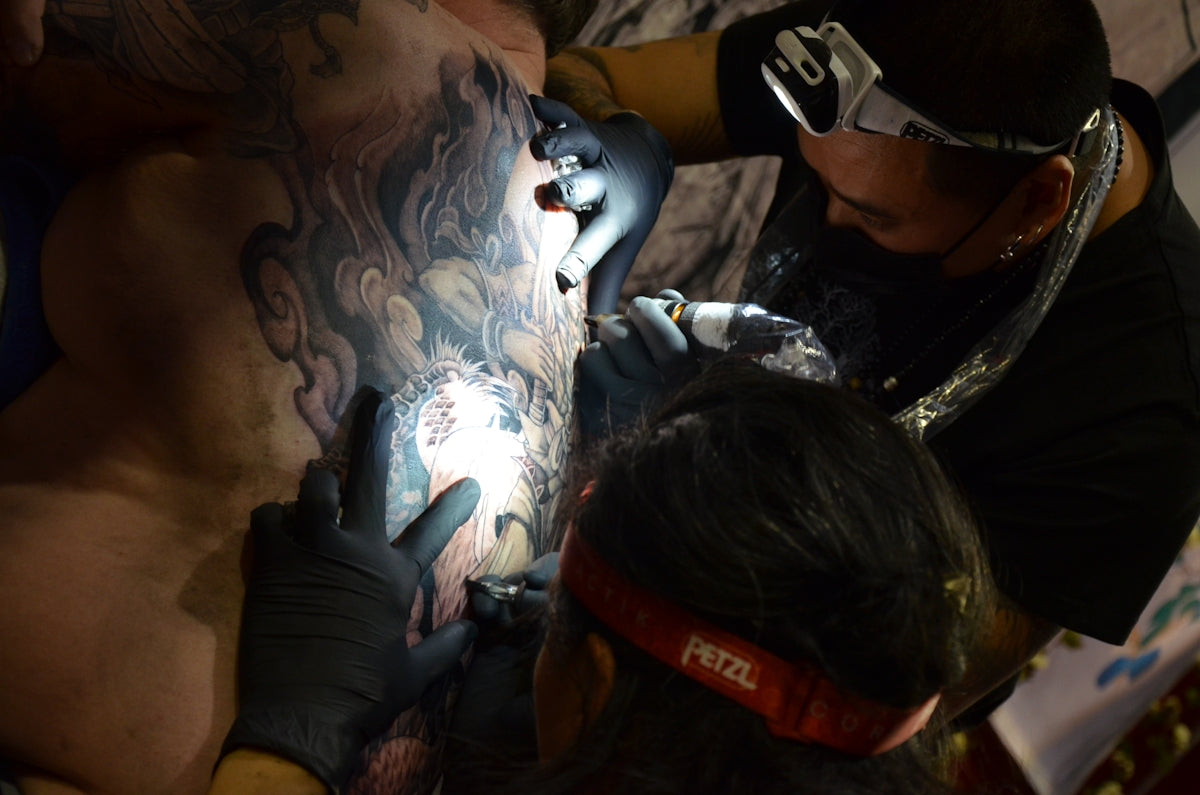
In the world of tattoo artistry, the possibility of crafting intricate and stunning designs has never been more attainable, thanks to the advanced digital tools available today. For artists who want to upgrade their craft, mastering the art of digital tattoo design using Procreate tools is an essential step. Whether you're an aspiring tattoo artist or a seasoned professional, we encourage you to explore Procreate tools that make you feel like a pro. This guide will provide you with practical insights into how Procreate's features can transform your creative process and elevate your art to a professional level.
Getting Started: Why Go Digital?
The transition from traditional paper sketches to digital platforms like Procreate offers unparalleled advantages. Procreate provides a vast canvas to unleash your creativity with its intuitive interface and myriad features, such as layers, digital brushes, and stencils specifically designed for tattoo artists.
The Procreate Advantage
Using Procreate means having access to a digital studio where all necessary tools are at your fingertips. With digital tattoo design, you can:
- Easily make adjustments without the need for erasing or starting over.
- Explore an extensive range of Procreate tattoo brushes that mimic real tattoo needles.
- Utilize layers to experiment with design elements and shading.
- Save and export your designs at the highest quality for presentation to clients.
Choosing the Right Tools: Procreate Tattoo Brushes
One of the standout features of Procreate is the sheer variety of brushes available for tattoo design. The Procreate tattoo brushes included in the 'PRO TATTOO KIT', available exclusively at TattooBrushes.com, offer artists unparalleled precision and creativity. These brushes are crafted to help you replicate the look and feel of actual ink on skin.
For in-depth information on crafting designs with these brushes, check the article on Craft Perfect Designs with Procreate Tattoo Brushes and Tools.
Step-by-Step: How to Use Procreate Tattoo Brushes
- Selecting Your Brush: Begin by exploring the various brushes designed specifically for tattooing. This includes line work, filling, and shading brushes.
- Custom Brush Settings: Adjust the size and opacity of your brush to suit your style and achieve your desired effect.
- Utilizing Layers: Work with multiple layers to separate elements of your design. This helps manage complexity and allows for non-destructive editing.
- Shading Techniques: Use brushes with a softer edge to blend colors smoothly. Practice realistic tattoo shading Procreate techniques to add depth and dimension to your art.
Realistic Tattoo Shading in Procreate
Shading is a critical component of achieving a believable tattoo design. Procreate allows you to perfect your shading technique with its powerful set of tools.
For those seeking to master this aspect, the Ultimate Guide to Realistic Tattoo Shading in Procreate is an invaluable resource. This guide will walk you through the nuances of creating realistic shadows and depth that make your designs come alive.
Stencils: The Blueprint of Tattoos
No tattoo design process is complete without the use of stencils. Stencils act as the blueprint that guides the final artwork on the skin. In Procreate, you can create the best tattoo stencils with the use of dedicated tools and features.
Crafting Your Stencil
- Outline Creation: Use the line drawing brushes to trace your design’s primary lines.
- Layer Management: Keep your stencil on a separate layer to avoid mixing with other elements of your design.
- Export and Printing Options: Once finalized, Procreate makes it easy to export your stencil for printing or client review.
Beyond Design: Essential Tools for Tattoo Artists
Besides brushes and stencils, Procreate offers various essential tools that enhance the workflow of tattoo artists. Some key tools include:
- Color Selection: Effortlessly choose and modify colors to find the perfect palette for your designs.
- Real-time Adjustment: Instantly adjust contrast, brightness, and saturation to see changes in context.
- Symmetry and Guides: Use Procreate’s built-in symmetry tool and guides for balanced and proportionate designs.
For comprehensive guidance on essential tools, read the Guide to Essential Tattoo Artist Tools in Procreate.
Perfecting Your Craft: Conclusion
Elevating your tattoo art involves a combination of skill, creativity, and the right tools. As you embrace digital design with Procreate, the 'PRO TATTOO KIT' from TattooBrushes.com becomes an indispensable part of your artistic journey. These tools not only simplify the design process but also open up new avenues for innovation and expression.
Find confidence in knowing that you have the right resources to refine your skills and showcase your creative potential. Ready to take the next step? Start designing tattoos the right way with tools that inspire the artist in you.

Leave a comment
This site is protected by hCaptcha and the hCaptcha Privacy Policy and Terms of Service apply.