
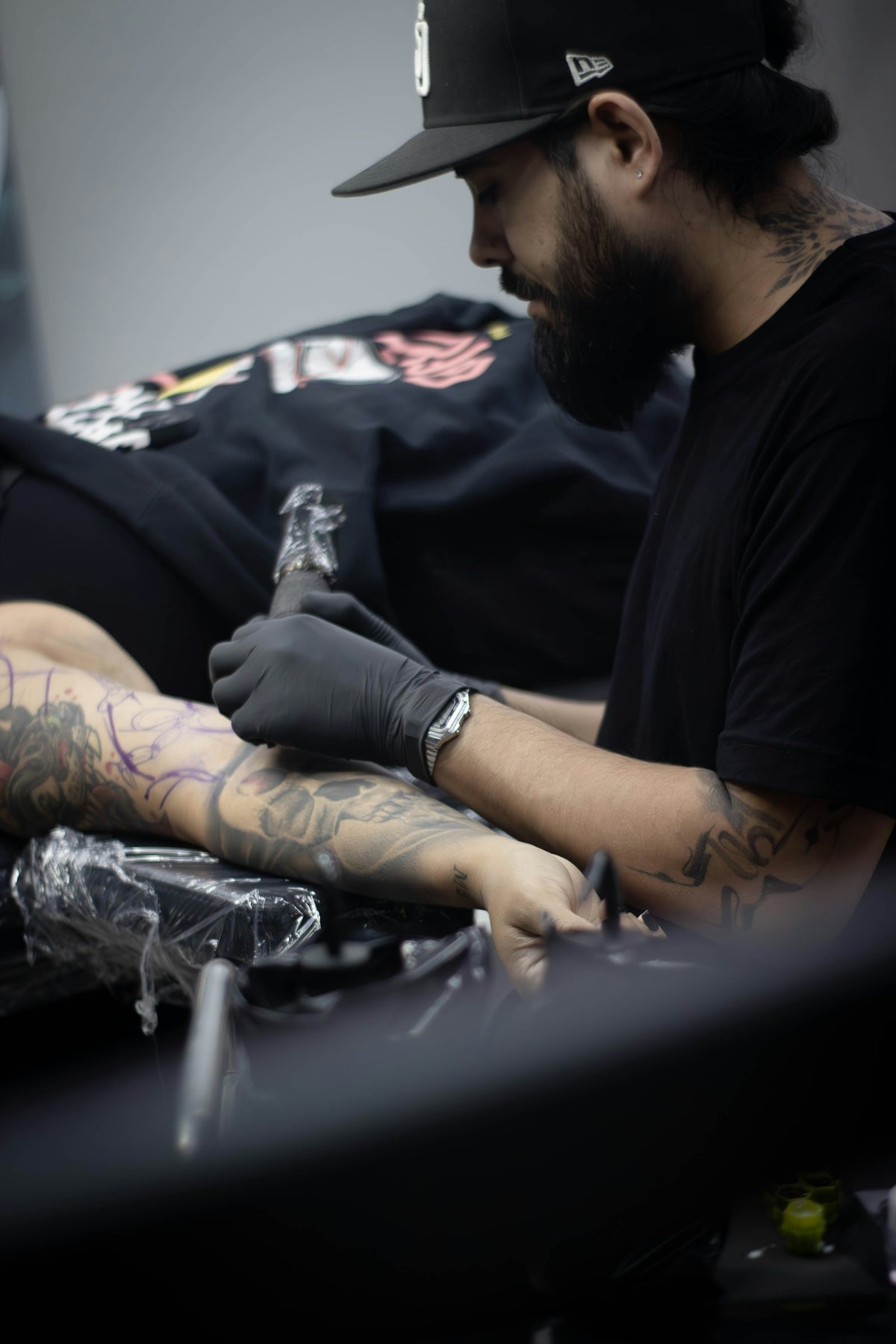
Welcome to the world of precision tattoo design! Whether you're an aspiring tattoo artist beginning your journey or a seasoned professional looking to refine your skills, mastering digital tattoo design with the best tools is paramount. In this digital age, leveraging Procreate for tattoo design is a game-changer, enabling artists to explore boundless creativity with precision and finesse. Embrace the power of Procreate tattoo brushes and take your artistry to the next level with high-quality resources. Start designing tattoos the right way by visiting TattooBrushes.com.
The Magic of Procreate for Tattoo Artists
Procreate has rapidly become a favorite among tattoo artists because it combines versatility with professional-grade tools, making digital tattoo design both accessible and exciting. One of the core strengths of Procreate lies in its extensive library of brushes, allowing artists to simulate any tattoo style imaginable, from bold line work to delicate shading.
To get started on Procreate, familiarize yourself with the interface and explore some built-in tutorial guides. Understanding the fundamental features like layers, opacity, and blending modes will set a strong foundation for your digital work. But, to truly shine in your designs, it's critical to incorporate specialized tools into your Procreate toolkit.
Why Use Tattoo Stencils in Procreate?
Tattoo stencils are the blueprint of any tattoo design process. They offer a roadmap that ensures precision and symmetry in your art. When used effectively, stencils can save time and reduce errors, empowering you to focus on the creative elements of your tattoo work. In digital design, the best tattoo stencils for Procreate provide versatility and adaptability, enabling you to quickly modify and scale designs to fit different canvas sizes.
Benefits of Using Tattoo Stencils:
- Accuracy and Proficiency: Tattoo stencils ensure your design aligns perfectly every time.
- Consistency: Replicate your designs or elements across various projects seamlessly.
- Efficiency: Save time by eliminating repetitive sketching.
Dive deeper into how you can Elevate Digital Tattoo Design Using Procreate Tools and witness the transformation in your workflow.
Master Realistic Tattoo Shading in Procreate
Achieving realism in tattoo design requires an exceptional understanding of shading techniques. Procreate offers robust shading capabilities that mimic traditional tattoo shading, making it indispensable for artists aiming for photo-realistic results. Employing the right techniques and tools can turn a good design into a work of art.
Steps for Realistic Tattoo Shading:
- Choose the Right Brushes: Utilize brushes designed specifically for realistic tattoo shading in Procreate. These brushes simulate actual tattoo machines and needles, providing depth and texture unmatched by generic tools.
- Understand Light and Shadow: Realism is rooted in how light interacts with the skin. Study reference photos and incorporate highlights and shadows meticulously to add dimension to your designs.
- Layering and Blending: Use multiple layers and the blending modes available in Procreate to gradually build up the shading, ensuring seamless transitions between light and dark areas.
Unlock the full potential of Procreate shading by exploring the Ultimate Guide to Realistic Tattoo Shading in Procreate.
Essential Tattoo Artist Tools for Procreate
No tattoo artist's toolkit is complete without a set of high-quality Procreate brushes. The 'PRO TATTOO KIT' offered by TattooBrushes.com is designed to elevate your art, providing a spectrum of brushes tailored to various tattoo styles.
Key Features of the PRO TATTOO KIT:
- Versatile Brush Selection: Includes a wide range of brushes for lining, shading, coloring, and texturing.
- Customizable and Scalable: Tailor the brush settings to fit your specific project needs.
- Professional Standard: Each brush is crafted to simulate the real-life feel of tattooing, enabling precision design in the digital realm.
Explore Procreate tools that make you feel like a pro by visiting TattooBrushes.com.
Practical Tips for Aspiring Artists
For those just starting with Procreate and digital tattoo design, here are some actionable tips to maximize your potential:
- Constant Practice: Regular use of Procreate will enhance your understanding and proficiency.
- Seek Feedback: Share your designs with peers and mentors to gain constructive feedback.
- Stay Informed: Keep up with the latest trends and tutorials. Resources like the Craft Perfect Designs with Procreate Tattoo Brushes and Tools can offer fresh insights and techniques.
Conclusion
Digital tattoo design with Procreate is a revolutionary step for modern tattoo artists. The precision and efficiency it offers can significantly streamline your design process while allowing you to explore a vast array of styles and techniques. Whether you're crafting a simple blackwork tattoo or complex realism, mastering Procreate with the best tattoo stencils will undoubtedly elevate your craftsmanship.
Upgrade your art today with the unparalleled resources found at TattooBrushes.com, and start the journey to becoming the artist you've always aspired to be. Embrace the digital revolution in tattoo artistry with confidence and creativity!

Leave a comment
This site is protected by hCaptcha and the hCaptcha Privacy Policy and Terms of Service apply.