
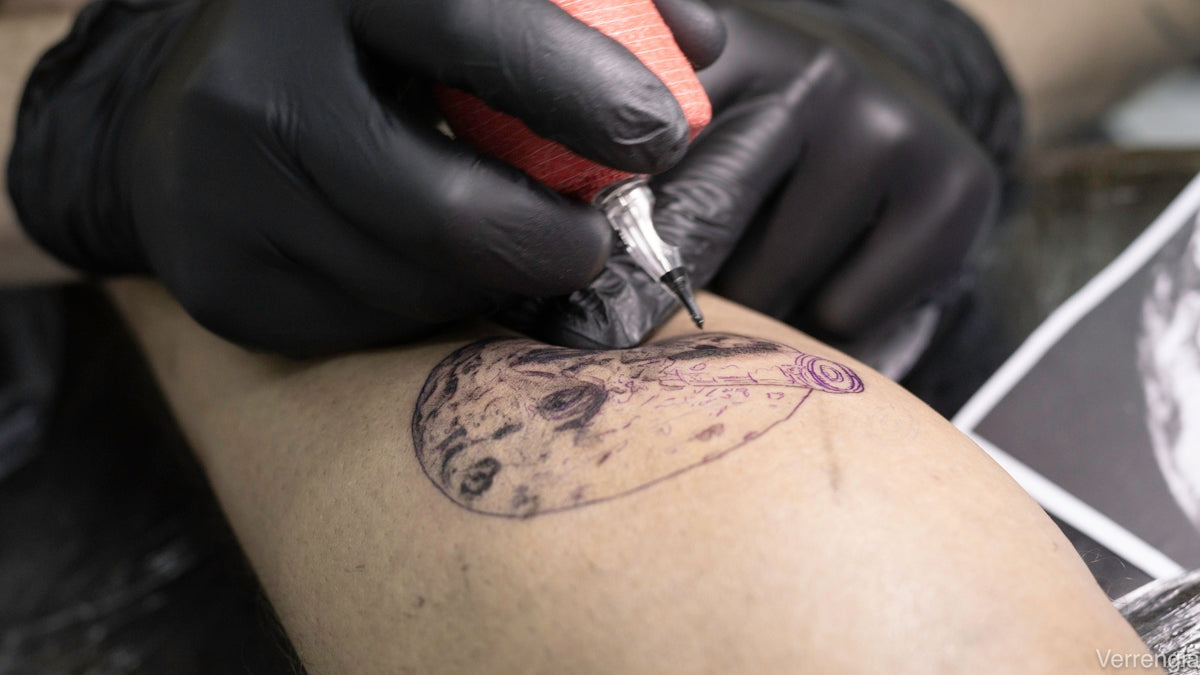
In today’s ever-evolving world of tattoo artistry, mastering digital tools like Procreate has become essential for both budding artists and seasoned professionals. Whether you're looking to refine your tattoo shading techniques or explore new blackwork tattoo trends, this guide will provide you with clear, step-by-step instructions for upgrading your art. If you’re ready to take your skills to the next level, start designing tattoos the right way with top-notch tools. Explore Procreate tools that make you feel like a pro.
The Importance of Procreate in Tattoo Art
Procreate is a powerful digital tool that provides artists with endless possibilities for creativity. It allows users to sketch, design, and refine their ideas before bringing them to life on skin. For tattoo artists, especially those focusing on linework and shading, Procreate offers precision and customization options that traditional methods cannot.
Understanding the Basics of Procreate Linework
Effective linework is the backbone of most tattoos. Creating clean, precise lines is crucial for both aesthetic appeal and the longevity of the tattoo. Here’s how you can master Procreate linework:
- Start with High-Quality Brushes: Using professional tools makes a significant difference. TattooBrushes.com's 'PRO TATTOO KIT' offers a comprehensive selection of brushes specifically designed for linework in Procreate. Explore the ultimate toolset here.
- Set Up Your Canvas Correctly: Begin by setting your canvas to at least 300 DPI. This ensures your linework is crisp and can be scaled if needed.
- Utilize the Stabilization Option: Procreate’s stabilization feature can help smooth out shaky lines. Adjust the stabilization settings to suit your style.
- Layer Management: Keep your linework on a separate layer from other elements. This allows you to make adjustments without affecting the rest of your design.
Tattoo Shading Techniques in Procreate
Getting shading right can make or break a tattoo design. Here are some innovative tattoo shading techniques you can practice directly in Procreate:
- Gradient Shading: Use soft brushes from the 'PRO TATTOO KIT' to create seamless gradients. This technique is ideal for designs requiring a soft transition from light to dark.
- Stippling Method: Mimic traditional hand-poked tattoos with stippling techniques. The brushes in Innovative Tattoo Shading Techniques for Realistic Texture Tutorial article will guide you through creating realistic textures.
- Cross-hatching: Use cross-hatching lines to add depth and texture. Adjust the opacity to blend layers seamlessly.
For more detailed guidance on shading, you can delve into the Unlock New Styles with Tattoo Shading Techniques & Procreate Brush Guide.
Blackwork Tattoo Trends with Procreate
Blackwork tattoos are known for their bold lines and striking contrasts. Here’s how to keep up with the latest trends using Procreate:
- Bold Outline Tools: Leverage the bold brushes within the 'PRO TATTOO KIT' to create strong outlines typical of blackwork designs.
- Solid Fills and Patterns: Use solid fills for large black areas, and experiment with different patterns for a unique twist.
- Exploration and Inspiration: Check out the Procreate Tattoo Brushes: Blackwork Trends & Essential Art Ideas to gain insights into the hottest trends and fill your creative toolbox.
Realistic Tattoo Texture Tutorial
Creating texture brings your design to life and enhances realism. Here’s a practical approach:
- Texture Brushes: Use texture brushes to add depth to elements such as skin and fabric.
- Layering Techniques: Apply multiple layers with varying opacities and blending modes to achieve a realistic texture.
- Freehand Adjustments: Utilize the flexibility of digital tools to make minute adjustments that elevate your design from good to exceptional.
Bringing Digital to Life: The Transition from Procreate to Tattoo
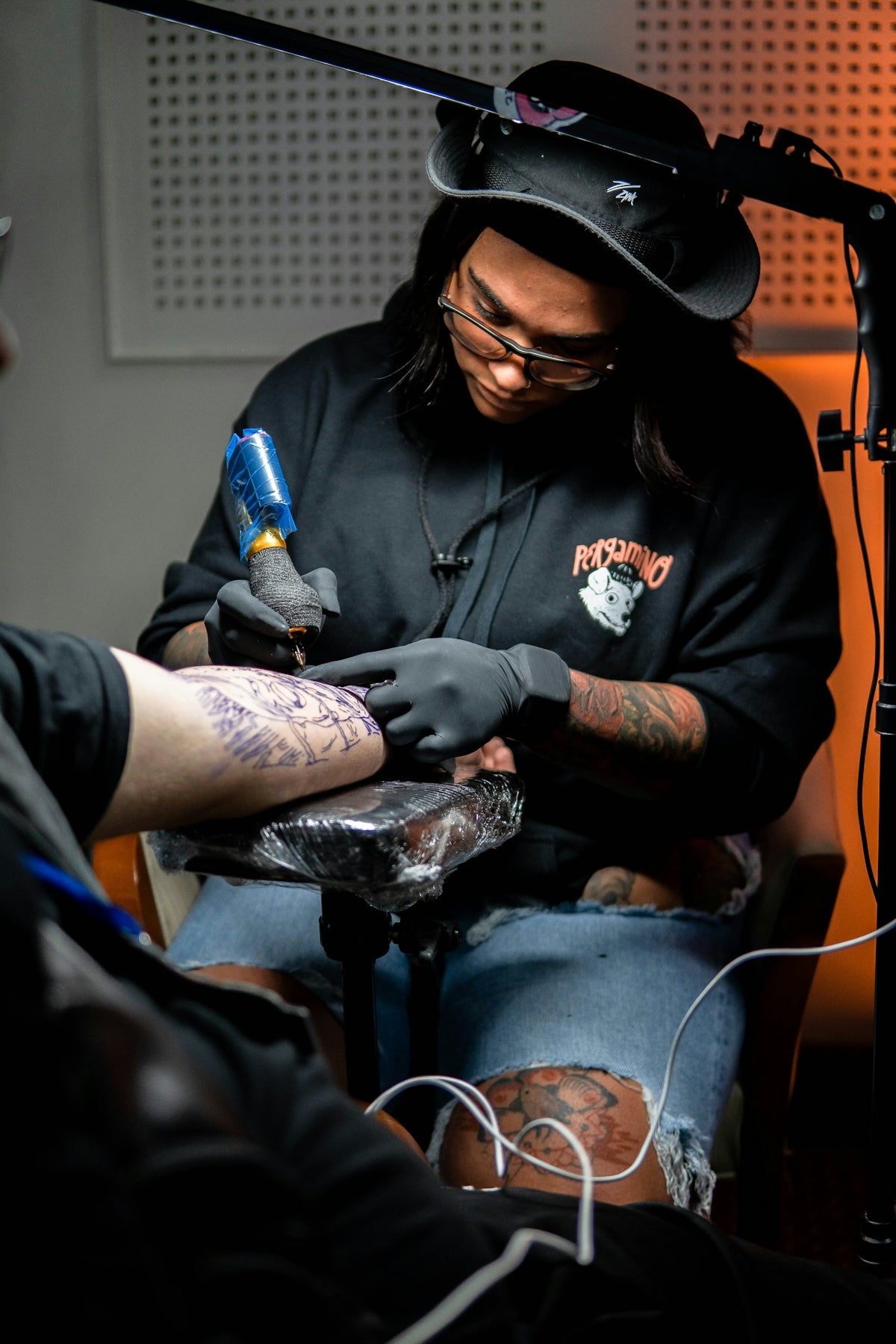
Transitioning from a digital design to a physical tattoo is a critical step. Here’s how you can make it seamless:
- Reference Your Procreate Files: Ensure your iPad is charged and readily available while tattooing for quick reference.
- Client Consultations: Use Procreate to illustrate initial concepts clearly and effectively communicate ideas with clients.
- Adapt Designs on the Fly: With Procreate’s flexibility, make any necessary edits to the design even during tattoo sessions.
Final Thoughts
Mastering Procreate for tattoo art opens up a world of creative possibilities. By investing in high-quality tools such as TattooBrushes.com's 'PRO TATTOO KIT', you’re setting yourself up for success. For those ready to elevate their craft, explore Procreate tools that make you feel like a pro and witness the transformation in your artwork today.
Take your art from ordinary to extraordinary, and join a community of passionate artists who are leading the future of tattoo design.

Leave a comment
This site is protected by hCaptcha and the hCaptcha Privacy Policy and Terms of Service apply.