
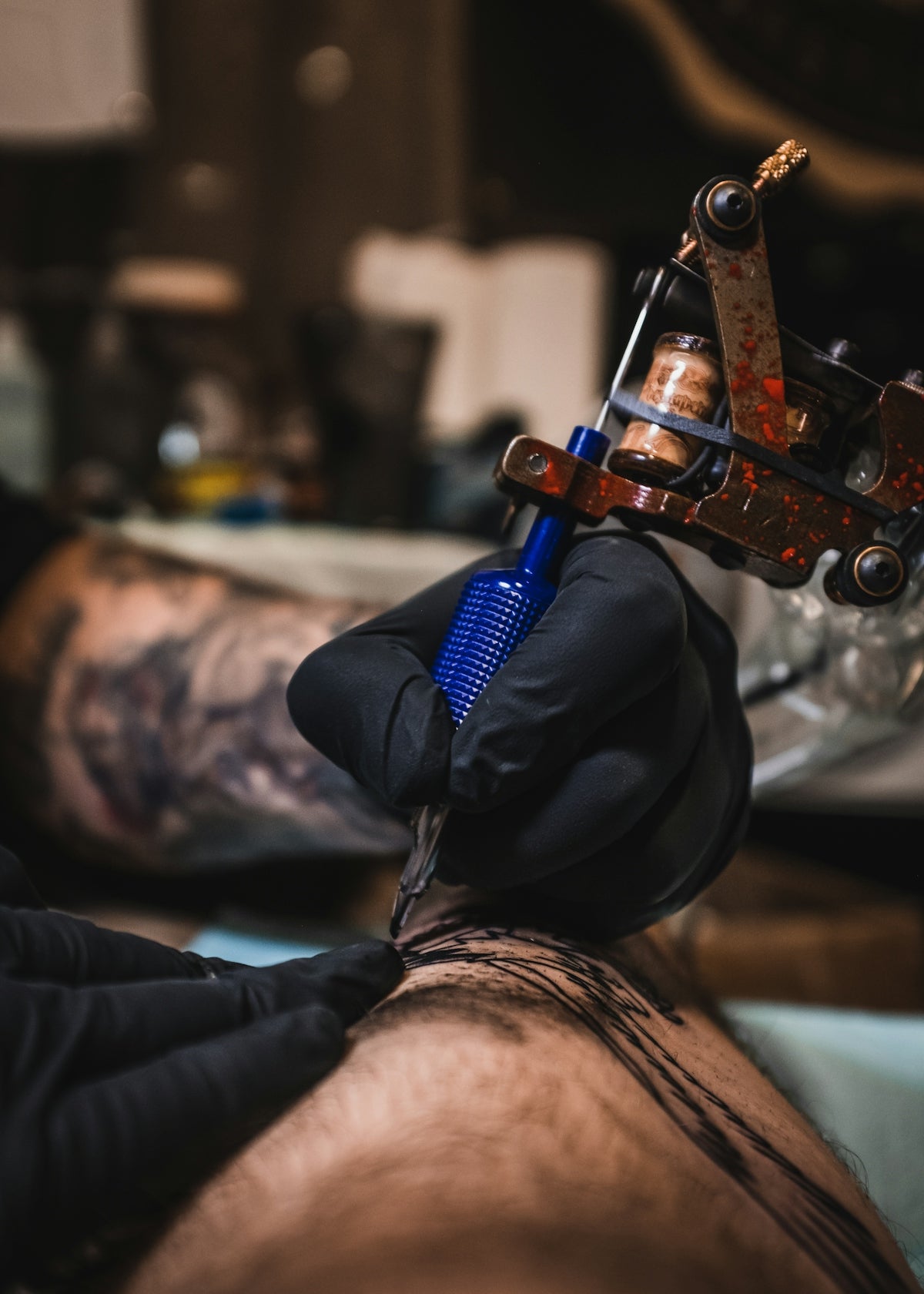
Ink aficionados, get ready to elevate your craft in unprecedented ways! Whether you're an aspiring artist eager to learn new skills or a seasoned professional aiming to master the art of realistic textures, this comprehensive guide on innovative tattoo shading techniques will help you upgrade your art. With expert tips on creating depth, dimension, and texture, this tutorial is your gateway to making your creations leap off the skin or screen. Start with the right tools and techniques today; explore Procreate tools that make you feel like a pro.
Tattoo shading is an essential step in achieving realistic textures, whether you're working on skin or digital mediums like Procreate. By understanding the nuances of shading, you can inject greater life and authenticity into your work. Below, we break down these techniques into easy-to-follow steps, along with links to further resources, guaranteeing an enriching journey. Let’s transform your good art into great art!
The Significance of Tattoo Shading Techniques
Shading is more than just adding color gradients—it's about bringing your illustrations to life. It involves creating depth, visual interest, and mood within your compositions. Proper shading can mean the difference between a flat image and one that captivates viewers.
Explore the Must-Have Procreate Tattoo Brushes for Digital Flash Art here to ensure you have the essential tools for digital creativity.
Procreate Linework Guide: Laying the Foundation
Before diving into shading, ensure your groundwork—your linework—is flawless. Pro Tip: Use the 'PRO TATTOO KIT' from TattooBrushes.com to achieve clean, professional lines that set the stage for impeccable shading. The 'PRO TATTOO KIT' includes high-quality brushes specifically designed for digital tattoo artists, providing consistency and precision in your linework.
Steps to Perfect Linework:
- Select the Right Brushes: Start with a brush that simulates real tattoo needles. Look into the Unlock New Styles with Tattoo Shading Techniques & Procreate Brush Guide here for brush options tailored for versatile styles.
- Stabilize Your Strokes: Utilize stabilizer tools in Procreate to maintain smooth lines. This feature helps ensure that your lines are both steady and clean.
- Practice Pressure Sensitivity: Adjust pressure sensitivity settings to mimic the natural variation of tattoo lines.
By setting up your canvas correctly with accurate linework, you lay a strong foundation for spectacular shading.
Blackwork Tattoo Trends and Shading Techniques
Blackwork tattoos are all about bold contrasts and dark, expressive themes. This style heavily relies on shading to differentiate the varying tones of black and gray.
Techniques to Master:
- Dot Shading: Achieve gradients by varying the density of dots. This technique affords you immense flexibility with tone and texture.
- Line Shading: Use parallel lines to simulate shadow and texture. Varying the density and thickness of these lines can create stunning effects.
- Cross-Hatching: Combine dot work and line work for depth that is both complex and captivating.
Keep pace with the latest Blackwork Tattoo Trends by embedding these innovative shading techniques into your repertoire.
Realistic Tattoo Texture Tutorial
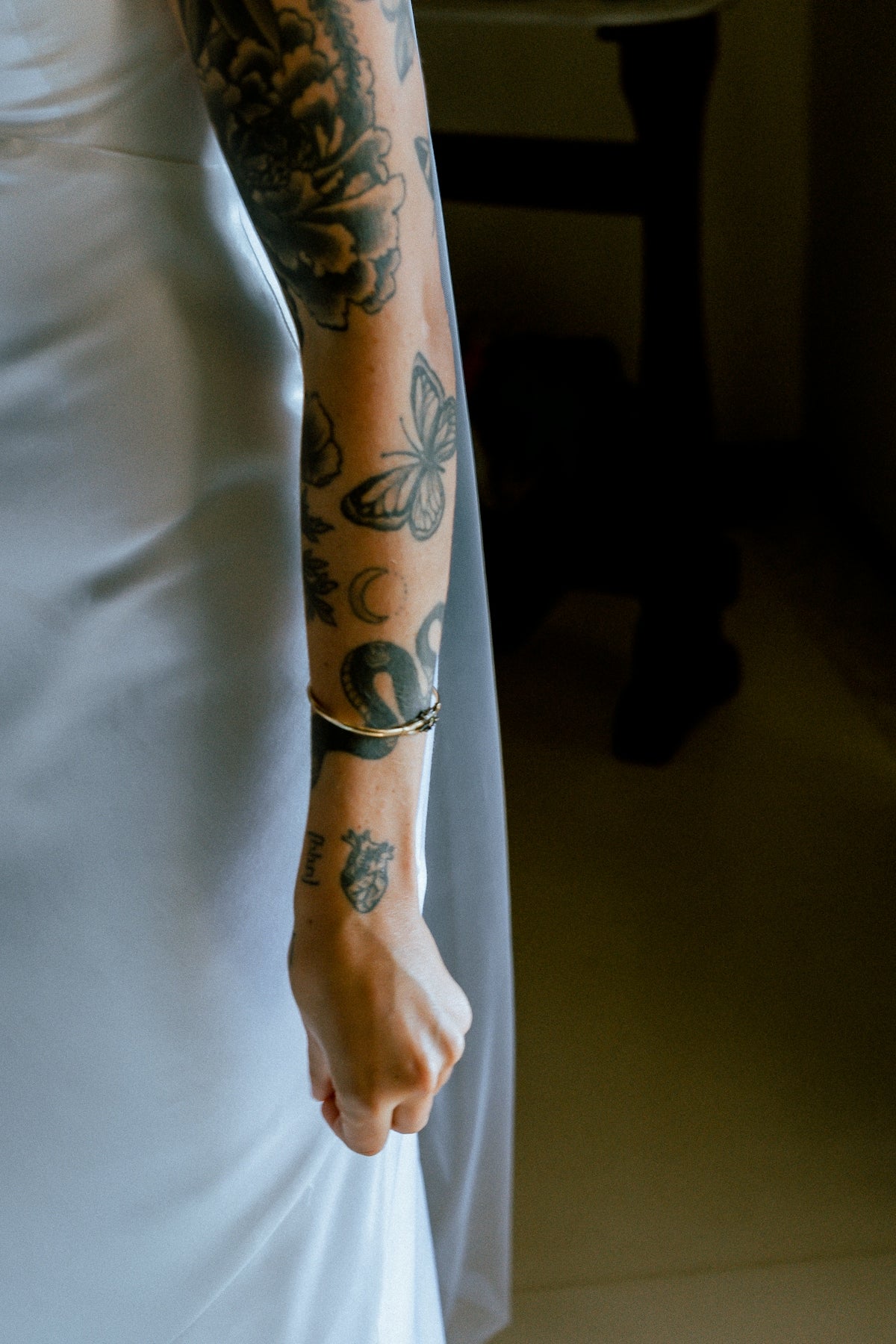
The texture is what breathes life into your tattoos, making them feel palpable. This is especially important when creating hyper-realistic tattoos with nuances like skin pores and tiny hair follicles.
Step-by-Step Guide:
- Layering Colors and Shades: Begin with lighter shades and progressively build up to darker hues.
- Work with Transparency: Gently blend layers to achieve soft transitions akin to skin's translucence.
- Incorporate Highlights and Lowlights: Remember, light and shadow play pivotal roles in the perception of texture.
For more in-depth techniques, refer to the Pro-Grade Guide to Realistic Tattoo Texture Tutorials here.
Digital Flash Art Ideas: Utilizing Procreate
Digital flash art offers both artists and clients the chance to explore unlimited possibilities. With Procreate, the only limit is your imagination.
Tips for Compelling Digital Flash Art:
- Experiment with Brush Textures: Utilize brushes that replicate traditional media like ink, watercolor, and graphite.
- Use Layer Masks: Protect areas of your work while adding shading and texture without altering the base artwork.
- Play with Light & Shadow: Utilize Procreate’s layer effects to simulate realistic lighting conditions.
Unlock your potential by accessing diverse Digital Flash Art Ideas to integrate unique textures and shading techniques into your toolkit.
Final Thoughts: Elevate Your Tattoo Game
By embracing these innovative shading techniques and harnessing the phenomenal capabilities of Procreate, you're gearing up for a transformative journey. Transition from adept to artist extraordinaire by continuously refining your technique and making informed tool choices. With the right blend of skill and tools, like those available at TattooBrushes.com, you can create tattoos that not only captivate but inspire. Feel the power of expertise in your hand—Explore Procreate tools that make you feel like a pro.
Whether you're an emerging artist or a seasoned veteran, there's always room to refine your craft. So go ahead, dive into these techniques, and watch your art flourish in ways you’ve only dreamed of!

Leave a comment
This site is protected by hCaptcha and the hCaptcha Privacy Policy and Terms of Service apply.