
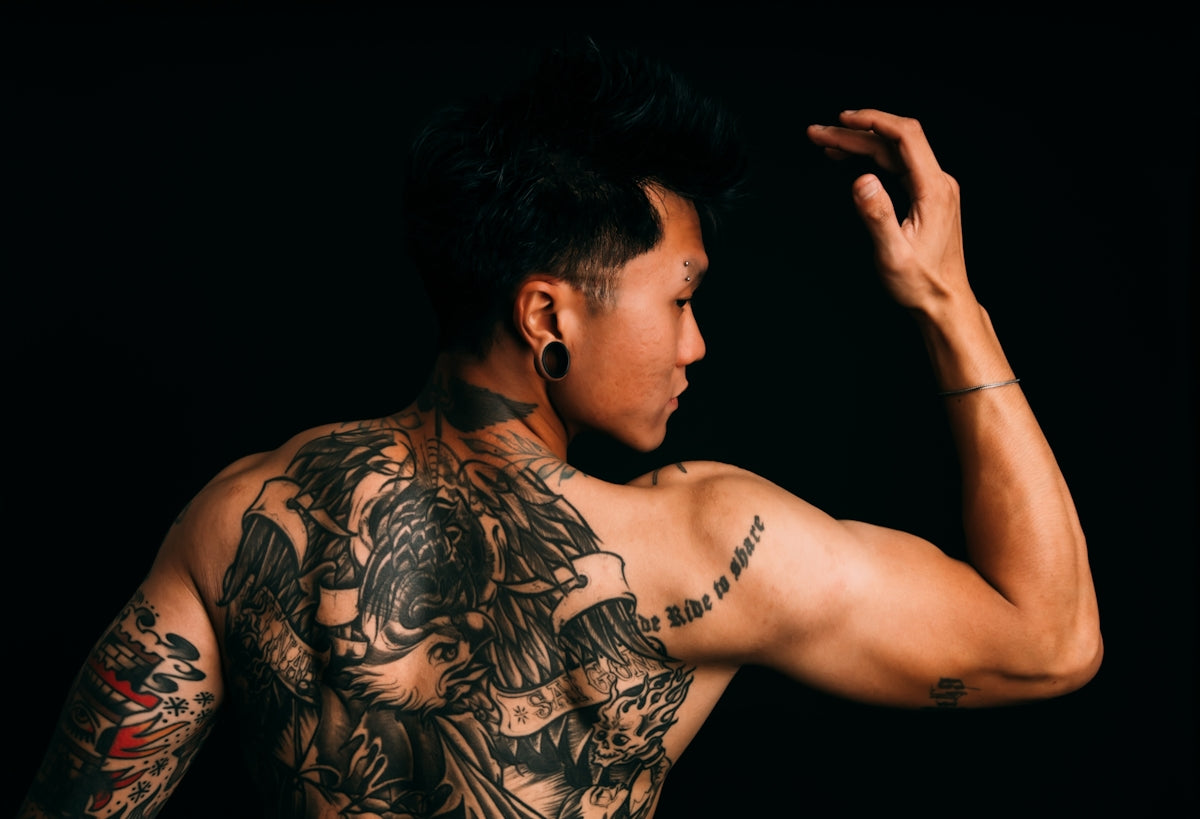
In the fast-evolving world of tattoo artistry, digital tools have transformed the design process, providing artists with unmatched precision and flexibility. Procreate, a favorite among digital artists, offers a comprehensive suite of tools that can elevate your tattoo designs to new heights. Whether you're an aspiring artist just starting your journey or a seasoned professional seeking to upgrade your art, mastering Procreate can be a game-changer in your creative process. Ready to transform your tattoo designs? Explore Procreate tools that make you feel like a pro.
Unleashing Creativity with Procreate Tattoo Brushes
At the heart of Procreate's appeal lies its extensive collection of customizable brushes. These tools allow you to easily mimic traditional tattoo techniques, making digital creations both authentic and innovative. By utilizing Procreate tattoo brushes, artists can seamlessly transition from digital sketches to physical tattoos. Investing time in exploring and customizing your brush set is crucial, as it forms the foundation of your design process.
How to Choose the Best Procreate Tattoo Brushes
When selecting brushes, prioritize versatility and realism. Consider investing in a curated set like the 'PRO TATTOO KIT' available at TattooBrushes.com. This kit includes brushes designed to replicate different needle types, allowing for varied line styles and smudge effects. Using high-quality brushes ensures your digital tattoo designs are sharp, detailed, and life-like.
Crafting Precise Tattoo Stencils in Procreate
Creating stencils accurately is crucial for transforming your digital concept into a successful tattoo. Procreate's technical capabilities simplify this process, offering various tools to refine your stencils.
Step-by-Step Guide to Creating Stencils
- Sketch and Refine: Begin with a rough sketch using a light, low-opacity brush. Gradually increase the opacity and size of the brush to refine your lines.
- Layer Management: Use multiple layers to separate different elements of your design. This offers flexibility in editing without affecting the entire design.
- Final Touches: For the best tattoo stencils in Procreate, utilize the selection tool to smooth edges and enhance symmetry.
Mastering these steps transforms your initial sketch into a polished stencil, ready for application.
Mastering Realistic Tattoo Shading
Shading is critical in bringing depth and dimension to tattoos. Procreate offers powerful shading capabilities, enabling artists to create designs that appear vibrant and three-dimensional.
Techniques for Realistic Tattoo Shading in Procreate
- Gradual Builds: Use low-opacity brushes to build up shading gradually, mimicking the layering technique used in traditional tattooing.
- Brush Variety: Employ different brushes to achieve varied textures and effects. The Procreate tattoo brushes are specifically tailored to offer varied densities and opacities, perfect for realistic shading.
- Layer Mode Adjustments: Utilize blending modes and layer opacities to enrich shadows and highlights naturally.
By mastering these techniques, your digital tattoos will stand out for their realism and beauty.
Enhancing Efficiency with Procreate Tools
Procreate's user-friendly interface and toolset significantly enhance an artist's productivity. Beyond brushes and shading, several features optimize the design process.
Essential Procreate Features for Tattoo Artists
- QuickShape: Instantly perfect your shapes, providing symmetry and balance to your designs.
- Color Dynamics: Experiment with color palettes to find the perfect hues for your tattoos. This feature supports color creation that looks vivid both digitally and on skin.
- Streamline: Achieves smooth, clean lines that replicate the precision of a practiced tattooing hand.
Integrating these features into your workflow can streamline the design process, allowing for more focus on creativity.
Continuous Improvement: Resources and Communities
Educational resources and artistic communities provide valuable insights into digital tattoo design. Articles like Must-Have Procreate Tattoo Brushes for Digital Design Enthusiasts and Procreate Tattoo Brushes: Boost Your Design Techniques Fast offer guidance on using Procreate to its full potential.
Joining Artistic Communities
Engaging with other artists allows for the exchange of tips, critiques, and encouragement. Platforms like Instagram, Reddit, and diverse online forums provide spaces to share work, discuss challenges, and learn from peers.
Advancing with the 'PRO TATTOO KIT'
The ultimate gateway to enhancing your digital tattoo design skills lies in acquiring the right tools. The 'PRO TATTOO KIT' offers an unparalleled collection of Procreate brushes and resources tailored specifically for tattoo artists.
Benefits of the PRO TATTOO KIT
- Precision and Versatility: Each brush is crafted for specific tattoo styles, ensuring precision in every stroke.
- Exclusive Design Techniques: The kit's resources include guides and tutorials designed by industry professionals to fast-track your skill development.
- Seamless Integration: Compatible with Procreate’s latest features, ensuring that your workflow remains uninterrupted and efficient.
As technology advances, so too must your toolbox. To truly excel in digital tattoo design, invest in resources that empower your creativity and refine your technique. Start designing tattoos the right way and see the difference in your art.
With the right tools and techniques, every artist can unlock their potential and create remarkable tattoo designs that captivate and inspire. Embrace the journey and witness how Procreate can transform your tattoo art with unmatched precision and artistic flair.

Leave a comment
This site is protected by hCaptcha and the hCaptcha Privacy Policy and Terms of Service apply.