
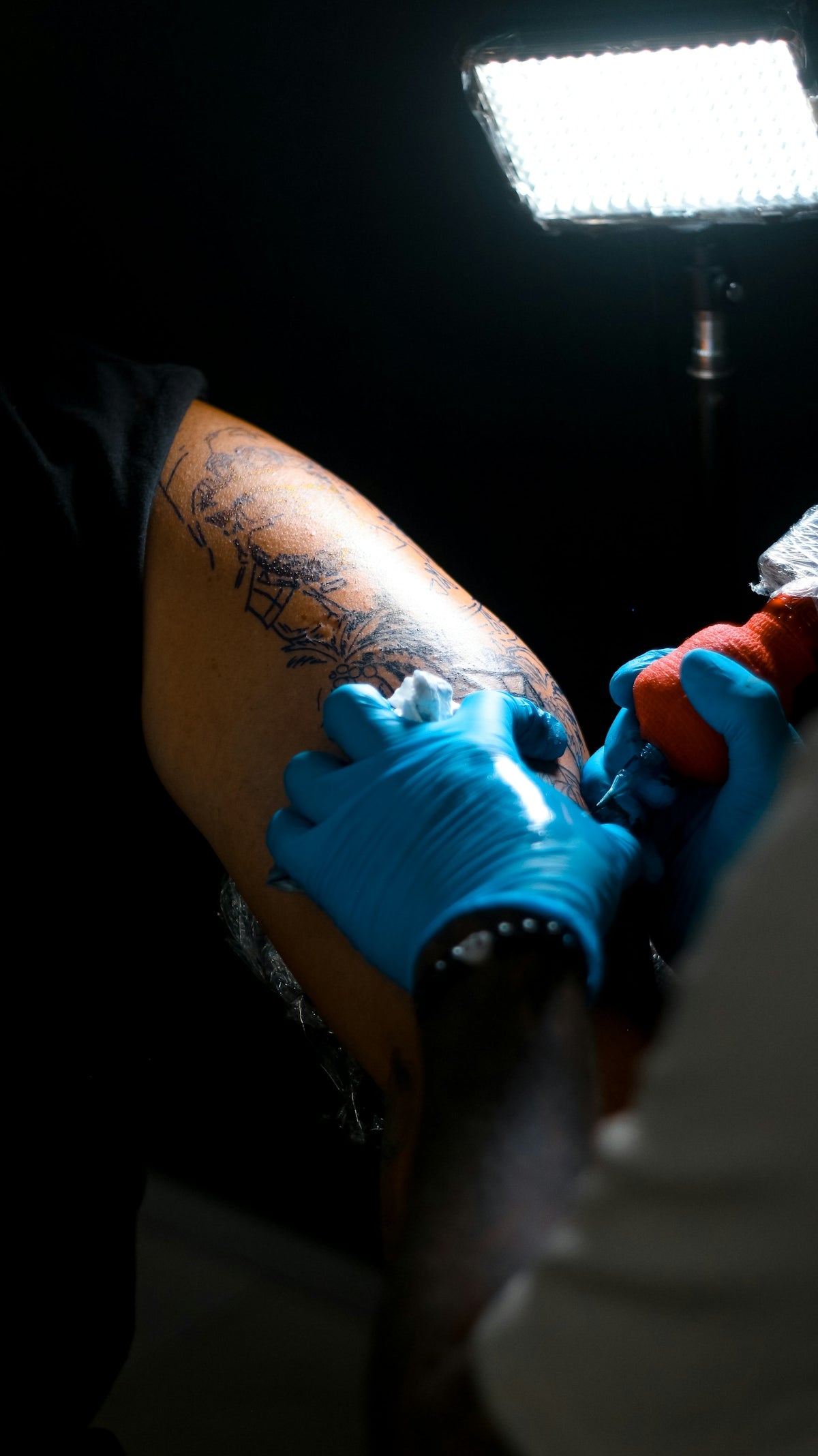
The art of tattooing is continually evolving, and the digital realm has ushered in a new era of creativity and precision. Artists now have an arsenal of digital tools at their disposal to refine their craft, and perhaps the most versatile among them is Procreate. This powerful app, coupled with the right brushes, can elevate your tattoo designs from good to extraordinary. If you're eager to enhance your digital tattoo design skills, start designing tattoos the right way with the ultimate selection of Procreate tattoo brushes from TattooBrushes.com.
Elevate Your Craft with Procreate Tattoo Brushes
In the visualization process of tattoo design, Procreate stands out as a favorite tool for both beginners and seasoned professionals due to its intuitive interface and robust set of features. The key to unlocking its true potential lies in the selection of professional-grade brushes that mimic the authenticity of real tattoo techniques.
TattooBrushes.com has curated a collection that promises to push your creative boundaries. Their PRO TATTOO KIT is built for artists who demand excellence. Designed with input from industry experts, these brushes help you execute your vision with the utmost precision and realism.
Understanding the Essentials: Procreate Tattoo Brushes
Here's a breakdown of essential categories in the Procreate brushes family that can transform your digital tattoo designs:
1. Line Work Brushes
Line work is the backbone of any tattoo design. Crisp, clean lines add definition and structure. The PRO TATTOO KIT includes brushes that mimic traditional liners, offering varying widths and pressures, perfect for everything from bold outlines to intricate details. These tools give you the confidence to create designs that truly stand out.
2. Shading Brushes
Achieving realistic tattoo shading with Procreate is a hallmark of a skilled digital artist. Subtle shading adds depth and dimension to your work. Realistic Tattoo Shading Tips with Procreate Tattoo Brushes discusses techniques to master this art. The PRO TATTOO KIT offers you a range of shader brushes that replicate soft gradients and stipple effects, providing that professional touch to your designs.
3. Textural Brushes
Texture is what separates a two-dimensional drawing from a lifelike illustration. Whether you're aiming for a realistic human portrait or an intricate ornamental design, textured brushes can enhance the authenticity of your work. The PRO TATTOO KIT features brushes that allow you to replicate the look of skin texture, different tattoo styles, and even backgrounds effortlessly.
Mastering Tattoo Stencils with Procreate
Stencils are the blueprint of any tattoo. Master Tattoo Stencils Using Procreate for Art Perfection offers insights into achieving stencil perfection. The PRO TATTOO KIT includes specific stencil brushes that streamline the process of turning your concepts into flawless stencils, ensuring your transition from paper to skin is seamless.
Key Benefits of Using the PRO TATTOO KIT
Why does the PRO TATTOO KIT stand out? Here are some benefits:
- Efficiency: Save time with pre-set brushes that require minimal custom adjustments.
- Precision: Experience the closest simulation of real tattooing.
- Versatility: A comprehensive collection catering to all styles and preferences.
Step-by-Step Guide to Using Procreate Brushes
- Install the PRO TATTOO KIT: Once you purchase and download, installing the brushes in Procreate is straightforward. Simply import the files into your library to start using them.
- Select the Right Brush for Your Step: Choose line work, shading, or textural brushes according to the phase of your design process.
- Adjust Brush Settings: Take advantage of Procreate’s robust setting options to tweak the pressure sensitivity and flow to match your style.
- Create Layered Designs: Use layers to experiment with different aspects of your design without fear of losing progress.
- Utilize Tutorials: Refine your skills by exploring linked articles such as Procreate Tattoo Brushes: Boost Your Design Techniques Fast for advanced techniques.
- Seek Feedback: Engage with online communities or professionals to gain constructive feedback and inspire improvement.
Expanding Your Skills with Resources
TattooBrushes.com not only offers top-tier Procreate brushes but also supports artists with valuable educational resources and community engagement. By continuously learning and adapting, you position yourself to break new ground in the world of digital tattoo design.
Conclusion
The allure of digital tattoo design is its limitless potential. As you set out on this creative journey, remember that the right tools can make all the difference. Elevate your art to professional levels with high-quality Procreate tattoo brushes from TattooBrushes.com. Whether you're perfecting line work or adding intricate shading, the PRO TATTOO KIT stands ready to assist you in creating masterpieces. Don’t wait any longer to upgrade your toolkit and artistic prowess. Explore Procreate tools that make you feel like a pro today and watch your designs come to life with unparalleled detail and precision.
For more information and resources to help transition from novice to pro, visit TattooBrushes.com.


Leave a comment
This site is protected by hCaptcha and the hCaptcha Privacy Policy and Terms of Service apply.