
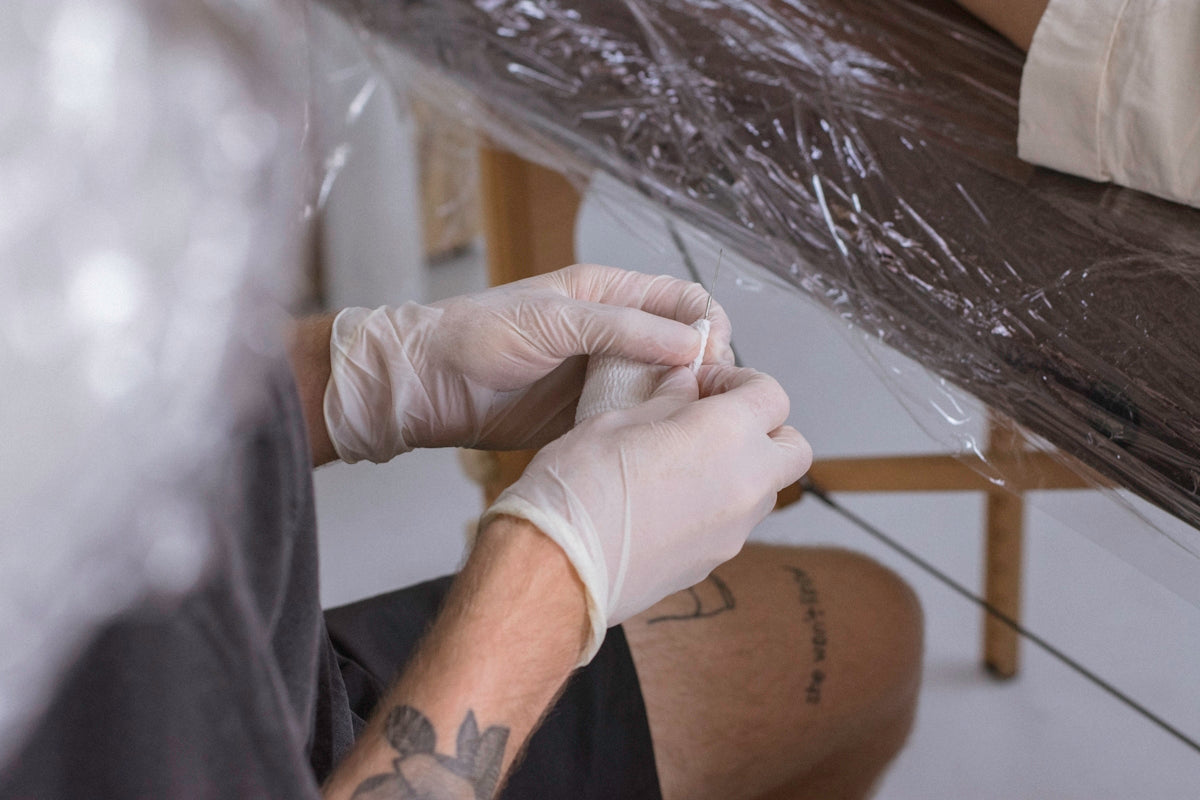
In the dynamic world of tattoo art, creating lifelike, realistic tattoos demands not just talent and creativity, but also the right tools and techniques. Whether you're a budding tattoo artist eager to learn or a seasoned professional seeking to refine your skill set, mastering the art of realistic tattoo texture can elevate your work to new heights. The good news is that with the aid of the PRO TATTOO KIT from TattooBrushes.com, achieving these results has never been more attainable. Ready to transform your digital artwork? Explore Procreate tools that make you feel like a pro.
In this comprehensive guide, we'll delve into tattoo shading techniques, the intricacies of Procreate linework, the latest blackwork tattoo trends, and offer a step-by-step realistic tattoo texture tutorial. Plus, we’ll share some digital flash art ideas to jumpstart your creativity.
Understanding Tattoo Shading Techniques
Tattoo shading can make or break the realism of a design. It's an art form in itself and a crucial aspect of creating dimension and depth. Here's a breakdown of fundamental shading techniques:
- Whip Shading: Ideal for creating a soft gradient effect. Move the needle in a flicking motion at an angle to achieve a lighter effect on the skin or canvas.
- Circular Shading: As the name suggests, involves small circular motions. It's excellent for blending tones seamlessly.
- Stipple Shading: This technique uses dots to create textures and gradients. It's particularly effective for creating subtle transitions and textures.
To master these techniques digitally, it's important to practice consistently. Refer to our blog, "Master Shading Techniques and Procreate Linework for Perfect Tattoos", for a more in-depth look at these foundational skills.
Procreate Linework Guide: Precision Meets Creativity
Procreate has revolutionized how tattoo artists conceptualize and refine their ideas. It's a powerful tool that allows for elaborate details and intricate linework. Here's how you can improve your Procreate linework:
- Adjust the Stabilization: In Procreate, accessing the 'Stroke Stabilization' feature can immensely help in creating smoother lines.
- Experiment with Brush Settings: Use different brushes for linework and shading. The PRO TATTOO KIT offers a variety of brushes that mimic real tattoo needles, providing authentic results.
- Layering: Use multiple layers for different parts of your art to manage and modify elements easily. This is key to keeping your artwork organized.
These techniques will enhance your ability to create compelling linework, an essential component of any tattoo art.
Blackwork Tattoo Trends: Embrace the Bold
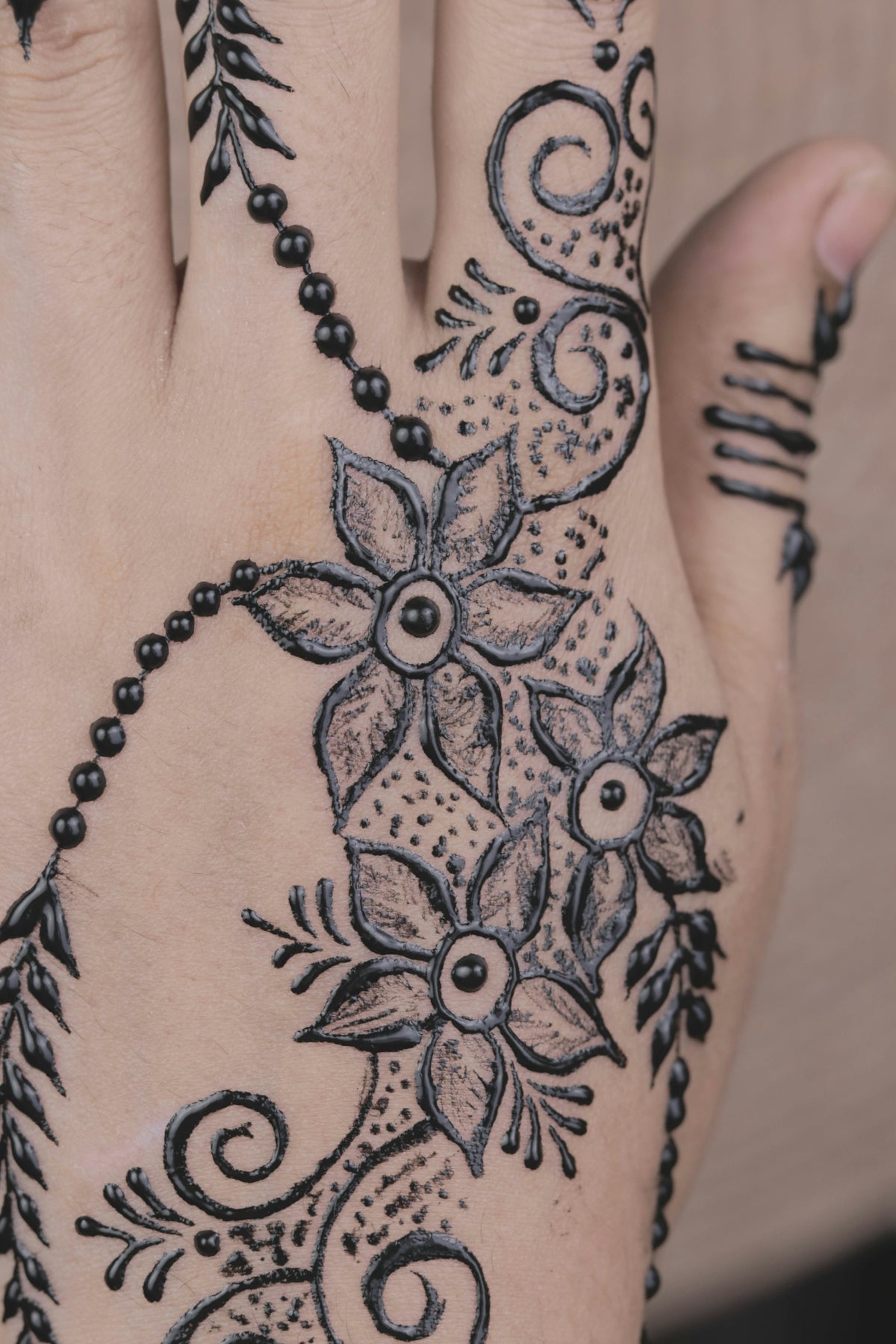
Blackwork tattoos have been gaining immense popularity. These designs are bold, expressive, and often emphasize stark contrasts. Some notable trends include:
- Geometric Patterns and Mandalas: These designs showcase symmetry and balance, often in pure black.
- Minimalistic Styles: A single, thick black line can convey strong emotions and narratives, making them popular in contemporary tattoo art.
- Cultural and Tribal Inspirations: Drawing on historical designs with a modern twist keeps these trends alive.
For more insights into these trending styles, check out our article, "Discover Innovative Blackwork Tattoo Trends and Techniques".
Realistic Tattoo Texture Tutorial: Step-by-Step
Creating realistic textures in tattoos can significantly boost the lifelike quality of your designs. Follow these steps to achieve that flawless texture:
- Choose the Right Brush: The impressionistic effect is critical. Brushes from the PRO TATTOO KIT can simulate skin textures for both linework and shading.
- Layer Wisely: Start with a base layer to outline your tattoo. Then, use additional layers for texture and shading.
- Use Gaussian Blur Sparingly: This tool is perfect for softening edges and creating a more natural look.
- Incorporate Depth through Contrast: Adjust the brightness and contrast settings in Procreate for distinct depth, making your artwork pop.
- Feedback Loop: Seek critiques from peers and mentors to refine and perfect your work.
This process requires patience and practice, but with commitment, you will see a marked improvement in your tattoo realism skills.
Digital Flash Art Ideas: Ignite Creativity
Keeping creativity alive in your practice is essential. Digital flash art offers endless opportunities to experiment and innovate. Here are some ideas:
- Mix Realism with Abstract: Blend realistic images with abstract shapes to create unique compositions.
- Nature-Inspired Designs: Using botanicals and animal forms can add diversity and interest to your portfolio.
- Symbolism and Personal Narratives: These designs often carry personal meaning and are great for custom requests.
Explore more digital flash art techniques in our article, "10 Must-Have Procreate Tattoo Brushes for Digital Flash Art".
Elevate Your Art with Professional Tools
The journey to mastering realistic tattoo textures and designs is never a solitary endeavor. Equipped with the right resources, you're setting yourself up for artistic and professional success. The PRO TATTOO KIT is curated to provide industry-standard tools that cater to every artist's needs, ensuring your skills continuously evolve.
Don't hold back your potential—every masterpiece starts with the right tools. Visit TattooBrushes.com today to begin this exciting journey. Start designing tattoos the right way, and watch your skills—and confidence—soar to new heights.
With dedication, practice, and the guidance of superior tools, the artistic world is yours to conquer.

Leave a comment
This site is protected by hCaptcha and the hCaptcha Privacy Policy and Terms of Service apply.