
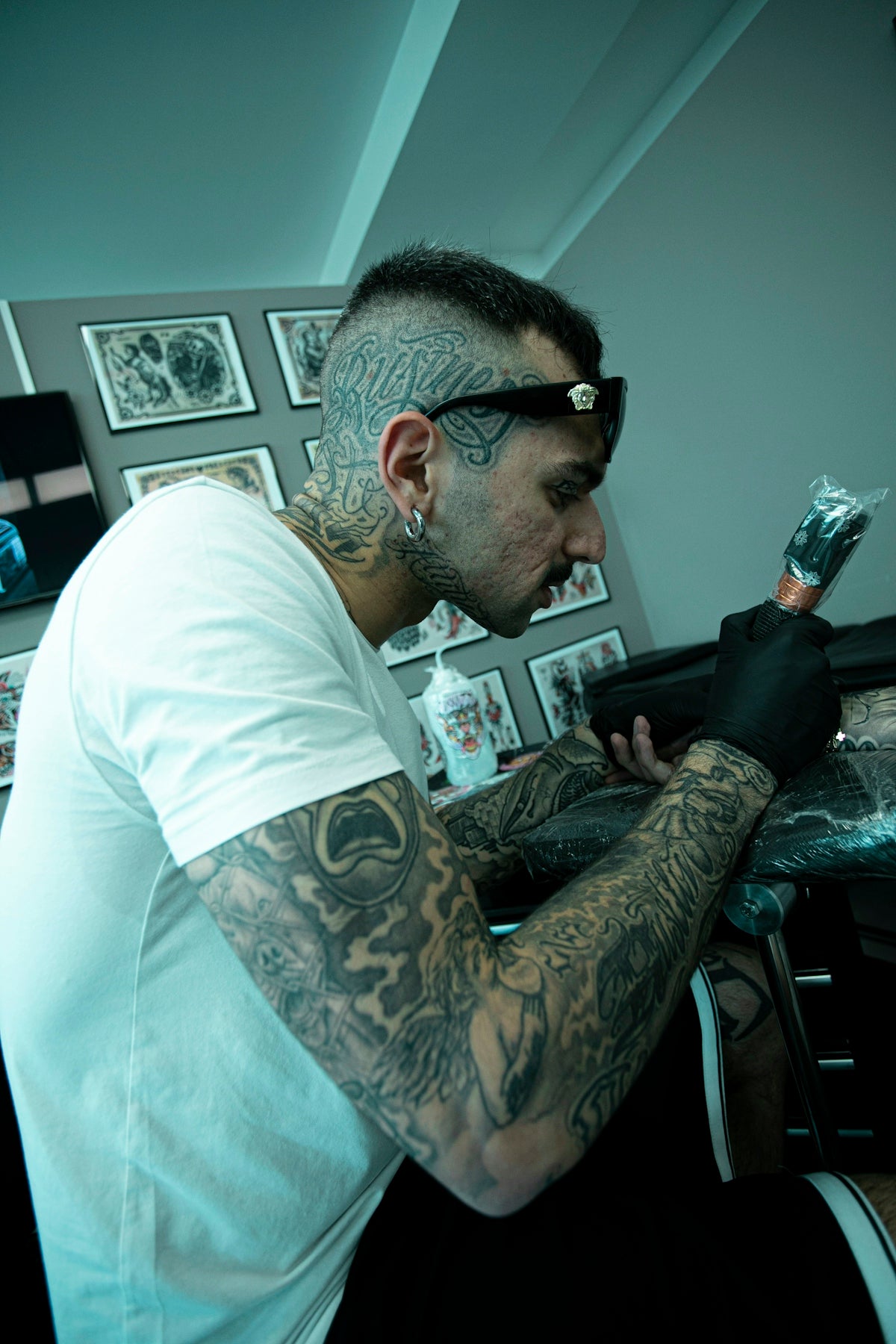
Welcome to the ultimate guide for mastering the art of linework in your digital tattoo designs with Procreate! Whether you're an aspiring tattoo artist or a seasoned professional, achieving perfect linework is fundamental to bringing your designs to life. With the right tools and techniques, you can elevate your artwork to a new level of precision and realism. At TattooBrushes.com, we provide high-quality Procreate tattoo brushes within our PRO TATTOO KIT, ensuring that your digital art looks as good as possible. Explore Procreate tools that make you feel like a pro at TattooBrushes.com.
Understanding the Basics of Digital Tattoo Design
Digital tattoo design is an innovative way for artists to bring their creative concepts to fruition before they ever touch a needle to skin. By using Procreate, a leading digital art app, artists can sketch, design, and refine their ideas with incredible precision. To create those clean and consistent lines that are central to an impressive tattoo, starting with strong foundational techniques is crucial.
If you're just beginning your journey or looking to improve your skills, the detailed tutorial Master Tattoo Stencil Creation with Procreate offers a comprehensive look at crafting perfect stencils.
Essential Procreate Tattoo Tools for Linework
The quality of your linework largely depends on the tools you use. With the right Procreate tattoo brushes, you can recreate the varying line weights and fluidity found in traditional tattoos. Our top-of-the-line PRO TATTOO KIT includes brushes specifically designed to mimic the effect of real tattoo needles.
1. Choosing the Right Brushes
Your choice of brushes in Procreate can greatly influence your workflow and style. For precision linework, consider brushes that replicate the fine lines and stippling of traditional work. Our post on Must-Have Procreate Tattoo Brushes for Incredible Designs highlights some of the most effective brushes to incorporate into your toolkit.
2. Applying Pressure Sensitivity for Dynamic Lines
Procreate's pressure sensitivity is a potent tool for digital artists. Adjusting the pressure settings allows you to create varied line weights with a natural and organic feel. When used correctly with quality brushes, this technique ensures that your digital tattoos have the depth and dimension needed to mimic actual ink.
Mastering Realistic Tattoo Shading in Procreate
Once you have your linework down, the next step is adding depth through shading. Realistic tattoo shading in Procreate can bring your designs to life, making them appear as though they're about to leap off the screen.
When developing your shading technique, start with broad strokes to establish basic shadows and slowly build up using smaller strokes for fine detail. This layering approach helps create depth and realism in your tattoos.
Elevating Your Tattoo Stencils with Precision Linework
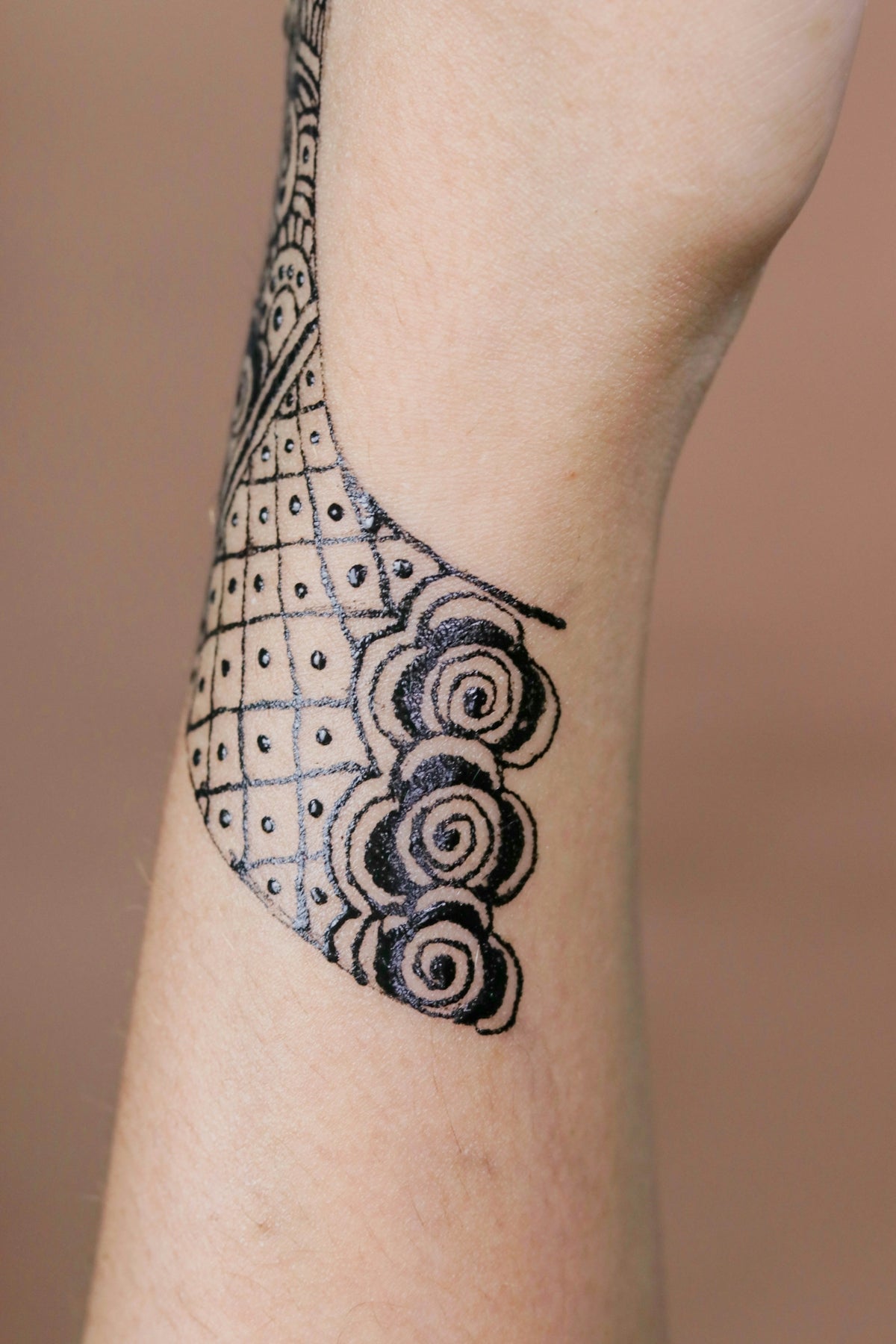
Creating accurate stencils is a vital part of the tattooing process, as it lays the groundwork for your entire tattoo. With precise linework, your stencils will be easier to transfer onto skin or other mediums. Good linework not only helps guide you during the inking process but also ensures a clean and professional final look.
Explore the detailed step-by-step guide on improving your stencil creation in Top Procreate Tattoo Brushes for Precise Linework. With the right techniques and tools, you’ll be making impeccable stencils in no time.
Practical Tips for Aspiring Artists and Professionals
No matter where you find yourself on your artistic journey, enhancing your skills with Procreate can be incredibly rewarding. Here are some practical tips to keep in mind:
- Practice Regularly: Consistent practice will significantly improve your linework precision. Set aside time daily or weekly to refine your techniques.
- Take Advantage of Tutorials: Don’t hesitate to learn from other artists and tutorials available online. Our resources at TattooBrushes.com offer a wealth of information and tips.
- Experiment with Different Styles: Step outside your comfort zone and try different line styles. This will broaden your skills and provide more options for client work.
- Incorporate Feedback: Seek constructive feedback from fellow artists to identify areas for improvement.
Final Thoughts
Refined linework and shading can drastically improve the realism and impact of your digital tattoo designs. By selecting the right Procreate tools and applying these practical techniques, artists at any level can elevate their work. The PRO TATTOO KIT from TattooBrushes.com is an invaluable resource for achieving that high level of professional finish.
Are you ready to push your skills to the next level? Start designing tattoos the right way with tools that put precision and creativity at your fingertips.
Dive deeper into the tattoo design process with our curated resources at TattooBrushes.com.

Leave a comment
This site is protected by hCaptcha and the hCaptcha Privacy Policy and Terms of Service apply.