
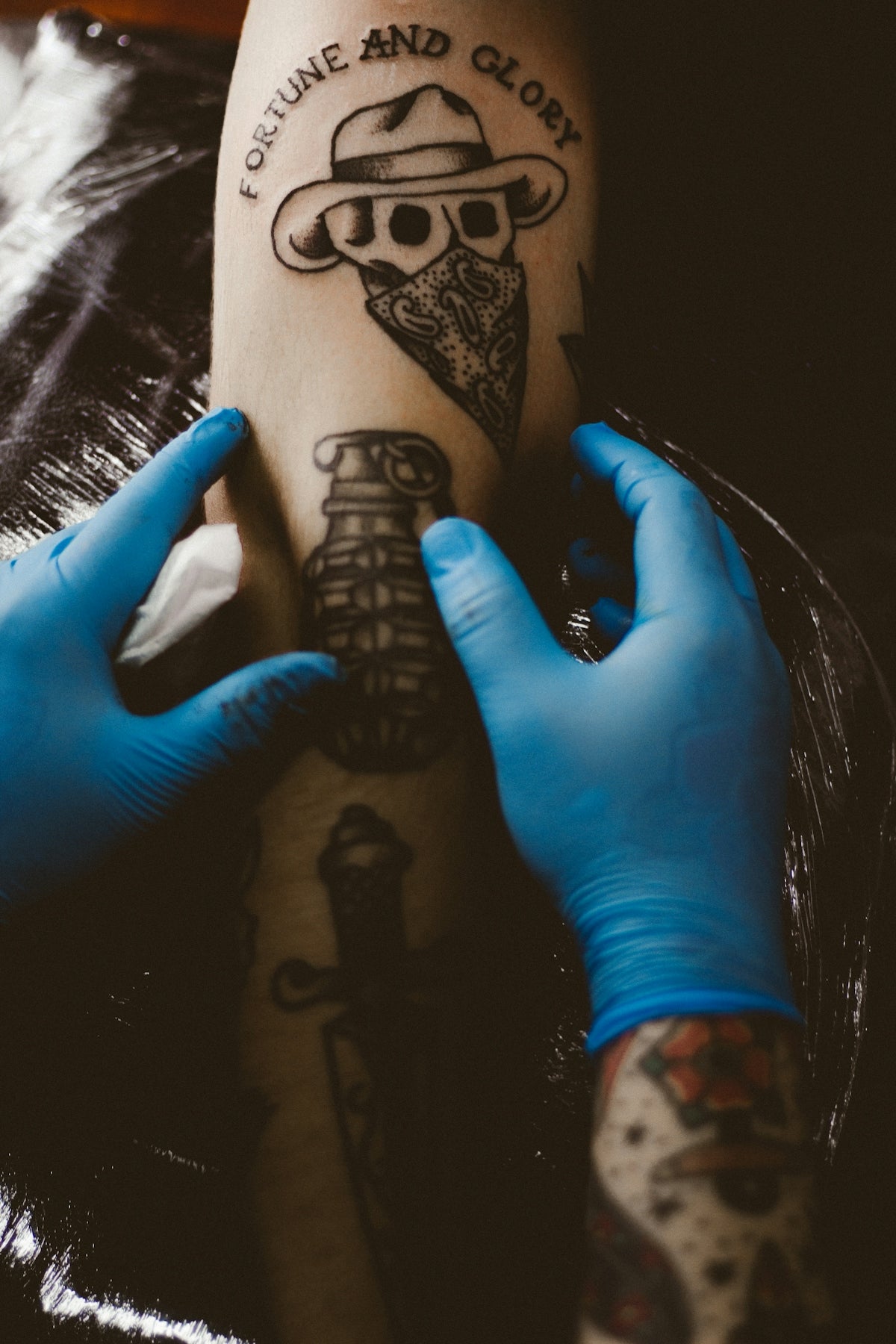
In the dynamic world of digital tattoo design, the transition from sketching with pen and paper to mastering Procreate can seem daunting. But fear not, whether you're embarking on your tattooing journey or a seasoned professional wanting to enhance your skills: you've landed in the right place. Dive into this guide to discover essential tips and tricks for mastering Procreate linework. With the right tools, like the PRO TATTOO KIT, you can transform your art into professional-quality designs. Start designing tattoos the right way!
Understanding the Basics of Procreate Linework
One of the most critical aspects of digital tattoo artistry is mastering linework. Clean, bold lines form the spine of any design — whether it's a simple flash art or a complex blackwork piece. Here’s how to perfect your linework using Procreate, transforming your sketches into flawless works of art.
Tools of the Trade
Before diving into the specifics, it's vital to equip yourself with the necessary tools. The PRO TATTOO KIT includes everything you need, featuring high-quality brushes engineered specifically for tattoo artists.
Setting Up Your Canvas
Begin by setting up your canvas correctly. A common recommendation is to work on a 300 DPI canvas with dimensions that reflect typical tattoo sizes. This ensures your designs are as detailed as possible:
- Go to Canvas > New Canvas > Custom Size
- Input your preferred dimensions and set DPI to 300
Selecting the Right Brushes
Choosing the right brush for your linework is crucial. Look for ones that mimic traditional inking tools for a more authentic feel. Explore the range of precise brushes available in the PRO TATTOO KIT.
Essential Linework Techniques
Having the right tools and settings is just the start. Here’s a closer look at linework techniques that will help elevate your designs:
Steady Hands with Procreate’s Stabilization
Procreate offers built-in tools to help maintain steady lines:
- Navigate to Brush Settings > Stabilization and adjust the slider until your strokes feel steady yet natural.
Pressure Sensitivity and Brush Opacity
Mastering pressure sensitivity enables variation in line weight, crucial for realistic texture:
- Adjust Pressure Curve settings to fit your stylus and working preference.
- Experiment with Opacity and Flow for softer transitions in your linework.
Layering Techniques
Organize your artwork efficiently using layers:
- Keep outlines on a separate layer from shading and texturing for optimal control.
- Assign a specific layer for each component of your design.
For more on achieving stunning results, read our extended guide on Blackwork Tattoo Trends.
Enhancing Your Artwork with Tattoo Shading Techniques
Linework is only half of the equation. Pair it with expert shading to enhance depth and dimension. Shading transforms a flat drawing into a vibrant masterpiece.
Basic Shading Techniques
Understanding tattoo shading is essential for dynamic texture:
- Use the "Soft Brush" for smooth, even gradients.
- Apply the "Grainy Shading" brush from the PRO TATTOO KIT for a textured finish.
Creating Realistic Tattoo Textures
Realistic texture adds authenticity and depth:
- Mix between different textures (e.g., skin textures, fabric patterns) to enhance realism.
- Incorporating crosshatching can simulate inked skin texture.
Don't miss our comprehensive article on Tattoo Shading Techniques for Realistic Texture.
Incorporating Digital Flash Art Trends
Staying updated with the latest trends can inspire fresh ideas for your design portfolio. Digital flash art is rapidly evolving with new styles and techniques.
Experimenting with Styles
Digital flash art offers freedom:
- Play with styles such as neo-traditional, watercolor, or minimalistic line work.
- Use vibrant palettes and bold outlines to catch attention.
Utilizing Procreate for Flash Art
Procreate is a flexible tool for creating dynamic flash designs:
- Experiment with color blending modes and textures.
- Incorporate layer effects for added depth and interest.
Learn more about these exciting trends in our article, Hot Trends in Digital Flash Art and Procreate Techniques.
Final Tips for Mastery
Continuous Practice
Ultimately, the key to mastering Procreate and tattoo design lies in consistent practice. As you familiarize yourself more with different tools and techniques, your efficiency and creativity will naturally improve.
Seek Feedback
Engage with the tattooing community for constructive feedback:
- Join online forums and social media groups.
- Attend workshops and seminars to learn from peers and professionals.
Keeping Updated with Technology
With evolving technology, stay updated by following new releases and updates that could influence your workflow. New brush sets, like those found in the PRO TATTOO KIT, are continually optimized to meet industry standards.
Empower your creativity and transform your digital art skills by utilizing top-quality tools and techniques. Don't just aspire to create — aim to perfect. Visit TattooBrushes.com to explore Procreate tools that make you feel like a pro. Upgrade your art today!

Leave a comment
This site is protected by hCaptcha and the hCaptcha Privacy Policy and Terms of Service apply.