
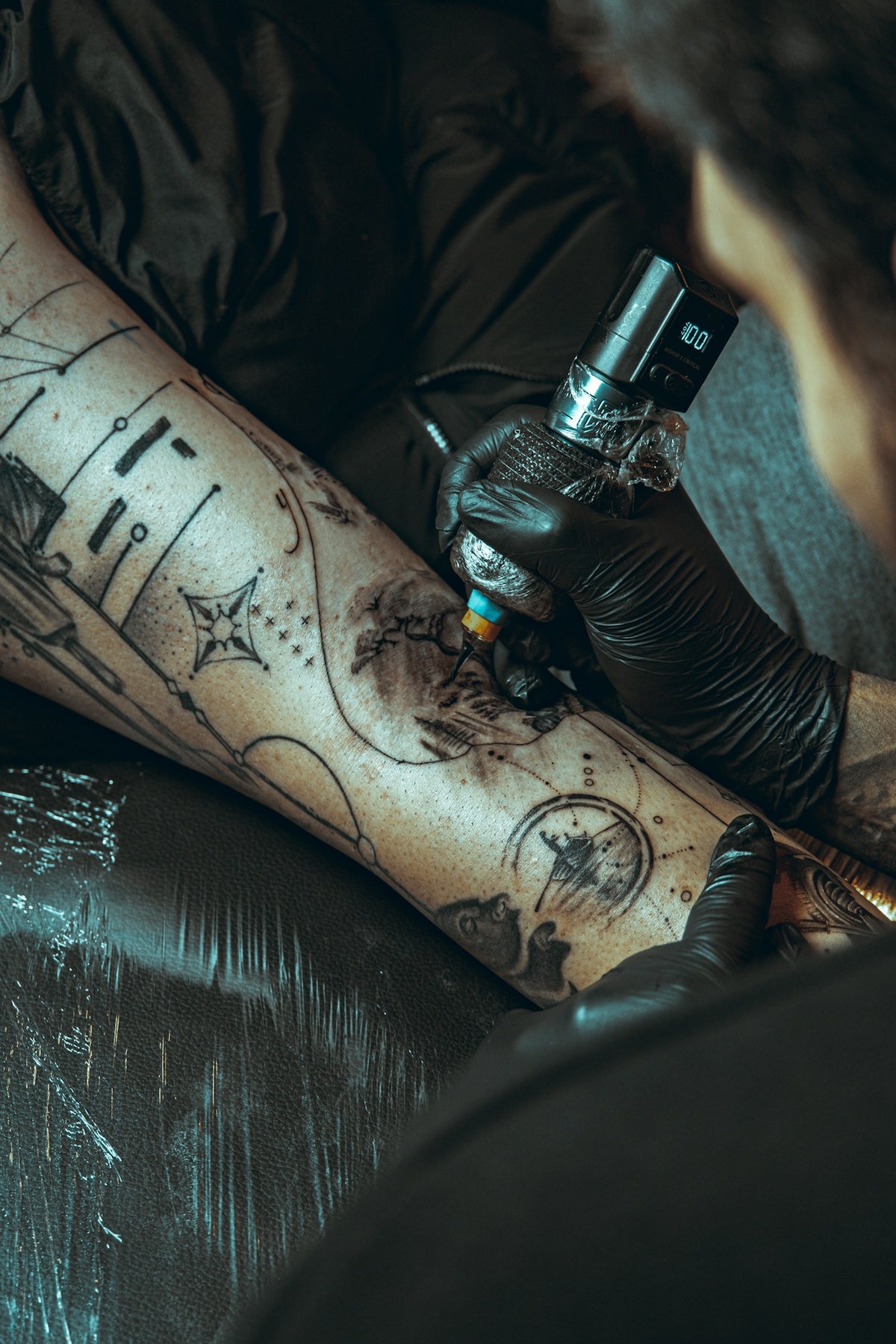
Are you ready to elevate your digital tattoo design skills to a professional level? Creating realistic tattoo shading in Procreate can transform your artwork and impress clients. Whether you're an aspiring artist or a seasoned professional, utilizing high-quality tools like the 'PRO TATTOO KIT' from TattooBrushes.com can take your art to the next level. Dive into our detailed guide and explore Procreate tools that make you feel like a pro!
Understanding Procreate Tattoo Brushes
Before diving into shading techniques, it's essential to understand the variety of Procreate tattoo brushes available. Selecting the right brush can be the difference between a flat image and a dynamic, lifelike tattoo. Our guide, "Procreate Tattoo Brushes: Your Essential Guide to Mastery", offers a comprehensive overview of how to properly leverage these tools.
Types of Brushes for Tattoo Shading
In Procreate, several brushes can mimic tattoo shading techniques seen in real-life tattooing. Here are key brushes to familiarize yourself with:
- Shading Brushes: Ideal for creating gradient effects and softening edges, giving depth to your designs.
- Liner Brushes: Used for sharp, detailed outlines, essential for precise tattoo stencils.
- Texture Brushes: These add a unique feel to your tattoos and can simulate skin texture for a realistic touch.
Selecting the Best Brushes
With so many options, it can be overwhelming to choose which brushes will best suit your project. Start with a few key brush types and experiment with their settings to find what suits your style. For premium options, the 'PRO TATTOO KIT' provides an expertly curated selection to enhance your work.
Step-by-Step Guide to Realistic Tattoo Shading in Procreate
Step 1: Setting Up Your Canvas
Begin with the basics—open a new canvas in Procreate. Consider the size and resolution you'll need for your tattoo design, keeping in mind the output you plan for it. A larger canvas with a higher resolution will ensure more detailed and crisp images.
Step 2: Creating Your Base Layer
Start with a rough sketch on a new layer to layout your design. Use basic Procreate tools to map out the primary shapes and forms. This sketch serves as a guideline for more detailed work but remains non-committal and can be adjusted as needed.
Step 3: Outlining
Use a liner brush to draw clean, precise outlines. This step is crucial for creating boundaries and enhancing the structure. Keep the pen pressure light to vary line weight naturally, which contributes to a realistic look. For tips on choosing the right tools, check out "Discover the Art of Digital Tattoo Design Using Procreate".
Step 4: Applying Shading
Shading gives tattoos their depth and dimension. Select a shading brush from the 'PRO TATTOO KIT' and apply it to the designated areas of your design. Techniques to consider:
- Gradient Shading: Gradually increase pressure as you work the brush over the desired areas.
- Fading: Start with a dense touch and fade out as you move away from your light source.
- Dotwork: Using a stippling method can create softer transitions and add texture.
For more on mastering these practices, refer to "How to Use Procreate Tattoo Brushes for Superior Shading".
Step 5: Adding Texture
Textures can add realism by imitating the natural skin’s surface. Select texture brushes to add nuances to areas like hair and fabric within your design. Adjust brush settings like opacity and size to achieve desired effects, increasing the realism of your tattoo design.
Step 6: Refining Details
At this stage, zoom in on your design and address finer details. Adjust any unintended smudges or uneven shading. Procreate's smudge tool can help blend colors and create a smoother transition in your shading.
Step 7: Finishing Touches
Review the entire design, making any last-minute adjustments. Consider the placement and the impact of your light sources to ensure consistency. Your final piece should resonate with depth and meticulous detail.
Perfecting Your Technique with the Right Tools
Investing in top-tier tools like those from TattooBrushes.com can significantly enhance your Procreate experience. The 'PRO TATTOO KIT' offers numerous advantages that contribute to achieving superior shading and intricate designs, tailored for both budding artists and veteran professionals.
Embrace Professional Digital Tattoo Design
By adopting these techniques and utilizing the right tools, you'll bring your digital tattoo designs into a realm of professionalism. Whether you’re just beginning your artistic journey or refining your skills, the right Procreate tools can facilitate exceptional results.
Your Next Step
Ready to transform your designs into masterpieces? Start designing the right way with resources and expert tools from TattooBrushes.com. Elevate your craft with tools that encourage professional-grade artistry and stay ahead in the digital tattoo design field.
For additional insight and guided support, visit our related articles on TattooBrushes.com to explore more possibilities in digital tattoo design.

Leave a comment
This site is protected by hCaptcha and the hCaptcha Privacy Policy and Terms of Service apply.