
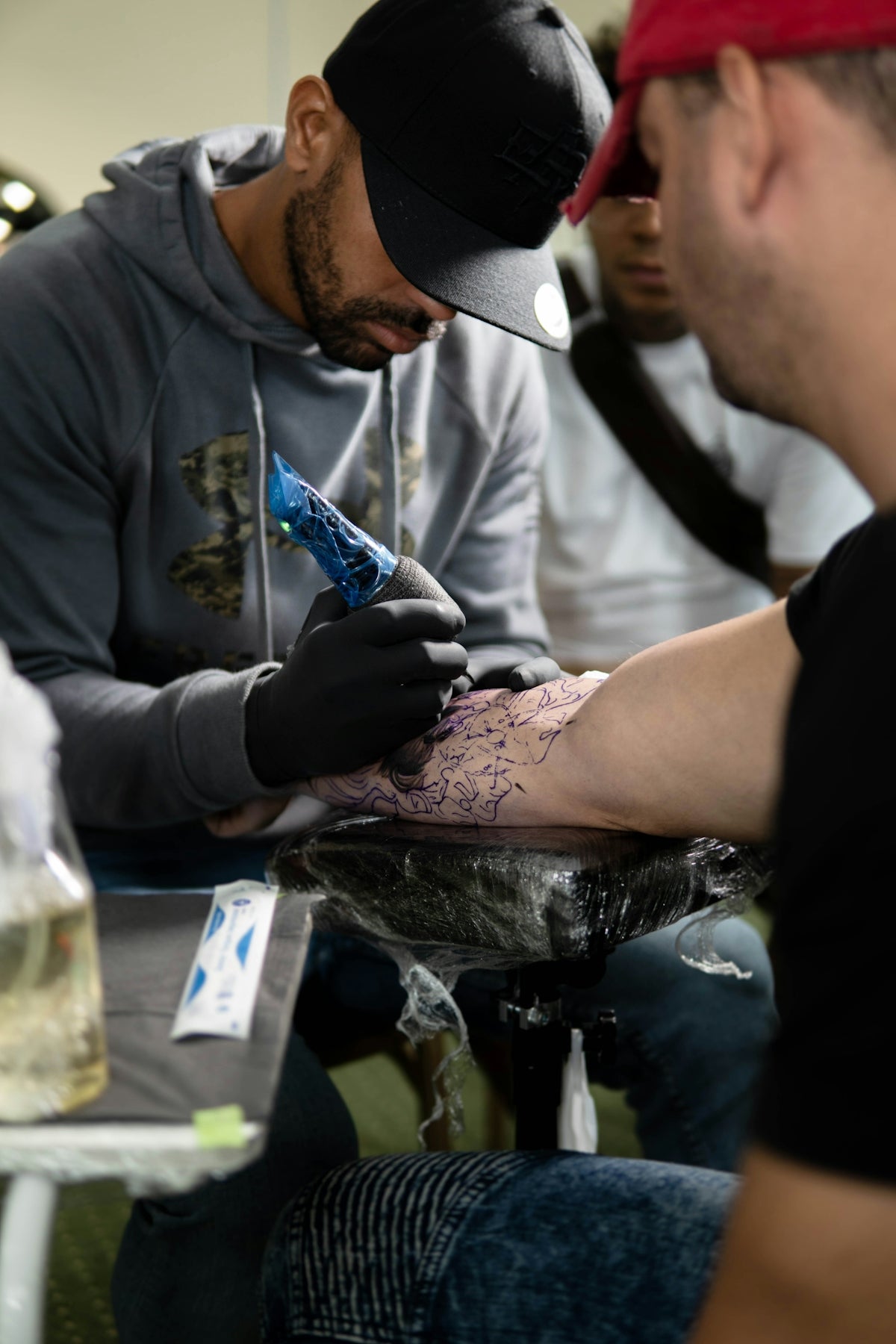
In the world of digital tattoo design, precision and professionalism are paramount. Whether you're an aspiring artist or a seasoned professional, mastering the art of tattoo design requires high-quality tools that work as seamlessly as your imagination. This is where the 'PRO TATTOO KIT' from TattooBrushes.com shines, providing the ultimate selection of Procreate tattoo brushes that transform sketches into stunning pieces of art. If you're ready to elevate your designs and create intricate tattoos with confidence, it's time to start designing tattoos the right way.
Understanding the Transformative Power of Procreate Tatto Brushes
Tattoo design is not just a skill but an art form that demands a blend of creativity and precision. Procreate tattoo brushes offer an unrivaled medium through which artists can express their ideas and bring their designs to life. With the right brushes, you can achieve the perfect linework, shading, and detail that sets professional tattoos apart from amateur ones.
Why Choose Procreate for Tattoo Design?
Procreate has become the go-to tool for digital artists across various disciplines for good reason. Its user-friendly interface and robust features are particularly advantageous for tattoo artists. The ability to create and manipulate designs digitally allows for pre-visualization and refinement, reducing errors when it comes to actual inking.
- Customization: Procreate's vast library of brushes can be customized to fit any style or requirement.
- Portability: The iPad's portability allows artists to design anywhere, making on-the-go creativity possible.
- Layering: Procreate's advanced layering capabilities enable artists to isolate and perfect different elements of their designs.
The Essentials: Best Tattoo Stencils Procreate
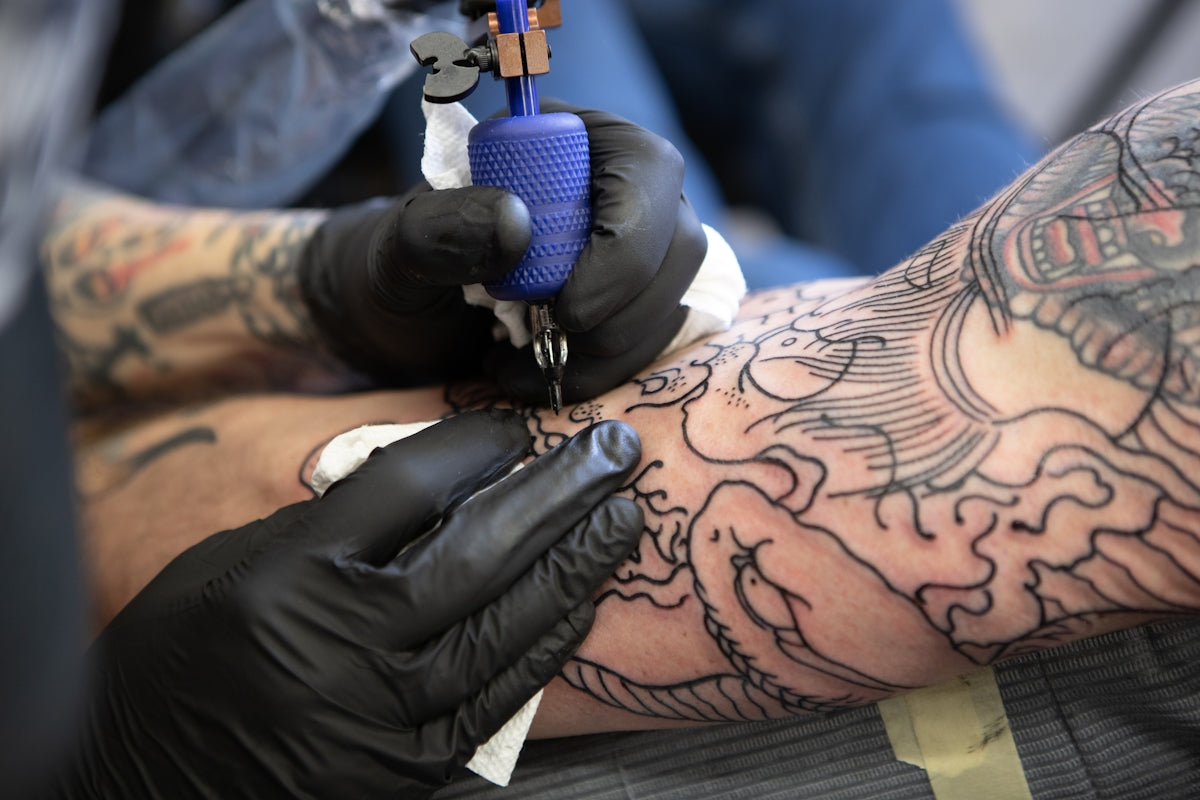
One of the most important aspects of tattoo design is stenciling. A well-crafted stencil ensures that the final inked piece is both accurate and stunning. Here’s how the PRO TATTOO KIT from TattooBrushes.com helps in creating the best tattoo stencils Procreate:
- Pre-made Stencils: The kit includes a variety of stencil templates that are ready to use, saving time and enhancing precision.
- Customizable Brushes: Adjust brush sizes, shapes, and flows to create custom stencils tailored to your unique designs.
- Easy Transfers: With Procreate's digital capabilities, stencils can be easily altered and transferred from tablet to skin.
Realistic Tattoo Shading Procreate: Techniques and Tips
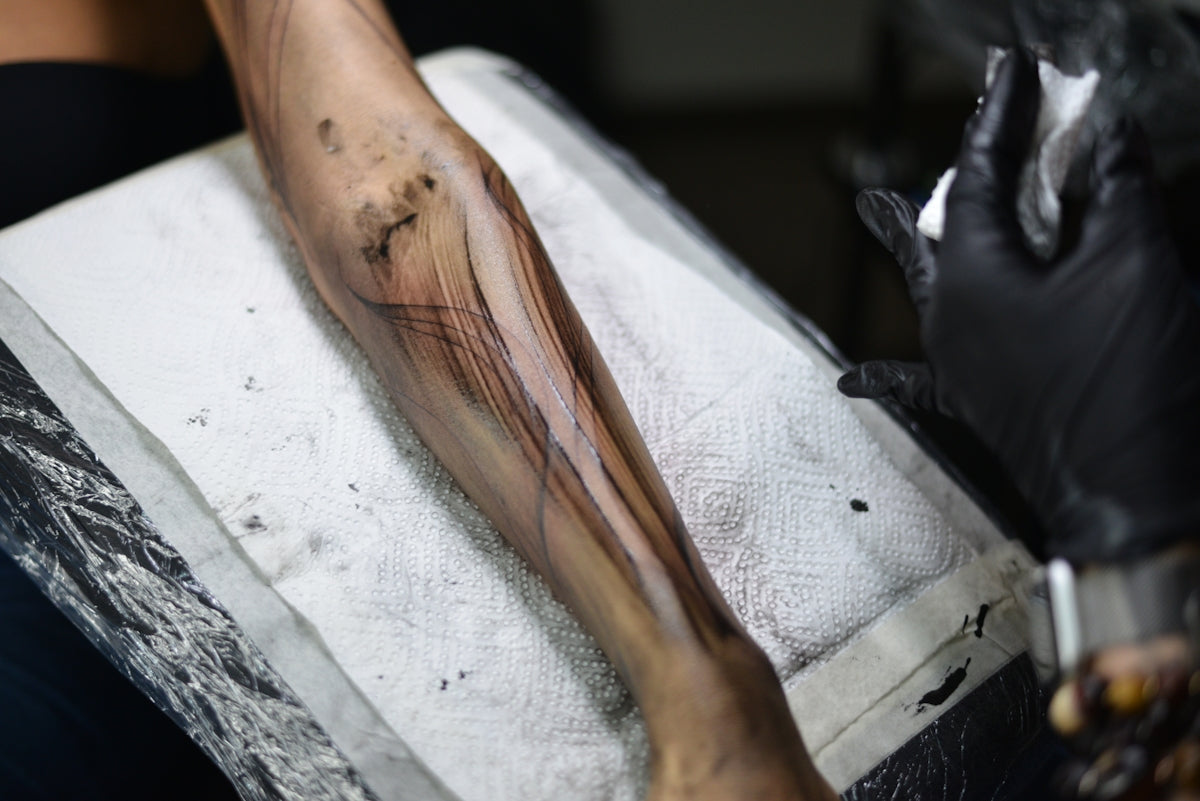
Achieving realistic shading is crucial for adding depth and dimension to your tattoos. Here’s how artists can achieve flawless shading using Procreate:
Selecting the Right Brushes
The PRO TATTOO KIT provides a selection of shading brushes specifically designed for realism. These brushes help replicate the smooth gradients and transitions required for lifelike tattoos.
Practicing Shading Techniques
- Gradient Method: Use varying pressures and brush movements to mimic natural shading. Start with a light touch and gradually build up intensity.
- Cross-hatching: Layer lines to create depth. This technique is particularly effective for creating shadows and highlights.
- Blending: Utilize Procreate’s smudge tool to soften transitions and create seamless blending between shades.
Digital Tattoo Design: Streamlining Your Workflow
Digital tattoo design with Procreate allows for a more streamlined workflow. Here are some expert tips to optimize your design process:
- Organization: Use layers to separate different design elements, making editing more manageable.
- Brush Sets: Take advantage of pre-organized brush sets in the PRO TATTOO KIT to speed up your workflow.
- Backup: Always save your work in multiple formats to ensure you never lose a design.
Tattoo Artist Tools: Beyond Brushes
While brushes are critical, Procreate offers additional tools that can enhance your design capabilities:
- Color Palette: Develop custom palettes to keep your color selections consistent and true to your intended design.
- Symmetry Tool: Ideal for creating perfectly symmetrical designs effortlessly.
- Reference Feature: Use Procreate’s reference function to load photos or previous designs for inspiration and accuracy.
Upgrade Your Art with PRO TATTOO KIT
The journey to mastering digital tattoo design is paved with continuous learning and the right tools. The PRO TATTOO KIT from TattooBrushes.com stands as a beacon of quality and efficiency for all tattoo artists. It's designed to cater to both fledgling and established artists who aim to achieve artistry perfection.
Why Invest in High-Quality Tools?
- Durability: Professional-grade tools last longer and provide consistent performance.
- Precision: Achieve cleaner lines, smoother shading, and more control over your designs.
- Confidence: Work with tools that enhance your abilities, making each project a showcase of your talent.
Whether you're refining your skills or venturing into new design styles, it's time to explore Procreate tools that make you feel like a pro. With the PRO TATTOO KIT, your digital tattoo designs will not only improve, but you'll also unlock new potential in your artistry journey.
For more expert advice and to browse our full range of Procreate tattoo brushes, visit TattooBrushes.com. Transform your designs today and experience the pinnacle of digital tattoo artistry.

Leave a comment
This site is protected by hCaptcha and the hCaptcha Privacy Policy and Terms of Service apply.