
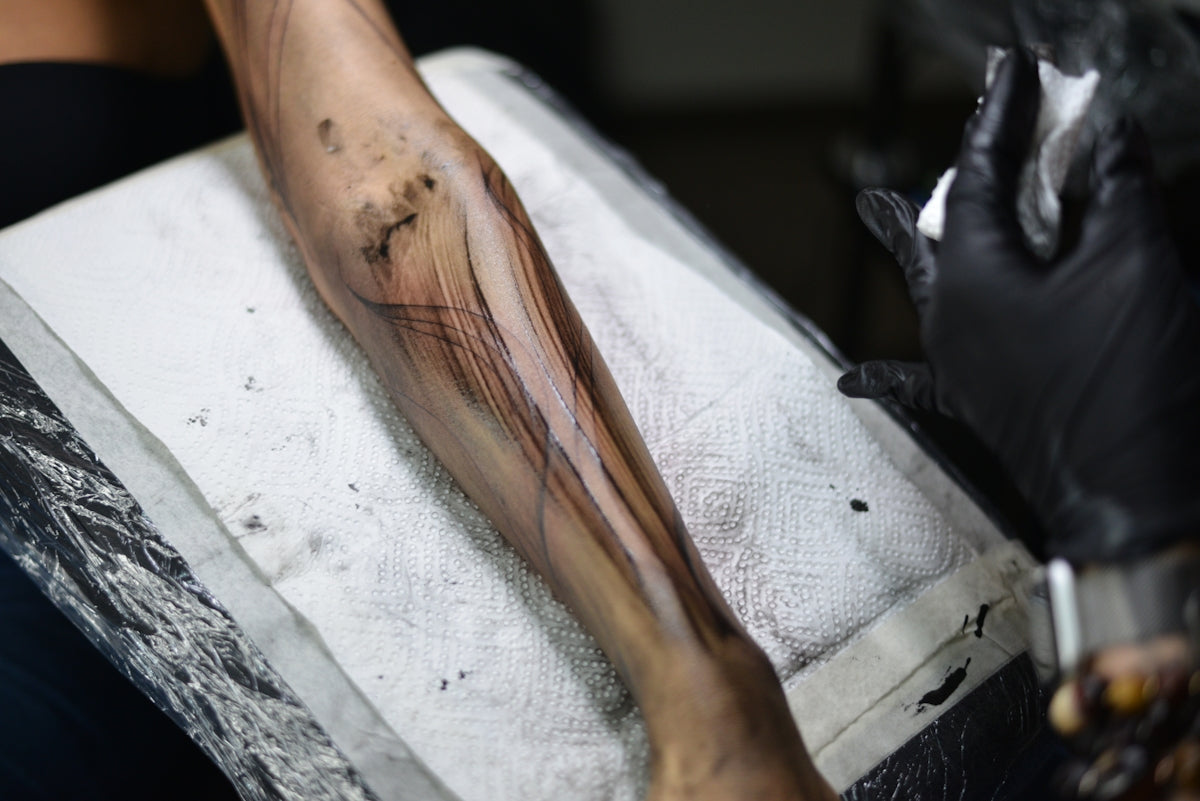
In the ever-evolving world of tattoo artistry, digital tools have revolutionized the way tattoo designs are created and refined. Among these tools, Procreate stands out as a favorite for both aspiring artists and seasoned professionals seeking to upgrade their art. Today, we're diving deep into realistic tattoo shading techniques using Procreate, offering clear, step-by-step guidance suitable for all skill levels.
To truly elevate your digital tattoo design game, equipping yourself with the right tools is essential. The 'PRO TATTOO KIT' from TattooBrushes.com is designed to cater to this need, delivering high-quality, professional-standard tools that will make your Procreate experience unparalleled. Explore Procreate tools that make you feel like a pro and transform your craft today.
Understanding Procreate Tattoo Brushes
The foundation of mastering realistic tattoo shading in Procreate is understanding and utilizing Procreate tattoo brushes effectively. Brushes can mimic the behavior of traditional tattoo machines, providing a seamless transition from physical to digital art.
Tattoo brushes come in various forms, each serving a specific function—outlining, dot work, shading, and more. For realistic shading, brushes that replicate the effect of needles on skin are essential. This is where the Pro-Grade Procreate Tattoo Brushes for Artistry Perfection become indispensable, offering precision and versatility in your digital toolset.
Key Features of Procreate Tattoo Brushes
- Pressure Sensitivity: Emulating the pressure of a tattoo machine, allowing for smooth gradients and seamless blending.
- Texture Variety: Providing options for different skin textures, enhancing the realism of the tattoo design.
- Customization: The ability to modify brush settings to suit specific styles and preferences.
Step-by-Step Guide to Realistic Tattoo Shading in Procreate
Set Up Your Canvas and Brushes
Begin by creating a new canvas in Procreate. Choose a size that reflects the actual dimensions of the tattoo design. Selecting the right brush is crucial—opt for those specifically designed for shading, such as those from the 'PRO TATTOO KIT'.
Understanding Light and Shadow
Realistic shading necessitates an understanding of light sources. Determine where your light source will be, which influences how shadows fall and highlights appear on your design.
Layering for Depth
Utilize layers to build depth in your tattoo design. Start with base colors and gradually add layers of shading to create dimension. This technique mirrors the layering process in traditional tattooing.
Utilize Blending Modes
Procreate offers various blending modes that can enhance your shading efforts. Experimenting with options like multiply or overlay can achieve more naturally blended transitions between shades.
Employ Gradual Shading Techniques
Begin with light shading and gradually build up to darker tones. This gradual approach allows for greater control and prevents over-saturation, mimicking real skin shading techniques.
Refine with Detail Brushes
Once your primary shading is complete, refine your design with detail brushes. These brushes allow you to add intricate details and textures, heightening the realism of your tattoo.
The Importance of Stencils in Digital Tattoo Design
Stencils play a critical role in tattoo design, both traditionally and digitally. They provide a blueprint for your artwork, ensuring precision and consistency. Procreate's stencil tools are highly optimizable, making them invaluable for any digital tattoo artist.
To make the most of this, incorporating the best tattoo stencils in Procreate will streamline your workflow, ensuring clean, professional results. Unlock Realism with the Best Tattoo Shading in Procreate offers insights into maximizing the efficiency and effectiveness of stencils in your design process.
Completing Your Design with Final Touches
Once you're satisfied with the shading and detailing, it's time to finalize your digital tattoo design. This might include fine-tuning colors, enhancing contrast, and ensuring all elements are cohesive. The final review should ensure that every aspect of the design meets your artistic standards and the client's vision.
For anyone serious about elevating their digital tattoo design skills, mastering these techniques is a game-changer. Combining these strategies with high-quality tools will dramatically enhance the realism and impact of your work.
By leveraging the professional-standard tools from TattooBrushes.com, such as those found in the 'PRO TATTOO KIT', you are not only improving your skill set but also paving the way to creating exceptional art that stands out. Start designing tattoos the right way and let your creative vision come to life with unmatched precision and artistry.

Leave a comment
This site is protected by hCaptcha and the hCaptcha Privacy Policy and Terms of Service apply.