
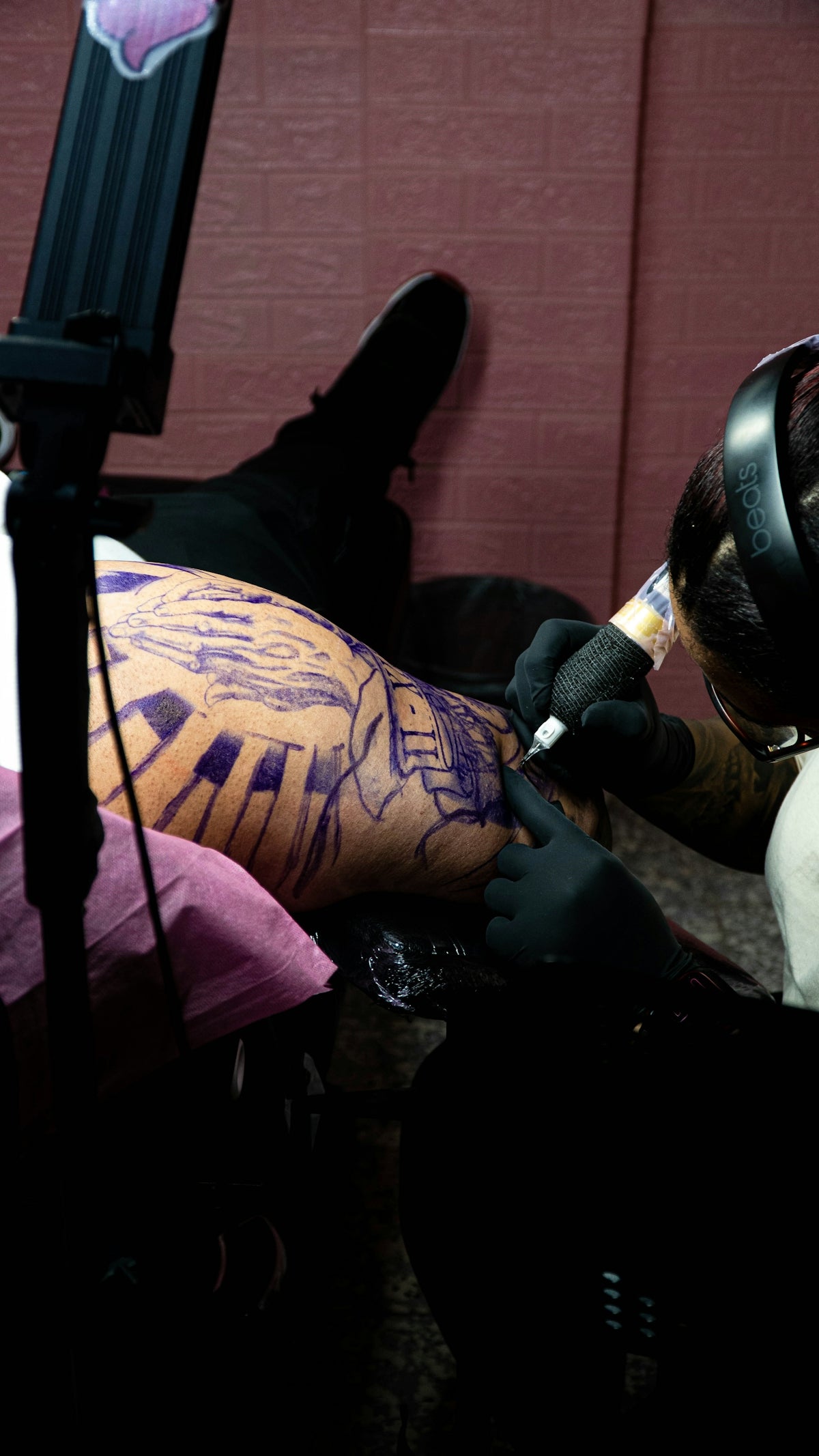
Upgrading your art is not only a pursuit but an exciting journey that reveals new dimensions of creativity. As both aspiring artists and seasoned professionals know, the difference between an average and a masterpiece often lies in the details. To really make those tattoos pop, you need a deep understanding of texture and technique. That's why we're delving into this Pro-Grade Realistic Tattoo Texture Tutorial—you'll learn tattoo shading techniques that can elevate your designs to pro levels. Before you dive in, remember, having the right tools will make a significant difference. Start designing tattoos the right way with our expertly curated tools and resources at TattooBrushes.com.
Understanding Tattoo Texture in Digital Art
Before diving into the techniques, it’s crucial to understand what texture does in a tattoo design. Texture gives depth, realism, and personality to tattoo work, whether digital or on skin. It’s the difference between flat and living artwork. Applying this in the digital realm involves mastering shading, layering, and detail work, even when working on digital flash art ideas.
Tattoo Shading Techniques: The Foundation
Mastering tattoo shading techniques is the cornerstone of creating realistic textures. Shading provides the depth and contours that transform a two-dimensional drawing into a three-dimensional masterpiece.
For a comprehensive understanding, check out our in-depth article on the Best Tattoo Shading Techniques for Achieving Realistic Texture. You’ll encounter strategies that are integral to not just mimicking physical texture but enhancing your digital renderings with the nuance they need.
Tools of the Trade
For any artist, seasoned or new, selecting the right tools is essential. The PRO TATTOO KIT available at TattooBrushes.com serves as the gold standard in enhancing your shading work. High-quality brushes that emulate the texture of skin allow for a near-seamless translation from sketch to virtual canvas.
Procreate Linework Guide: Enhancing Realism
Linework lays the framework for texture. It's the scaffold on which shading and color settle. Strong, clean lines make your textures more believable and crisp.
Our Mastering Procreate Linework Guide provides essential insights that apply to artists at any skill level. This step-by-step guide will help you refine your linework for better texture representation in your designs.
The Process
- Initial Sketching: Begin your design with light, freehand sketches to outline your motifs.
- Refining Lines: Use denser, more deliberate strokes to solidify your outlines.
- Line Weight Variation: Manipulate line thickness to suggest depth—a thicker line suggests something closer, a thinner line, something more distant.
- Utilizing Pro Tools: Rely on the PRO TATTOO KIT brushes, which are calibrated to respond beautifully to pressure sensitivity, enhancing your line work.
Blackwork Tattoo Trends: A Textured Perspective
Blackwork provides an exceptional platform for applying textured techniques, thanks to its reliance on shades of black and rich contrast.
Explore how recent Blackwork Tattoo Trends can Elevate Your Art and integrate textural elements smoothly into your designs. Trend awareness and strategic texture use often define cutting-edge digital flash art ideas.
Texture in Blackwork
- Layering Method: Lay down a basic black layer before pinpointing highlights with lighter tones and textures, balancing weight.
- Cross-Hatching: This classic technique introduces a lacy texture, perfect for filling in expansive background areas or adding subtle shading.
- Dotwork: Using a stippling method not only brings out texture but also depth, especially in Blackwork compositions.
Application of Digital Flash Art Ideas
Incorporating texture into digital flash art makes your work stand out. The precision and detail achieved in digital form create a compelling argument for tattoo artists to take their designs digital, bringing concepts to life before ink hits the skin.
Creating Flash Sheets
- Conceptualization: Begin by brainstorming unique designs, considering the interplay of texture and style.
- Digital Execution: Utilize Procreate with our specialized tools to layer, shade, and refine your concepts.
- Using the Right Tools: Always use professional-grade tools to ensure your designs translate well in tattoo mediums.
Building Mastery with the PRO TATTOO KIT
Mastering realistic tattoo texture in the digital realm calls for both skill and the right toolkit. For every step of the process—from initial sketches to final touches—the PRO TATTOO KIT available at TattooBrushes.com offers the high-caliber instruments necessary for professional-grade results. Whether new to the art form or enhancing existing expertise, these high-quality tools can make the artistic process smoother and more effective.
Encouragement to Upgrade Your Art
As you continue to develop your skills in tattoos, remember that each line and shade can shape a masterpiece. With guidance and practice, the textures you produce will not only enhance your tattoos but will make your artistry unique and unmistakably yours. The journey toward mastering texture in tattoo design is as rewarding as it is challenging.
Reaching the pinnacle of your artistic abilities requires consistent learning and evolving. Don't wait to elevate your work—explore Procreate tools that make you feel like a pro. Your next great design is just a tool away, and TattooBrushes.com is here to ensure you're equipped for success.

Leave a comment
This site is protected by hCaptcha and the hCaptcha Privacy Policy and Terms of Service apply.