
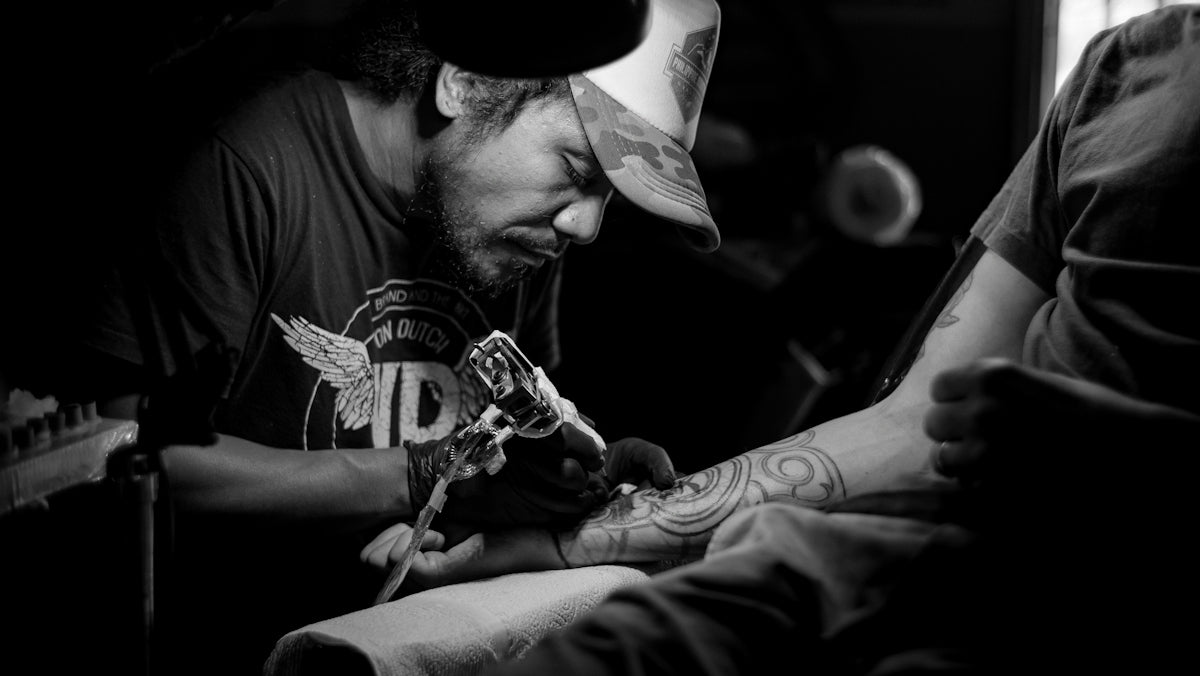
In the rapidly evolving world of tattoo artistry, digital tools are becoming indispensable. Whether you're just starting in the tattoo industry or you're a seasoned professional looking to upgrade your skills, embracing digital tattoo design can elevate your art to new heights. Are you ready to start designing tattoos the right way? Explore Procreate tools that make you feel like a pro.
Table of Contents
- Table of Contents
- Why Choose Procreate for Tattoo Design?
- Tools You Need for Digital Tattoo Design
- Best Practices for Using Procreate Tattoo Brushes
- Creating Tattoo Stencils in Procreate
- Enhance Your Art with Advanced Techniques
- The Pro Tattoo Kit: The Ultimate Artist Companion
- Encouraging Growth and Mastery
- FAQs
Why Choose Procreate for Tattoo Design?
Procreate has become a favorite among artists due to its versatility, ease of use, and power. It allows both novices and professionals to create intricate designs with precision. By leveraging this software, you can streamline your workflow and expand your artistic horizons. The array of Procreate tattoo brushes gives you unlimited possibilities to experiment with different styles and techniques.
Tools You Need for Digital Tattoo Design
The foundation of effective tattoo design lies in selecting the right tools. Procreate tattoo brushes are central to creating compelling art. They mimic the touch and feel of traditional tattooing tools, allowing for realistic visual effects.
To delve deeper into picking the perfect tools, check out Essential Digital Tattoo Design Tools in Procreate.
Best Practices for Using Procreate Tattoo Brushes
Procreate tattoo brushes can cater to a range of styles—from bold lines to subtle, shaded areas. Here are some tips to optimize your usage:
- Understand the Brush Dynamics: Take time to explore each brush. Modify parameters such as opacity, size, and flow to suit your design needs. Each adjustment can significantly affect your output quality.
- Stay Consistent: Consistency in pressure ensures that line work remains uniform. This is critical for designs with complex linework or shading.
- Layer Management: Utilize layers to separate aspects of your design. This not only maintains clarity but also permits easy adjustments when needed.
- Experiment with Realism: With realistic tattoo shading in Procreate, your designs can achieve depth and texture that traditional tools cannot. Explore this potential with our Best Procreate Tattoo Brushes for Realistic Shading.
Creating Tattoo Stencils in Procreate
Being able to craft precise stencils is crucial for tattoo artists. Using Procreate for stencil creation provides a blend of automation and precision. Here's how you can get started:
- Choose the Right Brush: Not all brushes are created equal. For stencils, you need brushes that offer clean lines and solid borders for clarity.
- Play with Opacity Layers: Control your stencil’s visibility on the canvas by adjusting opacity. This will help in visualizing the final design on different skin tones.
Explore more strategies with our guide on Top Tips for Best Tattoo Stencils in Procreate.
Enhance Your Art with Advanced Techniques
For artists looking to push the boundaries, the Procreate platform paired with high-quality brushes expands what is possible with digital art:
- Layering Techniques: Use multiple layers to refine complex designs. Advanced layering options in Procreate enable the creation of complex compositions that maintain editability and precision.
- Shader Dynamics: Experiment with shadows and highlights using various brushes for authentic and realistic results. Realistic tattoo shading Procreate options are perfect for achieving this goal.
The Pro Tattoo Kit: The Ultimate Artist Companion
If you're serious about improving your digital tattoo design skills, incorporating professional-standard tools is imperative. The 'PRO TATTOO KIT' from TattooBrushes.com represents the pinnacle of such tools, offering unparalleled quality and versatility. It caters to all your design needs, ensuring that every stroke, shade, and detail reflects a professional standard.
Encouraging Growth and Mastery
Whether you're a hobbyist or a pro, continual improvement is crucial. The digital realm provides endless opportunities to refine and expand your craft. With the right tools and mindset, every artist can reach their fullest potential. Ready to take your artistry to the next level? Explore Procreate tools that make you feel like a pro and see your skills soar!
Incorporate these strategies and tools into your workflow, and you will witness a remarkable transformation in your digital tattoo designs. Remember, every stroke, every shade, and every practice piece is a step toward mastering the art of tattoo design.
FAQs
What are Procreate tattoo brushes?Procreate tattoo brushes are specialized digital brushes designed for creating tattoo-style artwork in the Procreate app. They mimic various traditional tattoo techniques and styles, allowing artists to create detailed and realistic designs.
Do I need to be an experienced artist to use Procreate tattoo brushes?No, Procreate tattoo brushes are suitable for both beginners and experienced artists. Beginners can experiment with different styles and techniques, while pros can enhance their existing skills with these versatile brushes.
How can I install tattoo brushes in Procreate?To install tattoo brushes in Procreate, download the brush file, open Procreate, tap the brush icon, and select “Import.” Choose the downloaded file from your device, and the brush will appear in your library for use.
Can I customize Procreate tattoo brushes?Absolutely! Procreate allows you to modify brushes to fit your personal style. You can adjust settings like size, opacity, texture, and more, enabling you to create a unique look for your designs.
Are there specific Procreate tattoo brushes for different tattoo styles?Yes, there are brushes designed for various tattoo styles, such as traditional, neo-traditional, watercolor, and realism. This diversity allows artists to experiment with different techniques and find brushes that suit their preferred styles.
Can I use Procreate tattoo brushes for other types of artwork?Definitely! While these brushes are optimized for tattoo designs, they can also be used for other forms of digital art, such as illustrations, graphic design, and concept art, allowing for greater creativity and versatility.
What devices are compatible with Procreate and its tattoo brushes?Procreate is designed for iPad and is compatible with any iPad that supports the app. Additionally, using an Apple Pencil can greatly enhance the drawing experience and precision while using the tattoo brushes.
Do I need to purchase individual tattoo brushes?Many artists share and sell individual Procreate tattoo brushes, but you can also find free brush sets online. Look for reputable creators who offer quality brushes to find the best options for your artwork.
How can I ensure I’m using the best Procreate tattoo brushes?To find the best tattoo brushes, explore reviews, check ratings, and try out various sets to see which ones work best for your style. Don't hesitate to experiment with different brushes to develop your unique technique.


Leave a comment
This site is protected by hCaptcha and the hCaptcha Privacy Policy and Terms of Service apply.