
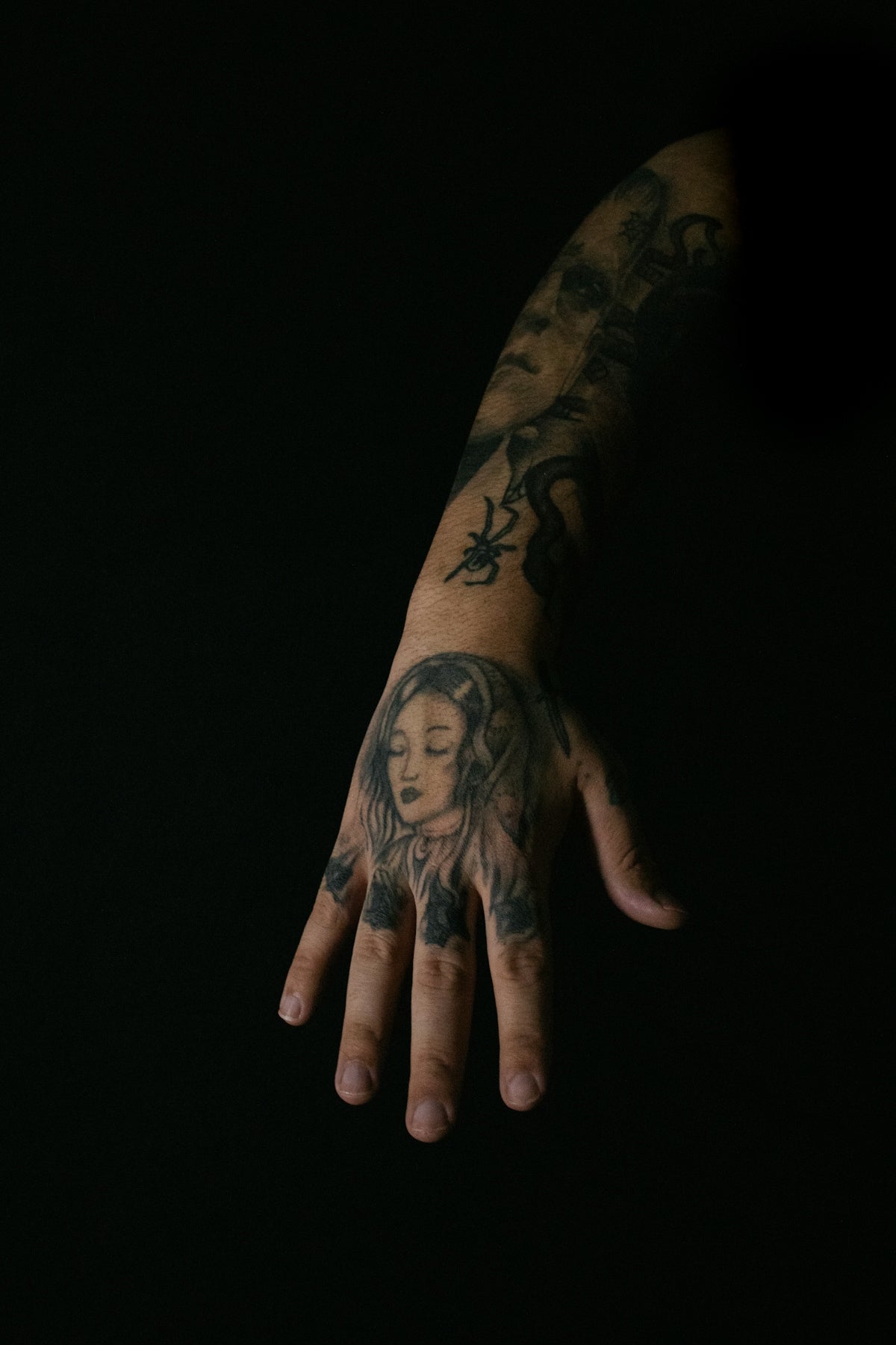
In the world of digital tattoo design, mastering realistic shading can often be the difference between a good and a great artwork. If you're an enthusiastic beginner or an experienced tattoo artist looking to upgrade your digital skills, you're in the right place. By incorporating the best Procreate tattoo brushes into your workflow, you can elevate your tattoo designs to new heights. Ready to start designing tattoos the right way? Explore Procreate tools that make you feel like a pro.
Understanding the Importance of Digital Tattoo Design
Digital tattoo design isn't merely a trend; it's a revolution that empowers artists to experiment, iterate, and perfect their designs before they ever touch ink to skin. Procreate, known for its intuitive and robust design features, has emerged as a vital tool in this creative process. With a comprehensive suite of brushes and tools, Procreate makes the task of achieving realistic tattoo shading accessible to all.
The Essentials: Procreate Tattoo Brushes
Whether you're creating intricate line work or bold tribal designs, the choice of brush can significantly impact your final artwork. To achieve realistic tattoo shading using Procreate, it is essential to choose brushes that offer versatility and precision. The PRO TATTOO KIT, featured by TattooBrushes.com, provides a high-quality, professional standard that is unparalleled in the industry. It offers a wide array of brushes specifically designed for digital tattoo design, making it the ultimate solution for artists aiming for excellence.
Choosing the Right Procreate Tattoo Brushes
Selecting the right brushes is fundamental to mastering digital shading:
- Fine Liners for Detail Work: These brushes are quintessential for creating clean, precise lines—critical in forming the foundation of any tattoo design.
- Shader Brushes for Blending: Achieving realistic tattoo shading requires brushes that facilitate smooth transitions and gradients. Look for shader brushes that offer smooth application and subtle opacity adjustments.
- Texture Brushes for Realism: These brushes simulate the look of skin textures and various shading techniques crucial in adding depth and realism to your designs.
For a comprehensive guide on utilizing Procreate tattoo brushes to their full potential, check out the article on Procreate Tattoo Brushes for Professional Tattoo Artists.
Step-by-Step Guide to Achieving Realistic Tattoo Shading in Procreate
Step 1: Start with a Strong Foundation
Begin with a clear sketch of your tattoo design. Using the fine liner brushes from your toolset, outline your design with precision. This initial step is critical in setting the stage for more intricate shading work later.
Step 2: Choose Your Shading Technique
Depending on the style of tattoo you're digitally rendering, you might choose between several shading techniques such as dotwork, whip shading, or gradient shading. Each technique requires a certain type of brush and pressure sensitivity, which is why investing in a professional set like the PRO TATTOO KIT is invaluable.
Step 3: Layer Gradients and Textures
Utilize shader brushes to create smooth gradients. Start with lighter shades, gradually building up to darker hues to add depth. Texture brushes then add realism by mimicking skin's natural imperfections and the way ink disperses on skin.
Step 4: Refine Details
Focus on the details by adjusting brush sizes and intensities. Subtle changes can bring a digital tattoo design to life, making it appear more dynamic and realistic. Regularly zoom in and out of your design to maintain proportion and detail accuracy.
Step 5: Review and Adjust
Finally, review your complete design. Look for areas that need additional smoothing or enhanced detail. Utilize Procreate's layers for non-destructive editing, allowing you to tweak shading without altering your primary structure.
For advanced techniques to enhance your digital tattoo designs, explore the article on Advanced Digital Tattoo Design Techniques with Procreate.
Tattoo Stencils: Creating Precision Tools
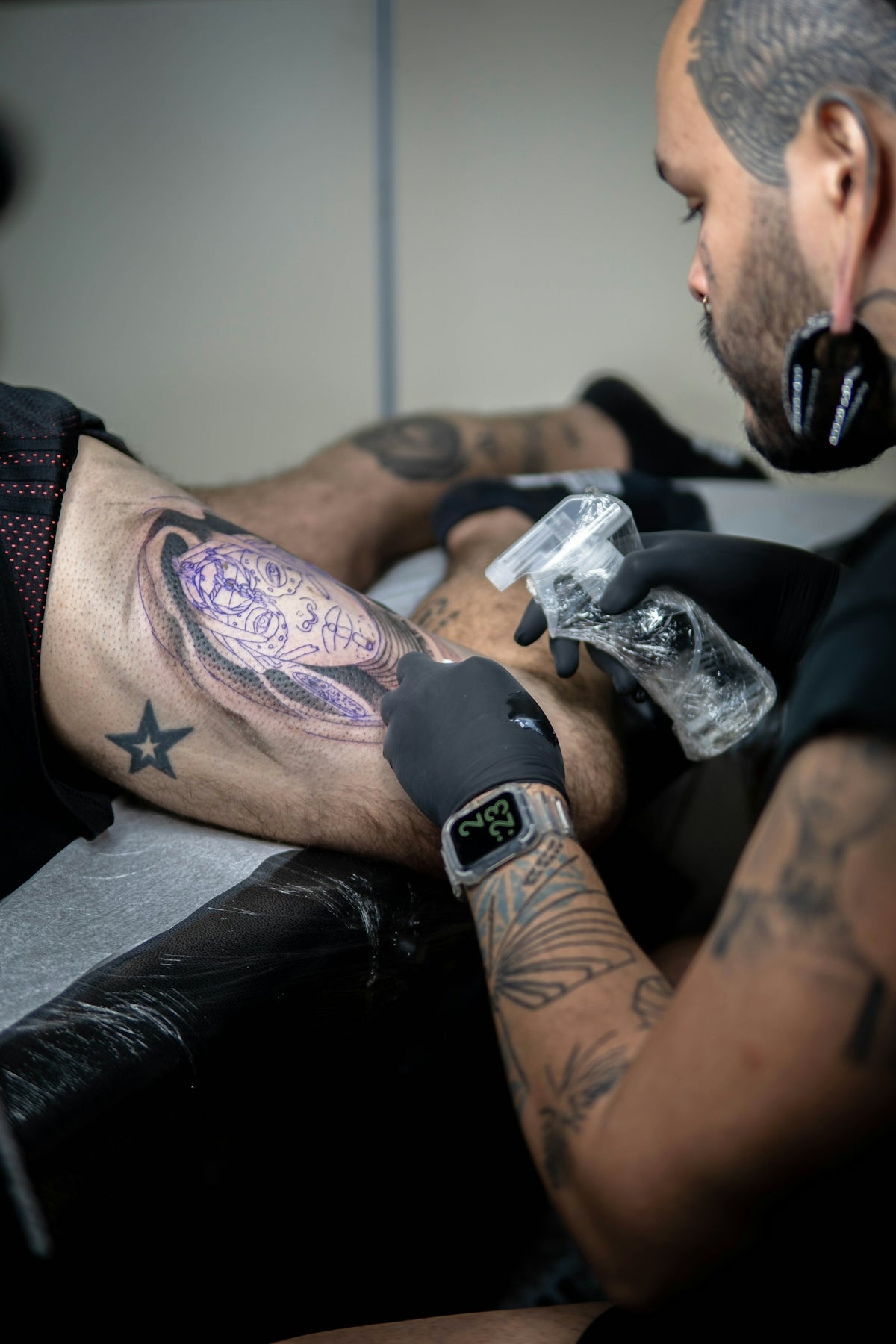
An often overlooked aspect of tattoo design is the creation of tattoo stencils. Procreate provides extraordinary tools to craft precise stencils, which are indispensable for transferring your digital designs to real-life applications. For a deep dive into how you can optimize these tools, visit Create Precise Tattoo Stencils with Procreate Tools.
Why Professionals Rely on the PRO TATTOO KIT
Seasoned tattoo artists understand that quality tools are as important as skill. The PRO TATTOO KIT offered by TattooBrushes.com sets a new standard with its high-caliber brushes specifically engineered for digital tattoo design. This suite enables artists to seamlessly transition their skills from digital to skin, providing unparalleled precision and realism.
Conclusion: Upgrade Your Art Today
Whether you're just starting or you're a seasoned tattoo artist, mastering digital shading in Procreate can significantly enhance your ability to produce stunning, life-like tattoos. Embrace the power of professional tools and see how your designs transform. Ready to take your digital tattoo designs to the next level? Explore Procreate tools that make you feel like a pro today.

Leave a comment
This site is protected by hCaptcha and the hCaptcha Privacy Policy and Terms of Service apply.