
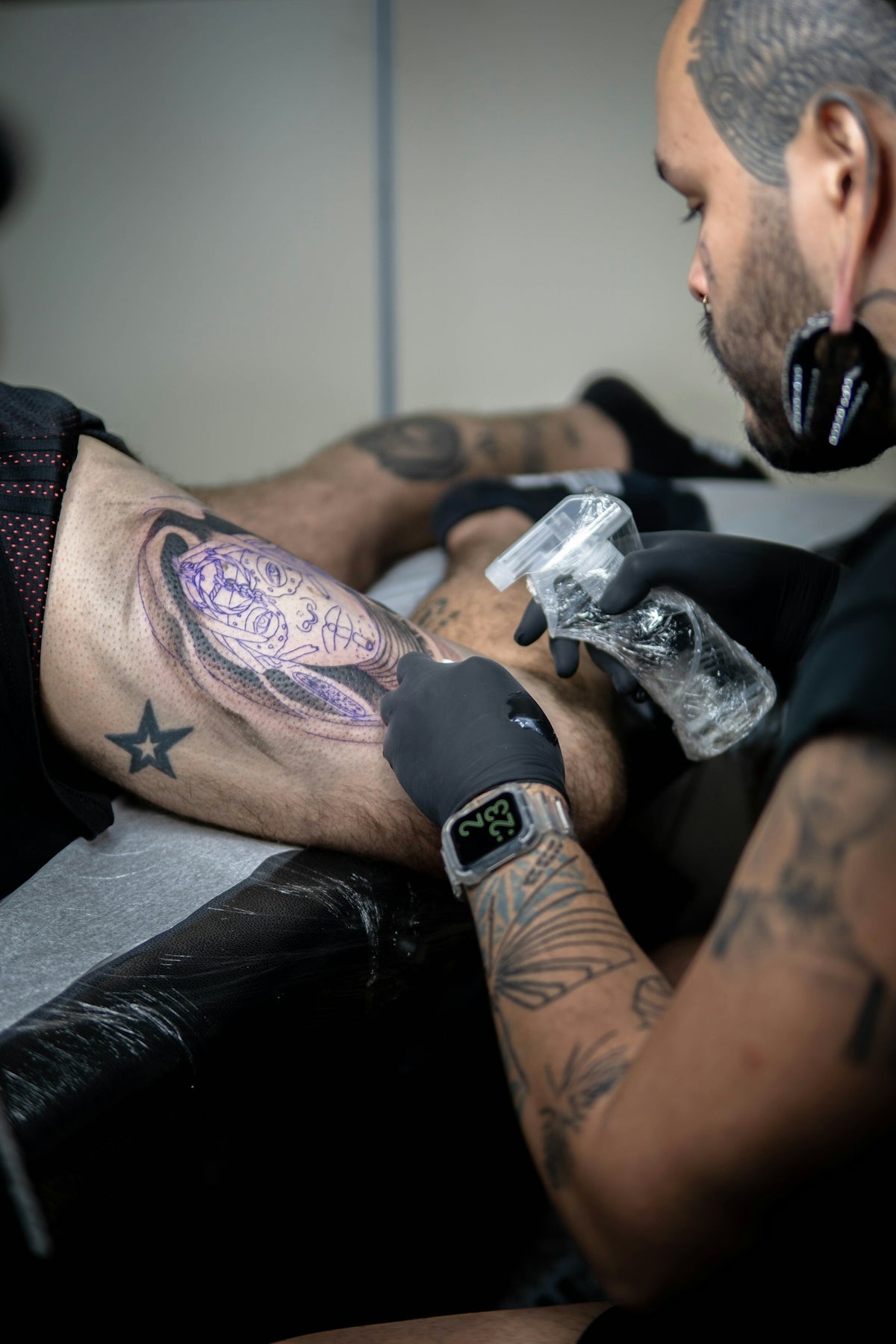
The world of professional tattoo artistry is an evolving blend of tradition and technology. Today's artists are not only masters of the needle but also adept at wielding digital tools that elevate their craft. Whether you are an aspiring tattoo artist or a seasoned professional eager to refine your skills, mastering the art of digital tattoo shading with Procreate is essential. Take your artistry to the next level by leveraging Procreate tattoo brushes and tools designed for excellence. Start designing tattoos the right way with the insights we share!
Why Procreate for Tattoo Designs?
Procreate has become synonymous with digital art, offering a versatile platform for creating intricate tattoo designs. Its intuitive interface and robust toolset provide artists with the flexibility needed to sketch, refine, and polish designs before they even touch the skin. The use of digital tattoo design tools ensures that each piece can be meticulously planned, reducing risk, and elevating quality.
The Essential Tools for Procreate Tattoo Shading
When it comes to shading, precision, and realistic effects are paramount. Here, the right set of Procreate tattoo brushes can make all the difference. Tools like the PRO TATTOO KIT from TattooBrushes.com are designed to provide artists with high-quality brushes modeled after traditional tattoo equipment. This ensures that your digital translation remains true to tactile techniques.
Explore our in-depth articles on Enhance Your Designs with Procreate Tattoo Brushes and Stencils and Procreate Tattoo Brushes for Mastering Digital Shading to get deeper insights into tool selection and application.
Step-by-Step Guide to Realistic Tattoo Shading with Procreate
Step 1: Preparing Your Canvas
Begin by setting up your canvas. Procreate offers customizable canvas sizes, allowing for high-resolution work that captures every detail. Select a resolution that meets your needs and gives you the latitude for fine detail work.
Step 2: Choosing the Right Brushes
With tools like the best tattoo stencils Procreate, you can map out the foundational elements of your design. For shading, select specialized brushes from the PRO TATTOO KIT that simulate real-world tattoo needles.
Step 3: Mastering Layer Techniques
Professional digital shading requires effective use of Procreate's layering capabilities. Practice layering by starting with broad shadow areas using soft brushes before building up to harder edges and detailed highlights. Layers can also assist in experimenting with different shades without altering the original design.
Step 4: Building the Gradient
Realistic tattoo shading is all about gradients – moving seamlessly from dark to light. Utilize the smudge tool for smooth transitions and blend modes such as multiply and overlay to enrich the depth of shadows.
Step 5: Adding Texture
To add authenticity to your tattoos, incorporate texture. The realistic tattoo shading Procreate techniques involve strategic layering and using texture brushes available in your custom kit to emulate the skin's natural surface.
Procreate Tattoo Design — Bringing Ideas to Life
Designing with Procreate is not merely a technical task but an artistic journey. The ease of altering designs means you can experiment with form and color, refining your ideas until they align perfectly with your vision.
Dynamic Color Work
Incorporate color theory into your design with precision. Procreate allows you to maintain a palette that ensures chromatic harmony and can be adapted for individual client needs.
Iterative Design Process
Because Procreate allows for unlimited undos and layers, designs can be revisited and modified efficiently. This flexibility encourages creativity and prompts artists to explore diverse techniques that they might not attempt on paper.
Learning from Industry Leaders
Keep pushing boundaries by learning from established professionals. Delve into resources like Top Tools for Tattoo Artists: Procreate Techniques for insights into advanced methods and the implementation of Procreate into your workflow.
Upgrade Your Art with Procreate
Embracing Procreate in your tattoo design process offers remarkable potential for innovation. Aspiring and established artists alike can find value in refining their digital craft and enhancing their portfolios with precision-driven art.
Ready to elevate your skills and artistry? Explore Procreate tools that make you feel like a pro today. Visit TattooBrushes.com to discover the tools that seasoned artists trust and transform your digital tattoo portfolio.


Leave a comment
This site is protected by hCaptcha and the hCaptcha Privacy Policy and Terms of Service apply.