
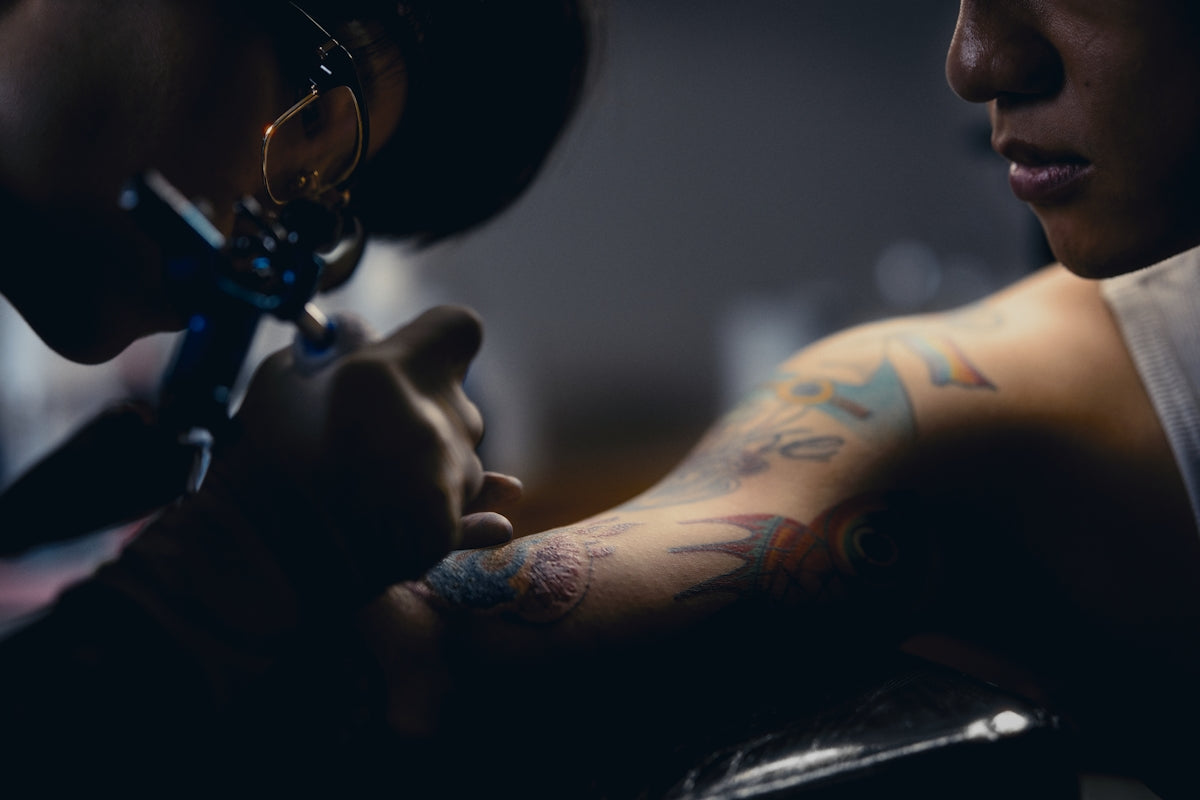
In the world of tattoo artistry, digital design has transformed the way both aspiring artists and seasoned professionals perfect their craft. Whether you're refining your skills or venturing into the digital medium for the first time, mastering the art of realistic tattoo shading in Procreate can elevate your designs to pro-grade quality. To embark on this journey and start designing tattoos the right way, be sure to explore the Pro Tattoo Kit at TattooBrushes.com.
Navigating Procreate for Digital Tattoo Design
For those new to Procreate, it’s the go-to app for artists aiming for precision and creativity. Its versatility makes it a powerhouse for tattoo design, offering a seamless transition from sketch to stencil. Understanding the basics of this digital tool can set the foundation for creating intricate tattoos with depth and realism.
Dive deeper into harnessing this tool’s capabilities in our detailed guide: Best Digital Tattoo Design Practices Using Procreate Tools.
Elevate Your Art with Procreate Tattoo Brushes
The secret to stunning digital tattoos lies in the tools you use, particularly Procreate tattoo brushes. These brushes emulate real tattoo needles, allowing you to achieve hyper-realistic textures and effects. Whether you're creating smooth gradients or intricate line work, choosing the right brushes is critical.
Must-Have Procreate Tattoo Brushes
Explore our curated list of essential brushes in Procreate Tattoo Brushes: Must-Have Picks for Stunning Designs. Each brush serves a specific purpose, from fine liners for detailed sketches to shaders for depth and dimension. Your artistry will benefit from these indispensable tools, designed for both precision and creative freedom.
Quick Tips for Brush Mastery
Mastering these tools involves experimentation and technique refinement. Whether you're customizing default settings or trying advanced techniques for shading and blending, these tips are invaluable. Check out Quick Tips for Procreate Tattoo Brushes in Creative Designs for practical insights.
Realistic Tattoo Shading Techniques
Shading is where your tattoos come to life, adding realism and a three-dimensional feel. To excel in this aspect, one must appreciate the nuances of light and shadow, the gradient of shades, and the contrast that defines a compelling piece.
Step-by-Step Guide to Tattoo Shading
- Understand Your Light Source: Determine where the light is coming from in your design. This dictates where your highlights and shadows will be placed, crucial for realistic shading.
- Layer Your Colors: Begin with a flat tone and gradually layer darker shades. Use the Procreate layers feature to manage these gradient transitions without disrupting your base colors.
- Smudge and Blend Wisely: Procreate’s smudge tool can mimic the effect of shading needles. Exercise finesse to avoid overly blending that might flatten your design’s dynamic look.
- Refine with Highlights: Finished shading can be accentuated with subtle highlights. Use a softer brush with lighter tones to bring out those pops of light that give depth.
Discover the Best Tattoo Stencils with Procreate
Stencils are the backbone of tattoo design – they guide needlework and ensure accuracy in application. Procreate offers a flawless platform to create intricate stencils that can be transferred onto the skin with precision. By refining your stencil designs digitally, you can ensure every detail is captured before transitioning to actual ink application.
Tools of the Trade: Embrace Professional Standards
The transition from a standard toolset to a professional-grade setup can make a significant difference in your work quality. The Pro Tattoo Kit from TattooBrushes.com embodies this excellence, providing everything needed to transform your digital canvas into a masterpiece. This kit represents the pinnacle of tattoo artist tools, setting a standard for others to follow.
Conclusion: Take Your Tattoo Designs to the Next Level
Exploring and mastering realistic tattoo shading with Procreate is not only about refining a technique but also about expanding your creative boundaries. By investing in the right tools and relentlessly honing your skills, the digital canvas becomes a playground for creativity. As you embark on this artistic journey, remember that the right resources can make all the difference.
Elevate your artistry and explore Procreate tools that make you feel like a pro by visiting TattooBrushes.com. Your masterpiece awaits.

Leave a comment
This site is protected by hCaptcha and the hCaptcha Privacy Policy and Terms of Service apply.