
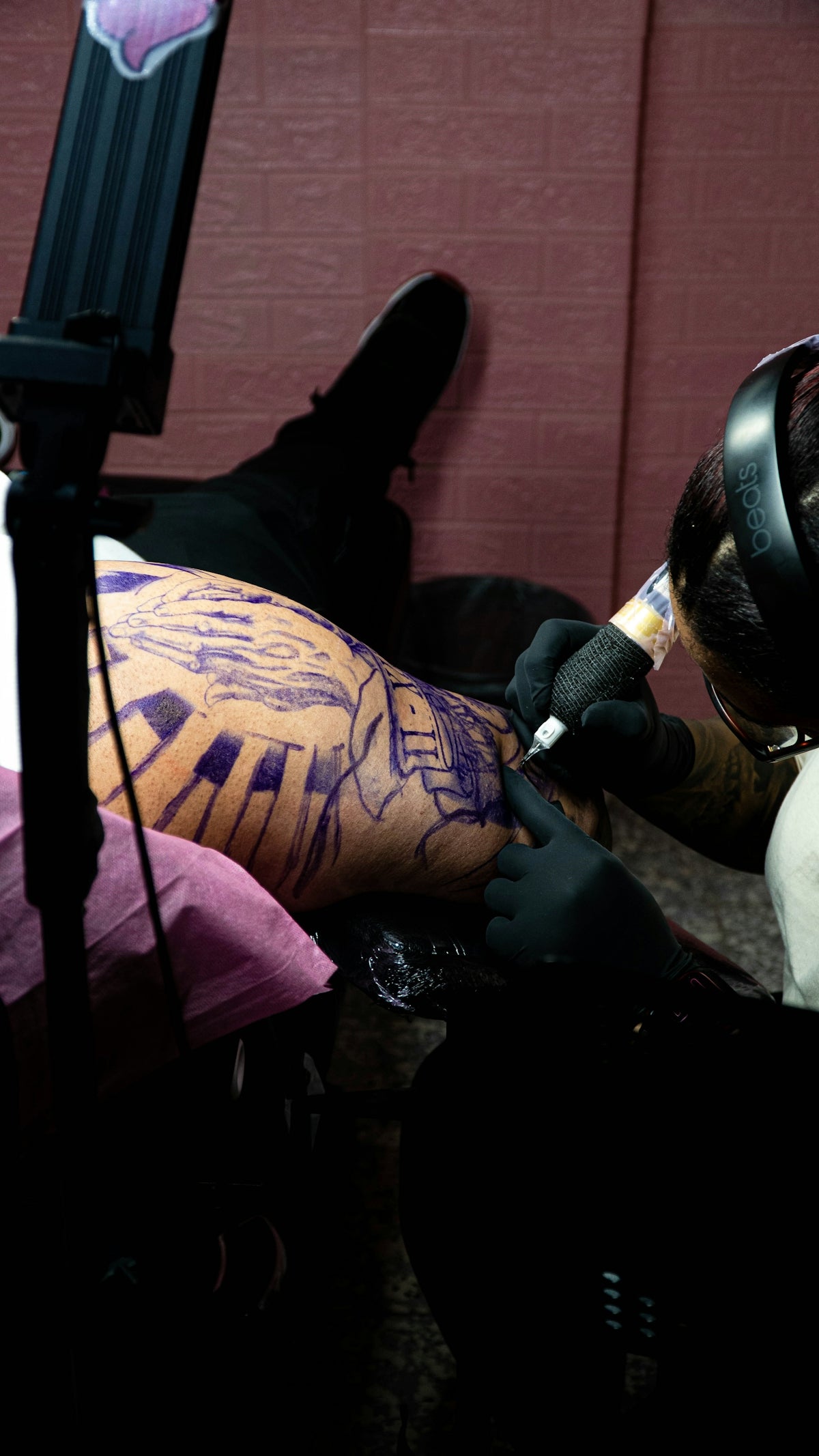
In the dynamic world of tattoo artistry, achieving realism is not just a skill—it's a form of mastery that can elevate your craft to an entirely new level. Whether you're an aspiring artist or a seasoned professional, understanding the nuances of tattoo shading in Procreate can significantly upgrade your art. With access to high-quality tools like the PRO TATTOO KIT available at TattooBrushes.com, you can start designing tattoos the right way.
Why Realism Matters in Tattoo Art
Realism allows your work to transcend the line between digital and lifelike, captivating clients with designs that resonate deeply. In the realm of digital tattoo design, mastering realistic shading in Procreate can set your work apart, creating tattoos that seem to breathe on the skin.
Understanding Procreate and Tattoo Shading
Procreate has become a go-to application for digital artists, providing a versatile platform for creating intricate and realistic tattoo designs. At its core, tattoo shading involves manipulating light and shadow to give depth and dimension. With Procreate's vast array of features and the right selection of brushes, such as the Procreate tattoo brushes, you can achieve stunning results.
Essential Tools for Shading in Procreate
Procreate Tattoo Brushes: The choice of brush is pivotal in digital tattoo design. Procreate provides a selection of brushes that emulate various traditional tattoo styles, ensuring your designs maintain authenticity. For a deeper dive into selecting the right tools, refer to our article on Essential Tools for Digital Tattoo Design in Procreate.
The Importance of Texture: Realistic tattoo shading in Procreate requires an understanding of texture, helping to simulate different skin types and tattoo styles, from soft shading to complex color gradients.
Using Layers: Layers allow you to separate different elements of your tattoo design, making it easier to adjust specific areas without affecting the entire piece.
Step-by-Step Guide to Realistic Tattoo Shading
Step 1: Preparing Your Canvas
Begin by setting up your Procreate canvas. The resolution and size should be chosen based on whether the design is for practice or client work. A DPI of 300 is recommended for high-quality tattoo designs.
Step 2: Selecting Your Brushes
Select your Procreate tattoo brushes. Focus on brushes that offer smooth gradients and a realistic texture. The PRO TATTOO KIT at TattooBrushes.com offers a curated selection of these brushes to ensure a professional finish.
Step 3: Mapping Out Your Design
Use sketch layers to outline your tattoo design. Start by creating bold outlines to define spaces where shading will enhance depth. For more precision, explore our guide on Create Stunning Linework with Procreate Tattoo Brushes.
Step 4: Applying Base Shading
With a soft brush, apply an initial layer of shading. Focus on areas that naturally receive less light. This step is critical in establishing a realistic foundation.
Step 5: Building Depth
Gradually build upon the base layer using incrementally darker shades and sharper brushes. This layering technique mimics the depth seen in realistic tattoos and gives you control over the intensity of shadow.
Step 6: Highlighting Key Areas
Introduce highlights to mimic the natural reflectivity of the skin and tattoo ink. This technique adds a lifelike quality to the design, making certain areas appear to ‘pop.’
Step 7: Final Adjustments and Detailing
Refine edges and clean up any smudges. Review your work from various zoom levels to ensure consistency and balance. Remember, digital tattoo design is as much about the finer details as it is about the bigger picture.
Upgrading Your Art
Achieving realism in tattoo shading is a continual journey of learning and practice. Utilizing high-standard tattoo artist tools like those from TattooBrushes.com ensures your designs are consistent with professional quality, pushing the boundaries of what’s possible in digital tattoo design. For additional insights on refining your skill set, explore our article on Enhance Your Art with Procreate Tattoo Brushes.
Final Thoughts
Mastering realistic tattoo shading in Procreate is no small feat, but with practice and the right tools, you can transform your designs into lifelike masterpieces. Whether it's about perfecting subtle shading techniques or exploring new digital frontiers, every stroke counts. To achieve the best results and feel like a pro, explore Procreate tools at TattooBrushes.com and upgrade your art today.
As you continue to develop your skills, remember that mastery is achieved through dedication and the right resources. Happy tattooing!

Leave a comment
This site is protected by hCaptcha and the hCaptcha Privacy Policy and Terms of Service apply.