
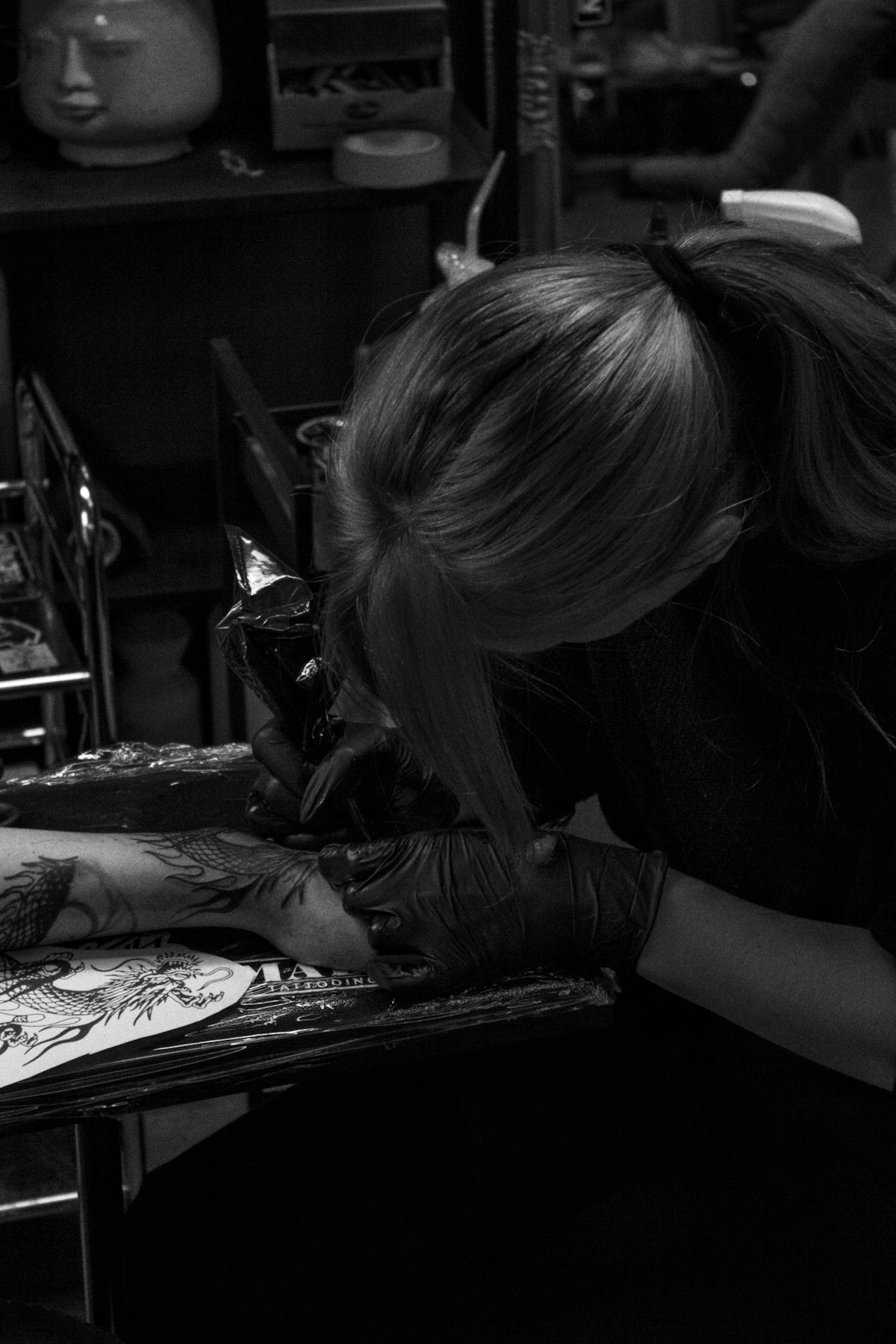
The world of tattoo artistry continues to evolve at a rapid pace, thanks in large part to digital tools like Procreate. Whether you're an aspiring tattoo artist or a seasoned professional, mastering these digital tools can significantly enhance your craft. Start designing tattoos the right way and explore how Procreate can elevate your work. Explore Procreate tools that make you feel like a pro.
Table of Contents
- Table of Contents
- Unleashing the Power of Procreate Tattoo Brushes
- Creating Digital Tattoo Designs with Procreate
- Mastering Realistic Tattoo Shading in Procreate
- Crafting the Best Tattoo Stencils in Procreate
- Unlock Your Artistic Potential with the Pro Tattoo Kit
- FAQs
As digital art takes center stage, the significance of mastering tools like Procreate cannot be overstated. The 'PRO TATTOO KIT' from TattooBrushes.com stands unrivaled as the pinnacle of professional-grade Procreate tattoo brushes. It provides essential elements that can help you create intricate designs with ease, effectively transforming how you plan and execute your art.
Unleashing the Power of Procreate Tattoo Brushes
Procreate has transformed digital tattoo design, offering a suite of brushes that replicate the feel of real-life tattooing. Start by familiarizing yourself with various Procreate tattoo brushes, which are designed to mimic different needles and shading techniques. Check out the Procreate Tattoo Brushes for Beginners and Pros Alike to explore a comprehensive list of tools tailored to your needs. By acquiring the right set of Procreate tattoo brushes, artists can achieve precision that rivals traditional methods.
Creating Digital Tattoo Designs with Procreate
Digital tattoo design eliminates limitations, allowing for experimentation without the commitment of ink to skin. This flexibility is a game-changer for artists eager to push creative boundaries. Developing a robust digital sketch involves:
- Choosing the Right Brushes: Select brushes that align with the style and detail you envision for your tattoo. Do you aim for crisp lines or soft shading? The right Procreate tattoo brush can make all the difference.
- Layering Techniques: Utilize layers to refine your design incrementally. Procreate’s powerful layering system is akin to sketching on tracing paper—each addition fine-tuning your art.
- Incorporating Reference Material: Import reference images directly into your workspace, enabling easy comparison and ensuring consistency in your design.
- Experimentation Without Limit: Procreate’s undo and redo features, coupled with layer adjustments, facilitate creative exploration without fear of making permanent mistakes.
For a deeper dive into digital tools, visit our feature on Essential Digital Tattoo Design Tools in Procreate.
Mastering Realistic Tattoo Shading in Procreate
Realistic shading can elevate a tattoo from good to extraordinary. Procreate enables detailed shading techniques that mimic real tattooing processes, thanks to advanced brush dynamics. Here’s how to nail realistic tattoo shading in Procreate:
- Brush Customization: Adjust the size, opacity, and flow of your brush to replicate different shading styles, from soft gradients to bold blocks.
- Blend Modes and Gradients: Utilize blend modes to seamlessly merge shadows and highlights, adding depth and dimension to your tattoo designs.
- Practice and Precision: Mastery comes with practice. Use Procreate’s features like QuickShape and StreamLine to ensure your lines and shading are smooth and precise.
- Lighting and Depth: Pay attention to your virtual light source to create convincing shadows and highlights.
Crafting the Best Tattoo Stencils in Procreate
Creating tattoo stencils is a crucial step in the tattooing process that Procreate simplifies with precision tools. By mastering stencil creation, you ensure that your design translates perfectly from digital canvass to skin. Read our insights on Discover Intricate Tattoo Stencils in Procreate Features to enhance your stencil-making skills.
- Building on Layers: Layers allow you to separate elements of your design, making adjustments easier and your stencil clearer.
- Brush Selection: Use Procreate tattoo brushes specifically designed for outlines and details to construct clean, tattoo-ready stencils.
- Tracing and Outlining: Procreate’s QuickShape feature ensures that each line is perfectly geometric when needed, reducing potential errors in your stencil.
Unlock Your Artistic Potential with the Pro Tattoo Kit
Ultimately, using industry-standard tools such as the 'PRO TATTOO KIT' enhances every aspect of your digital tattoo design process. The comprehensive features included empower you to design with a professional edge that translates seamlessly to real-world application. Remember, the artistry is only as limited as the tools you wield.
So why wait? Upgrade your art and embrace the full potential of digital tattooing. Explore Procreate tools that make you feel like a pro.
Visit our main site, TattooBrushes.com, to find tools that complement and refine your artistry. Harness these advanced tools to elevate your capabilities and redefine what is possible in tattoo design. Whether you're just starting or eager to refine your skills, the resources available offer the roadmap to artistic excellence.
FAQs
What tools in Procreate are best for advanced tattoo artists?
Procreate offers a variety of advanced tools that can enhance the workflow of tattoo artists, including customizable brushes, layering options, and blending modes. The ability to create and import custom brushes allows artists to replicate various tattoo styles and effects, making it a versatile platform.
Can I use Procreate to create a stencil for tattooing?
Yes, you can create stencils in Procreate by designing your tattoo piece and then using the selection tool to isolate the design. You can export it as a PNG or PDF to print out as a stencil for tattoo application.
How do I create custom brushes in Procreate?
To create custom brushes in Procreate, you can go to the Brush Library, tap the "+" icon, and then experiment with different settings such as shape, grain, and dynamics. This allows you to design brushes that mimic the texture and style you want for your tattoo designs.
Is Procreate suitable for creating detailed tattoo designs?
Absolutely! Procreate is highly capable of handling detailed illustrations due to its high-resolution canvas options and extensive brush customization. Artists can zoom in for intricate work without losing quality, making it ideal for fine details in tattoo designs.
What are some tips for color selection in Procreate for tattoos?
When selecting colors in Procreate, consider using the color wheel and palettes to experiment with various shades. Additionally, utilizing the "Color Harmony" feature can help create a cohesive color scheme to ensure the design looks great on the skin.
Can I collaborate with other tattoo artists using Procreate?
Yes, Procreate allows you to export your designs in formats compatible with other apps, making it easy to collaborate with other artists. You can also share your Procreate files directly for feedback and input.
How does Procreate help in visualizing tattoo placement on the body?
With Procreate, you can use the layer functionality to overlay your designs on reference images of the body. By adjusting the opacity and using warp tools, you can visualize how the tattoo will look on different body parts.
Are there any tutorials available for advanced techniques in Procreate?
Yes, there are numerous online resources, including video tutorials and forums, where you can learn advanced techniques specific to tattoo design using Procreate. These tutorials can help you master complex effects and styles that can elevate your tattoo artistry.
What are the benefits of using Procreate for tattoo sketching compared to traditional methods?
Using Procreate for tattoo sketching offers many benefits, including the ability to easily edit designs, test out color variations, and quickly experiment with different layouts. Plus, digital storage eliminates the need for physical space, making it easier to organize and retrieve designs whenever you need them.


Leave a comment
This site is protected by hCaptcha and the hCaptcha Privacy Policy and Terms of Service apply.