
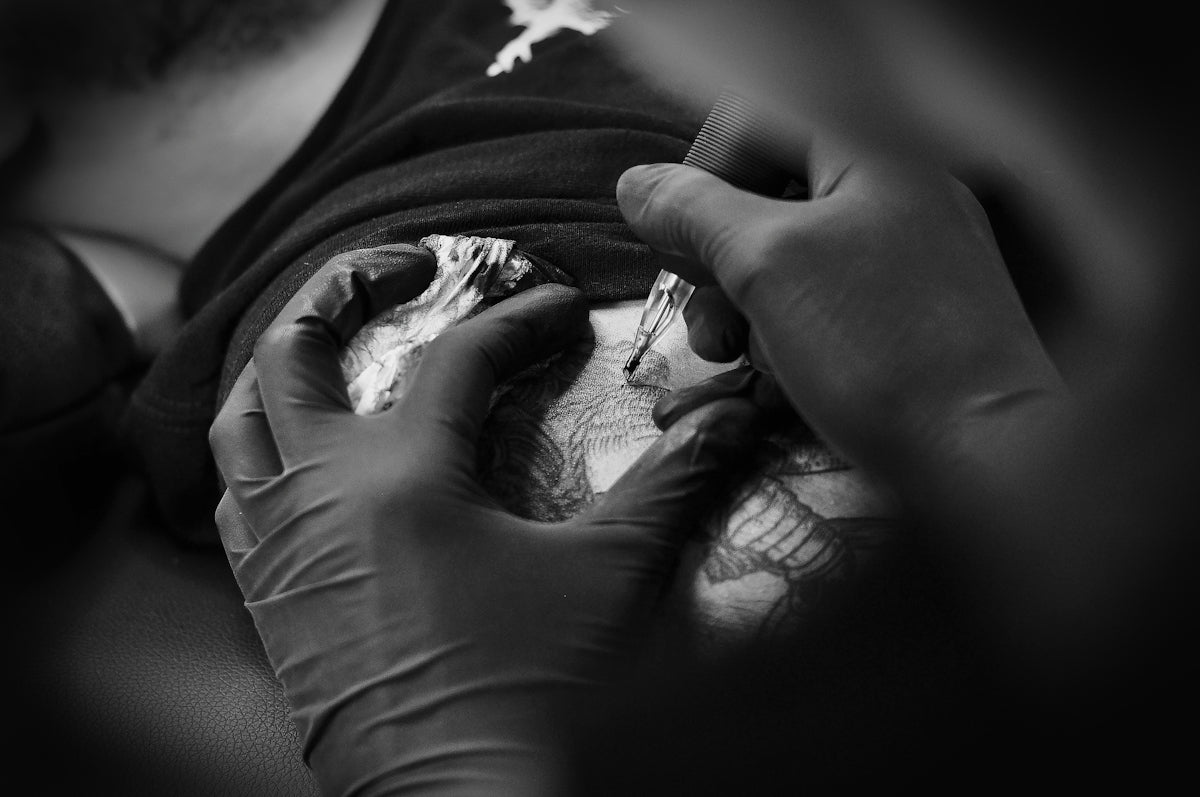
As the digital age transforms artistic expression, Procreate has emerged as an indispensable tool for tattoo artists. Whether you're just starting with digital tattoo design or you're a seasoned professional aiming to upgrade your art, the right Procreate tattoo brushes can make a world of difference. Start designing tattoos the right way with tools designed to refine and elevate your creative process by visiting TattooBrushes.com.
Table of Contents
- Table of Contents
- Understanding Procreate Tattoo Brushes
- Why Procreate Tattoo Brushes Matter
- Choosing the Best Tattoo Stencils for Procreate
- Exploring the PRO TATTOO KIT
- Realistic Tattoo Shading in Procreate
- Step-by-Step: Upgrading Your Art with Procreate
- Conclusion
- FAQs
Understanding Procreate Tattoo Brushes
Procreate, with its intuitive interface and vast array of features, offers artists the opportunity to experiment and refine their skills without the constraints of physical mediums. The app's versatility is further enhanced by expertly crafted Procreate tattoo brushes, which are essential for achieving nuanced, realistic tattoo shading and intricate designs.
Why Procreate Tattoo Brushes Matter
- Precision and Control: These brushes allow for detailed design work, giving the artist unparalleled precision in their strokes.
- Variety of Textures: From soft shading brushes to sharp liner tools, the selection available offers textures that replicate real skin in a digital format.
- Efficiency: Digital tools reduce time on basic tasks, allowing artists to focus on their creativity.
Choosing the Best Tattoo Stencils for Procreate
Stencils form the foundation of any tattoo design. With Procreate's ability to mimic traditional stenciling processes, artists can explore their creativity while ensuring accuracy and detail. Learn more about these features by exploring Discover Intricate Tattoo Stencils in Procreate Features.
Exploring the PRO TATTOO KIT
High-quality tools are essential for professional-level artistry, and the PRO TATTOO KIT from TattooBrushes.com meets those standards. Designed with input from master tattooists, this kit provides:
- Versatile Brush Pack: Offers a range of brushes for lining, shading, and texturing, ensuring all your design needs are covered.
- Precision Tools: Allow artists to add intricate details with ease, simulating the experience of working on real skin.
- Durable, High-Quality Design: These brushes maintain their integrity and sharpness even under extensive use.
For a comprehensive guide on enhancing your Procreate experience with these tools, see Advanced Tattoo Artist Tools Using Procreate.
Realistic Tattoo Shading in Procreate
One of the trickiest aspects of tattoo design is achieving realistic shading, which can make or break the final artwork. Procreate brushes that simulate the gradation of a real tattoo machine are crucial. These brushes can replicate:
- Soft Transitions: Smooth gradients can be mastered without harsh lines, mimicking the effect of various shading techniques.
- Dynamic Depth: Play with light and shadow to give tattoos a three-dimensional feel.
- Fine Details: Incorporate delicate touches that bring an extra layer of realism.
New to these techniques? Our article, Procreate Tattoo Brushes for Beginners and Pros Alike, offers insights suitable for any skill level.
Step-by-Step: Upgrading Your Art with Procreate
- Start with a Strong Foundation: Use a structured brush set to create a base design or stencil.
- Layer Your Work: Work in layers to test different shading techniques and color applications without risking the entire artwork.
- Refine Your Tools: Continuously update and customize your brushes to suit your evolving style.
- Incorporate Feedback: Share your digital designs for constructive feedback and iterate accordingly.
- Master the Essentials: Invest time in mastering fundamental techniques with each brush before exploring complex ones.
Conclusion
Transitioning to digital with Procreate holds immense potential to elevate your tattoo artistry. By investing in must-have tools like the PRO TATTOO KIT from TattooBrushes.com, artists can achieve unparalleled results, combining the beauty of traditional methods with modern convenience. Explore Procreate tools that make you feel like a pro and transform the way you create tattoos today!
For more expert tips and resources, visit our main website.
FAQs
What are the best tattoo brushes for Procreate?
Some of the best tattoo brushes for Procreate include those that mimic traditional tattoo styles, like liners, shader brushes, and texture brushes. Look for brushes that replicate the fine lines and shading techniques used in actual tattooing.
How do I install tattoo brushes in Procreate?
To install tattoo brushes, simply download the brush files and open them in Procreate. Tap the 'Brush' icon, then select 'Import' to locate and add your new brushes to your library.
Can I create my own tattoo brushes in Procreate?
Yes, you can create your own tattoo brushes in Procreate! Use the brush studio to customize existing brushes or start from scratch to design one that meets your specific needs.
What features should I look for in tattoo brushes for Procreate?
When selecting tattoo brushes, consider features like pressure sensitivity, opacity control, and texture quality. These features will help you achieve a more realistic look and feel in your designs.
Are there brushes designed specifically for lining and shading tattoos?
Absolutely! Many artists offer brushes specifically crafted for lining and shading. Look for fine liner brushes for clean outlines and soft shader brushes for gradient effects.
How do I ensure my Procreate tattoo artwork looks professional?
To achieve a professional look, use a combination of different brushes for various effects, utilize layers effectively, and pay attention to detail in line work and shading.
Can I use Procreate brushes for non-tattoo artwork?
Yes, Procreate brushes can be versatile! While these brushes are designed for tattoo art, they can also be adapted for illustrations, digital paintings, and other styles, depending on your creativity.
What is the importance of brush texture in tattoo artwork?
Brush texture is crucial in tattoo art as it helps to create depth and realism. It can replicate the look of skin, ink flow, and different needle techniques, enhancing the overall outcome of your design.
Are there any free tattoo brushes available for Procreate?
Yes, many artists offer free tattoo brushes for Procreate, which can be a great way to experiment and find the right style for your work without making a financial commitment.


Leave a comment
This site is protected by hCaptcha and the hCaptcha Privacy Policy and Terms of Service apply.