
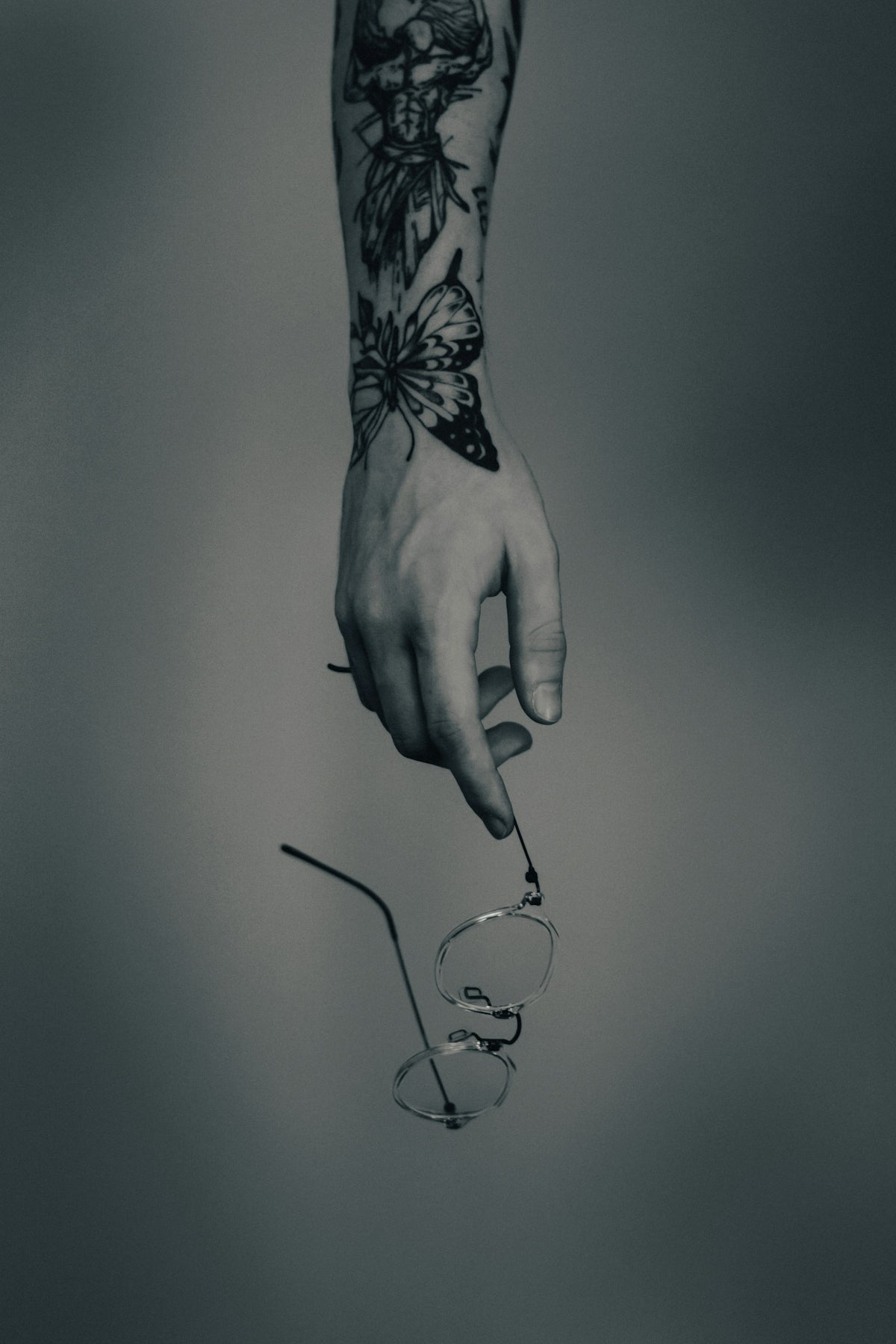
Creating stunning tattoos requires more than skill; it demands the right tools to bring your vision to life digitally. Whether you are an aspiring tattoo artist or a seasoned professional, our expertise is here to guide you through the maze of digital tattoo design. With the powerful capabilities of the Procreate tattoo brushes, you can elevate your tattoo art, transforming your concepts into dynamic, lifelike designs.
Make your mark in the world of digital tattooing with tools that empower your creativity. Start designing tattoos the right way with TattooBrushes.com's PRO TATTOO KIT—a high-quality mark of professional standards.
The Power of Procreate in Tattoo Design
The art of tattooing has evolved significantly with the advent of digital technology. Procreate has become a preferred platform for artists due to its intuitive interface and powerful features. However, to truly master digital tattoo design, understanding how to utilize Procreate tattoo brushes effectively is paramount.
Procreate offers a vast range of brushes specifically designed for tattoo artists. They replicate the texture, flow, and impact of real tattoo needles and ink. For dynamic shading techniques, knowing how to select and adapt these brushes is essential. Explore our comprehensive guide below, starting with the basics and advancing to expert techniques suitable for any artist.
Essential Tools: A Closer Look at the Pro Tattoo Kit
For those aiming to embellish their digital tattoo designs, TattooBrushes.com's PRO TATTOO KIT offers an unparalleled collection of brush sets. These tools mimic the intricate detailing and shading options of physical tattoo instruments.
Key Features of the Pro Tattoo Kit:
- Realistic Texture Replication: Brushes patterned to simulate real-world textures of skin art.
- Versatile Shading Capabilities: Tools that allow seamless transitional shading, adding depth and realism.
- Perfect Linework Precision: Achieve crisp linework crucial for the foundation of any design.
For an in-depth look at how these tools can enhance your work, read our guide on Enhance Digital Tattoo Design with Procreate Tattoo Brushes.
Step-by-Step Guide to Dynamic Shading
Mastering realistic tattoo shading in Procreate involves three key components: selecting the right brushes, applying the correct techniques, and understanding the dynamics of light and shadow.
Step 1: Selecting the Right Brushes
Begin with the basics. The Must-Have Procreate Tattoo Brushes for Every Digital Artist collection can be an invaluable resource, offering a range of options from soft shaders to harder-edged lines specifically designed for tattoos. Choose brushes that are suited for the style of tattoo you are aiming to create, experimenting with pressure sensitivity and brush size for optimal results.
Step 2: Applying Fundamental Shading Techniques
- Gradient Shading: Utilize soft brushes to create smooth transitions between light and dark areas. This technique is critical for achieving depth.
- Cross-Hatching: A traditional technique adapted for digital use, cross-hatching builds texture and shadow through intersecting lines.
- Stippling: This involves placing dots to create gradients and textures, mimicking the needle-point technique in physical tattooing.
For more insights, refer to the article Procreate Tattoo Brushes for Perfect Linework and Shading.
Step 3: Understanding Light and Shadow
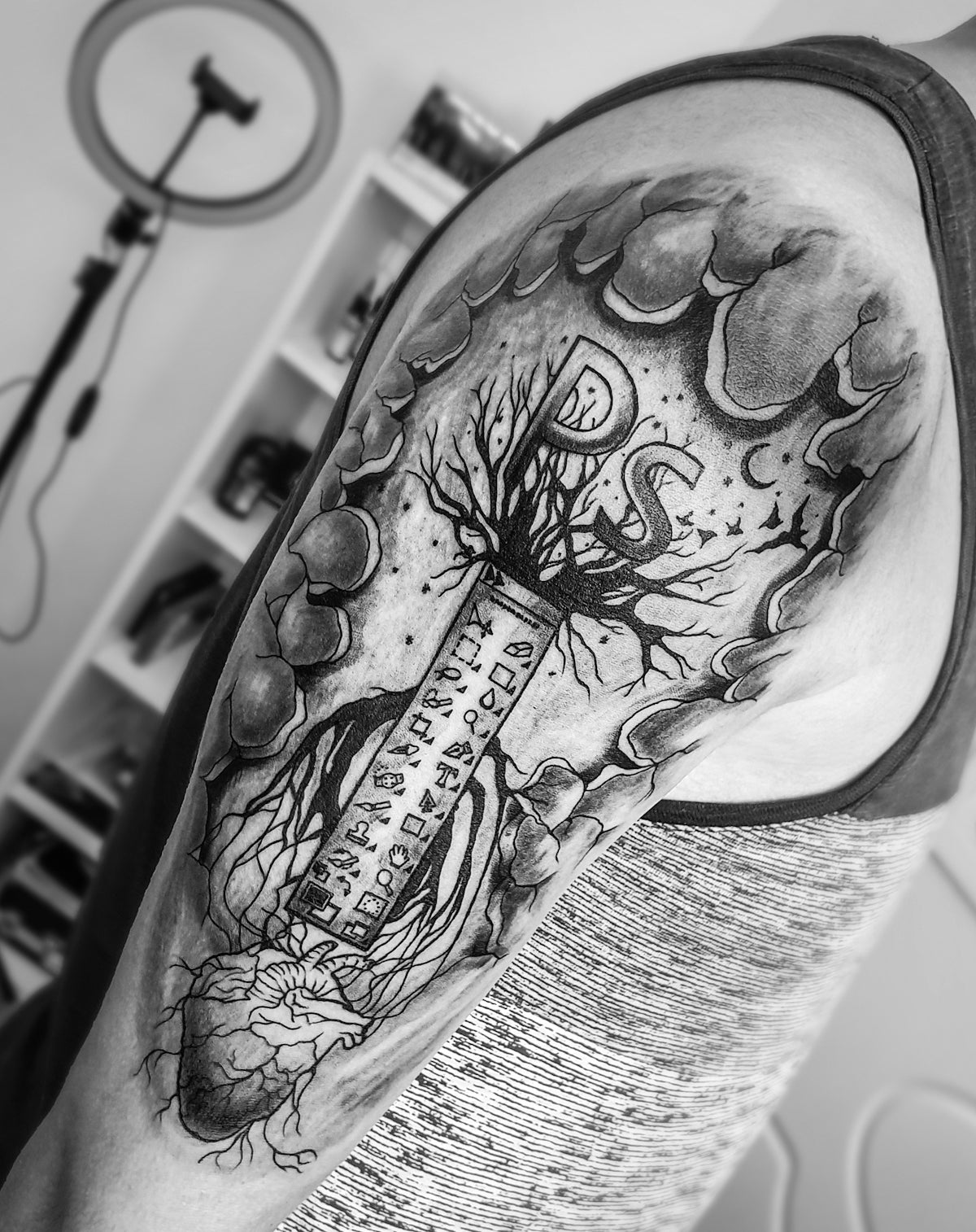
Realistic tattoo shading in Procreate is not solely about brush selection—it’s about the accurate representation of light and shadow on and beneath the skin. Study how light interacts with different surfaces, and practice reflecting this in your art. Consider the source of light in your design, and consistently apply shadow across your work.
Advanced Techniques and Tips
- Layer Usage: Use multiple layers to separate linework from shading. This allows for non-destructive editing and flexibility in altering specific parts without compromising the whole design.
- Custom Brushes: Once comfortable, explore customizing your brushes to suit your unique needs. Adjust settings such as spacing, pressure sensitivity, and grain.
- Practice and Experimentation: Regular practice and experimentation with different brush combinations will refine your technique and ability to produce complex, realistic tattoos.
Ready to Upgrade Your Art?
With these strategies and the premium quality offered by TattooBrushes.com's PRO TATTOO KIT, your digital tattoo designs are set to reach unparalleled depths of creativity and professionalism. By mastering dynamic shading techniques using Procreate tattoo brushes, you unlock unlimited potential in your artistic arsenal.
For more tools and resources to enhance your journey, explore Procreate tools that make you feel like a pro. Embrace these advancements and discover how they can transform not just your art, but your entire creative process.
Continue your path with confidence, knowing that the world of digital tattoo artistry is limitless and within your reach.


Leave a comment
This site is protected by hCaptcha and the hCaptcha Privacy Policy and Terms of Service apply.