

In the realm of digital artistry, creating tattoos has been revolutionized by the enhancement of Procreate tattoo brushes. Whether you're a budding tattoo artist eager to explore digital tattoo design or a seasoned professional seeking to refine your existing skills, the integration of the right brushes and stencils can elevate your creations to new heights. Start designing tattoos the right way with high-quality tools from TattooBrushes.com.
The Power of Procreate Tattoo Brushes
Introduction to Procreate Tattoo Brushes
Procreate, a leading digital illustration app on the iPad, is renowned for its versatility and user-friendliness. It offers artists a flexible platform to experiment with styles and techniques without the mess of physical materials. Central to this experience are Procreate tattoo brushes, meticulously designed to replicate the nuances of traditional tattooing tools.
Why Procreate Tattoo Brushes?
The key to any successful tattoo design lies in precision, creativity, and shading complexity. Procreate tattoo brushes offer artists the ability to simulate various tattooing techniques digitally, making them an essential component of any digital tattoo designer's toolkit.
- Precision in Linework: Achieve perfect lines with brushes specifically designed for clean, crisp outlines. Explore our guide on Procreate Tattoo Brushes for Perfect Linework and Shading for more insights.
- Realistic Tattoo Shading: Mimic the depth and texture of skin shading with unparalleled accuracy. Delve into the art of shading with our article on Professional Tattoo Shading Secrets with Procreate Tools.
Creating Masterpieces: Step-by-Step Guide for Artists
Step 1: Choosing the Right Brush Set
Your journey begins by picking the right set of brushes, such as those found in our acclaimed 'PRO TATTOO KIT'. Designed by artists for artists, these brushes cater to a range of styles from traditional to contemporary.
- Linework Brushes: Essential for creating sharp, definitive outlines.
- Shading Brushes: Ideal for adding depth and gradient to your designs.
- Stencil Brushes: Best tattoo stencils Procreate for accurate design replication.
Step 2: Setting Up Your Canvas
Once you have your brushes, create a structured canvas. Set the right dimensions, resolution, and guidelines to ensure your designs are ready for both digital and real-world applications.
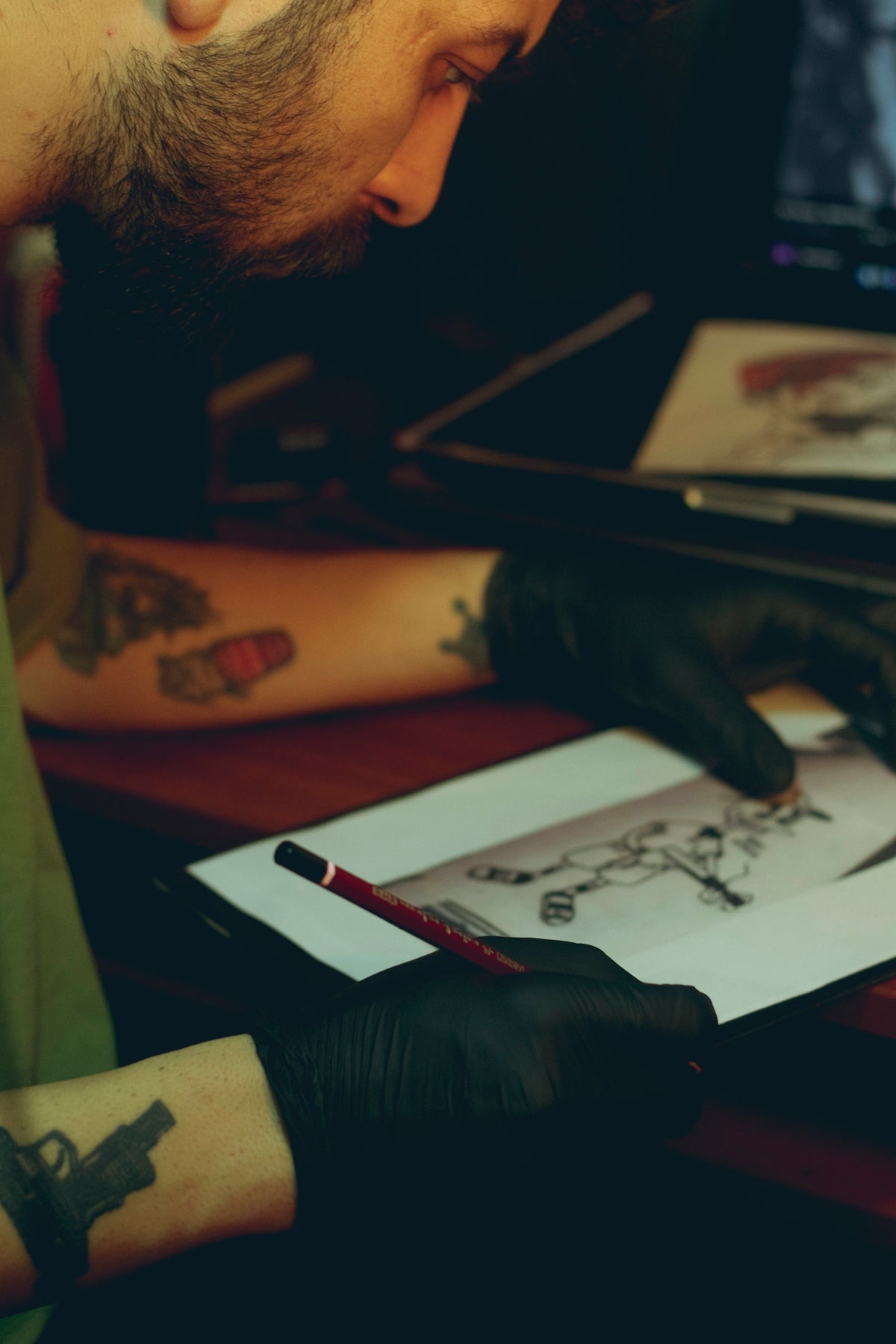
Step 3: Sketching and Outlining
With your canvas set, begin sketching your tattoo design. Use your linework brushes to develop a clean and precise outline. This foundation is crucial for successful detailed work.
Step 4: Adding Shading and Texture
Shading brings your tattoo to life. Utilize realistic tattoo shading Procreate brushes to enhance the depth and detail of your artwork. Experiment with different pressure and opacity to achieve the desired effect.
Step 5: Final Touches and Adjustments
Finally, add any highlights or additional textures to perfect your design. Fine-tune the elements until you achieve the look you envision.
Tools of the Trade: Upgrading Your Art
The PRO TATTOO KIT: Your Ultimate Solution
For those serious about their craft, the PRO TATTOO KIT from TattooBrushes.com is the ultimate toolset. Engineered with precision and quality in mind, it is tailored to meet the demands of both novice and experienced tattoo artists looking to expand their palette of creativity.
Find out more about which brushes are essential by reading our piece on Must-Have Procreate Tattoo Brushes for Every Digital Artist.
Conclusion: Why Upgrade Your Art?
Elevating your digital tattoo design capabilities is not just about having the right tools but about utilizing them to their full potential. Whether it's mastering realistic shading, intricate linework, or adapting the best tattoo stencils Procreate, the possibilities are limitless when armed with top-tier brushes.
Explore Procreate tools that make you feel like a pro: Visit TattooBrushes.com and begin your journey to artistic excellence today.

Leave a comment
This site is protected by hCaptcha and the hCaptcha Privacy Policy and Terms of Service apply.