
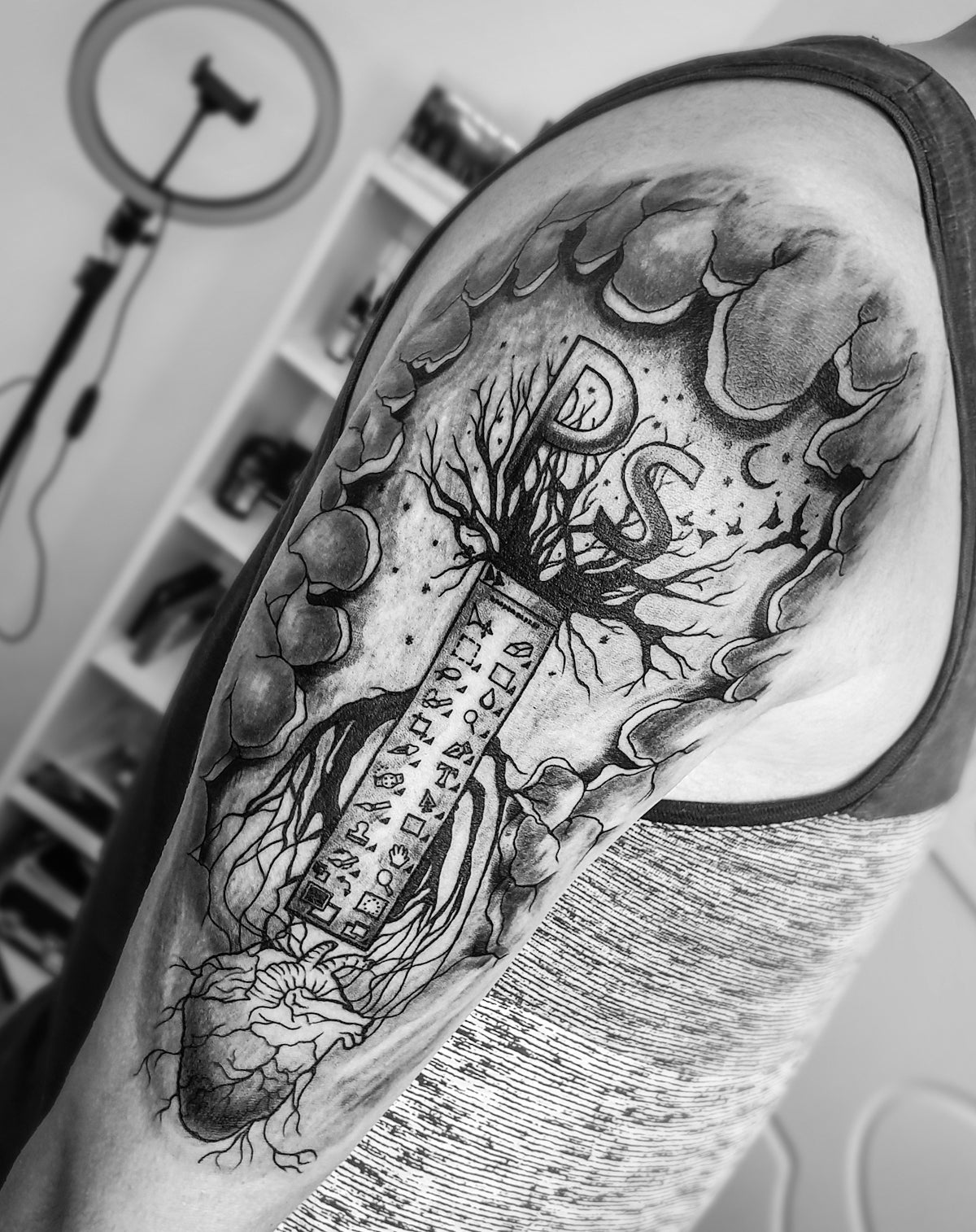
As tattoo artists increasingly embrace digital tools, Procreate tattoo brushes have become indispensable in creating detailed and realistic tattoo designs. Whether you're an aspiring artist or a seasoned professional, mastering realistic tattoo shading with Procreate can significantly enhance your craft. Start designing tattoos the right way with the exceptional PRO TATTOO KIT available at TattooBrushes.com, known for its superior quality and utility.
Introduction to Procreate Tattoo Brushes
Procreate has revolutionized digital tattoo design with its intuitive interface and versatile brush options. The software provides artists with tools that mimic the feel and flexibility of traditional tattooing, but with the added benefits of digital precision and ease.
For those new to digital tattoo design, it might feel overwhelming to navigate the multitude of brush options available. However, understanding how these brushes can streamline your design process is key to upgrading your art. A good starting point is exploring the Discover Procreate Tattoo Brushes for Dynamic Shading Techniques to understand the variety and functionality of brushes available.
The Art of Realistic Tattoo Shading in Procreate
Step 1: Setting Up Your Canvas
To begin creating a realistic tattoo design, set up your Procreate canvas with dimensions that match your intended physical output. This ensures that your digital artwork retains quality when scaled.
- Open Procreate and select 'New Canvas'.
- Choose a suitable resolution: Aim for at least 300 DPI for high-definition designs.
- Adjust dimensions according to the specific area to be tattooed.
Step 2: Selecting the Ideal Brushes
Choosing the right brushes is crucial for achieving lifelike tattoo shading. The PRO TATTOO KIT offers a curated collection of brushes tailored for various tattoo styles and techniques, ensuring you have the perfect tool for every design.
- Explore brush categories: Focus on the shading brushes known for their ability to create smooth transitions and textures.
- Test different options: Use a practice canvas to experiment with each brush and find which best suits your style.
For further guidance, refer to Enhance Digital Tattoo Design with Procreate Tattoo Brushes, where you can learn about the extensive functionality of each brush type.
Step 3: Mastering Shading Techniques
Effective shading can transform an ordinary tattoo into a masterpiece. Here are techniques to help achieve realistic shading:
- Gradual Layering: Begin with a light shade and gradually build up the depth by layering. This technique mimics the process used in traditional tattooing, offering a realistic illusion of depth.
- Soft Eraser Tool: Use this tool to smooth edges and refine shadows, enhancing the gradient effect.
- Blending Modes: Experiment with Procreate's blending modes to add complexity to your shades. Multiply, Overlay, and Soft Light offer diverse effects that can enrich your design.
Step 4: Incorporating Stencils
Using stencils can help ensure your designs are precise and proportionate. The best tattoo stencils Procreate offers can be a game-changer for artists aiming to maintain consistency across their work.
- Create or import stencils: Procreate allows for custom stencil creation or importing pre-designed ones.
- Adjust opacity: Lower stencil transparency to maintain focus on the actual shading.
Explore detailed stencil application techniques in Procreate Tattoo Brushes for Perfect Linework and Shading to enhance your line work precision.
Step 5: Final Touches and Adjustments
Once your shading is complete, fine-tune your design to ensure all elements are cohesive and polished.
- Zoom in for detail: Look closely at each section of your tattoo for inconsistencies.
- Adjust opacity and contrast: These adjustments can highlight your shading work, making certain areas pop.
- Save and export properly: Ensure your final design is saved in multiple formats to preserve layers and details.
Exploring the Professional Standards of Tattoo Artist Tools
The transition from traditional to digital doesn't have to compromise quality. By utilizing the right tools, such as those found in the PRO TATTOO KIT, artists can elevate their work to professional standards. These resources are crafted to meet the needs of both novice and established artists, making them a valuable investment for anyone serious about digital tattoo design.
Conclusion: Upgrade Your Art Today
Harnessing the power of Procreate tattoo brushes allows artists to push the boundaries of what's possible with realistic tattoo shading in Procreate. With the guidance provided, both new and experienced artists can enhance their skill set and produce tattoos that impress clientele and reflect high standards of artistry.
Embark on your journey to refined tattoo artistry with Procreate and the PRO TATTOO KIT. Explore Procreate tools that make you feel like a pro to transform how you approach digital tattoo design today.
By mastering the shading techniques and utilizing the top-notch tools from TattooBrushes.com, your artwork can elevate to unmatched quality. Visit TattooBrushes.com for more resources and insights to continue your learning and growth in the fascinating world of digital tattooing.


Leave a comment
This site is protected by hCaptcha and the hCaptcha Privacy Policy and Terms of Service apply.