

Are you eager to upgrade your art and explore the exciting world of tattoo design? Whether you’re an aspiring artist taking your first strides into the digital realm or a seasoned professional looking to refine your craft, mastering tattoo stencil creation using Procreate is a game-changer. This powerful combination offers endless possibilities. By leveraging top-notch tools like Procreate tattoo brushes and integrating cutting-edge digital techniques, you can transform your tattoo artistry into a professional-standard masterpiece. Explore Procreate tools that make you feel like a pro and set your creative journey on the right path.
The Importance of Tattoo Stencils in Tattooing
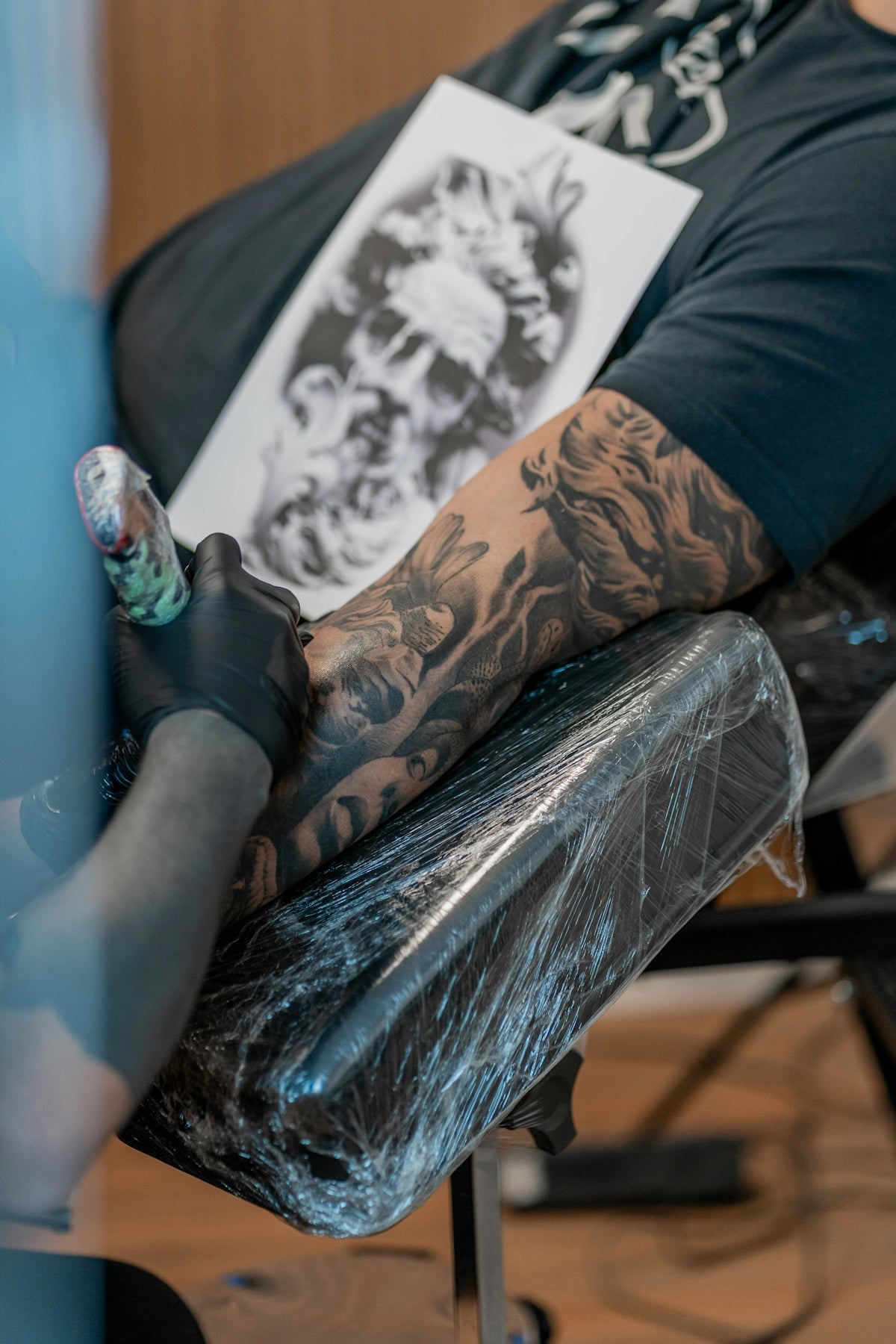
Tattoo stencils are critical in achieving precision and consistency when designing tattoos. They act as a guide, ensuring that intricate details are captured with accuracy and allowing you to bring your creative vision to life on skin. For both newbies and veteran tattoo artists, embracing digital tattoo design methods can significantly streamline the process, enhancing the quality of your work.
Why Choose Procreate for Tattoo Stencil Creation?
Procreate, with its sophisticated features and user-friendly interface, is a preferred choice among tattoo artists worldwide. It harnesses the power of technology by offering comprehensive tools for sketching, painting, and drafting highly detailed tattoo stencils. With Procreate, you enjoy benefits such as customizable brushes, robust editing capabilities, and seamless workflow integration, making it a must-have in your digital tattoo design arsenal.
- Customizable Brushes: Tap into the extensive library of Procreate tattoo brushes, offering endless customization to suit your unique style.
- Realistic Shading: Achieve lifelike tattoo shading and depth with advanced brush settings in Procreate, essential for realistic tattoo shading.
- Layer Flexibility: Work with multiple layers to separate different design elements, making edits easy and efficient.
For those new to Procreate or looking to optimize their skills, consider reading our detailed guide on Top Digital Tattoo Design Tools Using Procreate.
Step-by-Step Guide to Creating Tattoo Stencils in Procreate
1. Setting Up Your Workspace
Begin by setting up your Procreate workspace. Choose a canvas size that reflects your intended stencil size—typically, sizes like 3000x3000 pixels with a 300 DPI resolution are preferred, ensuring your designs are crisp and scalable.
2. Selecting the Right Brushes
Selecting the best brushes is crucial for detailing. The PRO TATTOO KIT comes highly recommended, offering a curated selection of Procreate tattoo brushes that deliver professional-grade precision.
Explore our resources on Best Procreate Tattoo Brushes for Tattoo Artists to familiarize yourself with various brush types and their applications, ensuring that your toolkit matches your creative needs.
3. Drafting Your Design
Utilize the brush selection to start drafting. Use soft selection tools and opacity adjustments to sketch, refine lines, and build your tattoo design from a foundation layer that can be easily modified.
4. Enhancing with Realistic Shading
Mastering the art of shading is pivotal to achieving a realistic rendering. Leverage Procreate’s blending options and opacity settings for soft gradients and shadow effects. The capability to simulate realistic tattoo shading with Procreate is explained in detail here.
5. Fine-Tuning and Detailing
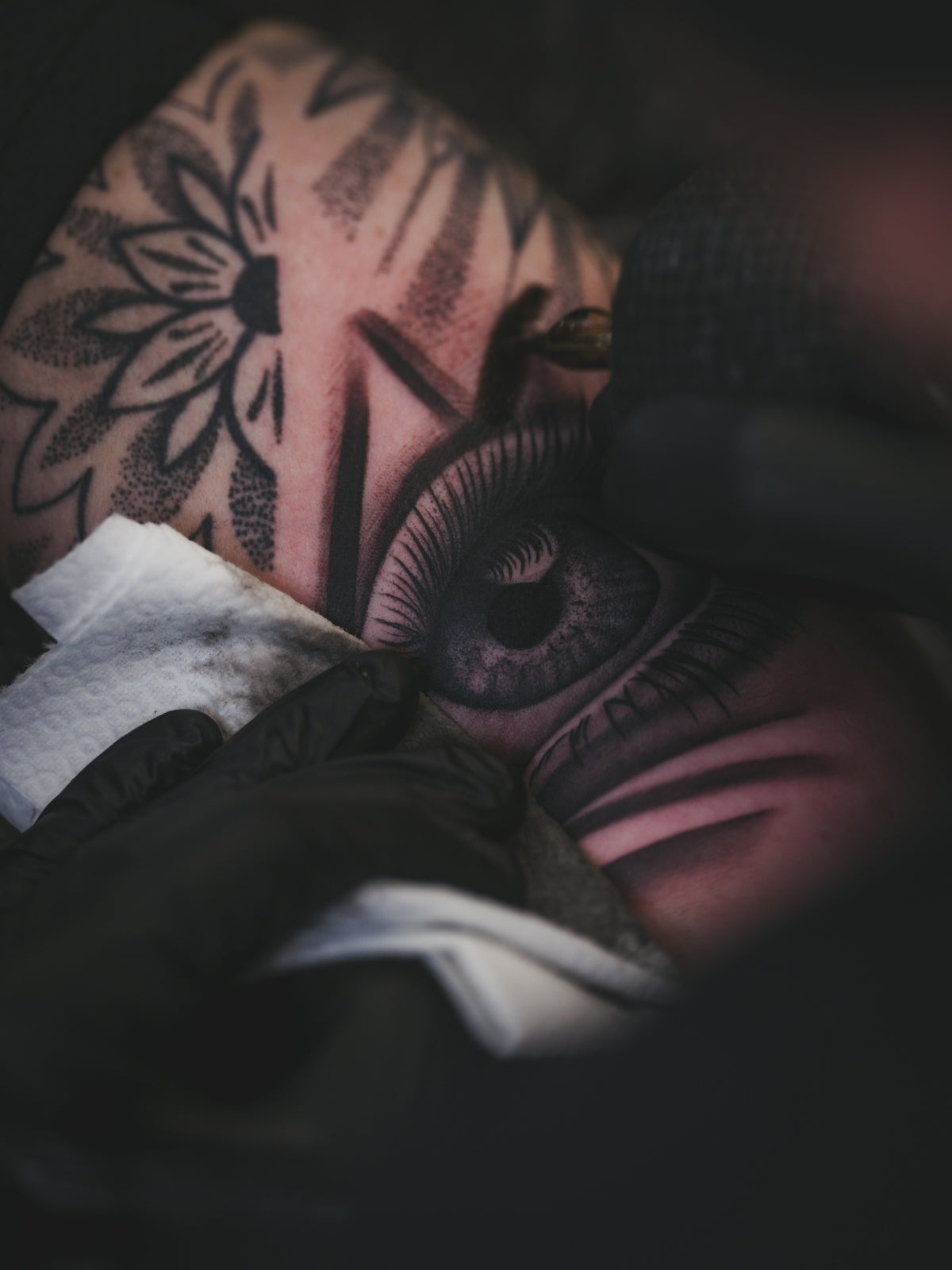
As you wrap your primary design, invest time in refining details using smaller, precise brushes from your kit. Add elements that might require attention to detail—textures, minute line work, or additional shading.
6. Finalizing the Stencil
Upon completion of your design, ensure all layers are appropriately aligned. Export your stencil in a suitable file format (like PNG) to preserve the transparency needed for the application stage.
Elevate Your Tattoo Artistry
The transition to digital tools like Procreate not only modernizes your process but enhances your ability to experiment, iterate, and perfect your designs effortlessly. By embracing this powerhouse application, you can refine your skills, maximizing creativity and precision.
To realign your work with professional standards, consider the PRO TATTOO KIT or other high-end solutions from TattooBrushes.com. These tools empower you to materialize your most ambitious ideas with both style and accuracy.
Now is the time to start designing tattoos the right way. Dive deeper into the world of Procreate and tattoo design and watch as your creativity flourishes like never before.

Leave a comment
This site is protected by hCaptcha and the hCaptcha Privacy Policy and Terms of Service apply.