
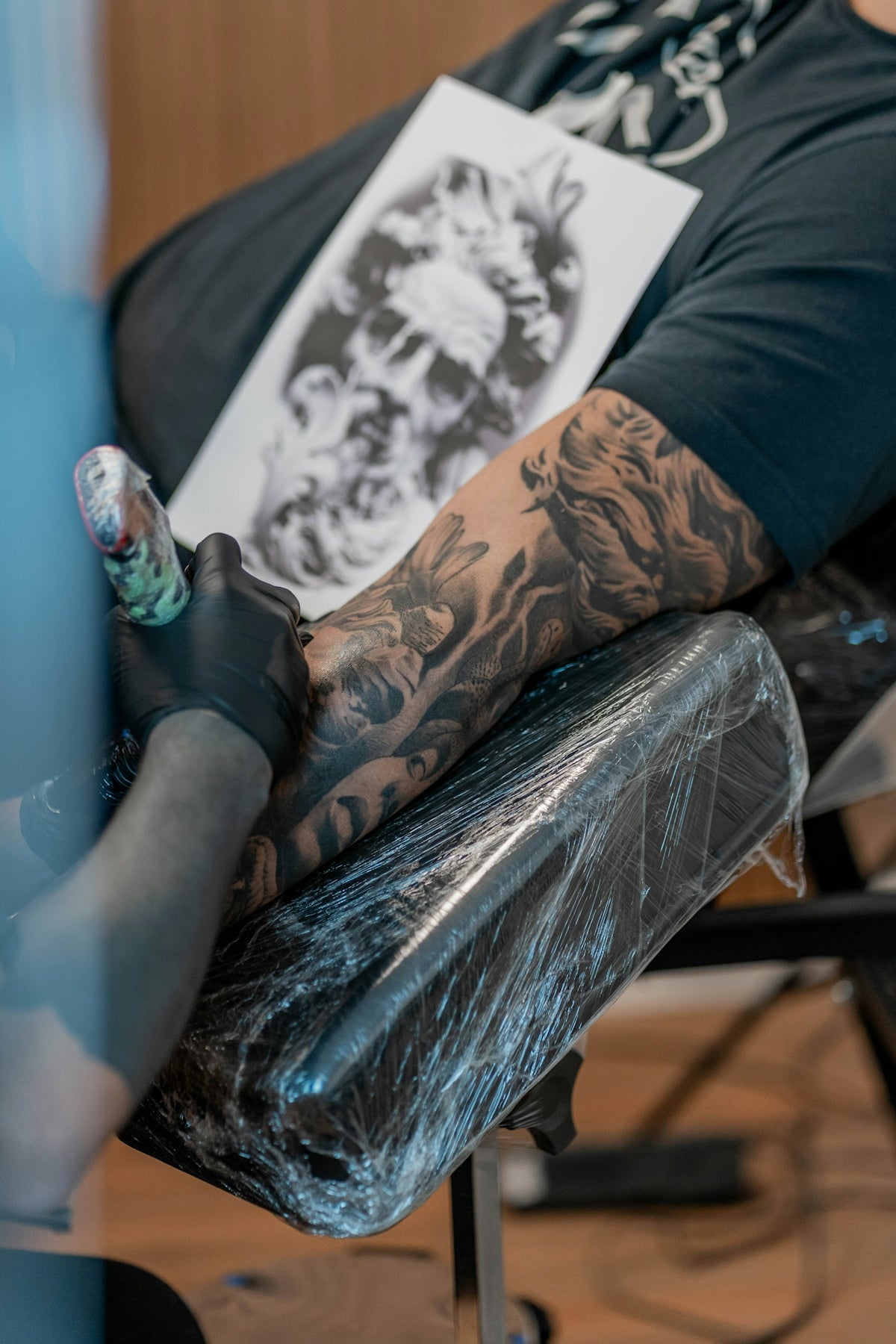
In the realm of digital tattoo design, Procreate has emerged as an indispensable tool for both burgeoning and established artists. This powerful app transforms your iPad into a professional-grade tattoo design studio, enabling creators to bring their imaginative designs into reality. By leveraging innovative tools like Procreate tattoo brushes, you can redefine your artistic process and enhance your skills significantly. If you're looking to elevate your tattoo artistry, it's time to take the plunge and Start designing tattoos the right way.
Why Procreate?
Procreate is renowned for its user-friendly interface, vast range of brushes, and unmatched versatility, making it a favorite among artists. Its endless customization allows for the tailoring of tools to suit your unique style, from sketching initial concepts to finalizing stencils and executing realistic tattoo shading. Whether you're sketching a simple line design or shading a complex, photorealistic image, Procreate provides the capability to do so with precision and ease.
Essential Procreate Tattoo Brushes
The core of any remarkable tattoo lies in the precision and creativity of its brushwork. Procreate tattoo brushes offer a range of styles, each tailored to different tattoo types, ensuring you achieve the desired effect and intricacies. For a comprehensive list of brushes to enhance your creativity, refer to Best Procreate Tattoo Brushes for Tattoo Artists.
Choosing the Right Brushes
- Linework Brushes: These are perfect for clean, precise outlines. Look for brushes that mimic traditional tattoo needles, allowing for varied line widths and pressure sensitivity.
- Shading Brushes: Essential for adding depth and realism. Procreate shading brushes replicate the smooth and textured shading techniques used in physical tattooing. Explore dynamic shading techniques with Discover Procreate Tattoo Brushes for Dynamic Shading Techniques.
- Color Blending Brushes: These brushes are essential for lifelike color gradations. They ensure a seamless transition between colors, vital for vibrant and realistic designs.
Digital Tattoo Design: Step-by-Step Process
Step 1: Initial Concept and Sketching
Before digitalizing your design, start with a rough sketch. Use a simple pencil or ink brush to draft the initial concept. This phase is about laying out the basic structure and flow of your design without worrying about the finer details.
Step 2: Refining Linework
Once satisfied with your sketch, trace over it with linework brushes tailored for tattoo designing. Ensure pressure sensitivity is on to create varied lines with depth and character. Consistency in your linework contributes significantly to the overall aesthetics of the tattoo.
Step 3: Adding Shading
Shading adds dimension and life to your design. Utilize Procreate's tattoo shading brushes, focusing on light source direction and gradient blending to achieve realistic effects. Discover how to add depth with Realistic Tattoo Shading with Procreate Tattoo Brushes Explained.
Step 4: Integrating Color
Select a color palette that complements your design. Use Procreate’s color adjustment tools for blending hues perfectly, ensuring your final result is vibrant and cohesive.
Step 5: Finalizing and Exporting
Bring the finishing touches to your creation, rectifying any imperfections. Use layers to separate various elements and make isolated adjustments. Once complete, export your design in high resolution for printing or digital sharing.
Best Tattoo Stencils Procreate: Simplifying the Process
Creating precise tattoo stencils can be a time-consuming task, but with Procreate, you're equipped with tools to expedite this process. By utilizing advanced brushes and templates, stenciling becomes a streamlined component of your workflow. The Pro Tattoo Kit from TattooBrushes.com is designed to support this process, offering a high-quality professional standard unmatched in the industry.
Realistic Tattoo Shading Procreate: Master the Craft
Shading is what breathes life into your tattoos, adding realism and depth. With Procreate, you have expansive options for mastering shading, including smudge and texture brushes that mimic natural skin gradients. For artists committed to realism, practicing with these tools will deepen your understanding and execution of lifelike tattoos.
Tattoo Artist Tools: Elevate Your Craft
With Procreate and the Pro Tattoo Kit, your iPad becomes a playground of artistic innovation. The right digital tools enhance not only the quality of your work but also streamline your creative process, making your workflow more efficient. Explore the full potential of these resources to refine your creativity and elevate your artistry.
Conclusion
Whether you're an aspiring tattoo artist or a seasoned professional, embracing the capabilities of Procreate and its extensive range of tattoo brushes can catapult your design process to new heights. By continuously exploring and utilizing these digital tools, you will expand your artistic repertoire, leading to an enhanced portfolio and satisfied clientele. Ready to take your art to the next level? Explore Procreate tools that make you feel like a pro.
Remember, the journey to mastering digital tattoo design is ongoing, and every artist's evolution involves persistence, experimentation, and the right tools. Happy designing!



Leave a comment
This site is protected by hCaptcha and the hCaptcha Privacy Policy and Terms of Service apply.