
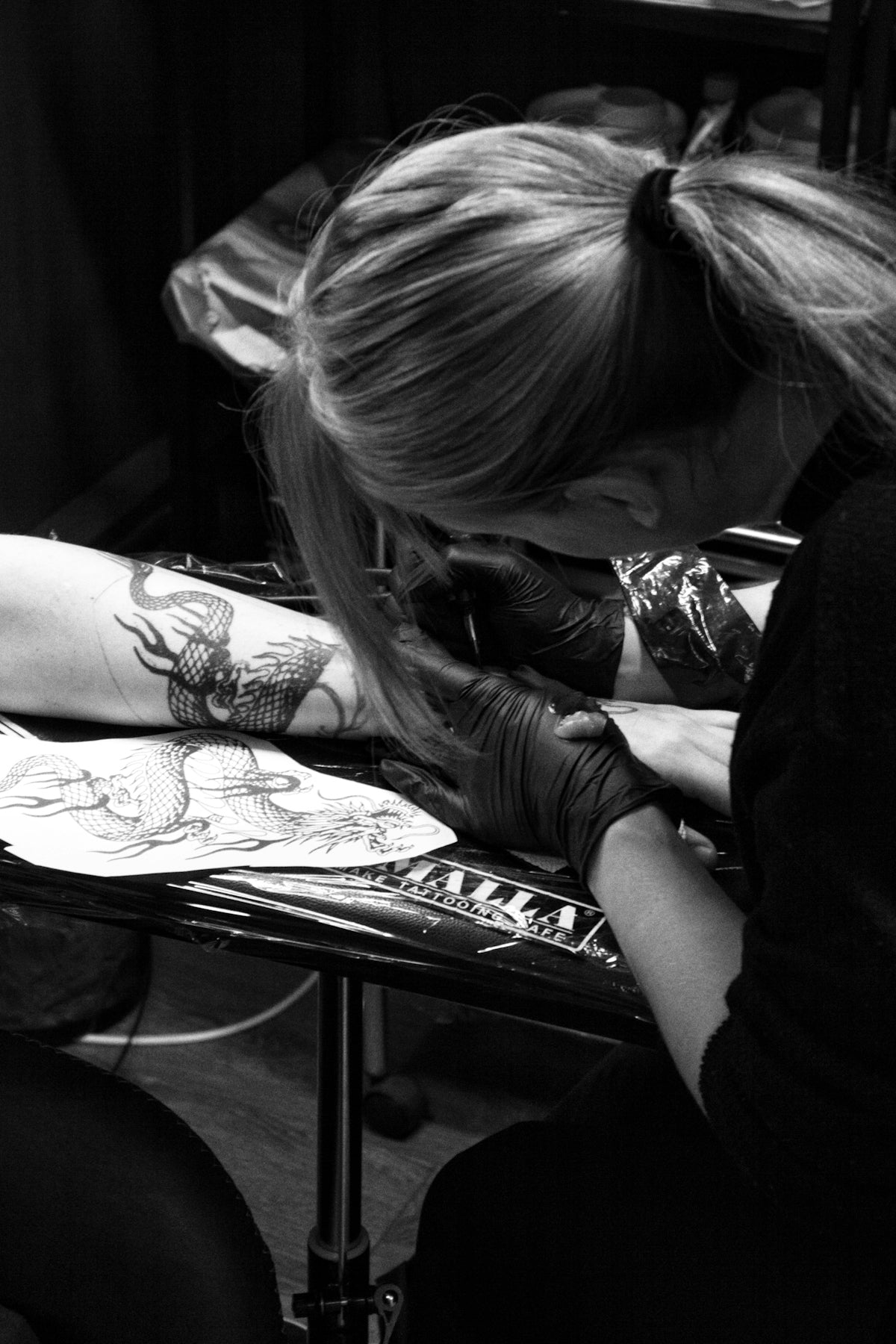
When it comes to digital tattoo design, having the right tools can significantly impact your creative process and final output. Aspiring artists and seasoned professionals alike can benefit from understanding how to effectively use Procreate tattoo brushes. Whether you're new to the world of digital design or looking to refine your skills, mastering these tools can tremendously upgrade your art. To start designing tattoos the right way, dive into our Procreate Tattoo Brushes: Your Essential Guide to Mastery.
Why Use Procreate for Tattoo Design?
Procreate has quickly become a go-to app for digital artists due to its powerful yet intuitive features. Especially in the realm of tattoo design, Procreate offers a wide range of possibilities that go beyond just sketching. From crafting the best tattoo stencils Procreate can offer to executing realistic tattoo shading Procreate makes accessible, the application supports the detailed work that tattoo art demands.
The Role of Tattoo Brushes in Procreate
Tattoo brushes are an essential part of any tattoo artist's digital toolkit. They simulate the effect of real tattoo needles, allowing you to practice and perfect your designs digitally before inking them onto skin. The 'PRO TATTOO KIT'—the product of choice for professionals and learners—provides a comprehensive set of these brushes. These tools meet a high-quality, professional standard necessary to elevate your practice to the next level. For insights into how to use these brushes effectively, check out our Discover the Art of Digital Tattoo Design Using Procreate.
Steps to Achieve Superior Shading with Procreate Tattoo Brushes
Step 1: Setting Up Your Canvas
Before diving into the shading techniques, it's essential to prepare your workspace. Open Procreate, tap on the '+' icon, and select a canvas size that complements your design needs. A larger canvas offers more room for detail, while a smaller one can be easier to manage if you're perfecting smaller tattoos.
Step 2: Choosing the Right Tattoo Brush
The right brush is crucial for achieving the desired effect. Procreate offers a variety of brushes, but for the best results, using the specialized brushes from the 'PRO TATTOO KIT' is highly recommended. These brushes are tailored to replicate the appearance and behavior of real tattoo needles, giving your digital designs a professional edge.
Step 3: Understanding Light and Shadow
Shading brings a tattoo to life, providing depth and realism. To dynamically apply shades, you must understand light sources in your design. Determine where your light source comes from and emphasize this across your work. For more practical shading techniques, our Realistic Tattoo Shading Techniques with Procreate Tools article serves as an excellent resource to deepen your knowledge.
Step 4: Layering Techniques
Begin with lighter shades; these serve as your base. Gradually build up to darker tones, using multiple layers for different shading intensities. Procreate's layer tool allows exquisite control over blending, overlaying, and adjusting shades without compromising underlying work.
Step 5: Practicing Line Work with Stencils
To tackle intricate designs, creating and utilizing stencils is key. Stencils help guide your freehand work, ensuring consistency and accuracy. The best tattoo stencils Procreate capabilities allow are easily constructed using the outlining tools in the app, enabling precision in shaping and detailing significant tattoo elements.
Enhancing Creativity with Digital Tools
Once comfortable with basic techniques, don’t hesitate to experiment. Try modifying brushes to create custom effects that suit your artistic style. Exploring different textures and pressures within Procreate can yield unique outcomes, enhancing your distinctive signature.
Reassess and Revise
No design is complete without continual testing and revision. Iterate your designs repeatedly, incorporating feedback and self-reflection to refine your style. Remember that each session presents a new opportunity to expand your skill set and open up fresh creative possibilities.
Evolving as a Tattoo Artist with TattooBrushes.com
Utilizing the right tools and techniques is critical to producing high-caliber work. At TattooBrushes.com, our products are crafted to support and inspire your journey towards artistic excellence. If you're ready to uplevel your skills and execute designs that captivate, explore Procreate tools that make you feel like a pro. Visit TattooBrushes.com to learn more about our offerings and start your transformation today.
Embark on this creative path with confidence, knowing that your journey towards mastery is supported by premier tools and resources. Unlock your full artistic potential and transform your digital tattoo design practice from good to great.

Leave a comment
This site is protected by hCaptcha and the hCaptcha Privacy Policy and Terms of Service apply.