
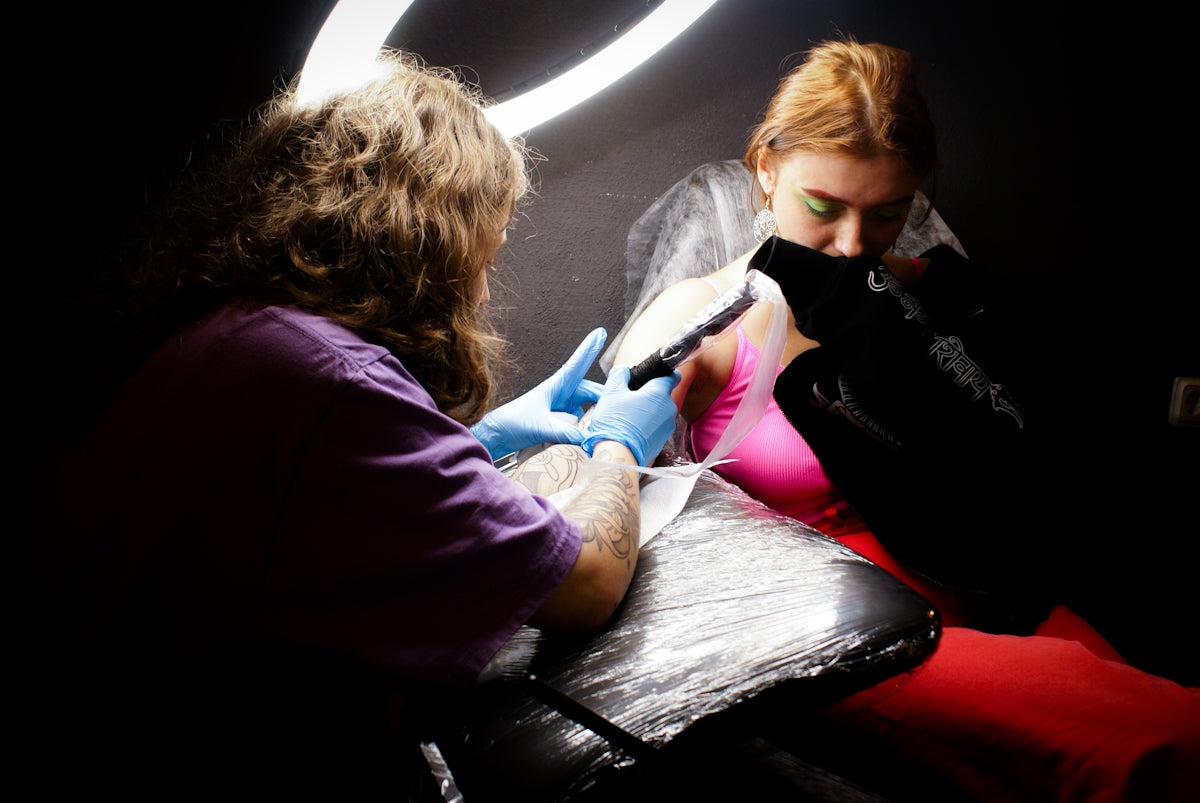
For both burgeoning artists and weathered professionals, mastering realistic tattoo shading can be the fulcrum that elevates your digital art game to new heights. By leveraging state-of-the-art tools like the PRO TATTOO KIT from TattooBrushes.com, anyone can upgrade their art and transform ordinary designs into breathtaking masterpieces. If you're ready to elevate your craft, start designing tattoos the right way with industry-leading resources backing your creative endeavors.
Understanding the Basics: Why Shading Matters
Shading breathes life into tattoos, offering depth and realism that can captivate both clients and spectators alike. It serves as the canvas, enhancing the primary design to give it dimension and emotion. Without precise shading techniques, even the most intricate linework can fall flat. Thankfully, the magic of digital realms like Procreate provides tools to perfect these techniques.
Tools of the Trade: The Power of Procreate Tattoo Brushes
To master shading, you need to rely on high-quality, innovative tools. Procreate, with its intuitive interface and vast array of brushes, stands as a formidable contender in the digital tattoo landscape. Dip into the endless possibilities with expertly crafted Procreate tattoo brushes that replicate traditional tattooing techniques. Learn more about these essential brushes in our dedicated post, Must-Have Procreate Tattoo Brushes for Incredible Designs.
Achieving Realism with the Best Tattoo Stencils Procreate
The first step in nailing realistic shading is starting with a solid stencil. Stencils serve as the groundwork upon which you will build your masterpiece. In Procreate, you can easily design or import stencils that can be adjusted for varying opacity and scale. Aim for a stencil that outlines the anatomy of your tattoo design but leaves enough room for the creative brushwork that follows.
Techniques for Realistic Shading with Procreate
1. Soft Shading with Pressure Sensitivity
Utilizing the pressure sensitivity feature in Procreate can mimic the natural feel of tattooing. By adjusting the opacity and size of your brush with pressure, you can create gradients that flow smoothly and organically. This approach is particularity useful for soft shading and blending.
2. Layering for Depth
Layers are essential for more refined control over your design. Start with a base color layer and gradually add darker shades on additional layers to achieve depth. This method allows you to easily tweak or remove layers to perfect your shading without altering your base design.
3. Brush Selection
Select the appropriate brush for your intended effect. For example, use a stippling brush to recreate dotwork techniques or a smooth shading brush for gradients. Refer to our blog on how to Boost Creativity with the Best Procreate Tattoo Brushes to find the perfect brush for your project.
4. Utilizing Alpha Lock and Clipping Masks
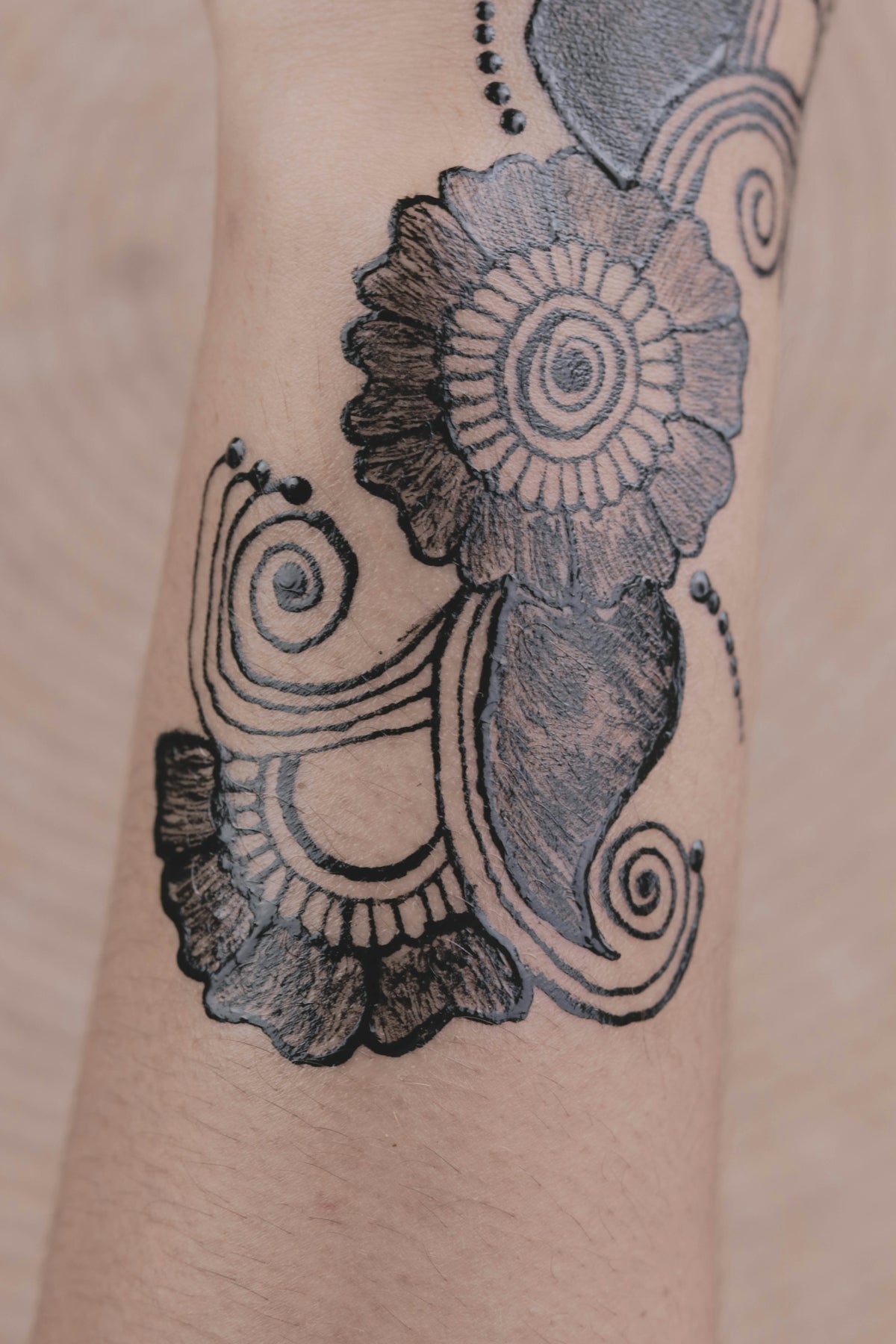
For precision shading, use alpha lock to confine your strokes to the specific layer's boundaries. Clipping masks can also serve to apply textures or shadows without affecting other layers. This technique is invaluable for intricate designs requiring meticulous attention to detail.
5. Blending Techniques
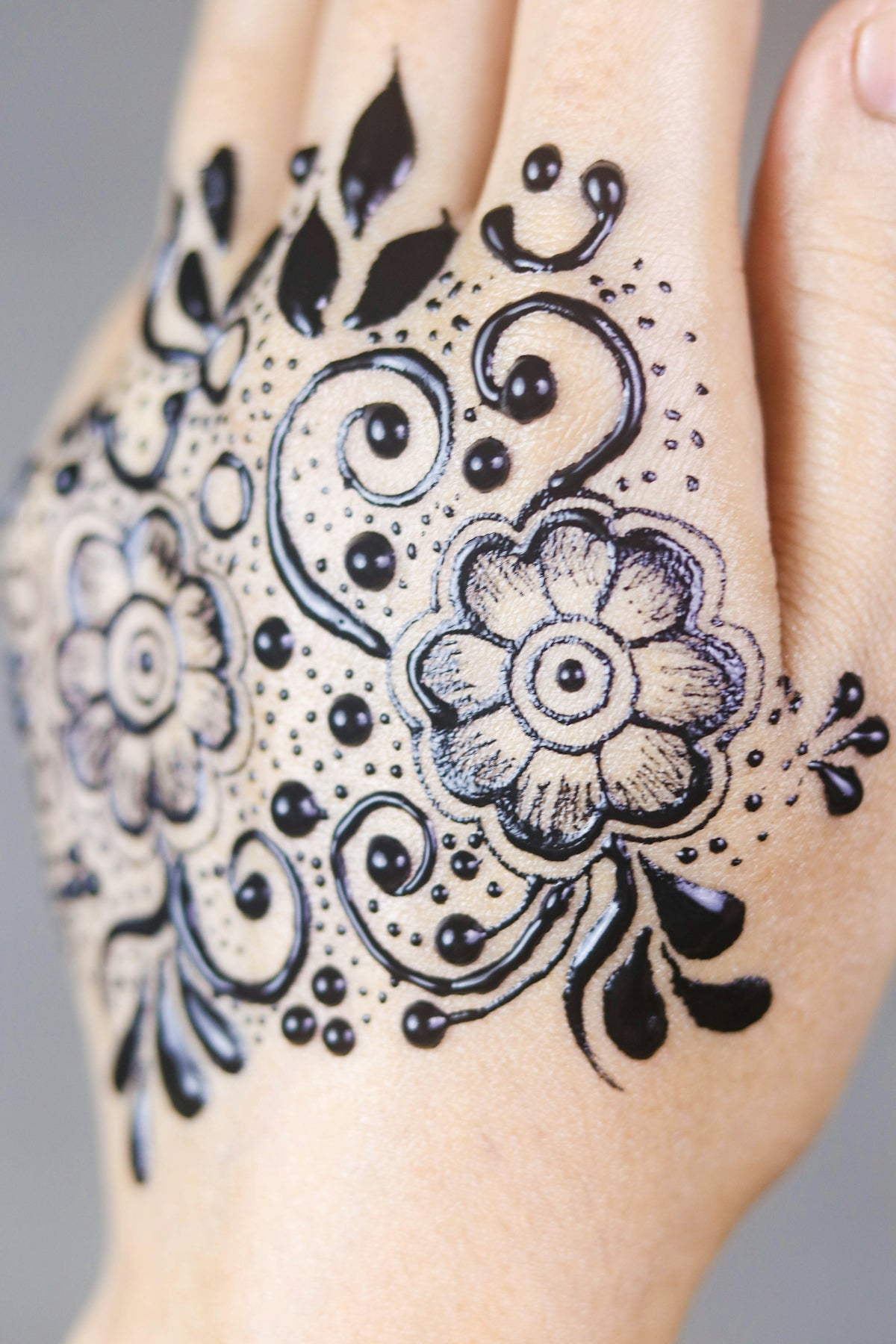
Effective blending separates the novices from the pros. Use Procreate's smudge tool to blend colors and soften edges, emulating realistic shadow play. Through this, gradients appear smoother, and transitions between colors become seamless.
6. Perfecting Linework
Consistent linework is vital in preventing shading from appearing muddled. Proper linework acts as a guide for shading progression. For tips on achieving immaculate linework, explore our article on Achieving Perfect Linework with Digital Tattoo Tools in Procreate.
Advanced Techniques: Incorporating Texture
Beyond basic shading lies the art of texture. Use texture brushes to add tactile elements to your design that will make it pop. Whether it's replicating the feel of skin or adding intricate details like dripping water or smoke, texture is your friend when pushing the boundaries of realism.
Practical Application: From Design to Execution
As a digital artist or tattoo professional, translating skills from screen to skin is the ultimate goal. By familiarizing ourselves with these Procreate tools and techniques in a digital setting, we prime ourselves for success in practical applications. The modern tattoo artist toolkit has expanded beyond ink and needle, now incorporating digital tools that enhance our craft's precision and creativity.
Conclusion
Mastering realistic tattoo shading with Procreate tools is a journey requiring both artistic insight and technical knowledge. The PRO TATTOO KIT from TattooBrushes.com offers the quintessential resources needed for artists at every level of experience. As you progress in your art, remember that the key lies in the fusion of imagination and technique, empowered by the tools you wield.
Ready to revolutionize your designs and approach your artistry with newfound confidence? Explore Procreate tools that make you feel like a pro, and embark on the journey to upgrade your art today!

Leave a comment
This site is protected by hCaptcha and the hCaptcha Privacy Policy and Terms of Service apply.