
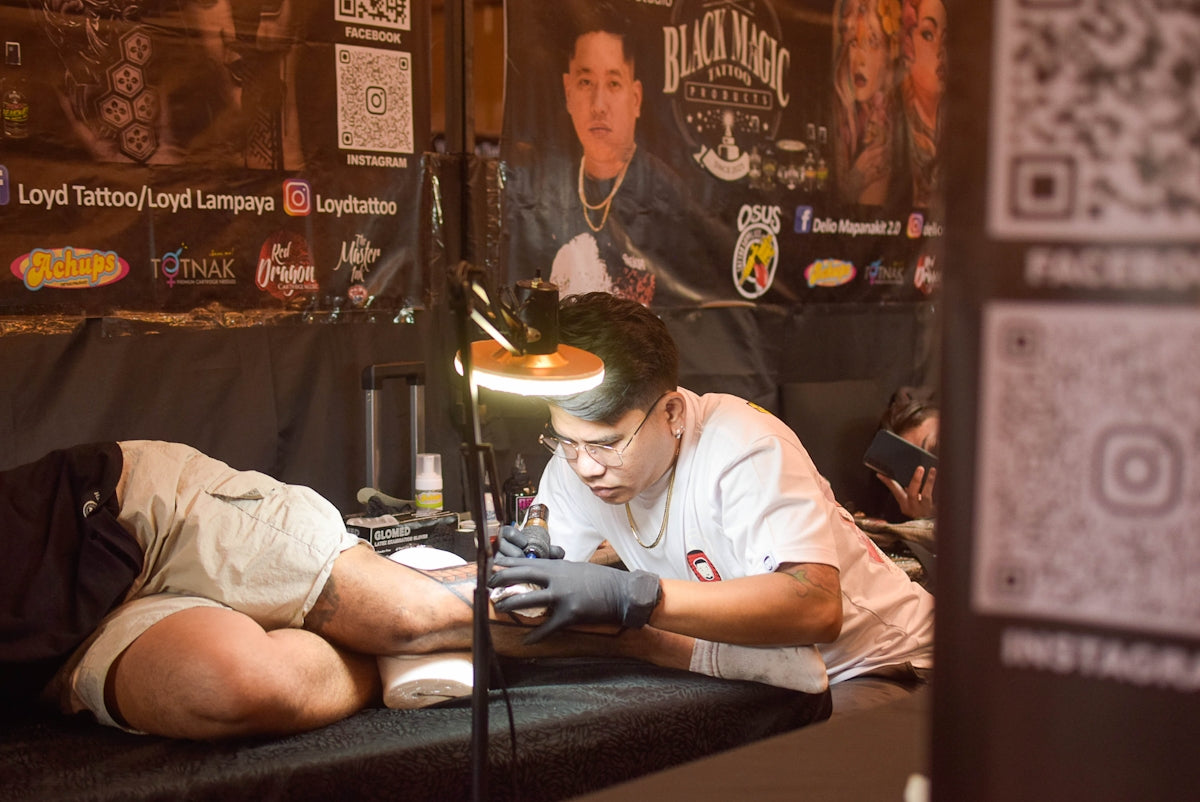
Welcome to the exciting world of digital tattoo design, where traditional artistry meets the latest in technology. Whether you're an aspiring artist or a seasoned professional, mastering digital tools can elevate your craft to new heights. The magic begins with Procreate tattoo brushes and the high-quality resources like the "PRO TATTOO KIT" available at TattooBrushes.com. Ready to upgrade your art? Start designing tattoos the right way with Procreate and explore tools that make you feel like a pro!
The Evolution of Tattoo Artistry
Tattoo artistry has a rich history of evolution, marked by various innovations that have enhanced the precision and scope of expression for tattoo artists. In recent years, digital design platforms like Procreate have revolutionized the way artists conceptualize and plan their works. Procreate offers an unparalleled suite of tools that replicate the feel and nuance of traditional tattooing, allowing for greater experimentation and refinement.
Why Choose Digital Tattoo Design?
The question you might ask is, why transition into digital? The answer lies in the flexibility, efficiency, and enhanced creative control that digital tools provide. With digital tattoo pads and an array of Procreate tattoo brushes, you can refine your designs without the fear of wasting resources. Plus, digital platforms allow you to easily make adjustments, replicate styles, and realign elements to perfect your creative vision before taking it to the needle.
Essential Tools for Digital Tattoo Design
The success of digital tattoo design relies heavily on the tools at your disposal. For starters, an iPad equipped with the Procreate app is essential. The versatility of Procreate is enhanced by the use of specialized tattoo brushes available at TattooBrushes.com. The "PRO TATTOO KIT" is an indispensable resource, crafted with input from professional tattoo artists to provide the most realistic and versatile toolkit available. Using these tools will drastically improve your efficiency and outcomes in digital design.
Learn more about how to boost creativity with the best Procreate tattoo brushes.
Exploring the Features of Procreate
Procreate provides a robust platform for digital art, offering features specifically advantageous to tattoo artists, such as:
Layers and Structure
Layer management is crucial for organizing complex designs. It allows artists to isolate individual components of their design, making it easier to tweak elements without affecting the entire artwork.
Best Tattoo Stencils Procreate
Creating and utilizing stencils is easier than ever with Procreate. The ability to adjust opacity and rearrange these stencils ensures your work remains sharp and precise. Begin using the best tattoo stencils Procreate offers to ensure your designs adhere closely to your original concept.
Realistic Tattoo Shading Procreate
Shading is an integral aspect of tattoo design that adds depth and dimension. Procreate's tools allow for realistic tattoo shading, a critical skill to master for creating lifelike and dynamic designs. Learn about realistic tattoo shading techniques with Procreate tools here.
Step-by-Step Guide to Digital Tattoo Design
For those newer to digital tattoo design, or even pros looking to sharpen their skills, here's a clear path to follow:
Step 1: Initial Sketching
Start your design by sketching your concepts. Use the freedom digital tools give you to explore different styles and ideas without restrictions.
Step 2: Refining with Layers
Utilize Procreate’s layer capabilities to refine each aspect of your design. This will allow for organized feedback processing and corrections, maintaining quality control.
Step 3: Applying the Right Brushes
Choose and apply the appropriate Procreate tattoo brushes that suit your design concept. Each brush has unique properties and is designed to mimic traditional tattooing modalities.
Step 4: Shading for Realism
Apply shades and highlights to bring your designs to life. Engaging with Procreate’s full palette and shading brushes ensures your final piece has depth.
Step 5: Review and Revise
By digitally zooming, you can catch minute details that require adjustments. Use the playback feature for a high-level overview of your design journey.
Training Your Mind in Digital Artistry
The world of digital tattoo design is not just about mastering the tools, but also about training your mind to adapt to new methods of creation. Keep pushing your creativity by experimenting with different brush techniques and learning from the vast resources available online.
Achieving Perfect Line Work
Understanding line work is crucial to digital design success. Procreate's precision features allow you to gain control over each line, curve, and edge. Achieve perfect linework with digital tools by exploring more here.
Conclusion
The transition to digital doesn't just transform your artwork; it transforms your artistry. The modern tattoo artist now has access to an array of digital tools designed to enhance creativity, precision, and efficiency. Equip yourself with the tools found on TattooBrushes.com, namely the distinguished "PRO TATTOO KIT," and notice the difference in your work output and quality.
Take the leap towards innovation—explore Procreate tools that make you feel like a pro by visiting TattooBrushes.com. With determination and the right tools, your art can reach new heights.


Leave a comment
This site is protected by hCaptcha and the hCaptcha Privacy Policy and Terms of Service apply.