
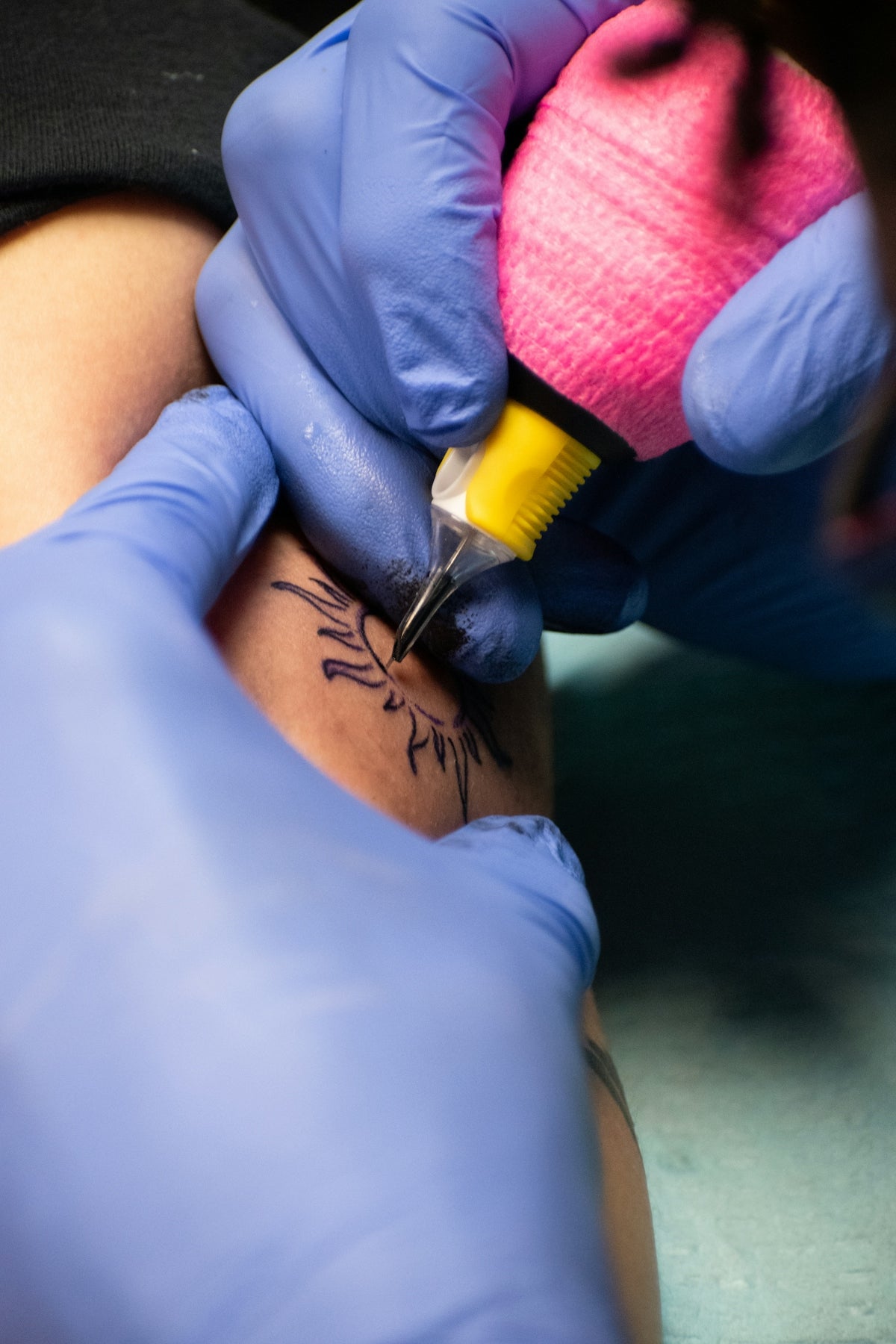
Creating stunning and lifelike tattoos in the digital realm is no longer a distant dream or an insurmountable challenge. Today, with the right tools and techniques, artists can achieve realism akin to traditional tattoo artistry on their digital canvases. Welcome to the world of realistic tattoo shading in Procreate, where your artistry can flourish with precision and depth. Before diving into the techniques, consider making a pivotal upgrade to your virtual toolkit. Start designing tattoos the right way with high-quality Procreate tattoo brushes and specialized digital tools that enhance your creativity.
Why Procreate for Tattoo Designs?
Procreate has become a powerful ally for artists in the tattoo industry. Its intuitive interface, combined with the extensive capabilities for customization, makes it ideal for creating digital tattoo designs that captivate and inspire. Artists, whether aspiring or experienced, can explore limitless possibilities in digital design—thanks in part to the vast array of Procreate tattoo brushes available.
For those looking to delve deeper into the art of digital tattoo design, see our blog on Digital Tattoo Design Techniques Using Procreate Tattoo Brushes. This article provides an in-depth exploration into how these tools can elevate your craftsmanship.
Essential Tools for Realistic Shading
Before embarking on your artistic journey, equipping yourself with the right tools is vital. Among the Procreate tattoo brushes offered by TattooBrushes.com, the 'PRO TATTOO KIT' stands out as an unparalleled solution. Tailored for both beginners and professionals, these brushes simulate the feel of real tattoo needles and ink, allowing for a seamless transition from digital sketches to tattoos that look convincingly realistic.
The 'Pro Tattoo Kit' Advantage
- Variety and Versatility: Provides a diverse selection of brushes for every shading style imaginable, from intricate line work to bold shading.
- Ease of Use: Intuitively designed for Procreate, ensuring smooth navigation and functionality.
- High-Quality Output: Ensures your designs maintain a professional standard, ready for client approval or personal craftsmanship.
Gain insights into selecting the right tools by reading Pro-Grade Tattoo Artist Tools for Stunning Procreate Creations.
Techniques to Master Realistic Shading
1. Understand Light and Shadow
Realistic shading in tattoos is all about mastering the play of light and shadow. Before picking up your digital brush, study the anatomy of light in real-world scenarios. Observe how shadows are cast by natural light, and how they define the object’s form.
2. Utilize Layers for Depth
Procreate’s layer system is a boon for adding depth to your designs. Use multiple layers to separate different elements (like outlines, shading, and highlights), allowing you to experiment without the risk of ruining your primary sketch.
3. Master Gradient Blending
Gradient blending is key to achieving smooth transitions in shading. Adjusting the opacity and flow dynamics of your brushes can aid in creating the perfect gradient. This technique is especially beneficial for rendering skin textures and seamless background elements.
4. Experiment with Line Weight
Your line work forms the skeleton of your tattoo design. Play with line weights to add dimension. Thicker lines can highlight prominent features, while thinner lines add delicate detail. Ensuring a balance will result in a more dynamic design.
5. Incorporate Realistic Textures
Textures such as skin, fabric, and organic materials can enhance the lifelike quality of your tattoo. Use specialized brushes within the 'PRO TATTOO KIT' to add granular details that lend authenticity to your artwork.
For those looking to master their Procreate brushes comprehensively, make sure to read Unlocking Procreate Tattoo Brushes for Digital Mastery.
Troubleshooting Common Issues
- Loss of Detail: If details in your design appear blurred, check your layer settings for resolution issues. Always work with high-res canvases for optimal clarity.
- Inconsistent Shading: Ensure consistent pressure with your digital pen or stylus. Procreate supports pressure sensitivity, which is critical for maintaining uniform shading.
- Flat Appearance: If your design looks flat, reconsider your light source. Position your light source to naturally enhance volume and form.
Conclusion
Creating realistic tattoo shading in Procreate is an art unto itself, requiring patience, practice, and the right tools. By integrating professional-grade supplies like the 'PRO TATTOO KIT', artists can elevate their work to new heights—capturing not just attention but admiration for the realism and skill exhibited.
Whether you are refining your technique or just starting out, explore Procreate tools that make you feel like a pro. Unleash your potential and craft digital tattoos that resonate with profound artistic excellence.
Connect with our community at TattooBrushes.com and take the next step in your artistic journey.

Leave a comment
This site is protected by hCaptcha and the hCaptcha Privacy Policy and Terms of Service apply.