
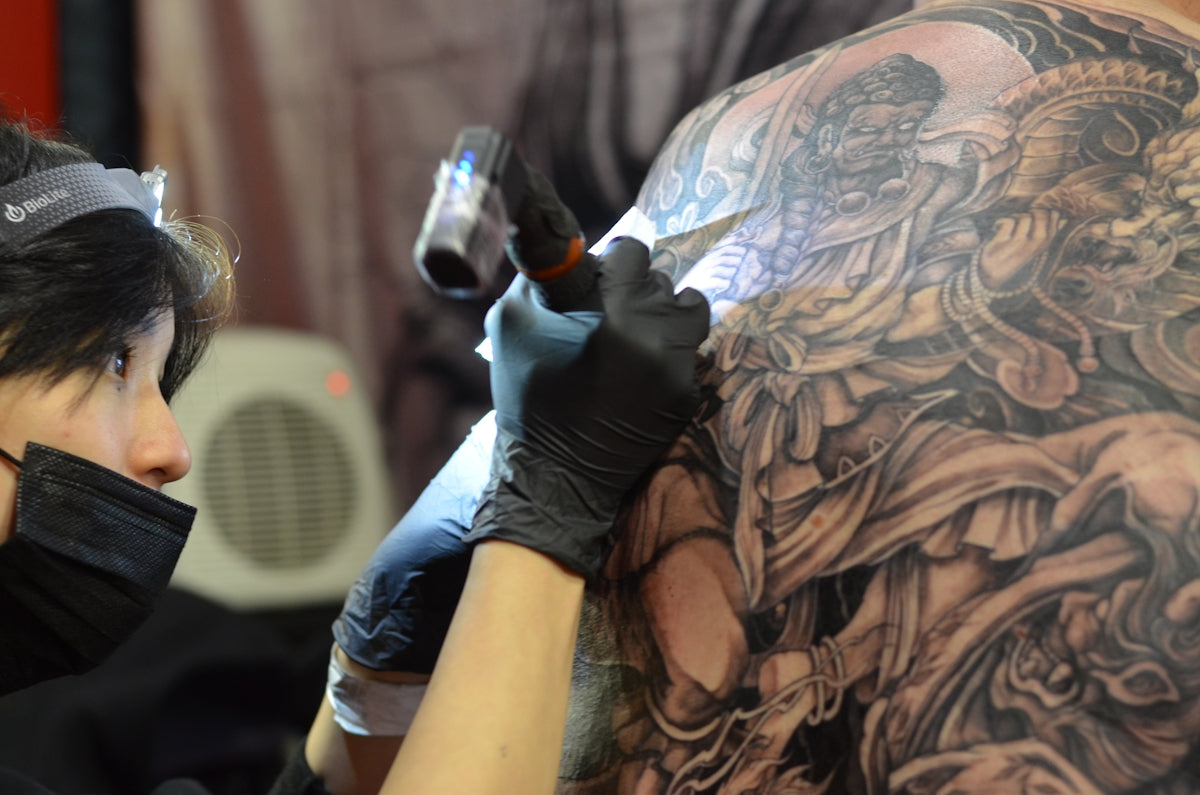
Welcome to a transformative journey through the world of digital tattoo design! Whether you're an aspiring tattoo artist or a seasoned professional looking to upgrade your skills, Procreate tattoo brushes offer a revolutionary way to elevate your artistry. Mastering these digital tools can seem daunting, but fear not. We're here to guide you every step of the way with expert, practical advice. Ready to unlock your full potential? Start designing tattoos the right way with the high-quality 'PRO TATTOO KIT' from TattooBrushes.com.
Understanding Digital Tattoo Design
Digital tattoo design merges traditional tattoo artistry with cutting-edge technology, providing you with an expansive toolkit that goes beyond the constraints of physical mediums. With a tablet and the Procreate app, artists can experiment with endless possibilities without the pressure of permanence. Whether experimenting with colors, juxtaposing styles, or refining details, digital design offers unparalleled flexibility.
Why Choose Procreate?
Procreate is celebrated for its user-friendly interface, robust functionality, and adaptability tailored to artists' needs. When coupled with professional-grade tools like the 'PRO TATTOO KIT,' it empowers you to achieve stunning results that closely mimic real ink and skin interactions. Discover more about mastering these tools in our article on Unlocking Procreate Tattoo Brushes for Digital Mastery.
Getting Started with Procreate Tattoo Brushes
The heart of your digital tattoo design will be your brushes. Procreate offers an array of brushes specifically designed to replicate the feeling of tattooing. From lining and shading to coloring, these brushes give you the texture and precision you need to create dynamic designs. The Guide to Procreate Tattoo Brushes and Digital Stencils is a valuable resource for in-depth understanding.
Setting Up Your Workspace
- Prepare Your Device: Ensure your tablet is charged and the Procreate app is installed and updated. These basics set a solid foundation for a hassle-free creative session.
- Organize Your Brushes: Start by organizing your brush library. Name and categorize your brushes, making it easier to access the tools you need in a flash.
- Use Layers Effectively: Learn to navigate and use layers to manage your design components effectively. Group similar elements and keep different aspects of your design separated.
Crafting the Best Tattoo Stencils in Procreate
Creating high-quality stencils ensures your design is represented accurately. Procreate simplifies this process with its precision and multipurpose tools.
- Sketching: Begin by sketching your design on the initial layer. Use the sketch brush from TattooBrushes.com for a crisp, clear outline.
- Refinement: Refine your sketch by adjusting lines for smoothness and detailing any complex elements. The built-in symmetry tool can be particularly useful here.
- Create a Stencil Layer: Use a stark color contrasting with your background (usually black) to create a stencil layer. Adjust the line width to mimic what would be practical for stencil printing.
- Export for Print: Once satisfied, Procreate allows you to export your design in various formats for printing your professional stencil.
Mastering Realistic Tattoo Shading in Procreate
Shading breathes life into your tattoo designs, and Procreate's digital tools allow for achieving remarkable realism.
- Select the Right Brush: The shading brush from the 'PRO TATTOO KIT' is designed to provide depth and texture akin to real tattoo shading.
- Use Gradients: Incorporate gradients to transition smoothly between light and shadow, adding dimensionality to your piece.
- Experiment with Opacity: Play with brush opacity settings to blend and build up dark tones softly.
- Depth and Contrast: Strategically apply shading to emphasize depth, creating contrast that draws the eye and enhances the visual impact. For more detailed techniques, explore our article on Achieve Realism: Tattoo Shading in Procreate Explained.
Enhancing Your Art with Tattoo Artist Tools
The right tools can drastically transform your approach, enabling you to work more efficiently and creatively. The 'PRO TATTOO KIT' is crafted to support artists in achieving their best work effortlessly. These tools, integrated with Procreate, enable you to simulate a studio-like experience, from concept to the final output.
Workflow Optimization
- Brush Customization: Customize your brushes to match your unique style. Adjust size, opacity, and texture to suit different design elements.
- Reference Imagery: Use built-in reference image features to maintain design accuracy and consistency throughout your work.
- Color Palettes: Save and use personalized color palettes for quicker access, ensuring your hues remain cohesive.
Encouraging Progress and Exploration
Both newcomers and experts can benefit from ongoing practice, experimentation, and the willingness to explore new techniques. Stay motivated and curious—every sketch, line, and shade contributes to mastering your craft.
Community and Learning
Connect with other artists to share experiences, techniques, and insights. Engaging with communities encourages growth and offers new perspectives that inspire innovation.
Ongoing Education
Keep learning new skills and refining old ones. TattooBrushes.com provides valuable resources and articles, helping you to continuously improve your techniques and stay updated with industry trends.
Conclusion
With the right tools and techniques, anyone can transform their tattoo artistry into something extraordinary. Procreate tattoo brushes serve as a bridge to elevate both creativity and precision in digital tattoo design. So why wait? Explore Procreate tools that make you feel like a pro and discover how the 'PRO TATTOO KIT' can upgrade your art to unparalleled heights.
For further insights and resources, visit TattooBrushes.com, where expertise meets passion in digital tattoo design.

Leave a comment
This site is protected by hCaptcha and the hCaptcha Privacy Policy and Terms of Service apply.