
Introduction
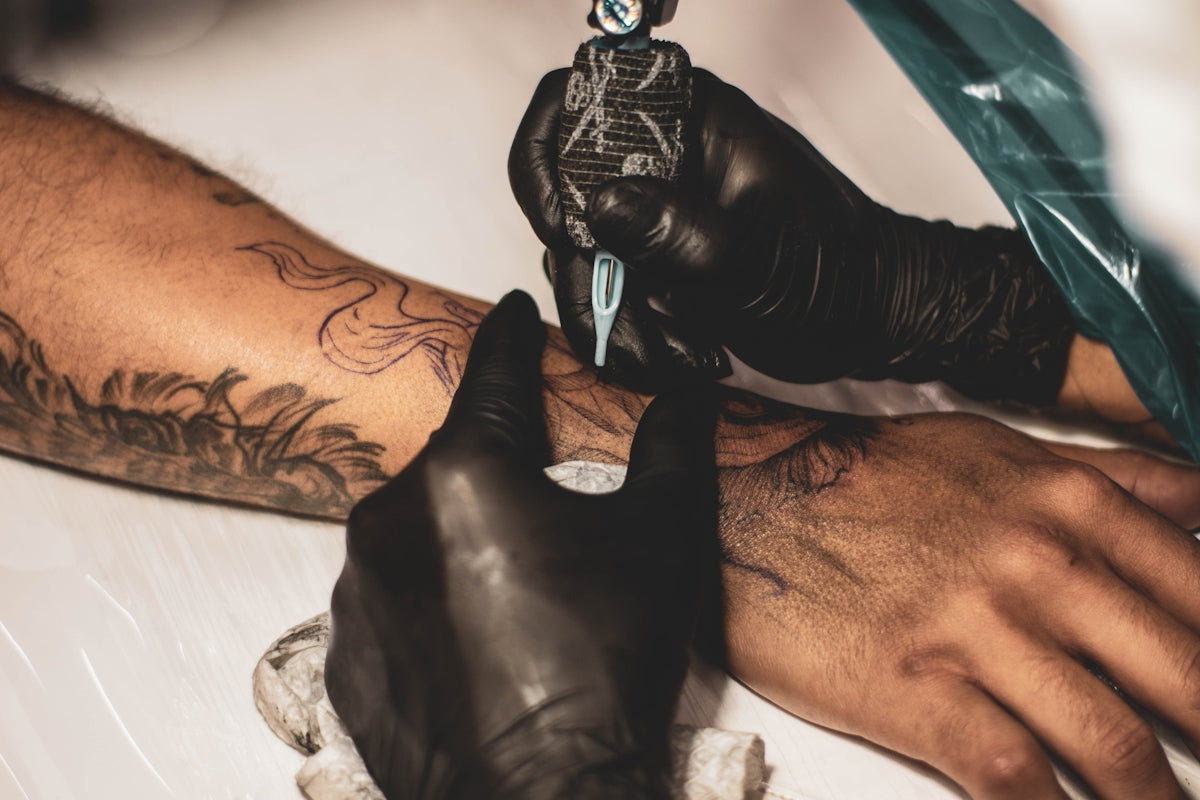
In the world of tattoo artistry, digital tools have revolutionized the way artists conceptualize and create their work. Among the leading software solutions, Procreate stands out as a powerhouse application that delivers unparalleled creativity right at your fingertips. If you’re eager to enhance your digital tattoo design skills and bring more lifelike details to your digital canvases, upgrading your art is imperative. Start designing tattoos the right way by exploring tools designed to make your creative process smoother and more efficient.
Within this post, we’ll delve into the most effective tattoo artist tools and brushes in Procreate that elevate your art. Whether you're an aspiring artist or a seasoned tattoo professional, understanding these tools and techniques will take your digital creations to a new level.
Understanding Procreate Tattoo Brushes
The cornerstone of digital tattoo design is high-quality brushes. Procreate offers a vast selection, but selecting the right brushes tailored for tattoo artistry can transform your work from good to extraordinary. The PRO TATTOO KIT from TattooBrushes.com provides an array of exceptional brushes explicitly crafted for digital tattoo artists. This kit ensures every line, shader, and effect aligns with professional standards, allowing artists to replicate the authenticity of real tattooing on a digital platform.
The Importance of Quality Tools
For both beginners and accomplished tattoo artists, using the right tools can significantly impact the quality of your work. High-grade brushes create smoother lines, more consistent shading, and bring an authentic tattoo feel to your digital designs. This precision is crucial when creating realistic tattoos that require intricate details and carefully curated gradients.
Creating Realistic Tattoo Shading in Procreate
Shading is a pivotal aspect of tattoo design that adds depth and realism. In Procreate, mastering realistic shading techniques can be challenging, but it’s a skill worth developing. The PRO TATTOO KIT’s shading brushes mimic real-world shader tattoos with precision, making the process intuitive and impactful.
To deepen your shading techniques, consider checking out our guide on Realistic Shading Techniques for Tattoos Using Procreate. This resource offers step-by-step guidance to refine your shading skills effectively.
Steps to Master Shading
- Choose the Right Brush: Start with the Procreate shaders from the PRO TATTOO KIT to maintain consistency in your strokes.
- Adjust Opacity and Pressure: Use varying brush opacities and pressures to create gradient effects that mimic natural shadows and highlight.
- Layering Techniques: Build layers gradually to achieve depth without rushing into final touches prematurely.
- Refine With Erasers: Clean up excess shading and sharpen the details with gentle erasing techniques.
Utilizing Best Tattoo Stencils in Procreate
Stencils are crucial in tattoo artistry, speeding up the design process and ensuring accuracy. The PRO TATTOO KIT assists artists by providing stencils with the right structure to guide their designs, ensuring each creation is consistent with clients’ expectations.
Visit Optimize Tattoo Art with Best Stencils and Brushes Procreate Tutorials to learn more about leveraging stencils effectively in your artistry.
Steps to Implementing Stencils
- Import or Create Your Stencil: Work from a stencil that aligns with your design requirements, ensuring the finished product is accurate and detailed.
- Layering for Precision: Place your stencil into a separate layer in Procreate, adjusting opacity settings for clear oversight while inking or shading over it.
- Trace and Refine: Use the stencil as a guide to trace essential outlines and details, refining as you progress.
- Final Adjustments: Make any necessary alterations to improve the final look and consistency of your design.
Explore Procreate Tools that Make You Feel Like a Pro
Ultimately, improving your digital tattoo designs hinges on investing in the right tools and continuous practice. Equipping yourself with the PRO TATTOO KIT from TattooBrushes.com will undoubtedly elevate your digital tattoo designs to a professional caliber. Whether you're focusing on intricate linework, realistic shading, or optimizing stencils, these tools serve as the foundation of success.
Harness the power of Procreate’s digital tools to unleash your creativity and finesse. Explore Procreate tools that make you feel like a pro and step into a world of enhanced artistic capabilities. Let every stroke reflect precision, every shade convey depth, and every design resonate inspiration.
As you refine your digital tattoo artistry, continue to employ expert techniques and tools that facilitate growth and mastery in every project you undertake. Begin today, and witness how the right tools can dramatically transform your work.


Leave a comment
This site is protected by hCaptcha and the hCaptcha Privacy Policy and Terms of Service apply.