
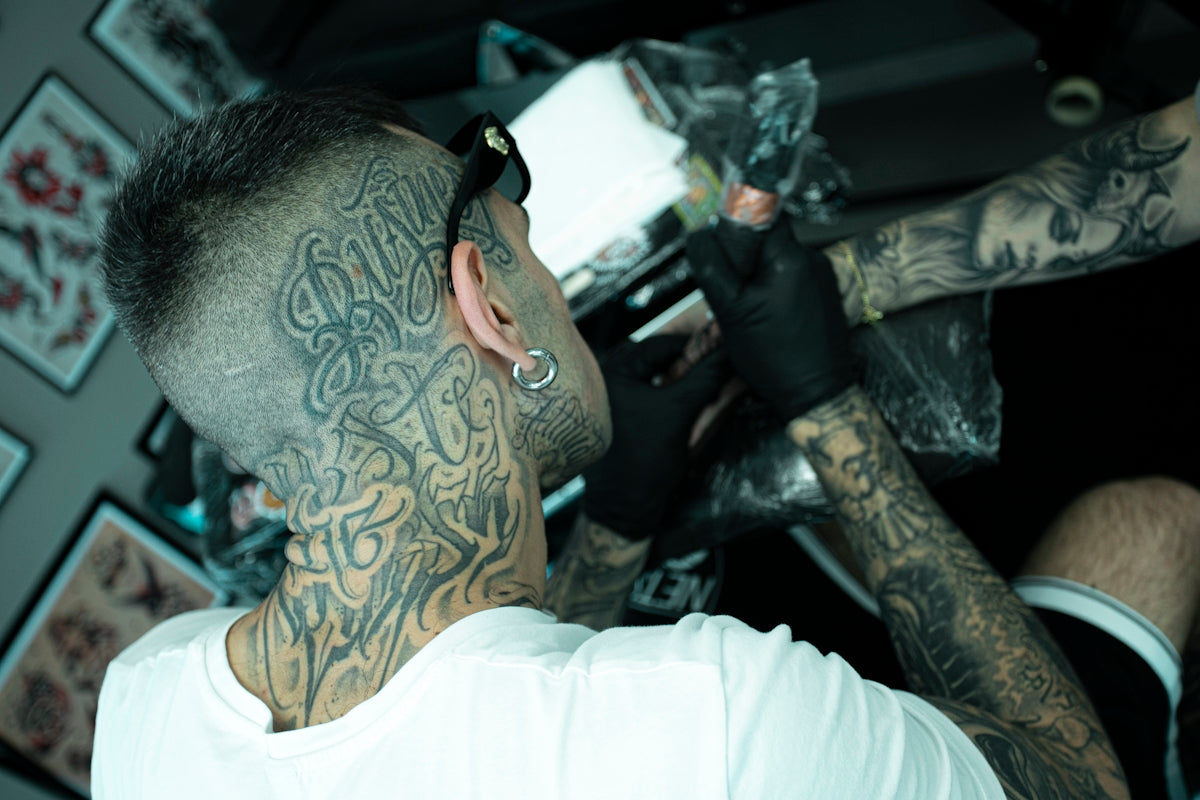
In the ever-evolving world of digital tattoo design, mastering the art of realistic shading can set you apart as a tattoo artist. Whether you’re just starting out or you’re a seasoned pro, embracing tools like Procreate tattoo brushes can help elevate your artistry. With the right techniques and tools, such as the PRO TATTOO KIT from TattooBrushes.com, you can refine your skills and achieve stunning, lifelike designs. Ready to transform your digital creations? Explore Procreate tools that make you feel like a pro.
The Power of Procreate for Tattoo Artists
Procreate has become a favored tool among tattoo artists for its versatility and the depth it brings to digital design. Procreate tattoo brushes play a pivotal role in creating detailed and intricate designs. As you begin or continue your journey with digital tattoo art, understanding the potential of this tool is crucial.
Why Use Procreate?
- Intuitive Interface: Procreate’s user-friendly layout is designed to streamline the creative process, making it accessible for artists of all levels.
- Customization Options: The brush and stencil libraries in Procreate can be tailored to meet the unique needs of tattoo art.
- Layering Capabilities: Its ability to handle multiple layers allows for complex designs and detailed shading, providing a realistic look.
To optimize your use of Procreate for tattoo design, check out our detailed guide: Digital Tattoo Design: Top Tips for Procreate Users.
Mastering Realistic Tattoo Shading in Procreate
Shading is a fundamental aspect of tattoo art, giving designs depth and dimension. Here's a step-by-step guide to mastering realistic shading techniques using Procreate:
Step 1: Choose the Right Procreate Tattoo Brushes
Selecting the appropriate brush is the first step in achieving the desired shading effect. The PRO TATTOO KIT provides a range of professional-grade brushes perfect for various shading techniques. Experiment with different brushes to find the texture and thickness that best suits your style.
Step 2: Understand Light and Shadow
Before you start shading, visualize where the light source hits and where shadows naturally fall. This understanding is crucial to achieving a realistic look. Procreate’s blending modes can enhance shadow and highlight effects by adjusting the opacity and layers.
Step 3: Use Layers to Your Advantage
One of Procreate’s greatest strengths is its layer functionality. Use layers to separate different elements of your design, which allows for non-destructive editing. This way, you can focus solely on shadows on one layer and highlights on another, making adjustments without affecting the entire piece.
Step 4: Experiment with Blending Modes
Blending modes in Procreate can enhance your shading detail. Try multiplying the layer to darken shadows or overlaying for a more saturated look. Experimenting with these modes can help you achieve the exact effect you are aiming for in realistic tattoo shading.
Step 5: Refine with Erasers and Smudges
Refinement tools—such as the eraser and smudge tools in Procreate—allow you to subtly blend edges and polish your shading. Fine-tune the transition between light and shadow to achieve a softer and more realistic gradient.
Utilizing Stencils for Enhanced Design
Beyond shading, using the best tattoo stencils Procreate offers can significantly improve your workflow and precision. Stencils provide a blueprint that can help ensure consistency and accuracy in designs:
- Precision: Stencils serve as a guide, ensuring key elements of the design remain intact during the creative process.
- Efficiency: By providing a reliable structure, stencils speed up the design process and reduce the likelihood of errors.
- Consistency: Use stencils to maintain uniformity across multiple tattoos with the same design.
For those looking to incorporate stencils into their digital art, read our article on Essential Tattoo Stencils in Procreate for Perfect Designs.
Elevate Your Art with the PRO TATTOO KIT
To truly 'Upgrade your Art,' investing in the right tools is essential. The PRO TATTOO KIT offered by TattooBrushes.com is designed for both aspiring artists and professionals who are serious about improving their craft. This kit provides a comprehensive set of tools tailored for Procreate, ensuring top-quality results in your digital tattoo designs.
Conclusion
Mastering realistic shading techniques can dramatically change the feel and depth of your tattoo designs, whether they are digital or physical. With Procreate and the professional tools available at TattooBrushes.com, you're equipped to push the boundaries of your artistry.
Whether you're enhancing your current skills or beginning your journey in digital tattoo design, start designing tattoos the right way. Equip yourself with the best tools and unlock your full potential as a digital artist.
If you’re looking to dive deeper into optimizing your tattoo art using Procreate, be sure to visit our comprehensive guides, like Optimize Tattoo Art with Best Stencils and Brushes Procreate Tutorials.


Leave a comment
This site is protected by hCaptcha and the hCaptcha Privacy Policy and Terms of Service apply.