
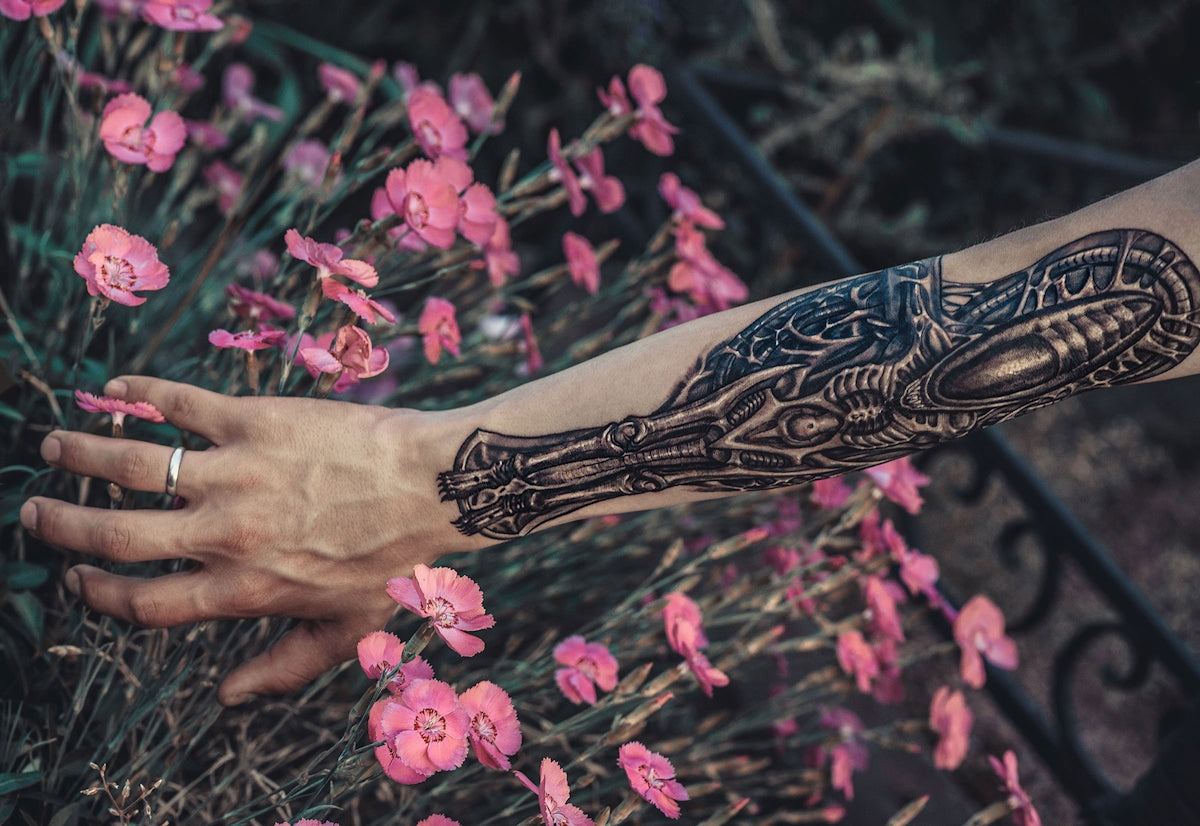
Creating tattoos that not only look stunning but also mirror the precision and artistry of traditional inking can be a challenge in the digital realm. Whether you're just stepping into the world of digital tattoo design or are a seasoned professional looking to sharpen your skills, mastering the use of Procreate tattoo brushes and best tattoo stencils is crucial. Today, we're diving deep into these essential tools of the trade and exploring the ways they can upgrade your art. Start designing tattoos the right way by visiting TattooBrushes.com for all your Procreate needs.
The Importance of Procreate Tattoo Brushes in Digital Tattoo Design
Digital tattoo design has opened up an exciting world of opportunity and experimentation for artists. With the right Procreate tattoo brushes, you can create designs that are as intricate and varied as those done by hand. It's all about choosing the right tools and understanding how to leverage their capabilities to mimic traditional tattoo techniques.
Understanding Different Types of Procreate Tattoo Brushes
Procreate offers a broad array of tattoo brushes, each serving a unique purpose in your design process. From liners that help you achieve sharp outlines to shaders that give your design depth and nuance, selecting the right brush is as crucial as the art itself.
- Lining Brushes: Essential for creating crispy and precise outlines, these brushes should mimic your traditional tattoo machine.
- Shading Brushes: For those smooth transitions and depth, shading brushes allow for a realistic tattoo shading in Procreate that can bring your designs to life.
- Specialty Brushes: These include dot work, texture, and additional brushes that can help you add unique flair to your designs.
Explore our Digital Tattoo Design tips here to get a comprehensive understanding of how to optimize each type of brush in your work.
Utilizing Best Tattoo Stencils in Procreate for Perfect Design
Tattoo stencils are an integral part of the tattooing process in both traditional and digital formats. Procreate elevates the process, providing artists with unparalleled precision and flexibility.
Why Stencils Matter
Stencils serve as the blueprint for your tattoo. They ensure consistency and accuracy, cutting down on time spent tweaking and adjusting during the execution phase. With the best tattoo stencils Procreate can offer, your digital canvas is set for success.
Creating and Applying Stencils in Procreate
- Selecting the Right Stencil: Focus on the elements of your design—like curves and fine lines—that need precise placement.
- Layering Techniques: Use layers for individual components of your design, allowing easy adjustments without impacting the overall structure.
- Refinement: Once applied, make small tweaks to harmonize the stencil with your preferred style or add subtle details that elevate the piece.
For a deeper guide on stencils, check out our article on Essential Tattoo Stencils in Procreate for Perfect Designs.
Achieving Realistic Tattoo Shading in Procreate
Realistic tattoo shading can be what sets good art apart from extraordinary art. It's an area where digital tools can shine if used correctly.
Techniques for Smooth Shading
- Pressure Sensitivity: Utilize your tablet’s pressure sensitivity to smoothly transition from light to dark areas.
- Layer Blending Modes: Understand and use different Procreate blending modes to achieve shadows and highlights that accentuate your design's dimensions.
- Gradual Building: Just as you would on a canvas, build your shading gradually to ensure depth without harsh lines.
To delve into the nuances of shading, we recommend visiting our detailed post on How to Achieve Smooth Shading with Procreate Tattoo Brushes.
Around the Professional Kit: The PRO TATTOO KIT
When it comes to achieving professional-grade results, the tools you use are paramount. The 'PRO TATTOO KIT' available on TattooBrushes.com is curated for excellence, bringing together superior brushes and stencils designed for Procreate users.
Why Choose the PRO TATTOO KIT?
- Quality: These tools are built to the highest standards of integrity and performance.
- Comprehensiveness: From brushes for lining and shading to varied stencils that cater to different artistic intricacies, it's a one-stop solution for digital tattoo artists.
- Efficiency: Deploy tools that streamline your workflow, allowing you to focus on what you love most: creating amazing art.
Final Thoughts: Transform Your Tattoo Art Today
Upgrading your digital tattoo design skills is a journey of dedication and the right resources. Embrace the art of tattooing with confidence and creativity using high-grade tools such as the PRO TATTOO KIT to bring your visual stories to life. Explore Procreate tools that make you feel like a pro by visiting TattooBrushes.com. Discover how you can enhance your work with reliable, professional tools that cater to every level of expertise.
With each design, challenge yourself to explore new techniques and styles; push the boundaries of what's possible with digital tattoo design. The path to mastering the art is lined with constant learning and innovation. Remember, great art is not only about technique but the heart and passion behind it. Good luck on your artistic journey!

Leave a comment
This site is protected by hCaptcha and the hCaptcha Privacy Policy and Terms of Service apply.