
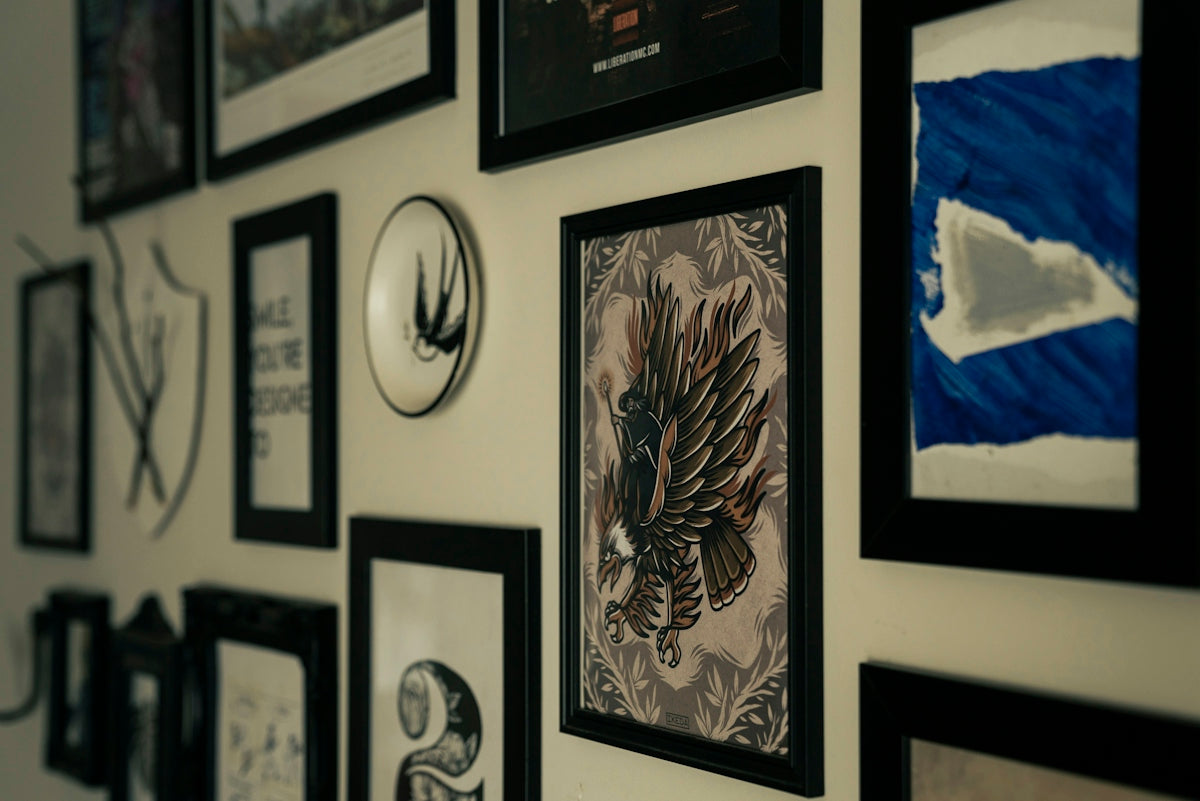
Are you passionate about elevating your digital tattoo design skills with state-of-the-art tools? Whether you're an aspiring artist picking up a stylus for the first time or a seasoned professional seeking to refine your technique, mastering digital tattoo lines can significantly enhance your art form. By utilizing Procreate tattoo brushes, you can achieve stunning results that mirror the intricate details and depth of traditional tattoos. Are you ready to upgrade your digital artistry? Explore Procreate tools that make you feel like a pro.
Table of Contents
- Table of Contents
- Understanding the Magic of Procreate Tattoo Brushes
- Step-by-Step: Crafting Your Digital Tattoo Design
- Preparing Your Canvas
- Choosing the Best Tattoo Stencils Procreate Offers
- Lining and Outlining
- Layer Your Artwork
- Experimenting with Realistic Tattoo Shading
- Why Choose Professional Tattoo Kits?
- Advanced Tips for Procreate Power Users
- Embracing the Future of Tattoo Design
- FAQs
Understanding the Magic of Procreate Tattoo Brushes
Procreate has become a staple platform for digital artists globally, and its versatility is particularly valued in the tattoo field. The array of Procreate tattoo brushes specifically designed for this purpose allows artists to mimic the precision and finesse of real-life tattooing. With the right set of tools, like the 'PRO TATTOO KIT' available at TattooBrushes.com, your artistic possibilities are virtually limitless.
Step-by-Step: Crafting Your Digital Tattoo Design
Preparing Your Canvas
Begin by selecting the right canvas size in Procreate. Depending on your tattoo's desired complexity and detail, choosing a high-resolution canvas ensures that your designs remain crisp, even when scaled.
Choosing the Best Tattoo Stencils Procreate Offers
Procreate provides a range of stencil options, assisting in creating outlines that guide your design process. Read more on how to effectively use Procreate tattoo brushes in art.
Lining and Outlining
Utilize Procreate tattoo brushes designed for outlining to draw clean and consistent lines. Adjust brush settings like streamline and stabilization to find the perfect balance for your hand movement.
Layer Your Artwork
By using multiple layers in Procreate, you can separate various elements of your design. This approach provides flexibility for modifications and enhancements without affecting the entire piece.
Experimenting with Realistic Tattoo Shading
Shading adds dimension and depth, transforming flat designs into lifelike artwork. Practice using brushes tailored for realistic shading, and refer to our detailed guide here.
Why Choose Professional Tattoo Kits?
The difference between amateur and professional artwork often lies in the quality of tools used. The 'PRO TATTOO KIT' facilitates unparalleled precision and artistry. It's the difference maker in your art toolbox, helping you mirror traditional tattoo techniques with digital efficiencies. Visit TattooBrushes.com to explore their high-quality offerings.
Advanced Tips for Procreate Power Users
- Customizing Brushes: Modify existing brushes or create new ones to suit your unique style. Adjust variables like opacity, pressure sensitivity, and grain to give your tattoos character.
- Gesture Controls: Familiarize yourself with Procreate's gesture controls, like the two-finger tap to undo, streamlining your workflow for faster production.
- Vector Import and Export: Utilize Procreate's compatibility with vector-based applications to transition between different design softwares smoothly.
Embracing the Future of Tattoo Design
With advancements in digital tools, the future of tattoo design is exciting and dynamic. By embracing resources like Procreate tattoo brushes, you not only refine your craft but also expand your business' digital capabilities. The journey to becoming a proficient digital tattoo artist starts with the right tools and guidance.
Whether beginning your exploration or seeking to push boundaries in your artistry, remember that the right technology paired with creativity opens new horizons. Are you ready to enhance your digital tattoo skills and stand out in your field? Start designing tattoos the right way.
For further insights and tutorials, explore the comprehensive resources available at TattooBrushes.com, your go-to destination for exceptional digital tattoo artist tools.
FAQs
What are Procreate brushes for digital tattooing?
Procreate brushes are specialized tools within the Procreate app that mimic traditional tattooing techniques and effects, allowing artists to create intricate designs and clean lines digitally.
How can I choose the right brush for my tattoo designs?
Selecting the right brush depends on the style of tattooing you want to achieve. Experiment with different brushes to see which ones contribute best to the look you want—traditional, watercolor, or illustrative styles each have specific brushes catering to them.
Can I create my own custom brushes in Procreate?
Yes! Procreate offers the ability to create custom brushes tailored to your specific needs. You can adjust settings such as shape, grain, and dynamics to achieve a unique style that enhances your tattoo design process.
What settings should I adjust for cleaner line work?
For cleaner lines, consider adjusting the brush size, smoothing, and streamline options in the brush settings. Lowering opacity and increasing pressure sensitivity can also help achieve precise control over your strokes.
How do I import new brushes into Procreate?
You can import new brushes by downloading them to your device and then opening Procreate. From the Brush Library, tap the "+" icon to create a new brush set or import existing brushes directly into your library for easy access.
Is it possible to use Procreate for client presentations?
Absolutely! Procreate is an excellent tool for creating high-quality mockups of your tattoo designs. You can showcase your work using the app's layers and export images that are perfect for client presentations.
What file format should I use when exporting my designs?
For digital tattoos, exporting in PNG or TIFF formats is recommended, as they preserve image quality and transparency. If you’re working on a design for a tattoo machine, consider exporting in high-resolution formats like PSD.
How can I practice my tattoo line work with Procreate?
You can practice by tracing over existing tattoo designs or creating your own. Use reference images to develop your skills, and don't hesitate to utilize the time-lapse feature to review your workflow and identify areas for improvement.
Are there any tips for achieving a traditional tattoo look digitally?
To achieve a traditional tattoo look, use brushes designed to mimic ink flow, experiment with textures for shading, and incorporate elements like bold outlines and color saturation. Layering techniques and thoughtful color choices will enhance authenticity.


Leave a comment
This site is protected by hCaptcha and the hCaptcha Privacy Policy and Terms of Service apply.