
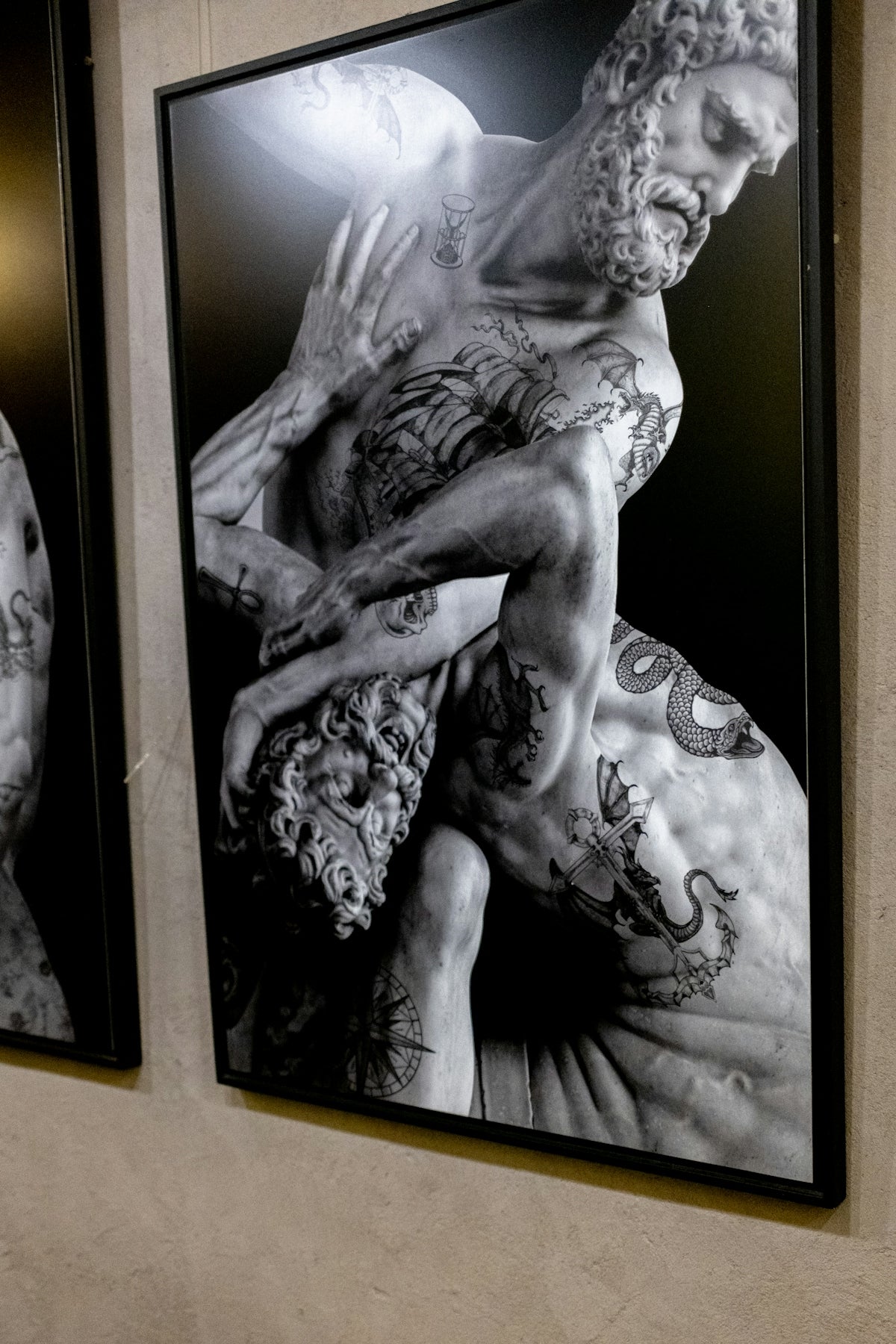
In the digital era, the art of tattooing has evolved with the advent of tools like Procreate tattoo brushes. These brushes have revolutionized digital tattoo design, offering artists new realms of creativity and precision. Whether you're an aspiring artist eager to dive into the world of digital tattoo design or a seasoned professional aiming to refine your intricate linework, Procreate tattoo brushes are your ticket to creating exceptional tattoo art. Unlock your potential and start designing tattoos the right way.
Understanding Procreate Tattoo Brushes
Procreate has established itself as a leading platform for digital artists, owing to its diverse functionality and intuitive interface. For tattoo artists, it offers a myriad of tools, particularly brushes, that allow for detailed design work that can easily transition to skin art. The benefit of using Procreate tattoo brushes lies in their ability to simulate the feel and style of traditional tattooing while harnessing the power of digital design.
Key Features:
- Variety of Textures and Styles: From bold outlines to subtle shadings, the array of brushes offers a perfect match for any tattoo style.
- Customizability: Artists can modify brush attributes to suit their unique needs.
- Integration for Design: Using Procreate allows for easy integration of your digital designs into tangible tattoo stencils.
For more on how Procreate can drastically improve your digital art, be sure to check out the article on Top Digital Tattoo Design Tools Using Procreate.
Step-by-Step Guide to Creating Intricate Linework
Creating intricate linework is an essential skill for tattoo artists, often determining the final look of the tattoo. Here's how you can achieve precise and intricate linework using Procreate tattoo brushes.
Step 1: Selecting the Right Brushes
- Outline Brushes: Start with brushes specifically designed for outlining. These brushes ensure clean, steady lines, which are crucial for defining the tattoo design.
- Fine-Line Brushes: For detailed sections, switch to finer brushes. The 'PRO TATTOO KIT', available from Tattoo Brushes, features a selection of top-tier brushes that are critical for detailed work.
Step 2: Mastering Brush Settings
Procreate offers extensive options for customizing brush settings. Familiarizing yourself with settings such as opacity, streamline, and jitter will enable you to adapt any brush to meet your specific linework needs.
- Opacity and Flow: Find the balance to achieve the perfect depth.
- Streamline: Ensure smoother strokes.
- Pen Pressure Sensitivity: Adjust to match your hand movements, simulating real tattoo work.
Step 3: Perfecting Technique
- Line Variation: Practice varying the line width within a single stroke to add dynamism to your designs.
- Steadiness: Hone a steady hand by utilizing the grid and guide features in Procreate.
Step 4: Leveraging Stencils
Use the digital space of Procreate to create stencils that align perfectly with your client's vision. High-quality stencils are the foundation of tattooing. For more on stencil creation, refer to our detailed piece on Effective Tattoo Stencil Creation with Procreate.
Realistic Tattoo Shading in Procreate
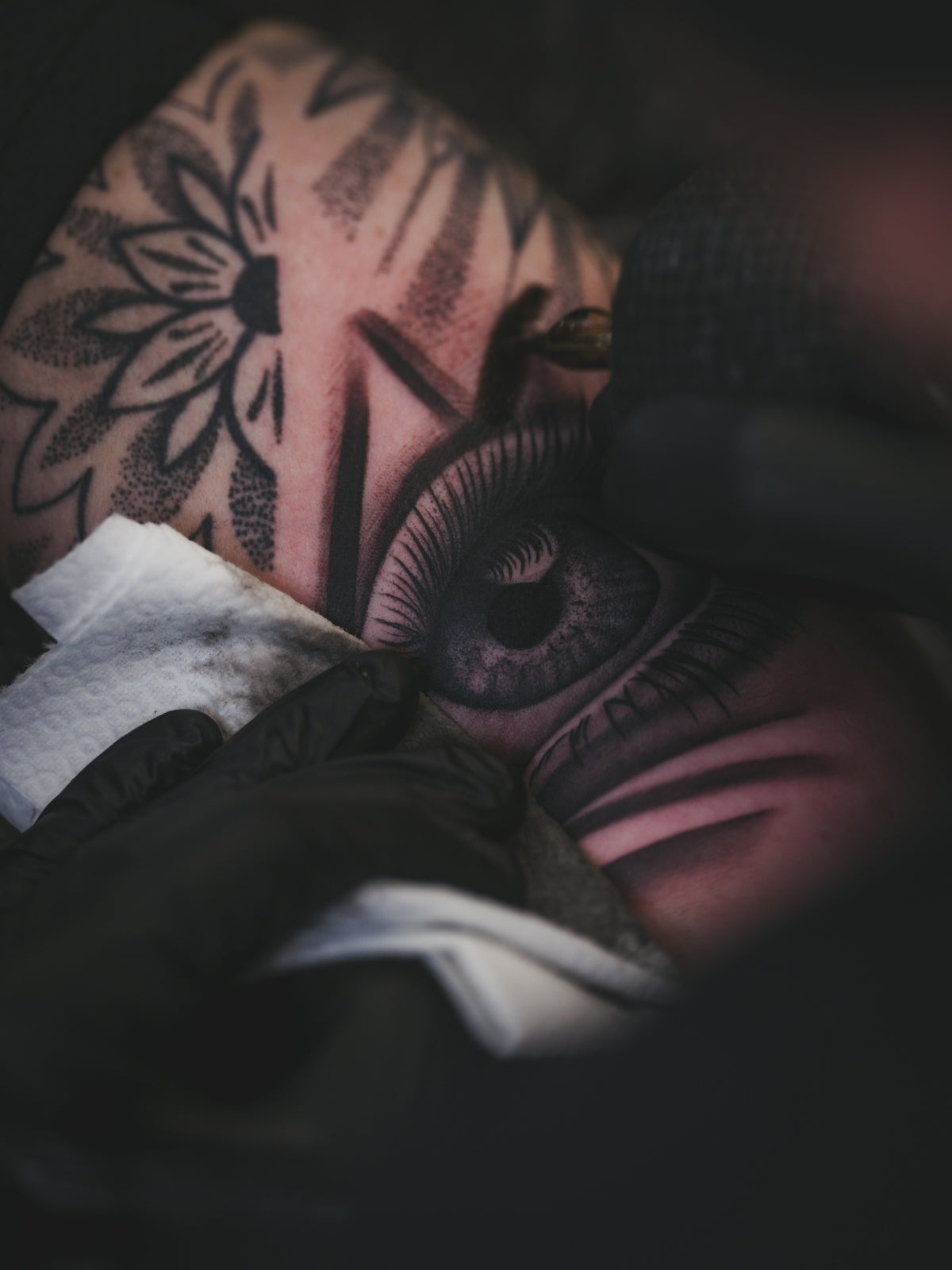
Shading breathes life into tattoos, providing depth and dimension that transform flat designs into lifelike art. Procreate’s selection of brushes and settings allows for stunning, realistic tattoo shading.
Techniques for Shading:
- Layering: Build up layers gradually using soft skin brushes.
- Blending: Use blending tools to smooth transitions and create more realistic effects.
- Highlighting: Don’t shy away from incorporating bright highlights for contrast.
Check out tips and tricks on shading techniques by reading Transform Your Shading Skills with Procreate Tattoo Tools.
Incorporating the PRO TATTOO KIT
For artists aspiring to elevate their craft, investing in high-quality tools is non-negotiable. The 'PRO TATTOO KIT' available at Tattoo Brushes provides a comprehensive set of brushes that cater to all aspects of tattoo design – from linework to shading. This kit is designed to help artists transition seamlessly from digital to skin, reflecting professional standards in artistry and touch.
Tips for Aspiring and Professional Artists
- Practice Regularly: Familiarity with your tools improves skill over time.
- Stay Inspired: Explore various design styles and keep challenging your creativity.
- Understand Your Tools: Dive deep into each tool’s functionalities in Procreate.
Conclusion
Whether your goal is to enhance your intricate linework or refine your shading, Procreate tattoo brushes are vital tools in the modern tattoo artist’s toolkit. By leveraging the powerful capabilities of Procreate, along with the expertly crafted brushes from the PRO TATTOO KIT, artists can produce work that rivals the highest professional standards.
Now is the time to elevate your artistry with the right resources. Explore Procreate tools that make you feel like a pro and begin your journey towards becoming an exceptional tattoo artist today.

Leave a comment
This site is protected by hCaptcha and the hCaptcha Privacy Policy and Terms of Service apply.