
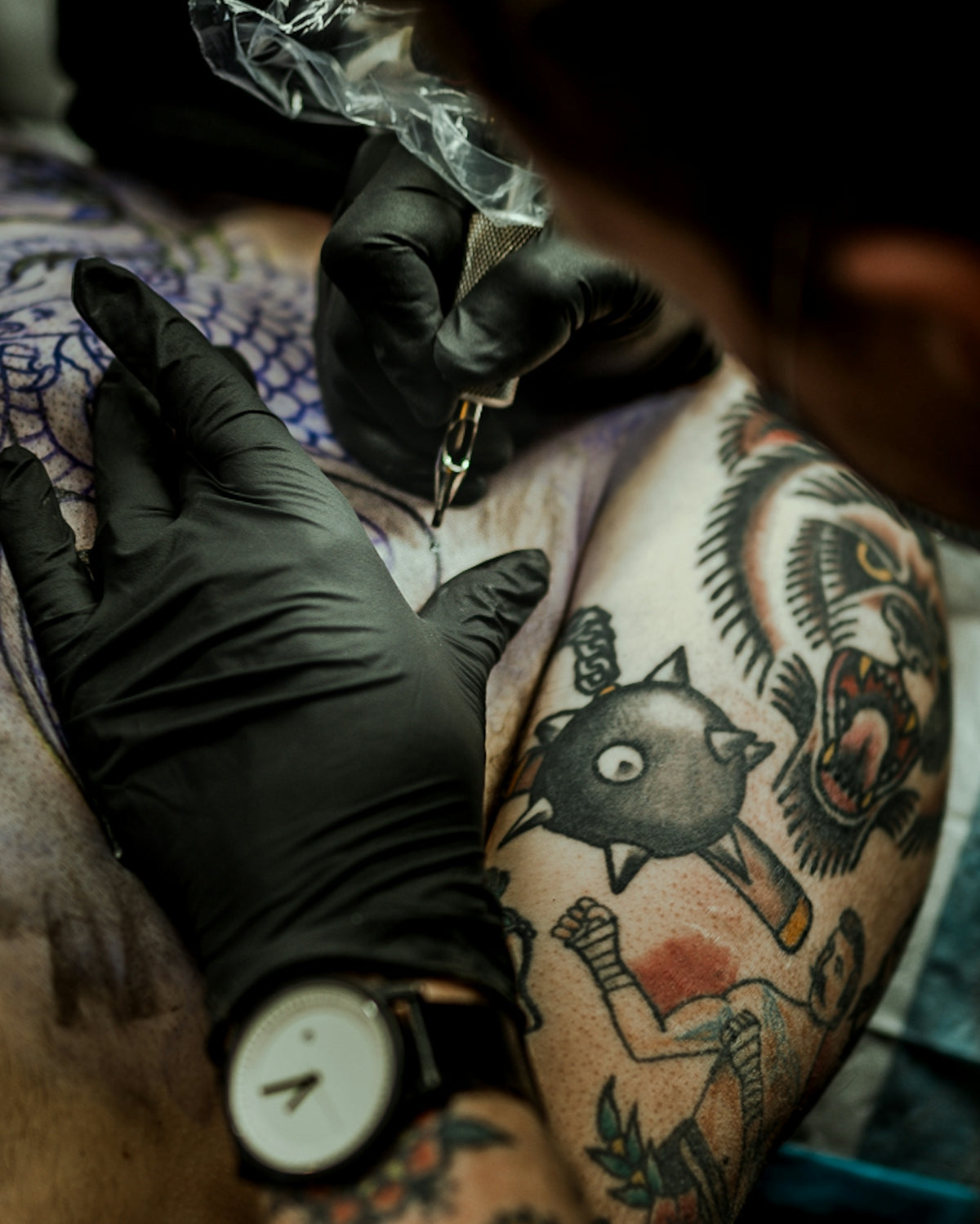
In the vibrant world of tattoo artistry, staying ahead requires innovation, skill, and the right tools. Whether you're an aspiring artist or a seasoned professional, refining your tattoo shading techniques can significantly enhance the quality and appeal of your designs. With technological advances, Procreate has emerged as a game-changer, particularly with its dynamic brushes. It's time to elevate your art with the PRO TATTOO KIT, the ultimate solution for improvement. Start designing tattoos the right way today!
Understanding the Basics: Tattoo Shading Techniques
Tattoo shading is an art form that can transform a simple line drawing into a masterpiece, adding depth, contrast, and realism. Mastery of this technique requires practice, patience, and precision. Fortunately, digital platforms like Procreate offer powerful tools to simulate real-life tattoo shading on your digital canvas, preparing you for ink-on-skin artistry.
Explore Achieve Mastery with Latest Tattoo Shading Techniques to gain insights into contemporary techniques that can bring your art to life.
Procreate Linework Guide: Building the Foundation
Before you dive deep into shading, establishing strong linework is essential. Procreate offers a vast selection of customizable brushes that mimic traditional tattoo machines. Understanding brush settings, such as pressure sensitivity and taper, is crucial for creating clean, effective lines.
- Choose the Right Brush: Select brushes from the PRO TATTOO KIT that suit your style, whether you prefer bold lines or intricate details.
- Practice Pressure: Work on controlling the pressure you apply; this will influence the stroke weight and consistency.
- Layer for Precision: Use layers to separate different elements of your design, making it easier to make adjustments without affecting the whole composition.
Mastering linework serves as the backbone for your shading journey. Check out our Procreate linework guide for a comprehensive walkthrough.
Exploring Blackwork Tattoo Trends
Blackwork tattoos have seen a surge in popularity due to their bold, graphic nature. These designs often emphasize shape and negative space, relying heavily on shading to create contrast and texture. Using Procreate, you can experiment with various shading techniques to mimic this impactful style.
Shading Techniques for Blackwork
- Dotwork: Use stippling brushes to create intricate patterns and gradients. Adjust brush settings to vary dot size and density.
- Cross-Hatching: Layer lines at different angles to build texture and depth. Experiment with spacing for varied effects.
- Solid Black Fill: Achieving a solid black area without splotches involves selecting the right brush and consistent pressure.
Dive into Secrets of Tattoo Shading Success Unveiled for further exploration of successful shading secrets.
Realistic Tattoo Texture Tutorial
For artists aiming to capture life-like details, tackling realistic tattoo texture is crucial. Procreate's comprehensive toolkit allows artists to simulate the textures of skin, fur, fabric, and more.
Step-by-Step Guide to Realistic Texture
- Reference Images: Study details of your subject matter. Observe how light and shadow interact with the texture.
- Layering Techniques: Use multiple layers to create highlights and shadows, adding depth to your texture.
- Brush Customization: Tailor brush settings to suit the texture you're emulating. Hair brushes for fur, or a speckled brush for rough surfaces can make a huge difference.
For a more detailed roadmap, read the Realistic Tattoo Texture Tutorial: Step-by-Step Guide.
Digital Flash Art Ideas: Sparking Creativity
Creating digital flash art is an excellent way to compile your ideas and develop a cohesive style. Procreate expands your possibilities with endless brushes and color palettes.
- Motif Exploration: Use Procreate's symmetry tool to create mirrored designs or mandalas.
- Color Experiments: Play with Procreate's color wheel and harmony tools to experiment with color schemes.
- Texture Integration: Apply different textures to your designs to see how they transform simple lines into dynamic illustrations.
Using these techniques, artists can keep their flash art fresh and exciting. On platforms like TattooBrushes.com, there are countless articles and guides to keep your creativity flowing.
Conclusion: Taking Your Art to the Next Level
The landscape of tattoo artistry is ever-evolving, and keeping pace with modern trends and techniques is vital. By adopting tools like Procreate and embracing its full potential with the PRO TATTOO KIT, you position yourself at the forefront of the industry.
Now is the time to push the boundaries of your artistry. Explore Procreate tools that make you feel like a pro and continue elevating your craft today.
With dedication and the right tools, the possibilities for your tattoo artistry are limitless. Continue to explore and innovate, taking inspiration from the resources and community at TattooBrushes.com.

Leave a comment
This site is protected by hCaptcha and the hCaptcha Privacy Policy and Terms of Service apply.