
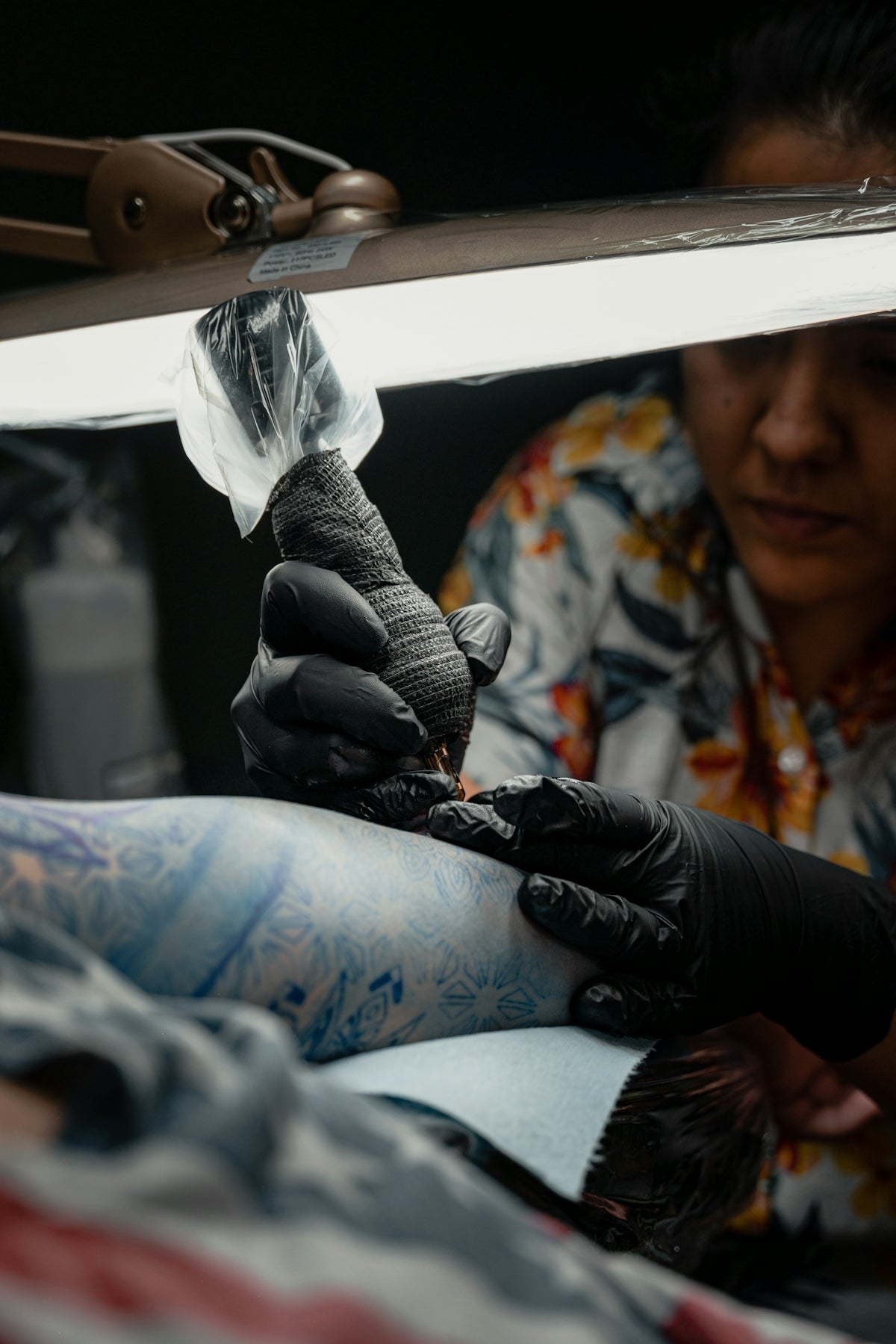
In the expansive world of digital tattoo design, mastering realistic shading marks a pivotal step in creating stunning artwork that captures attention and astonishes viewers. Whether you're an aspiring tattoo artist or a seasoned professional, enhancing your skills in this area is crucial for producing eye-catching designs. If you're eager to elevate your artistry, you’ve come to the right place. Explore Procreate tools that make you feel like a pro and join the league of top-tier artists revolutionizing the tattoo landscape. Start designing tattoos the right way.
Table of Contents
- Table of Contents
- Understanding Realistic Tattoo Shading in Procreate
- Getting Started: The Importance of Selecting the Right Tools
- Step-By-Step Guide to Realistic Shading with Procreate
- Step 1: Set Up Your Canvas
- Step 2: Choose the Right Brush
- Step 3: Understanding Brush Dynamics
- Step 4: Mastering Gradients
- Step 5: Adding Depth and Dimension
- Incorporating Best Tattoo Stencils Procreate Has to Offer
- Enhancing Your Work with Layer Techniques
- Final Refinements - The Road to Mastery
- Why Choose the PRO TATTOO KIT?
- Encouragement for the Aspiring and Accomplished
- FAQs
Understanding Realistic Tattoo Shading in Procreate
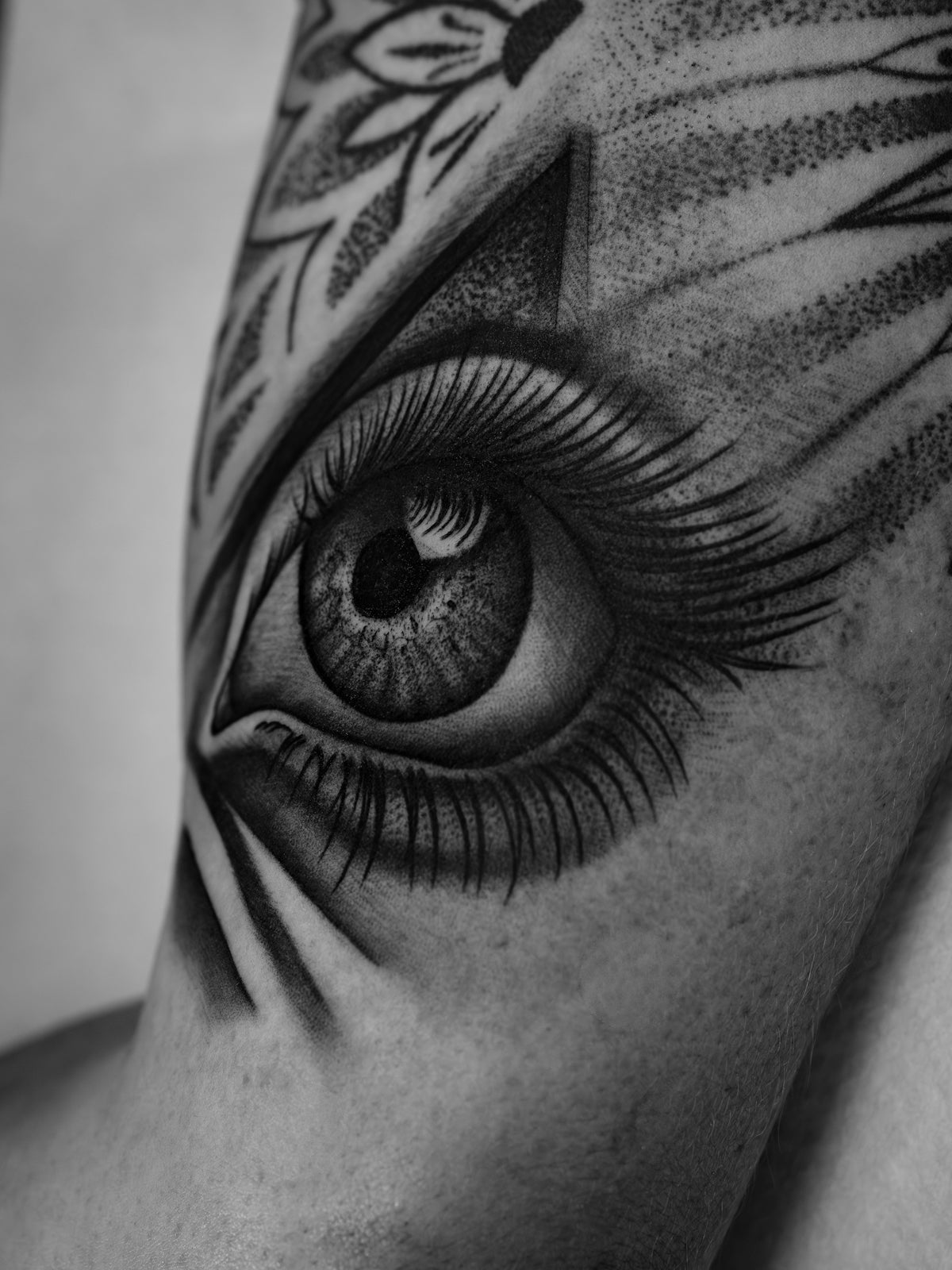
Tattoo shading involves creating depth, dimension, and texture, replicating the intricate details found in ink-on-skin artistry using digital tools like Procreate. Realistic shading can breathe life into your designs, making them appear more captivating and lifelike. A foundational aspect of tattoo artistry, shading can transform basic sketches into intricate masterpieces.
For effective shading, understanding light and shadows is essential. Observe how light interacts with surfaces and how shadows form. When using Procreate, harnessing these nuances requires a deep dive into its versatile functionalities, notably the Procreate tattoo brushes.
Getting Started: The Importance of Selecting the Right Tools
The first step to mastering realistic shading is selecting the appropriate tools. The choice of brushes in Procreate can make a significant difference in your designs. Opt for high-quality brushes that mimic the behavior of real tattoo needles.
Enter the 'PRO TATTOO KIT' – a collection of Procreate tattoo brushes highly revered for their professional standard and precision. Known for delivering the best outcomes, these tools allow artists to mimic various needle styles and techniques. For anyone committed to upgrading their digital tattoo design skills, this toolkit becomes indispensable.
Step-By-Step Guide to Realistic Shading with Procreate
Step 1: Set Up Your Canvas
Begin by setting up a canvas in Procreate. Ensure your canvas size allows for flexibility in detail without compromising quality. A larger canvas provides room for intricate design work, essential for realistic shading.
Step 2: Choose the Right Brush
With your canvas ready, it's time to select the brush. The Procreate tattoo brushes from the 'PRO TATTOO KIT' are specifically designed to replicate real tattooing techniques. Different brushes in this collection suit various shading styles – from soft gradients to sharp contrasts, making them ideal for digital tattoo design.
Step 3: Understanding Brush Dynamics
Adjust your chosen brush’s settings to suit your style. Familiarize yourself with brush pressure, flow, and opacity. These dynamics influence the depth and texture of your shading. Start with lower opacity for subtle gradients, then increase for more pronounced shadows.
Step 4: Mastering Gradients
- Begin with a light hand to layer soft tones.
- Use larger brushes for broad areas and gradually switch to smaller brushes for fine details.
- Employ varying brush strokes to simulate different shades and textures.
Step 5: Adding Depth and Dimension
To achieve a realistic effect, introduce multiple layers. Apply darker shades on separate layers and adjust layer opacity to blend seamlessly. This technique helps in achieving a natural gradation of tones, a critical element in realistic tattoo shading Procreate artists strive for.
Incorporating Best Tattoo Stencils Procreate Has to Offer
Stencils are another essential tool for artists seeking perfection in design. A well-crafted stencil acts as a guide, ensuring symmetry and proportion. The best tattoo stencils Procreate offers are easy to integrate with your shading process.
Enhancing Your Work with Layer Techniques
Procreate’s layer functionality allows you to experiment without altering the base image. Use layers to:
- Duplicate key elements,
- Isolate shading processes,
- Adjust color values for individual elements without impacting the overall design.
Final Refinements - The Road to Mastery
Once your shading is complete, refine your design by:
- Tweaking opacity settings,
- Adjusting contrast for depth,
- Applying final touches with precise brushwork.
The attention to detail here separates competent artists from exceptional ones.
Why Choose the PRO TATTOO KIT?
Choosing the right tools is vital. The PRO TATTOO KIT is unrivaled in quality and offers unmatched utility in digital tattoo design. Each brush is crafted to aid artists in mimicking authentic tattoo needle effects effortlessly.
Encouragement for the Aspiring and Accomplished
Whether you're starting or refining your craft, every artist benefits from leveraging high-quality tools. High-caliber products like these are not just tools, but investments in your artistic journey, reinforcing your commitment to excellence.
Explore Procreate tools that make you feel like a pro and transform your creative visions into striking realities with the power of realistic shading techniques in Procreate. By continuously honing your skills and using professional-grade resources, you elevate your artistry, leaving a legacy of remarkable designs.
By committing to enhance your skills and selecting superior tools, you not only improve but inspire, encouraging a new wave of creativity in digital tattoo design. Begin your transformation today with TattooBrushes.com and redefine your artistry with confidence.
FAQs
What are the best Procreate brushes for realistic shading in tattoos?
The best Procreate brushes for realistic shading often include soft round brushes, texture brushes, and specific shader brushes designed for tattoo art. Experimenting with various brushes can help you discover which ones best suit your style.
How can I create depth in my tattoo designs using Procreate?
To create depth in your designs, focus on using a combination of light and dark tones. Gradual layering with different opacity levels can help achieve a three-dimensional look, while well-placed highlights and shadows can enhance the realism of your tattoos.
What techniques can I use to blend colors effectively in Procreate?
Blending colors can be achieved through techniques such as using the Smudge Tool, lowering the opacity of your brushes for smoother transitions, and overlaying layers to create depth. It's essential to practice these techniques to find the perfect mix for your artwork.
How do I choose the right colors for realistic shading in tattoos?
Choosing colors requires attention to the lighting in your design and the overall mood you wish to convey. Utilizing reference images can be helpful, as they can guide your color choices and help ensure your shading appears lifelike.
Can I use Procreate for both traditional and digital tattoo designs?
Absolutely! Procreate is a versatile tool that allows artists to create both traditional-looking tattoos and innovative digital designs. You can replicate classic techniques while also exploring new styles unique to the digital medium.
What is the importance of layers in Procreate when shading tattoos?
Layers are crucial in Procreate, as they allow you to work non-destructively. You can experiment with different shading techniques and adjust elements without affecting the entire piece. This flexibility is particularly beneficial when fine-tuning realistic shading.
How can I achieve a smooth gradient effect for shading in tattoos?
To achieve a smooth gradient, use a low-opacity brush and build up color gradually. Overlaying translucent layers and adjusting the blending modes can also help create seamless transitions that mimic realistic shading.
Are there any Procreate features that can help with realistic tattoo shading?
Yes, Procreate offers features like the ColorDrop tool for filling areas, the Smudge Tool for blending, and the Alpha Lock feature, which can help you edit layers without affecting the transparency. Utilizing these features can greatly improve your shading techniques.

Leave a comment
This site is protected by hCaptcha and the hCaptcha Privacy Policy and Terms of Service apply.